Affiliate disclosure: Some links in this guide may be paid referral links. If you purchase or sign up through one, One Stop Side Hustles may earn a commission. How our affiliate links work.
SELF-PUBLISHING STARTER GUIDE
Discover how to publish books on Amazon KDP, choose focused niches, optimize listings for search, and build royalty income that can continue after launch. Whether you want to write novels, create low-content planners, or publish how-to guides, this guide covers a practical path from first book to a small catalog.
2. Why Self-Publishing on Amazon KDP Is a Great Side Hustle
3. Products, Services, or Niches You Can Offer
4. How Much Can You Earn & Pricing Strategies
5. Essential Tools, Costs & Setup
6. How Readers Discover Your KDP Books
7. From Book Concept to Published Title
8. Build Trust & Improve Results
9. Free & Paid Learning Resources
10. Your First 6 Months Self-Publishing on Amazon KDP Plan
12. Frequently Asked Questions
Quick Snapshot
Earn: Varies widely — some titles earn little at first; higher figures usually take a catalog, niche research, and consistent publishing
Work: Create the book up front, then royalties if it sells
Start: Low cost — free KDP account and free design tools
Best for: Writers and designers who publish consistently
Grow: One book → niche series → full publishing portfolio
1. What Is Amazon KDP?
Kindle Direct Publishing (KDP) is Amazon's free self-publishing platform that lets anyone publish eBooks and print-on-demand paperbacks. Your books are listed on Amazon and available to millions of customers worldwide—no inventory, printing costs, or shipping headaches.
Self Publishing | Amazon Kindle Direct Publishing
🛠️ How KDP Works (5 Simple Steps)
- Write or design your book (fiction, nonfiction, or low-content)
- Format for Kindle/print using free tools
- Upload to KDP (free account at kdp.amazon.com)
- Set your price (earn 35-70% royalties)
- Amazon prints & ships when customers order (you get paid royalties)
🎯 KEY TAKEAWAY
You're the publisher. Amazon is just the printing press and distribution network. You control content, pricing, and rights. They handle everything else.
2. Why Self-Publishing on Amazon KDP Is a Great Side Hustle
Amazon KDP is a strong side hustle because it turns book ideas, niche demand, and Amazon search traffic into royalty income that can compound over time.
💰 A good book can keep producing royalties long after launch
KDP is attractive because the work you do up front can continue earning after the book is published.
That long-term value often grows through:
- More searchable titles
- Stronger niches
- Better covers
- Better descriptions
- More catalog depth
This gives publishing more leverage than work that only pays once and disappears.
🧠 You do not need to be a traditional full-time author
There are several ways to publish successfully without following only one classic author path.
Common approaches include:
- Low-content books
- Practical nonfiction
- Guided workbooks
- Niche books
- Series-based publishing
That flexibility makes KDP accessible to writers, designers, and creators with different strengths.
💻 The startup cost stays relatively low
You can publish without inventory, printing equipment, or a large budget.
A simple starter setup often includes:
- Free KDP account
- Free or low-cost writing tools
- Free or low-cost design tools
- Optional cover support
- Keyword research time
That makes it easier to test ideas before spending heavily on production or outsourcing.
⚡ Books can often be created and launched faster than people expect
Especially with low-content, practical nonfiction, or tightly focused books, the path from idea to live listing can be relatively quick.
A common workflow includes:
- Choosing a niche
- Creating the manuscript or interior
- Formatting the files
- Designing the cover
- Publishing through KDP
That makes KDP one of the more approachable publishing models for creators who want to ship products consistently.

🌍 Amazon already brings built-in buyer intent
One of the biggest advantages is that readers are already searching on Amazon for books, planners, journals, guides, and niche solutions.
That built-in demand means:
- You do not start from zero traffic
- Search can create discovery
- Strong listings can keep ranking
- Buyer intent is already present
That marketplace advantage can make KDP easier to enter than selling a book completely on your own website.
🤝 One idea can produce several income paths
A single concept can often be monetized in more than one format or follow-up product.
Common royalty streams include:
- eBook sales
- Paperback sales
- Kindle Unlimited reads
- Related companion books
- Series expansion
That makes each good idea more valuable than a single one-off release.
📈 The business scales as the catalog grows
KDP usually works best when you think like a publisher building assets over time rather than hoping one book changes everything.
Common growth stages include:
- First few books
- Small niche catalog
- Stronger optimization
- Repeatable publishing systems
- Larger portfolio income
Each additional quality title creates another opportunity to rank, sell, and support the rest of the catalog.
🎯 Niche books are often easier to position and grow
Specific books usually have a better chance than broad, generic ideas because the reader need is clearer.
What often works best includes:
- Narrow audiences
- Clear problems
- Specific outcomes
- Focused categories
- Repeatable themes
That makes KDP especially powerful for creators who can spot underserved reader needs and build around them.
3. Products, Services, or Niches You Can Offer
Self-publishing gives you several lanes: fiction, nonfiction, low-content books, children’s publishing, and workbook-style products. Each lane has a different production effort, competition level, and income profile.
Most beginners do better by choosing one lane and one niche, studying what readers already buy, and publishing consistently inside that niche before expanding.
📝 QUICK NOTE
The prices below are illustrative list-price ranges, not verified market prices or expected royalties. Royalties depend on format, price, print costs, and current KDP terms. Review KDP’s current content guidelines—including rules on low-value or duplicate content and any disclosure requirements for AI-generated material—and make sure you own or license everything you publish.
📖 Fiction Lanes
💞 Romance, Mystery, Thriller & Fast-Moving Fiction
Reader-driven genres where fans often buy multiple books and follow authors across a series.
- 📌 What you might publish: Genre novels, novellas, and series with clear tropes and strong pacing
- 👥 Common readers: Genre fans who read frequently and look for the next book in a series
- 💰 Illustrative list price: Roughly $2.99–$5.99 for ebooks and $10–$16 for paperbacks
- ✅ Best for: Writers who can publish consistently and keep a recognizable author brand
💡 PRO TIP
Commit to one genre and learn its reader expectations. A series with a strong first book gives readers a reason to keep buying.
🐉 Fantasy, Sci-Fi, Horror & Speculative Fiction
A good lane for world-builders and niche storytellers whose readers reward strong concepts.
- 📌 What you might publish: Epic fantasy, space opera, urban fantasy, horror, and connected-universe series
- 👥 Common readers: Genre readers who enjoy lore, atmosphere, and long series
- 💰 Illustrative list price: Roughly $2.99–$6.99 for ebooks and $12–$20 for longer paperbacks
- ✅ Best for: Creators who enjoy world-building and can commit to longer production timelines
💡 PRO TIP
These books usually take longer to produce. Plan the series arc early so each book strengthens the next launch.

📘 Nonfiction Opportunities
🌱 Self-Help, Productivity & Personal Growth
A high-demand lane because readers search for frameworks, habits, and practical solutions.
- 📌 What you might publish: Habit guides, productivity systems, confidence-building books, and personal-growth frameworks
- 👥 Common readers: Readers actively looking for a specific improvement or solution
- 💰 Illustrative list price: Roughly $2.99–$9.99 for ebooks and $10–$18 for paperbacks
- ✅ Best for: Coaches, educators, creators, and experts with clear systems or lived experience
💡 PRO TIP
Make the promise specific and practical. Avoid medical, legal, or financial guarantees unless you hold the credentials to support them.
📈 Business, Money, Health & Skill-Building Guides
Intent-driven categories where buyers want to learn, improve, or solve one practical problem.
- 📌 What you might publish: How-to guides for business, budgeting, wellness, hobbies, and professional skills
- 👥 Common readers: Beginners, professionals, and hobbyists seeking practical instruction
- 💰 Illustrative list price: Roughly $4.99–$12.99 for ebooks and $12–$25 for paperbacks
- ✅ Best for: Consultants, professionals, hobby experts, and teachers
💡 PRO TIP
A tightly niched guide usually has a clearer audience than a broad one. Cite sources where needed and keep advice within your expertise.

📓 Low-Content & Simple Publishing
📅 Planners, Journals, Logbooks & Trackers
A beginner-friendly lane that is faster to create and easier to test than a full manuscript.
- 📌 What you might publish: Budget planners, wellness journals, gardening logs, fitness trackers, and homeschool planners
- 👥 Common readers: Buyers looking for a structured tool for one routine or hobby
- 💰 Illustrative list price: Roughly $6.99–$14.99, depending on page count and trim size
- ✅ Best for: People who like structure, templates, and niche-specific design
💡 PRO TIP
Design for one audience, such as budgeting or gardening. KDP can restrict low-value or duplicate content, so make each book clearly useful and distinct.
🧩 Activity Books, Coloring Books & Simple Interior Products
A fast-cycle lane for designers and practical creators who want a growing catalog.
- 📌 What you might publish: Puzzle books, coloring books, themed activity pages, and simple interior collections
- 👥 Common readers: Parents, teachers, hobbyists, and gift buyers
- 💰 Illustrative list price: Roughly $6.99–$12.99, depending on length and content
- ✅ Best for: Teachers, illustrators, parents, and niche designers
💡 PRO TIP
Publish themed variations instead of random one-off books. Only use artwork, fonts, and images you created or are licensed to use commercially.

🧸 Children’s & Education Publishing
🖼️ Picture Books, Early Readers & Children’s Titles
Age-specific books for parents, teachers, and gift buyers with clear themes.
- 📌 What you might publish: Picture books, early readers, bedtime stories, and themed children’s titles
- 👥 Common readers: Parents, grandparents, teachers, and gift shoppers
- 💰 Illustrative list price: Roughly $9.99–$15.99 for paperbacks, depending on page count and print costs
- ✅ Best for: Storytellers, illustrators, and educators with a child-focused concept
💡 PRO TIP
These books usually take more production effort, and interior illustrations raise print costs. Confirm age-appropriate language and reading level before publishing.
🧒 Kids Activity, Test Prep & Learning Support Books
Practical books aimed at learning, practice, and at-home support.
- 📌 What you might publish: Skill-specific activity books, practice workbooks, and age-based learning support
- 👥 Common readers: Parents, homeschool families, tutors, and teachers
- 💰 Illustrative list price: Roughly $7.99–$16.99, depending on length and subject
- ✅ Best for: Tutors, teachers, homeschool creators, and subject-matter experts
💡 PRO TIP
Make each book skill-specific and age-specific so the usefulness is obvious at a glance. Do not guarantee grades or test results.

🌍 Workbooks, Guided Books & Premium Niches
📚 Workbooks, Study Aids & Guided Learning Books
Higher-perceived-value books where buyers pay for structure, usability, and a result.
- 📌 What you might publish: Language workbooks, study guides, guided journals, and practice-ready learning books
- 👥 Common readers: Learners, professionals, students, and anyone completing a specific task
- 💰 Illustrative list price: Roughly $9.99–$24.99, depending on length and interior complexity
- ✅ Best for: Teachers, language creators, coaches, tutors, and experts who can organize practice material
💡 PRO TIP
Help the reader complete something specific or improve a measurable skill. Test the exercises yourself before publishing.
🗂️ Niche Catalogs, Series & Portfolio Publishing
A long-term approach where each book supports the next launch.
- 📌 What you might publish: Niche nonfiction series, companion planners, themed journals, workbook bundles, or genre fiction sequences
- 👥 Common readers: Readers who found one book and want more from the same author or niche
- 💰 Illustrative list price: Varies by format and series; price each title on its own merits
- ✅ Best for: Publishers who can build a consistent catalog over time
💡 PRO TIP
Treat KDP like a catalog business. Reader feedback and sales data from your first book should shape your next one.

🎯 Choose Your First Publishing Project
🎯 KEY TAKEAWAY
Start with low-content books, especially planners, journals, logbooks, budget trackers, and simple activity books. They are faster to create, easier to test, and do not require advanced writing skills—but they must still be useful, original, and compliant with KDP’s content rules.
🚀 ACTION STEP
Write a focused first plan:
- Reader & purpose: Define the audience and the book’s specific use or reading experience.
- Market check: Study comparable books and identify a meaningful difference.
- Production: Plan the manuscript or interior, cover, editing, formatting, and rights checks.
- Publishing requirements: Review current KDP content rules and costs before uploading.
4. How Much Can You Earn & Pricing Strategies
Use this chapter to connect book demand, pricing, royalties, and catalog growth to your self-publishing income plan.
🧠 Reality Check (What Actually Separates Higher Earners)
- Most beginners make very little at first
- Not because KDP does not work
- 👉 Many publish only 1–3 books and quit too early
- 👉 Or they choose overly competitive niches without good research
- The publishers who earn more typically:
- Publish consistently
- Understand niche demand
- Improve covers, keywords, and categories
- Build a larger catalog over time
🎯 KEY TAKEAWAY
With Amazon KDP, the biggest difference usually is not one “perfect” book. It is consistent publishing, better niche selection, and catalog growth.
🔑 Smart Pricing Strategy
💵 Launch Pricing & Royalty Ranges
- Launch with a low introductory price when appropriate
- Example: $0.99 or promotional pricing for visibility
- Then move toward stronger royalty ranges
- Example: $2.99–$9.99 for many eBooks
📚 Formats & Publishing Categories
- Choose format strategically:
- eBooks = higher margin
- Paperbacks = stronger perceived value
- Start with a realistic category
- Low-content for speed
- Nonfiction for authority and higher upside
- Fiction for long-term series potential
🎯 KEY TAKEAWAY
Check current KDP eligibility, royalty terms, delivery or print costs, and territory rules before pricing. A launch discount can reduce royalty per sale without guaranteeing visibility.
🧪 Real Example
📋 REAL-WORLD EXAMPLE
📌 Same Platform, Different Outcomes
These scenarios illustrate possible royalty income, not verified typical outcomes or forecasts. They exclude production, advertising, overhead, and taxes. Book counts do not predict earnings; a smaller quality catalog can outperform a larger weak one.
🌱 Scenario A: Casual beginner
- Publishes 2–3 books
- Minimal niche research
- Income: $0–$50/month
🎯 Scenario B: Consistent small publisher
- Publishes 10–20 books
- Learns keywords, covers, and categories
- Income: $200–$800/month
🚀 Scenario C: Serious catalog builder
- Publishes 50+ books
- Optimizes listings and expands winning niches
- Income: $1,500–$5,000+/month
🎯 KEY TAKEAWAY
Same platform. Big difference in volume, niche discipline, and optimization.
🎯 KEY TAKEAWAY
Use these scenarios to understand the model, not to predict your own income. Compare actual results and risks with your written plan.
🎯 What Actually Drives Income
🧮 Reader Demand × Paid Sales × Royalty Per Sale = Income Potential
This is a business framework, not a mathematical earnings forecast.
📊 Key Income Drivers
- Book type
- eBooks, paperbacks, low-content books, and nonfiction all earn differently
- Niche selection
- Strong demand with manageable competition matters more than just publishing fast
- Catalog size
- More quality books = more chances to rank and earn
- Cover + listing quality
- Better covers, keywords, and descriptions improve click-through and sales
- Pricing
- Early launch pricing and later optimization can affect visibility and royalty per sale
- Publishing consistency
- KDP often rewards publishers who keep adding books and improving old ones
🎯 KEY TAKEAWAY
The best KDP publishers do not just “upload books.” They treat it like a catalog business built on research, packaging, and repetition.
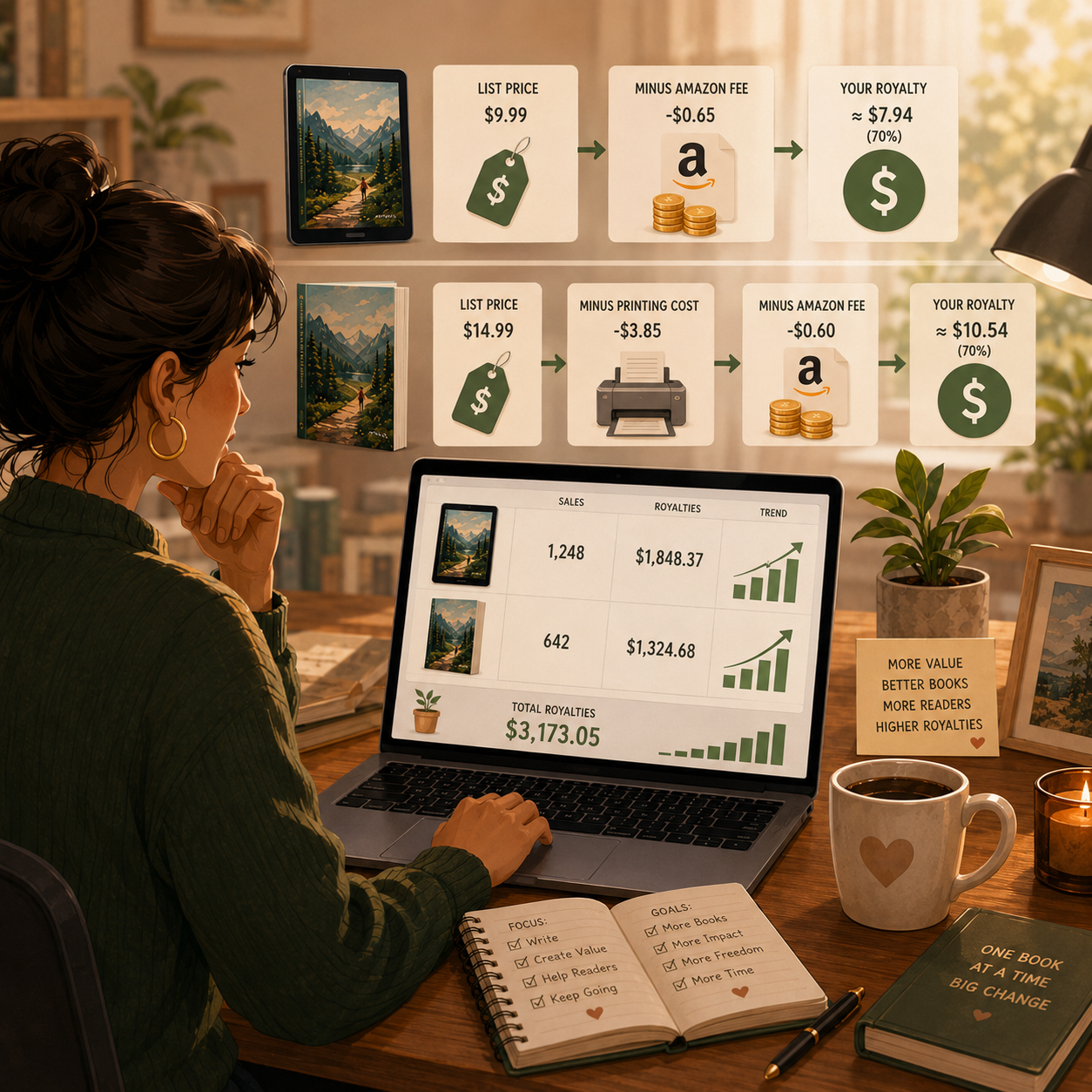
📈 Royalties & Production Costs (Income Reality)
📖 Read the Numbers in Context
Book list price is not the author’s revenue. Royalty rates and deductions depend on format, marketplace, price, and applicable program terms. Editing, covers, proofs, advertising, and taxes reduce what remains. Kindle Unlimited page-read earnings are a separate eligible revenue source, not a fixed royalty per purchased copy.
🎯 KEY TAKEAWAY
Look beyond headline income: assess the complete economics, risks, and real cash available.
🚀 Build Your First Focused Publishing Plan
Start with one reader, one useful book concept, a realistic production plan, and format-specific royalty estimates. Use four weeks to validate the idea and workflow—not to rush a book or judge long-term catalog earnings.
🧭 Run a Reader & Book Economics Test
- Define the reader and book purpose. Choose a specific reading experience or practical use, then study relevant comparable titles and reader feedback. Identify a genuine difference without copying content, titles, or cover designs. Do not assume that publishing more titles alone creates demand.
- Plan a quality-focused production scope. Outline the manuscript or interior, editing, cover, formatting, accessibility where relevant, and quality checks. Set a realistic time and spending budget. A four-week planning test need not end in publication, especially for a full manuscript.
- Review rights, policies, and format economics. Confirm rights to text, artwork, fonts, and other assets. Review current KDP content, AI disclosure, metadata, format, and royalty requirements. Check any exclusivity obligations before enrolling in optional programs. Estimate royalties with current tools rather than assuming one rate applies everywhere.
- Test the concept and files. Ask suitable readers for specific feedback on a sample or prototype, without pressuring them for favorable public reviews. Inspect digital previews and order a print proof where appropriate. Fix usability and formatting problems before publishing. If using ads later, set a budget cap and assess royalty contribution, not sales value alone.
- Review the plan before expanding. Track production time, spending, reader feedback, pricing assumptions, and any actual sales or royalties separately. If the book is live, distinguish estimates from paid royalties and allow for reporting or payout delays. Improve reader value and economics before adding related titles.
🎯 KEY TAKEAWAY
Reader value, quality, rights, and title-level economics matter more than hitting an arbitrary book count. Neither catalog size nor publication guarantees income.
💡 Example: A Four-Week Publishing Plan
- Reader: Beginner balcony gardeners who need an organized planting log
- Concept: An original, usable garden logbook with clear instructions
- Four-week output: Reader feedback, tested sample pages, a production checklist, and cost estimates
- Quality: Readable layout, accurate instructions, rights checks, and a print proof if appropriate
- Pricing: A format-specific estimate using the applicable current royalty and print-cost tools
- Budget: A capped production and proof budget; no assumed sales-funded spending
- Signals: Reader usefulness, completed quality checks, production effort, and actual royalties if live
This is a planning and quality test, not a promise of publication or royalties in four weeks. Reader feedback is not equivalent to paid demand. Publishing volume, rankings, and promotional prices do not guarantee profit.
✍️ Write Your One-Line Earnings Test Plan
Use this structure to make the plan easy to review:
“For [reader], I will develop [book concept and format] during [planning period], within [production budget]. I will check [reader value, rights, quality, current royalty terms, and costs] before publishing or expanding.”
✅ Completed example
“For beginner balcony gardeners, I will spend four weeks developing an original planting logbook concept, testing sample pages, checking rights and print quality, and estimating royalties under current KDP terms within a capped production budget. I will publish only when the book and economics are ready.”
🚀 ACTION STEP
Before starting:
Keep the first plan focused. Build a workable process before adding more complexity.
📋 Pricing & Revenue Planning Reference
Treat the stage ranges and catalog counts as illustrations, not verified typical outcomes or required milestones. More books do not mechanically produce higher income. The royalty examples are conditional arithmetic, not current quotes for every marketplace or format; use the applicable KDP calculator and terms before publishing.
💵 What KDP Publishing Can Earn
📊 Income Progression by Stage
🚀 Stage | 📚 Books Published | 💰 Typical Monthly Income | ⏳ Timeline | 📌 What’s Happening |
Beginner | 1–5 books | $0–$100 | 0–3 months | Learning platform, testing niches, little traction yet |
Growing | 5–20 books | $100–$500 | 3–6 months | Better listings, more books live, small royalty flow |
Established | 20–50 books | $500–$1,500+ | 6–12 months | More keyword coverage and stronger backlist income |
Successful | 50–150 books | $1,500–$5,000+ | 12–18 months | Catalog momentum, better optimization, repeat sales |
Professional | 150–500+ books | $5,000–$10,000+/month | 18+ months | Large catalog, systems, and consistent publishing |
🎯 KEY TAKEAWAY
The stages describe possible progression, not guaranteed income or a required timeline. Use your own capital or business records to plan realistically.
📊 Key Metrics & Margin Snapshot
📈 Royalties & Production Costs (Income Reality)
📊 What Your Book Royalties Are Actually Worth
Metric | What to Record |
Reader and quality feedback | Record usability issues, corrections, and reader fit |
Actual royalties | Separate book formats, page reads, estimates, and receipts |
Royalty per sale | Check applicable rates and delivery or printing deductions |
Production and promotion costs | Track editing, design, proofs, tools, and ads |
Title economics | Compare royalties, costs, and total production time by book |
🎯 KEY TAKEAWAY
A royalty is not the same as net publishing profit. Review production and promotion costs at title and catalog level.
💸 Conditional eBook & Paperback Royalty Examples
🧾 Conditional eBook & Paperback Royalty Examples
💡 Book Detail | 💰 Example |
eBook price | $4.99 |
Royalty option | 70% |
Delivery fee | -$0.10 |
Net royalty per sale | $3.39 |
💡 Book Detail | 💰 Example |
Paperback price | $12.99 |
Printing cost | $4.50 |
Royalty formula | 60% of price - printing cost |
Net royalty per sale | $3.29 |
🎯 KEY TAKEAWAY
The paperback example uses the stated hypothetical 60% rate: rate × list price, then subtract printing cost. Eligibility and actual costs can differ. Both examples are rounded and conditional, not universal KDP terms.
🧮 Check Your Project & Revenue Economics
Publishing contribution = actual royalty revenue − title-specific production and promotion costs.
Do not subtract printing or delivery twice when already deducted in the royalty calculation. For the illustrative paperback: 0.60 × $12.99 − $4.50 = about $3.29 per sale. Record page-read earnings separately. Broader overhead and taxes still reduce profit, and payout timing differs from the sale date.
🚀 ACTION STEP
🗓️ Build a Monthly Publishing Royalty Snapshot
Use actual records and a sustainable plan—not projections alone—to decide what to continue.
5. Essential Tools, Costs & Setup
🛠 TOOLS & RESOURCES
✍️ Writing Tools
Tool | Best For | Cost | Features |
Simple writing | Free | Cloud-based, easy collaboration | |
Traditional formatting | $70/year | Industry standard, advanced formatting | |
Long-form writing | $50 one-time | Organization, research tools, novel-focused | |
All-in-one | $147 one-time | Writing + formatting + export | |
Professional formatting | $250 one-time | Beautiful formatting, easy export |
Recommendation: Google Docs (free, beginner) or Atticus(all-in-one pro)
📐 Formatting Tools
Tool | Purpose | Cost | Ease of Use |
eBook formatting | Free | ⭐⭐ Easy, limited features | |
eBook + print | $147 one-time | ⭐⭐⭐ Moderate, powerful | |
Pro formatting | $250 one-time | ⭐⭐ Easy, beautiful | |
Online formatting | Free | ⭐⭐ Easy, basic | |
Multi-platform | Free | ⭐⭐ Easy, exports to KDP |
Recommendation: Kindle Create (free, beginner) or Atticus(worth investment)
🎨 Cover Design Tools
Tool | Best For | Cost | Learning Curve |
DIY covers | Free-$13/mo | ⭐ Very Easy | |
KDP covers | $10/mo | ⭐ Very Easy | |
Quick covers | Free-$10/mo | ⭐⭐ Easy | |
Professional | $23/mo | ⭐⭐⭐⭐ Hard | |
Hire pro designer | $50-500/cover | N/A — outsourced |
Cover quality matters: many buyers decide from the thumbnail
Recommendation: Canva (DIY beginner) or Fiverr ($50-150 for pro cover)
📄 Interior Design (Low-Content Books)
Tool | Purpose | Cost | Templates |
Page design | Free-$13/mo | Limited KDP templates | |
KDP-specific | $10-30/mo | 1,000s of interiors, best value | |
Premium templates | $15-40/template | High-quality, niche-specific | |
Design elements | $9/mo | Unlimited downloads | |
Free templates | Free | Basic, functional |
Recommendation: Book Bolt (best for low-content publishers)
🔍 Keyword Research Tools
Tool | Purpose | Cost | Worth It? | |
Free keyword ideas | Free | Yes — always start here | ||
KDP keyword tool | $97 one-time | Yes — best investment | ||
Competitor research | $47-97/mo | Optional | ||
Advanced research | $39-99/mo | Overkill for beginners |
Recommendation: Start with Amazon autocomplete (free), upgrade to Publisher Rocket once publishing consistently
🆓 Your $0 Starter Stack (Low-Content)
- Canva Free — page design
- KDP Interior Templates — free templates from Amazon
- Canva Free — cover design
- Amazon Autocomplete — keyword research
- KDP Account — free publishing platform
Total cost: $0
Time to first book: 3-6 hours
6. How Readers Discover Your KDP Books
Amazon discovery starts with a searchable, clickable book listing. Use this chapter to strengthen keywords and categories, understand momentum signals, add external traffic, test ads carefully, and prioritize the channels most likely to support your catalog.
🔍 Amazon Search — Your Primary Discovery Channel
Your biggest advantage with Amazon KDP is that your book is listed inside a marketplace where shoppers are already searching for books, journals, planners, activity books, guides, and niche solutions.
You do not need to “find customers” from scratch. You need to position your book so buyers can find it.
🔎 Where Keywords Matter Most
Use relevant keywords in:
- 📘 Book title
- 🏷️ Subtitle
- 📝 Book description
- 🔑 Backend keywords
- 📚 Series name, if applicable
- ⭐ A+ Content, if available
- 👤 Author page / brand name
💡 Examples
Book Type | Weak Keyword Targeting | Stronger Keyword Targeting |
Planner | Daily Planner | Daily Productivity Planner for Busy Moms |
Journal | Gratitude Journal | 90-Day Gratitude Journal for Women |
Kids Book | Coloring Book | Dinosaur Coloring Book for Kids Ages 4–8 |
Guide | Budgeting Book | Beginner Budget Planner for Debt Payoff |
🎯 KEY TAKEAWAY
On Amazon, buyers usually search with intent. A shopper typing “budget planner for beginners” is much closer to buying than someone casually scrolling social media.
🗂️ Categories — Improve Relevance and Browse Visibility
Categories help Amazon understand where your book belongs and how it should be ranked against similar books.
💡 Why Categories Matter
- They help your book appear in relevant browse sections
- They affect bestseller ranking visibility
- They make it easier to compete in smaller niches
- They can help buyers discover your book without searching your exact title
🧠 Basic Category Strategy
- Choose categories that accurately match your book
- Avoid categories that are too broad
- Look for smaller, niche-specific categories
- Study books already ranking in your target category
- Aim for visibility in the Top 100 of a specific niche
💡 Example
Instead of competing in a broad category like:
Business & Money
A more targeted book may perform better in a niche such as:
Budgeting, Personal Finance, Small Business, or Entrepreneurship
🎯 KEY TAKEAWAY
Smaller niches = easier visibility. A focused book in a specific category usually has a better chance than a generic book in a huge category.
📈 Amazon Momentum — Visibility Can Compound
Amazon rewards books that show strong buyer interest, engagement, and sales momentum.
🔍 Signals That Can Help Visibility
- Sales
- Click-through rate
- Conversion rate
- Reviews
- Relevant keywords
- Strong cover design
- Competitive pricing
- Sales velocity over time
🔄 The Basic Momentum Loop
Better Keywords → More Impressions → More Clicks → More Sales → Higher Ranking → More Visibility📈 What Helps the Algorithm
- Clear niche positioning
- Professional-looking cover
- Strong title and subtitle
- Competitive price
- Positive reviews
- Consistent publishing
- Relevant product description
- Book series or related catalog
⚠ COMMON MISTAKE
Publishing a book and hoping Amazon magically sends traffic. Amazon can bring buyers, but only if your book is searchable, clickable, and positioned correctly.
🚀 External Traffic — Add Reach Beyond Amazon
Amazon search should come first, but outside traffic can help you build momentum, especially if you publish in visual, educational, hobby, or gift-friendly niches.
📌 Pinterest — Best for Visual KDP Niches
Pinterest works well for KDP because many users search for planners, journals, printables, kids’ activities, homeschool resources, craft books, recipes, and gift ideas.
Use Pinterest for:
- Pinning book covers
- Creating mockups
- Sharing page previews
- Targeting niche keywords
- Linking to your Amazon book page or website
Best KDP niches for Pinterest:
- Planners
- Journals
- Coloring books
- Homeschool materials
- Activity books
- Recipe books
- Self-care books
- Budgeting and finance planners
🎵 TikTok & YouTube — Best for Demonstration
Use short-form and video content to show the value of the book instead of simply saying “buy my book.”
Content ideas:
- Book creation process
- Flip-through videos
- Niche ideas
- Before-and-after designs
- “How I use this planner” videos
- Results or income updates
- Behind-the-scenes publishing process
Best for:
- Journals
- Planners
- Coloring books
- Educational books
- How-to guides
- Kids’ books
- Low-content and medium-content books
📧 Email List — Advanced Long-Term Asset
An email list is useful once you start building a brand or publishing multiple books in the same niche.
How to use it:
- Add a call-to-action inside your book
- Offer a free bonus or printable
- Send updates when new books launch
- Build repeat buyers over time
- Promote bundles, companion products, or related books
Example CTA:
Download the free companion checklist at [your website].
💰 Amazon Ads — Test Paid Visibility Carefully
Amazon Ads can help your books appear in prominent placements while shoppers browse or search on Amazon. KDP authors can use Sponsored Products, which may show in shopping results and on product detail pages. Amazon also notes that advertisers control their own budgets.
📢 Best Beginner Ad Type
Start with:
- Sponsored Products
- Small daily budget
- Closely related keywords
- Similar competing books
- Careful tracking of clicks, spend, and sales
Amazon’s author advertising guide explains that KDP authors can access ads from the KDP bookshelf by choosing the book, clicking “Promote and Advertise,” then launching a Sponsored Products campaign.
💰 Simple Starting Budget
- Start with $5–$10/day
- Test for at least 7–14 days
- Pause keywords with spend but no sales
- Increase budget only on books that convert
- Do not advertise books with weak covers or poor keyword targeting
📢 When Amazon Ads Make Sense
Use ads when:
- Your cover looks professional
- Your title and subtitle are keyword-focused
- Your book has a clear niche
- Your pricing is competitive
- You have at least a few books or a strong single title
- You can track results without overspending
⚠ COMMON MISTAKE
Ads do not fix a weak book. They only send more traffic to your listing. If the cover, niche, price, or keywords are poor, ads can waste money quickly.
🧠 Traffic Strategy — Prioritize the Right Sequence
The best KDP traffic strategy is simple: optimize for Amazon first, then layer on outside traffic after you have a book worth promoting.
🧠 Step-by-Step Traffic Plan
Stage | Focus | What to Do |
Step 1 | Amazon Search | Research keywords before publishing |
Step 2 | Niche Positioning | Choose a specific audience and clear book angle |
Step 3 | Cover & Listing | Make the book clickable and easy to understand |
Step 4 | Consistent Publishing | Build a catalog, not just one random book |
Step 5 | External Traffic | Add Pinterest, TikTok, YouTube, or email |
Step 6 | Paid Ads | Use Amazon Ads only after your listing is optimized |
🔢 Beginner Priority Order
- Choose a profitable niche
- Research buyer keywords
- Create a strong cover
- Write a clear title and subtitle
- Pick accurate categories
- Publish consistently
- Add external traffic
- Test Amazon Ads carefully
🎯 KEY TAKEAWAY
You do not need thousands of followers to start with KDP. You need good keywords, a clear niche, a clickable cover, and consistent uploads.
7. From Book Concept to Published Title
Publishing on Amazon KDP is more than uploading a manuscript and clicking Publish.
A professional publishing workflow makes sure the book has a clear reader, original content, accurate metadata, properly prepared files, appropriate rights, a strong cover, and a quality check before customers ever see it.
Use this cycle:
Define → Create → Edit → Verify Rights → Format → Package → Preview → Price → Publish → Inspect → Learn
Your goal is not simply: “Get a book live.”
It is: “Publish a book I am comfortable putting in front of a paying reader.”
Use the seven tabs in order for your first title, then reopen the phase you need. Chapter 6 covers how readers discover books; this chapter takes one concept through files, rights, listing, and a live quality check.
🎯 PHASE 1 — Define the Reader, Validate the Idea, and Outline the Book
📋 Steps 1–3: Write a one-page brief, study comparable books without copying them, and build the structure before polishing pages.
✅ Ready to move on: You can name the reader, the promise, the format, what is out of scope, and why this book should exist.
🎯 Step 1: Create a One-Page Book Brief
Before creating the manuscript or interior, define what you are actually making.
Reader: Who is this book for?
Purpose: What will the reader learn, experience, practice, track, or accomplish?
Format: eBook, paperback, hardcover, or an appropriate combination
Book Type: Fiction, nonfiction, workbook, journal, planner, activity book, or another format
Core Difference: Why would the intended reader choose this book instead of another option?
Scope: What will—and will not—be included?
🧪 Example: Turn a Vague Idea Into a Book Brief
📋 REAL-WORLD EXAMPLE
Instead of:
“A gardening journal.”
Try:
“A 12-month planting and harvest log for beginner balcony gardeners who need a simple way to track containers, watering, sunlight, and results.”
That gives you a much clearer product to create.
If you cannot explain the book clearly before creating it, the reader may struggle to understand it after you publish it.
🔎 Step 2: Validate the Idea Without Copying the Market
Chapter 6 covers reader discovery and market research in greater detail.
At this stage, use that research to confirm your publishing direction.
Review comparable books for:
- Reader
- Book promise
- Format
- Length
- Cover style
- Price range
- Common praise
- Common complaints
- Missing features
- Reader expectations
❓ Ask What the Reader Actually Needs
What do readers consistently value?
What frustrates them?
What could my book do differently or more clearly?
Does my concept have a distinct reason to exist?
🚫 Do Not Copy the Competition
💡 PRO TIP
Do not:
- Copy another title
- Recreate another cover
- Reword someone's interior
- Trace illustrations
- Clone popular books with superficial changes
Study the market to understand the reader—not to reproduce the competition.
📝 Step 3: Build the Book Structure Before the Final Product
Create the framework before polishing individual pages.
Ask:
Does every section help deliver the promise of the book?
If not, it may not belong.
📘 Nonfiction and Workbook Structure
For nonfiction, build:
Reader Problem → Chapters → Key Lessons → Examples → Action Steps
For workbooks, define:
Lesson → Instruction → Exercise → Reflection → Progress
📖 Fiction and Planner Structure
For fiction, build an appropriate story-development process around:
- Characters
- Conflict
- Structure
- Scenes
- Pacing
- Resolution
For planners or trackers, define:
Purpose → Instructions → Repeated Pages → Review Pages → Usability
🚀 Your First 5 Actions
🚀 ACTION STEP
Keep the first week focused on one clear book—not a 20-title catalog.
✍️ PHASE 2 — Write the Interior, Edit in Passes, and Test With Readers
📋 Steps 4–6: Create useful content, run four separate edit passes, and get feedback from people who will actually use the book.
✅ Ready to move on: The draft serves its promise, the four edit passes are done, and at least one suitable reader has tested the experience.
✍️ Step 4: Create the Manuscript or Interior
Now produce the actual reader experience.
Do not obsess over hitting an arbitrary page count.
Focus on whether the content adequately serves its purpose.
While creating, check for:
- Logical progression
- Clear instructions
- Original content
- Consistent terminology
- Useful examples
- Appropriate reading level
- Consistent page structure
- Enough space to write when applicable
- Visual clarity
- Accurate information
📄 Do Not Confuse Page Count With Value
🎯 KEY TAKEAWAY
For repeated interiors, do not assume:
More pages = more value.
A well-designed 100-page workbook can be more useful than a repetitive 200-page one.
Page count is a production decision. Reader usefulness is the product decision.
🧠 Step 5: Separate Creation From Editing
Finishing the draft does not mean the manuscript is finished.
Use separate review passes. For substantial written books, additional editing or proofreading support may be worthwhile.
📋 Pass 1 — Content
Ask:
- Is anything missing?
- Is anything unnecessary?
- Does the structure work?
- Does the book fulfill its promise?
🔎 Pass 2 — Clarity
Improve:
- Explanations
- Transitions
- Repetition
- Examples
- Instructions
✏️ Pass 3 — Language
Check:
- Grammar
- Spelling
- Punctuation
- Consistency
- Typographical errors
👀 Pass 4 — Reader Experience
Review:
- Headings
- Navigation
- White space
- Exercises
- Tables
- Images
- Page usability
👥 Step 6: Get Feedback From the Right Readers
Before publication, let appropriate readers test the book.
Do not ask only:
“Do you like it?”
Ask useful questions.
📘 Nonfiction or Workbook Questions
- Was anything confusing?
- What felt most useful?
- Where did you lose interest?
- What information seemed missing?
- Could you follow the exercises?
📖 Fiction Questions
- Where did the story slow down?
- Were character motivations clear?
- Was anything confusing?
- Which sections held your attention most?
- Did the ending feel earned?
📓 Test Low-Content Pages by Using Them
💡 PRO TIP
For low-content products, ask testers to actually use the pages.
A planner may look beautiful and still be frustrating to write in.
Test the experience—not just the appearance.
⚖️ PHASE 3 — Confirm Rights and Document Any AI Use
📋 Steps 7–8: Check every asset you did not create, keep license records, and disclose AI use according to current KDP requirements.
✅ Ready to move on: You can explain the source of every asset, you have records for anything you did not create, and any AI use is documented for disclosure.
⚖️ Step 7: Complete a Rights & Content Check
Before publication, verify that you have the right to use everything inside the book and on the cover.
Review:
- Text
- Illustrations
- Photographs
- Fonts
- Icons
- Templates
- Maps
- Quotes
- Stock assets
- Purchased graphics
- AI-generated material
- Public-domain material
- Brand references
❓ Ask Whether You Can Publish Each Asset
Did I create this?
If not:
Do I have the necessary rights or license for this publishing use?
Keep records of licenses and permissions where appropriate.
📋 Also Review Current KDP Requirements
⚠ COMMON MISTAKE
Also review:
- Current KDP content guidelines
- Required disclosures
- Metadata requirements
- Any relevant program restrictions
Finding something online does not give you publishing rights to it.
🤖 Step 8: Document Your AI Use
If AI tools were involved, keep a simple production record.
Record whether AI was used for:
- Brainstorming
- Editing assistance
- Text generation
- Translation
- Interior images
- Cover artwork
Then follow KDP's current disclosure requirements during publication.
🛡️ Your Responsibility Does Not Disappear
🎯 KEY TAKEAWAY
Regardless of how the content was created, review it for:
- Accuracy
- Rights
- Reader quality
- Repetition
- Fabricated information
- Offensive or inappropriate material
- Formatting problems
AI can change the production method. It does not transfer publisher responsibility away from you.
📐 PHASE 4 — Set Print Specs, Format Each Edition, and Design the Cover
📋 Steps 9–11: Choose trim and bleed before formatting, prepare eBook and print files separately, and design a cover that still reads as a tiny thumbnail.
✅ Ready to move on: Print specs are locked, eBook and print files are formatted for their own reading experience, and the cover is readable at thumbnail size.
📐 Step 9: Choose the Production Specifications
For print books, make production choices before final formatting.
Depending on the project, decide:
- Trim size
- Bleed or no bleed
- Paper type
- Ink or color option
- Paperback or hardcover
- Page count
- Interior layout
- Margins
- Image requirements
Trim size is the finished page size. Bleed is extra artwork beyond the cut edge so printing does not leave a white border.
⚠️ Do Not Finish the Cover Before the Specs
These choices can affect:
- Cover dimensions
- Spine width
- Printing cost
- Reader experience
- Final pricing
Do not finish the cover before you know the final print specifications.
Changes to page count or trim size can change the required cover dimensions.
📖 Step 10: Format the eBook and Print Editions Separately
An eBook and a print book are different reading experiences.
Do not assume one file is ideal for both.
📱 eBook Formatting Checks
Check:
- Reflowable text when appropriate
- Table of contents
- Chapter breaks
- Links
- Images
- Paragraph formatting
- Font behavior
- Different screen sizes
📕 Print Formatting Checks
Check:
- Trim size
- Margins
- Bleed
- Page breaks
- Headers and footers
- Page numbers
- Blank pages
- Image resolution
- Widows and orphans
- Interior alignment
💡 Format for the Reader's Device or Book
💡 PRO TIP
Format for the reader's device or physical book—not merely for how the manuscript looks in your editor.
🎨 Step 11: Build the Cover Around the Actual Book
Your cover has two jobs:
Attract the right reader
and
Accurately represent the book
Check:
- Title readability
- Subtitle readability
- Author or publisher name
- Genre or niche fit
- Thumbnail appearance
- Image rights
- Contrast
- Print dimensions
- Spine text when applicable
- Back-cover information
- Barcode area when relevant
🔍 Test the Cover at Thumbnail Size
Shrink the front cover to approximately the size someone might see while browsing online.
Ask:
Can I still understand what this book is?
If not, simplify.
🔍 PHASE 5 — Write Accurate Metadata, a Clear Description, and Real Pricing
📋 Steps 12–14: Describe the actual book, help the right reader decide, and price from current royalty and print costs—not instinct.
✅ Ready to move on: Title, keywords, and categories match the book, the description answers “Is this for me?”, and you have checked royalties against production costs.
🔍 Step 12: Build Accurate Metadata
Metadata helps Amazon and readers understand the book. It includes the title, subtitle, keywords, categories, and other listing details.
Prepare it deliberately.
Book details may include:
- Title
- Subtitle
- Author or contributor information
- Description
- Keywords
- Categories
- Publishing rights
- Audience information when applicable
- Edition details
🚫 Keep Metadata Honest
🎯 KEY TAKEAWAY
Metadata should describe the actual book.
Do not:
- Add unrelated popular keywords
- Misrepresent the author
- Imply awards you did not receive
- Stuff competitor names into metadata
- Promise content that is not inside the book
Optimization helps discovery. Accuracy protects the listing. You need both.
🧾 Step 13: Write the Description as a Buying Decision Tool
The description should help the right reader answer:
“Is this book for me?”
A useful structure:
Hook — Identify the reader's problem, desire, or reading experience.
What the Book Provides — Explain what is inside.
Useful Details — Highlight important features or outcomes.
Who It Is For — Clarify the intended reader.
Call to Action — Give a natural next step.
🚫 Avoid Misleading Description Tactics
Avoid:
- Keyword stuffing
- Fake urgency
- Unverified claims
- Guaranteed outcomes
- Reviews or testimonials you do not have
- Misleading comparisons
💰 Step 14: Check the Economics Before Setting the Price
Do not price from instinct alone.
For each format, review:
- List price
- Current royalty structure
- Printing costs
- Delivery-related deductions when applicable
- Marketplace differences
- Production spending
- Promotional spending
🧮 Track Royalties Separately From Costs
💡 PRO TIP
Track separately:
Book Revenue / Royalties
from
Book Production & Promotion Costs
A book can sell copies without yet recovering what you spent to produce and market it.
Revenue tells you what came in. Title economics tell you whether the project makes sense.
🚀 PHASE 6 — Preview, Proof, Gate, Publish, and Record the Title
📋 Steps 15–20: Inspect every version, order a print proof when it matters, run the checklist, publish only when ready, then verify the live listing.
✅ Ready to move on: Files have been previewed, the readiness gate is PUBLISH, the live listing matches the files, and the title has a tracking record.
👀 Step 15: Preview Every Version
Never assume a successful upload means the book looks correct.
For eBooks, inspect the book across available preview options and different display conditions.
For print, inspect:
- Every page
- Margins
- Bleed
- Images
- Blank pages
- Page numbers
- Headings
- Tables
- Interior alignment
- Cover placement
Do not click through the previewer in 30 seconds.
Read and inspect it.
📦 Step 16: Order a Print Proof When Appropriate
A proof is a physical copy of the printed book used for quality control.
A digital preview cannot fully show:
- Physical print quality
- Color reproduction
- Paper feel
- Binding
- Font size in hand
- Writing space
- Cover alignment
- Overall usability
For print-focused books, a proof can reveal problems that are easy to miss on-screen.
📓 Use the Proof Like a Customer
🎯 KEY TAKEAWAY
When it arrives, use the book like a customer.
For a workbook: Write in it.
For a planner: Fill out several pages.
For a children's book: Read it at the intended distance.
For nonfiction: Read sections in the actual printed layout.
Then fix what bothers you.
The proof copy is quality control—not a souvenir.
✅ Step 17: Run a Pre-Publish Checklist
Before publication, stop and verify the entire product.
📘 Content QA
⚖️ Rights QA
📱 eBook QA
📕 Print QA
🏷️ Listing QA
💰 Economics QA
🚦 Step 18: Use a Publication Readiness Gate
Do not publish simply because you are tired of working on the book.
Choose one. Not every project needs to become a listing.
✅ PUBLISH
The book is useful or entertaining for its intended reader, files pass your quality checks, rights are clear, metadata is accurate, and the economics are understood.
🛠️ FIX FIRST
The concept is sound, but something needs correction.
Examples:
- Formatting
- Cover
- Proofreading
- Instructions
- Metadata
- Print quality
Fix it before launch.
🔄 REWORK
Feedback reveals a larger issue with:
- Reader fit
- Structure
- Content
- Design
- Positioning
Do not polish a fundamentally weak product.
❌ STOP
Do not publish when:
- Rights are unclear
- Content quality is unacceptable
- Information is unreliable
- The book substantially copies another product
- The concept no longer makes sense
🚀 Step 19: Publish—Then Verify the Live Product
After the title passes KDP's review and becomes available, inspect the live listing.
Check:
- Cover
- Title
- Subtitle
- Description
- Author name
- Formats
- Price
- Product details
- Preview features when available
Do not assume everything appears exactly as you intended.
🗂️ Keep Organized Source Files
Also check your files. Keep organized copies of:
- Source manuscript
- Final manuscript
- Cover source file
- Final cover
- Metadata
- Licenses
- Proof notes
- Published version
That makes future corrections much easier.
📊 Step 20: Create a Title Record
Treat every published book like a product with its own history.
Track:
Item | What to Record |
Reader | Who the book serves |
Book Type | Fiction, nonfiction, workbook, etc. |
Publication Date | When it went live |
Formats | eBook / paperback / hardcover |
Production Cost | Editing, design, proofs, tools |
Price | By format |
Keywords | Current targeting |
Categories | Current placement |
Actual Royalties | What the title earns |
Promotion Cost | Ads or other paid promotion |
Reader Feedback | Reviews, messages, usability issues |
Changes Made | Cover, description, formatting, etc. |
This becomes the history of the title.
🧪 PHASE 7 — Learn From One Complete Publishing Cycle
📋 Steps 21–23: Finish one professional cycle, review what the first book taught you, and repeat only what you would be comfortable buying yourself.
✅ Ready to move on: One title has completed the full cycle, you have written the first-book review, and the next book will use the same system without lowering quality.
🧪 Step 21: Complete One Full Professional Publishing Cycle
Do not make your first goal:
“Publish 20 books.”
Make it:
“Complete one full professional publishing cycle.”
Once you can complete that cycle once, the second book becomes much easier.
🎯 Define
- Choose the reader
- Define the promise
- Create the book brief
- Validate the concept
✍️ Produce
- Create the manuscript or interior
- Edit
- Test with appropriate readers
- Verify rights
📦 Package
- Format
- Design the cover
- Build metadata
- Set pricing
✅ Quality Check
- Preview
- Proof
- Correct errors
- Complete the publication-readiness checklist
🚀 Publish
- Upload
- Submit
- Inspect the live listing
- Begin tracking the title
📋 Step 22: Complete Your First-Book Review
After publication, ask:
- Did the finished book match the original reader promise?
- What took longer than expected?
- Which part of production caused the most problems?
- What did early readers find confusing?
- Did the proof reveal issues?
- Were my files organized?
- Were all rights easy to document?
- Did the cover fit the market?
- Was my metadata accurate?
- Did the economics make sense?
- What should I template before the next book?
- Would I build another title for the same reader?
Do not rush immediately into another book without learning from the first one.
🎯 Step 23: Keep Publishing Only Books You Would Buy
Use the same core cycle:
Define → Create → Edit → Verify → Format → Package → Preview → Proof → Price → Publish → Inspect → Track → Improve
Once this workflow becomes repeatable, you stop treating each book like an isolated project.
You start operating like a publisher.
Your goal is not:
“Upload as many books as possible.”
It is:
“Build a catalog of books I would be comfortable buying myself.”
- Know the reader.
- Create something original.
- Edit it.
- Protect the rights.
- Format it correctly.
- Inspect the physical and digital experience.
- Describe it honestly.
- Understand the economics.
- Publish only when it is ready.
- Then learn from what happens.
Build the publishing system first. Build the catalog second.
⭐ ADVANCED STRATEGY
As you publish more titles, create reusable tools. Keep these as optional operating-system choices, not beginner prerequisites.
Your system should make each new book easier to publish without lowering the quality bar.
🔎 Research
- Book brief
- Reader profile
- Comparable-title notes
- Idea bank
✍️ Production
- Outline template
- Manuscript checklist
- Editing checklist
- Beta-reader questions
⚖️ Rights
- Asset-license folder
- Permission records
- AI-use notes
- Content-guideline checklist
📐 Formatting
- eBook template
- Print template
- Cover specification sheet
- Proof checklist
🏷️ Listing
- Description framework
- Metadata worksheet
- Pricing worksheet
- Publication checklist
📊 Performance
- Title tracker
- Royalty tracker
- Promotion-cost tracker
- Reader-feedback log
- Revision history
🔄 Your KDP Publishing Workflow
Use the same cycle: Define → Create → Edit → Verify → Format → Package → Preview → Proof → Price → Publish → Inspect → Track → Improve
Then use Chapter 8 to improve discovery and sales. That separation is important: this chapter publishes a book worth putting in front of a paying reader; Chapter 8 helps more of the right readers find it.
🎯 The Goal
Your goal is not: “Upload as many books as possible.” It is: “Build a catalog of books I would be comfortable buying myself.”
Build the publishing system first. Build the catalog second.
8. Build Trust & Improve Results
Use this section to build proof before you scale, showcase your books and author presence, stay recognizable and honest, communicate like a professional with readers, use ready-made templates, master the listing and launch habits that help readers find and buy your books, check every title before you publish, choose a niche and pricing path, and avoid the mistakes that cost new publishers money, reviews, and account standing. Chapter 7 walks through the concept-to-published workflow; this chapter helps you earn reader trust and improve results over time. Royalties vary widely and nothing here guarantees sales, rankings, or income. Always check current KDP content rules, royalty terms, and program requirements before you publish.
⭐ ADVANCED STRATEGY
1️⃣ Build Proof Before You Scale 📁
Readers cannot flip through your book before they click, so they rely on evidence. So should you.
Before you add titles, outsource, or run ads, build proof that your book serves a real reader and that your process produces quality work.
🛡️ Why Proof Builds Trust
Readers, Amazon, and future you all respond to evidence.
Why this matters:
- A clear promise and quality interior reduce bad reviews and refunds
- Honest reader feedback shows the book is usable before launch
- Rights records show you can legally publish every asset
- Title-level records show which books actually earn
- A consistent catalog signals a professional publisher
☑️ Minimum Proof Checklist
- A one-page book brief naming the reader and promise
- Notes from comparable books (without copying them)
- Feedback from at least one suitable test reader
- A print proof or digital preview checked
- A rights and AI-disclosure record
- A complete listing with cover, description, and keywords
- A title-level log of costs, royalties, and lessons
🛡️ How to Create Proof From Scratch
📓 Option 1: Document Your Expertise
Show why you can deliver this book.
What to do:
- List your experience, training, or lived knowledge on the topic
- Gather examples, sources, and references you can cite
- Keep claims within your expertise (no medical, legal, or financial guarantees)
- Be accurate; never overstate credentials
📖 Option 2: Test a Prototype With Readers
Prove the book works before you publish.
What to do:
- Share sample pages or a draft with suitable readers
- Ask specific questions, not only “Do you like it?”
- For planners, ask testers to actually use the pages
- Fix usability and formatting problems before upload
🌱 Option 3: Start With One Focused Title
Prove your process on a small project.
What to do:
- Choose one reader and one niche
- Publish a single, useful, original book
- Track production time, costs, and royalties separately
- Ask for honest reviews; never pressure for favorable ones
💡 PRO TIP
Treat your first title as a learning project. Record production time, costs, reader feedback, and actual royalties so your next book is based on evidence, not hope.
🤝 Option 4: Learn From Experienced Publishers
Peers can help you avoid common mistakes.
What to do:
- Join author and low-content publisher communities
- Ask what has changed in KDP rules recently
- Compare cover, keyword, and pricing approaches
- Read KDP's current help pages directly
Avoid:
- Copying someone else's book, title, or cover
- Buying reviews or review swaps that break the rules
- Relying on income screenshots as a forecast
2️⃣ Showcase Your Books & Author Presence 🗂️
Your listing and author presence are your storefront. Make trust visible at a glance.
✨ What Readers Should See
What to Show | Why It Matters |
Professional, genre-appropriate cover | Many buyers decide from the thumbnail |
Clear title and subtitle | Tells readers and search exactly what the book is |
Benefit-led description | Converts a click into a purchase |
Look Inside / sample pages | Lets readers judge quality before buying |
Author page and series links | Helps readers find more of your catalog |
Honest reviews | Social proof from real readers |
A+ Content, if available | Adds visuals and context to the listing |
📍 Where to Showcase Your Books
Place | Best For |
Amazon book page | Primary discovery and conversion |
Author page | Showing your full catalog and bio |
Pinterest | Visual niches: planners, journals, activity books |
TikTok / YouTube | Flip-throughs and “how I use this” demos |
Email list or website | Long-term reader relationships and launches |
Your own tracker in Notion | Private proof of costs, royalties, and lessons |
💡 PRO TIP
Your cover must work as a small thumbnail. Check it at thumbnail size next to bestsellers in your category before you publish.
🎨 Cover Design Habits
🎨 Make the Cover Do the Work
Your cover strongly influences the purchase.
🧪 A/B Test Covers Carefully
- Create 2–3 versions
- Test with trusted readers or low-budget ads
- Compare clicks and conversions over enough time
- Keep the winner, and log what you learned
Only use artwork, fonts, and images you created or are licensed to use commercially.
🔁 Keep Your Catalog Consistent
- Use a consistent author or brand name
- Give series a recognizable cover style
- Link related books in descriptions and back matter
- Review old listings regularly and refresh weak ones
🚀 ACTION STEP
View your cover at thumbnail size beside the top 10 books in your niche. Note one change that would make yours clearer or more readable, then test it.
📚 Use Your Back Matter
- Add a short thank-you and review request
- List your other books in the same niche
- Offer a free companion checklist for email signups
- Keep links accurate and policy-compliant
3️⃣ Be Recognizable and Honest ✨
Consistency and honesty keep readers coming back and keep your KDP account safe.
🏷️ Be Recognizable
Make your catalog easy to remember.
How to stand out:
- Use a consistent author or imprint name
- Focus on one niche or a few related niches
- Use a recognizable cover and interior style
- Write descriptions in a clear, consistent structure
- Link related titles across your catalog
🔎 Be Accurate and Transparent
Accuracy lowers returns and bad reviews.
Always:
- Describe what the book actually contains
- Show true page and interior previews
- Keep titles and subtitles honest
- Disclose AI use according to current KDP rules
- Stay within your expertise
⚖️ Honesty & Compliance Guide
Area | Honest Practice |
Rights | Confirm you own or license all text, art, fonts, and templates |
AI use | Document it and follow KDP's current disclosure requirements |
Content | Make each book original, useful, and distinct; avoid low-value or duplicate content |
Claims | Do not promise medical, legal, financial, or exam results |
Reviews | Ask honestly; never buy, swap, or fake reviews |
Metadata | Use accurate titles, categories, and keywords; no keyword stuffing |
🚫 Do Not Copy the Market
- Do not copy titles, covers, or interiors
- Do not reword someone else's content
- Do not trace illustrations
- Do not clone popular books with superficial changes
- Study the market to understand the reader, not to reproduce competition
⚠ COMMON MISTAKE
Publishing a book with misleading titles, borrowed artwork, or unverified rights. It can lead to removal, account problems, and lost reader trust.
🔐 Protect Your Account
📜 Know the Rules
- Read KDP's current content guidelines
- Check rules on low-content and duplicate books
- Understand program terms, such as exclusivity in KDP Select
- Re-check requirements when policies change
🗂️ Keep Records
- Save license receipts and terms
- Keep drafts, source files, and AI-use notes
- Record dates and changes to each listing
- Consider professional advice for legal or tax questions
4️⃣ Communicate Like a Professional 💼
Clear, honest, polite communication builds reputation and improves your catalog.
💬 Core Communication Rules
- Be polite and factual, even in disagreement
- Ask for honest reviews, not five-star reviews
- Respond to readers within a reasonable time
- Keep promises about free bonuses and updates
- Save important messages and KDP notices
⭐ Getting Reviews the Right Way
Reviews are social proof, but they must be earned.
- Include a polite request at the end of the book
- Use ARC (advance review copy) readers who agree to be honest
- Use Amazon's “Request a Review” option where available
- Friends and family may review only if their reviews are honest and compliant
- Never buy fake reviews. It is against terms of service and can get you banned
📞 Handling Common Situations
Situation | Professional Response |
Reader asks a question | Answer helpfully and honestly, without pressure |
Reader reports a formatting problem | Thank them, check the file, and fix and republish if needed |
Negative review | Do not argue; learn from it and improve the next edition |
ARC reader hasn't reviewed | One polite follow-up, then let it go |
Subscriber replies to a launch email | Reply personally and ask what they'd like next |
KDP notice or policy message | Read carefully, fix the issue, and respond through official channels |
🔄 Handling Feedback and Problems
Steps:
- Read the feedback and compare it with your book
- Decide whether it is a content, formatting, or expectation issue
- Fix what you can and republish when needed
- Update the description if it sets the wrong expectation
- Log the lesson for your next title
Remember: KDP policies and processes change. Check current guidance before you reply.
💡 PRO TIP
Never pressure readers for positive reviews. Ask for honest feedback and let the book earn its rating.
5️⃣ Ready-to-Use Publishing Templates 📝
Copy, adapt, and reuse. Fill in the bracketed details with your own information.
🧾 Book Description Template
Use this structure for every listing:
[Hook: the reader's problem or desire in one line]

If you [struggle with / want to ______], this
[book type] gives you [specific benefit].

Inside you'll find:
- [Benefit or feature 1]
- [Benefit or feature 2]
- [Benefit or feature 3]

Perfect for [reader] who want [outcome].

[Call to action: Scroll up and click Buy Now.]
🏷️ Title & Subtitle Formula
Lead with the keyword, then the benefit:
Title: [Primary keyword phrase]
Subtitle: [Benefit] for [reader] - [format or detail]

Example:
Budget Planner: Monthly Financial Tracker
for Beginners - Debt Payoff and Savings Goals
📬 ARC Reader Message
Use this to invite advance readers:
Subject: Advance copy of [Book Title]

Hi [Name],

I'm launching [Book Title] on [date]. Would you like
a free advance copy? If you enjoy it, an honest
review on Amazon would help other readers. You are
under no obligation to leave a positive review.

[Link]
[Your Name]
📖 Back-Matter Review & Email Request
Add this at the end of the book:
Thank you for reading [Book Title]!

If it helped you, please consider leaving an
honest review on Amazon. It helps other readers
find the right book.

Want a free [companion checklist]?
Download it at [your website].

More from [Author Name]: [other titles]
📋 One-Page Book Brief
Complete this before you create:
One-Page Book Brief

Reader: [who it's for]
Purpose: [what they will learn / do / track]
Format: [eBook / paperback / both]
Book type: [nonfiction / planner / workbook / fiction]
Core difference: [why this over other books]
Out of scope: [what is not included]
Rights check: [assets, licenses, AI use]
Budget and timeline: [amounts, dates]
📊 Title Log Entry
Record this for every book:
Title Log Entry

Title: [name]  Format: [eBook / print]
Published: [date]  Price: [amount]
Production cost: [editing, cover, proofs, tools]
Promotion cost: [ads, tools]
Royalties received: [amount, period]
Reader feedback: [themes]
Decision: [keep / revise / retire / expand]
Lessons: [notes]
📌 Use Your Templates Every Time
- Save each template in Notion
- Personalize before sending or publishing
- Update your title log monthly
- Track which listings convert best
💡 PRO TIP
Save each template in Notion. Personalize before using, and never include claims you cannot support.
🧾 Compliance Reminder
- Describe each book honestly
- Disclose AI use as KDP requires
- Do not promise results or guarantees
- Keep records for taxes; consider professional advice
6️⃣ Listing & Launch Mastery 🎣
Better keywords, clearer listings, and a planned launch help readers find and trust your book.
🔑 Title & Subtitle Optimization
Include the primary keyword in the title and use the subtitle for secondary keywords and clear benefits.
Book Type | Weak Targeting | Stronger Targeting |
Planner | Daily Planner | Daily Productivity Planner for Busy Moms |
Journal | Gratitude Journal | 90-Day Gratitude Journal for Women |
Kids book | Coloring Book | Dinosaur Coloring Book for Kids Ages 4–8 |
Guide | Budgeting Book | Beginner Budget Planner for Debt Payoff |
🚀 Launch Strategy
Launch Step | What to Do |
Soft launch (3–7 days) | Use a low introductory price or a free promotion if eligible; check KDP Select terms first |
Early reviews | Invite ARC readers who agree to leave honest reviews |
Price increase | Move to your normal price once initial interest is established |
Promote | Use your email list, social media, and relevant communities within their rules |
Review the data | Check impressions, clicks, sales, and royalties after 7–14 days |
💡 PRO TIP
A launch discount can lower royalty per sale without guaranteeing visibility. Plan it deliberately and check current KDP terms first.
🔎 Optimize the Listing
🔑 Keyword Slots
- Use all seven backend keyword slots
- Mix high-volume and low-competition phrases
- Use long-tail phrases of 3–5 words
- Avoid repeating words you already use
- Keep keywords accurate to the book
🗂️ Categories
- Browse the category tree before publishing
- Choose categories that accurately match your book
- Look for narrow niches where you can rank in the top 100
- Change later if needed
- Aim for a Bestseller badge in a narrow category over time
🧾 Description Habits
- Open with a problem or hook
- Use benefit bullets
- Add honest social proof when you have it
- Close with a call to action
- Use KDP's supported HTML formatting for bold and bullets
- Keep paragraphs short for mobile readers
🚀 ACTION STEP
Rewrite one title and subtitle using a buyer search phrase, then compare it with your current version and with the top-ranked competing books.
🔁 Refresh Weak Listings
- Improve the cover or title first
- Revisit keywords and categories
- Update the description and A+ Content
- Check competing books again
- Retire or revise books that do not fit your niche
7️⃣ Book Quality Checklist ✅
Check every title at three stages: create, upload, and publish.
🧭 Create Check
✓ | Before You Create |
☐ | Reader, promise, and format defined |
☐ | Comparable books studied without copying |
☐ | Structure outlined to deliver the promise |
☐ | Rights and AI plan documented |
☐ | Budget and timeline set |
☐ | Niche and keyword research saved |
📤 Upload Check
✓ | Before You Upload |
☐ | Content edited in separate passes |
☐ | Feedback from suitable test readers |
☐ | Formatting checked in preview or print proof |
☐ | Cover readable at thumbnail size |
☐ | Trim size and bleed set correctly |
☐ | All assets licensed or original |
✅ Live Check
✓ | After You Publish |
☐ | Listing checked on the live page |
☐ | Title, subtitle, and keywords accurate |
☐ | Categories set correctly |
☐ | Royalty and price reviewed |
☐ | Title log started |
☐ | Review and feedback plan ready |
🔍 Quality Signals to Watch
- A clear promise delivered by the content
- Original, useful, well-formatted interior
- Consistent terminology and structure
- Readable at the intended trim size
- Cover and description match the book
🚩 Red Flags to Stop and Fix
- Repetitive or low-value pages
- Unclear rights for images, fonts, or text
- Misleading titles or keywords
- Formatting errors in the preview
- Claims you cannot support
🚀 ACTION STEP
Copy this checklist into your title log and tick it off for your next book before you click Publish.
⏱️ Keep It Quick
- Use a short checklist instead of memory
- Fix issues before upload, not after
- Re-run the checklist when you update a book
- Save good decisions as examples for the next title
8️⃣ Niche & Pricing Strategy 🎯
Specialize on purpose and plan from data. Price ranges in Chapter 3 and Chapter 4 are illustrative, not guaranteed.
🎯 Niche & Format Strategy
Strategy | Best When | Watch Out For |
Narrow niche | You understand one reader deeply | Smaller demand pool |
Niche series | Readers want more from one topic | Spreading across unrelated topics |
Low-content books | You want fast, testable products | Duplicate or low-value content |
Nonfiction guides | You have real expertise | Claims beyond your credentials |
Fiction series | You can publish consistently | Longer production, slower proof |
📈 Growth Ladder
Stage | Illustrative Focus | How to Know You Are Ready |
Testing | One focused title | You finish with clear records and feedback |
Proving | A second book in the same niche | Reader feedback supports the concept |
Growing | A small related catalog | Title-level economics look sustainable |
Systemizing | Templates, workflows, outsourcing | Your process is repeatable and compliant |
🔍 Research & Selection
✅ Niche Research
- Browse Amazon best-seller lists in your category
- As a rough rule of thumb, books with a meaningful number of reviews can show demand without being impossible to compete with
- Identify gaps in the top 20
- Use Publisher Rocket or similar tools for keyword data, if they fit your budget
🔎 Analyze Competitors
- Read 1-star reviews to see what readers dislike
- Read 5-star reviews to see what they love
- Study top 10 covers for visual patterns
- Note price ranges
- Look for a clear, honest difference
💵 Pricing Basics
- Check current KDP royalty options and print costs
- Price per format, not one price for all
- Use a launch discount only if it fits your plan
- Compare royalty per sale, not list price
- Revisit pricing after you have real data
💡 PRO TIP
Niche research is everything. Study comparable books, then find a clear reader need they do not fully serve.
✅ The Results Formula
Better research + better packaging + better honesty + better data = stronger results over time.
Clear Niche + Clickable Cover + Accurate Listing + Consistent Publishing = Better Odds
🧪 Example: A Focused Catalog Path
A publisher might start with one original garden logbook for beginner balcony gardeners, test sample pages with readers, publish, track results, and only then consider a companion title. This is an illustration, not a promise: results depend on niche, quality, competition, and many factors outside your control.
⭐ ADVANCED STRATEGY
Treat KDP like a catalog business. Reader feedback and sales data from your first book should shape the next one. Outsource only the tasks you already understand, and keep quality ahead of volume.
9️⃣ Common Mistakes: Niche, Packaging & Pricing ⚠️
Most early disappointments come from niche choice, packaging, and pricing, not from effort.
❌ Choosing a Niche Without Research
The trap: “I'll publish what I like.”
The reality: Without reader demand, even a well-made book can go unseen.
The fix: Research comparable books, keywords, and gaps before you create.
❌ Weak Covers and Titles
The trap: “The content is what matters.”
The reality: Readers click covers and titles first.
The fix: Invest in clear design and keyword-aware titles and subtitles.
❌ Publishing Too Little, Too Fast
The trap: “More books means more income.”
The reality: Catalog size alone does not create demand, and low-quality volume can hurt reviews.
The fix: Improve quality, reader value, and economics before adding more titles.
❌ Ignoring Royalty Math
The trap: “I'll price it like others do.”
The reality: Royalties depend on format, price, delivery or print costs, and program terms.
The fix: Use KDP's current tools and track costs separately.
❌ Spreading Across Too Many Niches
The trap: “I'll try everything.”
The reality: You cannot build reader trust or keyword depth in every topic.
The fix: Start with one niche and expand around what works.
❌ Spending on Ads Too Early
The trap: “Ads will fix a quiet book.”
The reality: Ads send traffic to the listing; they do not fix a weak cover, price, or niche.
The fix: Optimize the listing first, then test small budgets and track royalty contribution.
🚀 ACTION STEP
Pick one mistake below that you recognize in your own process and add a rule to your checklist this week.
🔟 Common Mistakes: Rules, Reviews & Spending ⚠️
Protect your account, your readers, and your budget.
❌ Copying or Using Unlicensed Assets
The trap: “It was online, so I can use it.”
The reality: Unlicensed text, art, fonts, or images can lead to takedowns and legal problems.
The fix: Use original or properly licensed assets and keep records.
❌ Ignoring KDP Content & AI Rules
The trap: “Rules don't apply to small publishers.”
The reality: Low-value, duplicate, or non-compliant content and missed AI disclosure can lead to removal.
The fix: Review current KDP content guidelines and disclosure requirements before each upload.
❌ Buying or Faking Reviews
The trap: “Just a few reviews to get started.”
The reality: It violates the rules and can get your books or account removed.
The fix: Earn honest reviews through quality, ARC readers who agree to be honest, and back-matter requests.
❌ Misreading Exclusivity Terms
The trap: “I'll enroll and sort it out later.”
The reality: Programs like KDP Select can carry exclusivity obligations.
The fix: Read the terms, then decide whether the program fits your plan.
❌ Spending Without a Cap
The trap: “I'll spend until it sells.”
The reality: Editing, covers, proofs, and ads can exceed royalties for a long time.
The fix: Set a spending cap per title and review title-level economics.
❌ Burning Out on Volume
The trap: “I need to publish constantly.”
The reality: Rushing leads to errors, weak quality, and quitting.
The fix: Set a sustainable schedule and prioritize improving your best titles.
🚀 ACTION STEP
Write your own rules for rights checks, AI disclosure, review requests, and a spending cap per title. Review them before every launch.
9. Free & Paid Learning Resources
🛠 TOOLS & RESOURCES
Self-Publishing on Amazon KDP brings together reader fit, manuscript quality, production, and accurate publishing records. You do not need to master everything at once. Choose resources that help you complete the next practical step.
🎓 Learning (Free & Paid)
Start with one source that fits your current level. Practice what it teaches before collecting more courses or tools.
🎬 Amazon KDP Tutorials & YouTube
Follow manuscript, formatting, and publishing walkthroughs when learning a specific part of the book-production process.
Watch Sean Dollwet (YouTube Channel) for tutorials, examples, and practical ideas you can apply to Amazon KDP self-publishing.
🟢 Beginner
Watch Kindlepreneur (YouTube Channel) for tutorials, examples, and practical ideas you can apply to Amazon KDP self-publishing.
🟡 Intermediate
Watch Reedsy (YouTube Channel) for tutorials, examples, and practical ideas you can apply to Amazon KDP self-publishing.
🟡 Intermediate
Watch The Creative Penn (YouTube Channel) for tutorials, examples, and practical ideas you can apply to Amazon KDP self-publishing.
🟡 Intermediate
🆓 Free Amazon KDP Learning
Start with official publishing guidance and the basics of editing, rights, and readable book files.
Use KDP Help Center to learn beginner concepts, examples, and workflows before starting Amazon KDP self-publishing.
🟢 Beginner
Use KDP University to learn beginner concepts, examples, and workflows before starting Amazon KDP self-publishing.
🟢 Beginner
Dale L. Roberts provides independent self-publishing education that can help beginning Amazon KDP authors plan manuscript preparation, formatting, book listings, and marketing. Apply the lessons to a repeatable publishing workflow, and confirm platform requirements in Amazon’s current official documentation. The requested tutorial URL still needs manual access verification.
🟢 Beginner
Use KDP Community to learn beginner concepts, examples, and workflows before starting Amazon KDP self-publishing.
🟢 Beginner
Use Kindle Direct Publishing to learn beginner concepts, examples, and workflows before starting Amazon KDP self-publishing.
🟢 Beginner
Use Reedsy Learning to learn beginner concepts, examples, and workflows before starting Amazon KDP self-publishing.
🟡 Intermediate
💬 Amazon KDP Communities & Forums
Discuss production and reader-discovery questions while confirming current publishing rules directly with KDP.
Use KDP Community to ask questions, study real examples, and network with people doing Amazon KDP self-publishing.
🟢 Beginner
Use r/KDP to ask questions, study real examples, and network with people doing Amazon KDP self-publishing.
🟢 Beginner
Use r/selfpublish to ask questions, study real examples, and network with people doing Amazon KDP self-publishing.
🟢 Beginner
Use 20BooksTo50K to ask questions, study real examples, and network with people doing Amazon KDP self-publishing.
🟡 Intermediate
Use Alliance of Independent Authors to ask questions, study real examples, and network with people doing Amazon KDP self-publishing.
🔴 Advanced
💰 Paid Amazon KDP Courses
Choose instruction in a specific craft or production gap rather than a formula promising fast royalty income.

Use Skillshare — Self-Publishing Classes for structured training, courses, or credentials that build confidence in Amazon KDP self-publishing.
🟢 Beginner
Use Udemy — KDP Courses for structured training, courses, or credentials that build confidence in Amazon KDP self-publishing.
🟢 Beginner
Use Reedsy Courses for structured training, courses, or credentials that build confidence in Amazon KDP self-publishing.
🟡 Intermediate

Use Coursera — Creative Writing for structured training, courses, or credentials that build confidence in Amazon KDP self-publishing.
🟡 Intermediate
Use Mark Dawson’s Self Publishing Formula for structured training, courses, or credentials that build confidence in Amazon KDP self-publishing.
🔴 Advanced
📝 QUICK NOTE
Check current KDP content, rights, and disclosure rules directly. Publication and royalties are not guaranteed; do not assume a purchased asset license permits every publishing use.
📝 What Should You Learn First?
Follow this order:
1️⃣ Reader & book promise
Define the reader and the experience or problem the book addresses.
2️⃣ Writing & structure
Build a manageable outline and draft original material for that audience.
3️⃣ Editing & rights
Review structure, language, factual accuracy, and permissions for included assets.
4️⃣ Formatting & cover
Learn ebook and print requirements and inspect the finished files in preview tools.
5️⃣ Publishing setup
Prepare accurate metadata, pricing, rights details, and required platform disclosures.
6️⃣ Launch & revision
Track reader feedback, errors, costs, and royalties without assuming every title will sell.
🎯 KEY TAKEAWAY
Learn through a small, realistic practice task. Build confidence in the core workflow before adding more tools, paid courses, or commitments.
📄 Four Practical Starting Templates
Create these in a document, spreadsheet, or Notion page. They are working outlines—not ready-made legal agreements or professional advice. Use fictional data for practice and keep real records secure.
Book Brief & Outline
Record: Reader | Promise | Genre/topic | Chapters | Research | Scope
Keep the draft focused from the start.
Manuscript Production Board
Record: Chapter | Draft | Edit | Fact/rights check | Proof | Status
Track quality stages rather than word count alone.
Publishing QA Checklist
Record: Interior | Cover | Metadata | Rights | Disclosures | Preview
Review the publication package before submission.
Title Performance Log
Record: Book | Period | Units | Royalties | Costs | Feedback | Update
Use actual results to plan revisions and future work.
🚀 ACTION STEP
Choose one learning resource and draft your Book Brief & Outline. Use a small practice example to identify the next skill you need before taking on live work or spending more money.
🧰 Resources
Use these resources to put your self-publishing on amazon kdp learning into practice. Start with a small, dependable setup and add a tool only when its purpose, cost, and limitations are clear.
✍️ Writing & Manuscript Tools
Organize outlines, research, and manuscript drafts. Choose tools suited to the book’s format and your revision process.
Use Google Docs to compare, buy, or organize the tools and supplies needed for Amazon KDP self-publishing.
🟢 Beginner
Use Microsoft Word to compare, buy, or organize the tools and supplies needed for Amazon KDP self-publishing.
🟢 Beginner
Use Atticus to compare, buy, or organize the tools and supplies needed for Amazon KDP self-publishing.
🟡 Intermediate
Use Scrivener to compare, buy, or organize the tools and supplies needed for Amazon KDP self-publishing.
🟡 Intermediate
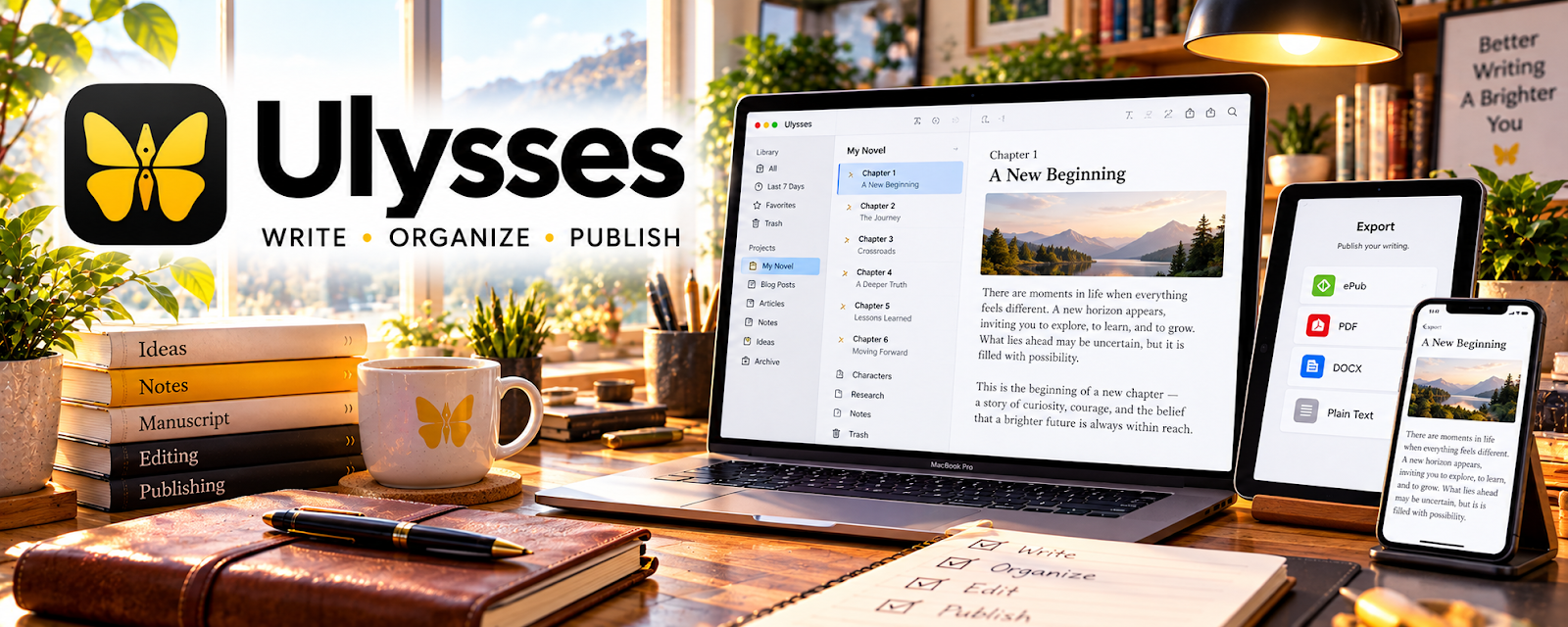
Use Ulysses to compare, buy, or organize the tools and supplies needed for Amazon KDP self-publishing.
🟡 Intermediate
✍️ Editing & Proofreading Tools
Review language, consistency, and readability. Automated suggestions support editing but do not replace a careful proofread.
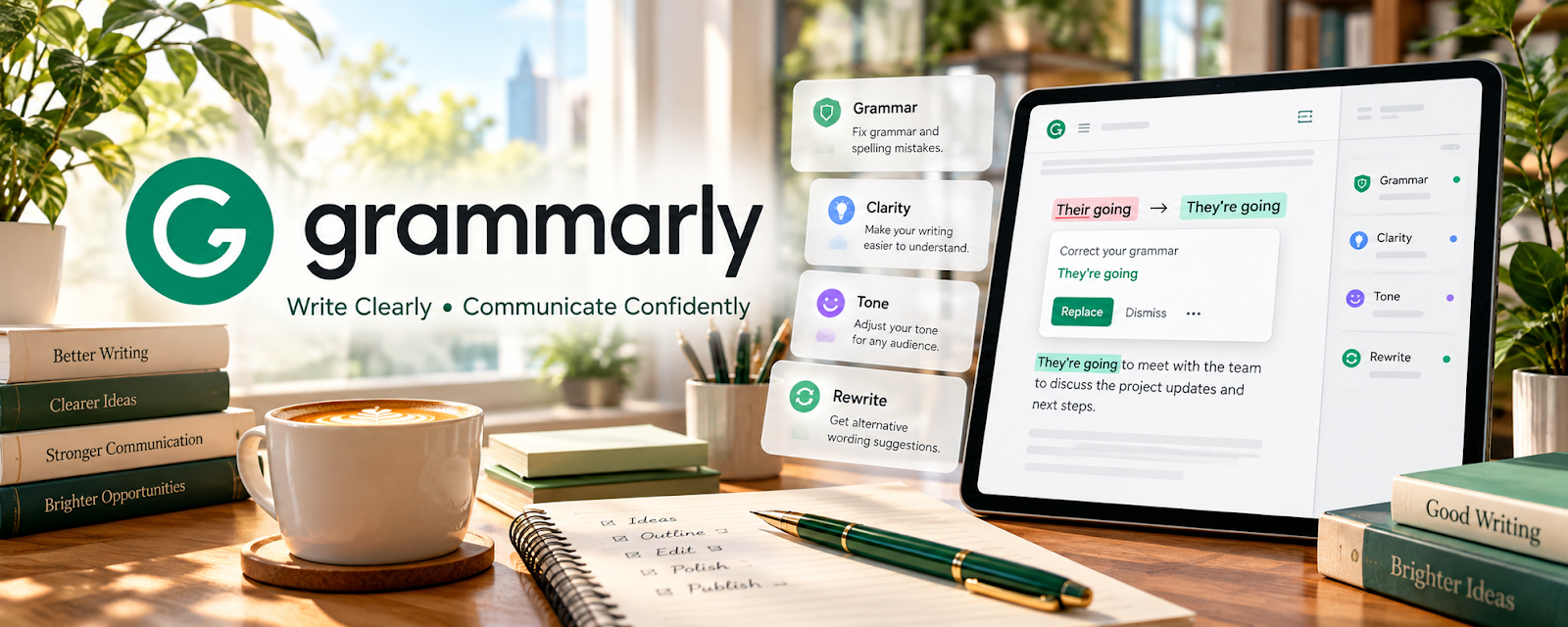
Use Grammarly to review grammar, spelling, clarity, and tone in written drafts for Self-Publishing on Amazon KDP.
🟢 Beginner
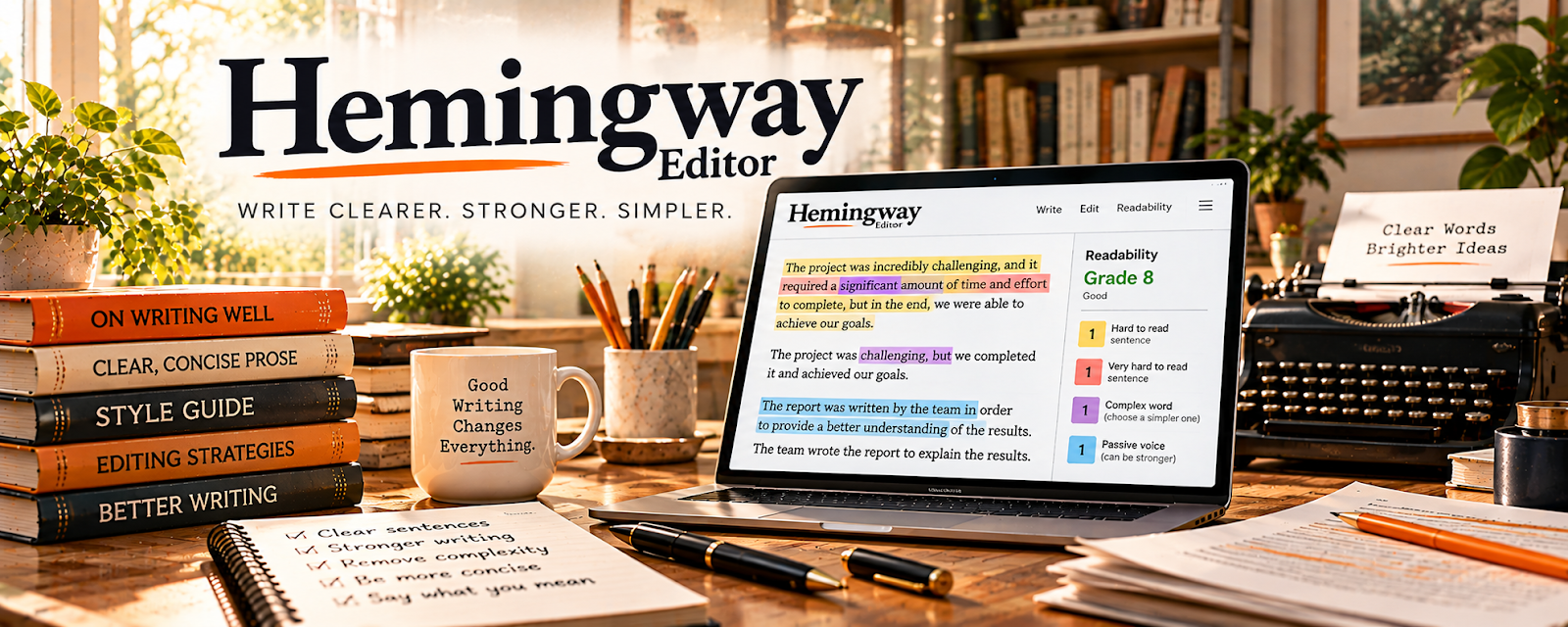
Use Hemingway Editor to review readability, sentence complexity, and clarity in written drafts for Self-Publishing on Amazon KDP.
🟢 Beginner
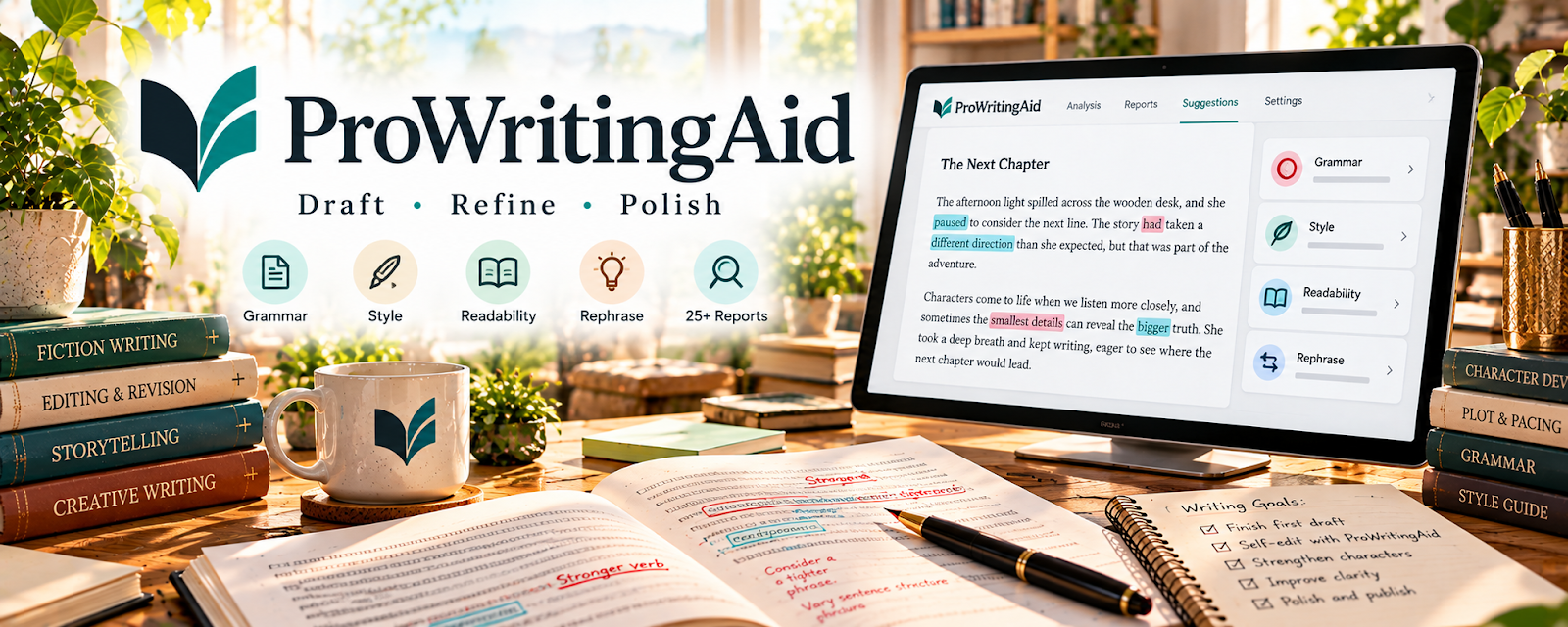
Use ProWritingAid to review grammar, style, readability, and structure in written drafts for Self-Publishing on Amazon KDP.
🟡 Intermediate
Use Reedsy Marketplace to record, edit, clean up, or package media assets for Amazon KDP self-publishing.
🔴 Advanced
Use PerfectIt to check editorial consistency, terminology, and document style for Self-Publishing on Amazon KDP.
🔴 Advanced
📐 Formatting & Publishing Tools
Prepare ebook and print interiors. Check export requirements and inspect the final files in the publishing preview.
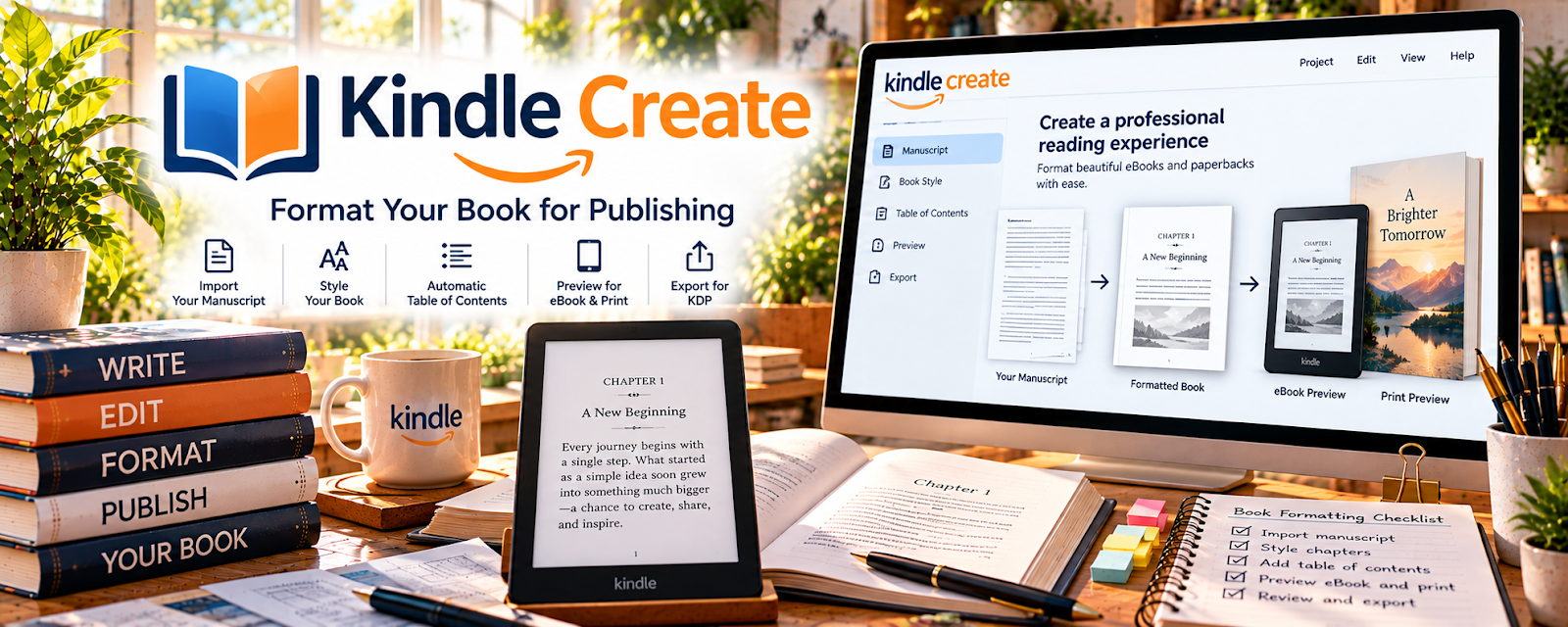
Use Kindle Create to publish, distribute, or promote book formats connected to your KDP publishing workflow.
🟢 Beginner
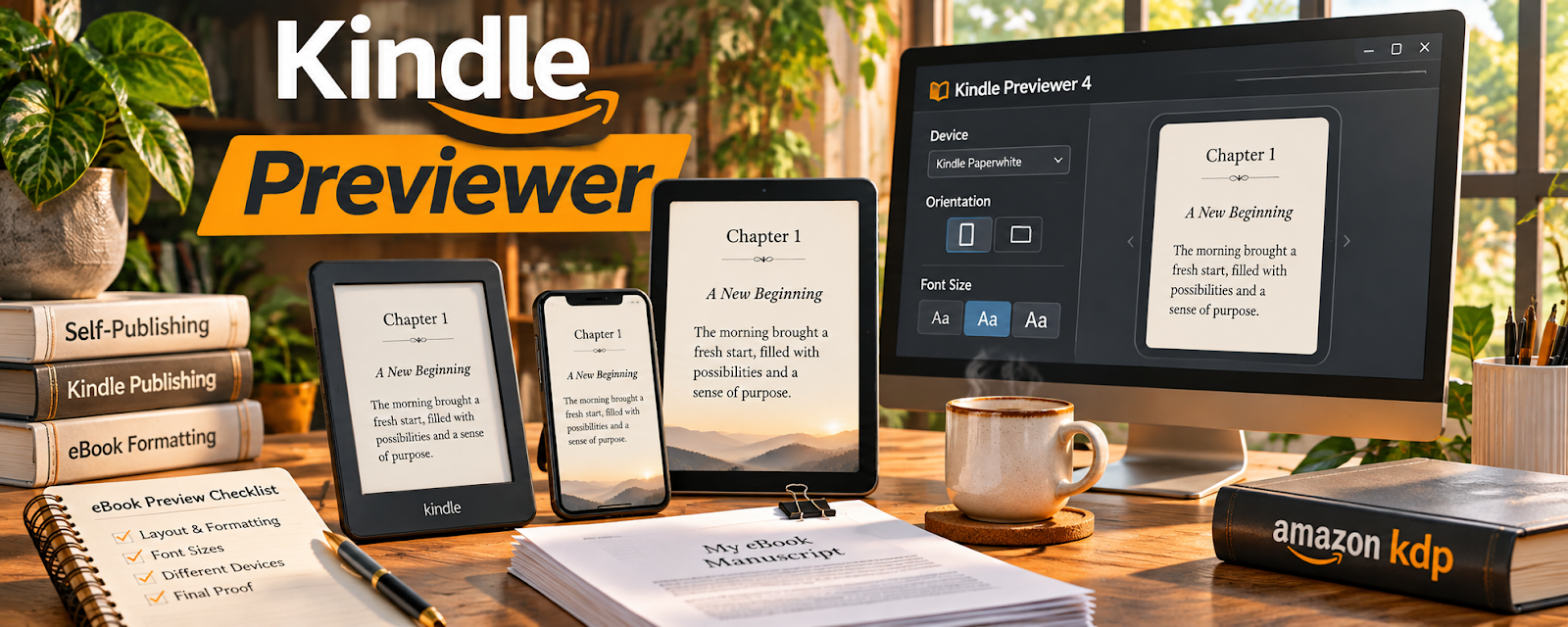
Use Kindle Previewer to publish, distribute, or promote book formats connected to your KDP publishing workflow.
🟢 Beginner
Use KDP Cover Calculator to publish, distribute, or promote book formats connected to your KDP publishing workflow.
🟡 Intermediate
Use Vellum to publish, distribute, or promote book formats connected to your KDP publishing workflow.
🟡 Intermediate
Use Adobe InDesign to publish, distribute, or promote book formats connected to your KDP publishing workflow.
🔴 Advanced
🎨 Cover & Design Tools
Create covers and supporting graphics that suit the genre. Confirm dimensions and rights for every included asset.

Use Adobe Express to create visuals, templates, mockups, portfolios, or branded assets for Amazon KDP self-publishing.
🟢 Beginner
Use BookBrush to create visuals, templates, mockups, portfolios, or branded assets for Amazon KDP self-publishing.
🟢 Beginner

Use Canva / Canva Mockups to create visuals, templates, mockups, portfolios, or branded assets for Amazon KDP self-publishing.
🟢 Beginner
Use 99design to create visuals, templates, mockups, portfolios, or branded assets for Amazon KDP self-publishing.
🟡 Intermediate
Use Adobe Photoshop to create visuals, templates, mockups, portfolios, or branded assets for Amazon KDP self-publishing.
🔴 Advanced
🔍 Keyword & Niche Research
Investigate reader language, comparable titles, and discoverability. Use research to refine positioning, not copy other authors.

Use Amazon Search Suggestions to research keywords, niches, competitors, or content ideas that support Amazon KDP self-publishing.
🟢 Beginner

Use Google Trends to research keywords, niches, competitors, or content ideas that support Amazon KDP self-publishing.
🟢 Beginner
Use Book Bolt to research keywords, niches, competitors, or content ideas that support Amazon KDP self-publishing.
🟡 Intermediate
Use KDSPY to research keywords, niches, competitors, or content ideas that support Amazon KDP self-publishing.
🟡 Intermediate
Use Publisher Rocket to research keywords, niches, competitors, or content ideas that support Amazon KDP self-publishing.
🟡 Intermediate
📣 Book Marketing & Author Platforms
Build a reader-facing presence and plan appropriate promotion. Focus on honest descriptions and sustainable outreach.

Use Amazon Author Central to promote your offer, capture leads, and build an audience around Amazon KDP self-publishing.
🟢 Beginner
Use MailerLite to promote your offer, capture leads, and build an audience around Amazon KDP self-publishing.
🟢 Beginner
Use Goodreads Author Program to promote your offer, capture leads, and build an audience around Amazon KDP self-publishing.
🟡 Intermediate

Use Kit to promote your offer, capture leads, and build an audience around Amazon KDP self-publishing.
🟡 Intermediate
Use BookBub Partners to promote your offer, capture leads, and build an audience around Amazon KDP self-publishing.
🔴 Advanced
📊 Ads & Sales Optimization
Review paid campaigns and sales patterns. Track costs alongside royalties rather than assuming ads will be profitable.
Use Google Sheets to track results, spot what is working, and improve performance for Amazon KDP self-publishing.
🟢 Beginner
Use KDP Reports to track results, spot what is working, and improve performance for Amazon KDP self-publishing.
🟢 Beginner
Use Book Report to track results, spot what is working, and improve performance for Amazon KDP self-publishing.
🟡 Intermediate
Use ScribeCount to track results, spot what is working, and improve performance for Amazon KDP self-publishing.
🟡 Intermediate

Use Amazon Ads to track results, spot what is working, and improve performance for Amazon KDP self-publishing.
🔴 Advanced
🛒 Publishing & Distribution Platforms
Understand submission, distribution, and account rules. Verify current platform requirements before uploading a title.
Use KDP to publish, distribute, or promote book formats connected to your KDP publishing workflow.
🟢 Beginner
Use Draft2Digital to publish, distribute, or promote book formats connected to your KDP publishing workflow.
🟡 Intermediate
Use Lulu to publish, distribute, or promote book formats connected to your KDP publishing workflow.
🟡 Intermediate
Use ACX to publish, distribute, or promote book formats connected to your KDP publishing workflow.
🔴 Advanced
Use IngramSpark to publish, distribute, or promote book formats connected to your KDP publishing workflow.
🔴 Advanced
10. Your First 6 Months Self-Publishing on Amazon KDP Plan
Your first 6 months with Amazon KDP should be focused on building book research skills, simple publishing systems, strong listings, and a repeatable content creation process.
The goal is to move from:
Niche Research → Book Idea → Manuscript → Cover → Listing → Launch → Reviews → Improvement
By the end of 6 months, you should know what type of books you want to publish, how to create a clean book listing, how to price and launch your first books, and how to use sales data to improve future releases.
🎯 6-Month Goal
By the end of your first 6 months, aim to have:
✅ One clear publishing niche or book category
✅ 10–30 book ideas researched
✅ 1–3 books published
✅ A basic keyword and category research process
✅ A clean book cover and description style
✅ A simple launch checklist
✅ Sales, page reads, reviews, and ranking tracked
✅ A repeatable writing or book creation workflow
✅ A plan to improve, publish more, or build a small book series
🎯 KEY TAKEAWAY
KDP works best when you treat each book like a product. The topic, title, cover, description, keywords, and reader experience all matter.
📅 Month 1: Research Niches & Choose Your Book Type
🎯 Main Goal
Find a book idea with real reader demand before spending time creating the book.
✅ What to Do
- Research book categories on Amazon
- Study bestselling books in your niche
- Read reviews to find reader problems and expectations
- Choose what type of book you want to publish
- Create a list of 10–30 book ideas
- Check competing titles, covers, and descriptions
- Decide whether you will create fiction, nonfiction, journals, planners, workbooks, or low-content books
- Pick your first book idea
🏁 Month 1 Success Looks Like
- You chose one book category
- You understand what readers already buy
- You have a list of book ideas
- You picked your first book project
- You know what competing books do well and where they are weak
⚠ COMMON MISTAKE
Creating a book before researching demand. A good idea still needs readers who are already searching, browsing, or buying in that category.
💡 KDP Book Types to Consider
Book Type | Best For |
📘 Nonfiction guide | Teaching a skill, process, or topic |
🛠️ Short how-to book | Solving one specific problem |
📝 Workbook | Exercises, prompts, and action steps |
📅 Planner | Daily, weekly, monthly, or niche planning |
📔 Journal | Guided prompts, tracking, reflection |
🧒 Children’s book | Simple stories, lessons, or picture books |
📖 Fiction series | Genre readers and repeat buyers |
🧩 Activity book | Puzzles, coloring, games, or learning pages |

📅 Month 2: Outline, Write or Create the First Book
🎯 Main Goal
Build the first version of your book without getting stuck trying to make it perfect.
✅ What to Do
- Create a clear book outline
- Break the book into chapters, sections, pages, or prompts
- Set a realistic writing or design schedule
- Create the manuscript or interior pages
- Use a consistent formatting style
- Avoid filler content
- Save examples, notes, and source material
- Finish a complete rough draft or interior
🏁 Month 2 Success Looks Like
- Your first book is outlined
- The rough draft or interior is mostly complete
- The book has a clear purpose
- You understand how long creation takes
- You are ready to edit, format, and prepare the listing
🎯 KEY TAKEAWAY
A focused book that solves one clear reader problem is usually better than a broad book that tries to cover everything.
🔄 Simple Book Creation Workflow
Step | What Happens |
Book idea | Choose the topic or concept |
Reader promise | Define what the reader gets |
Outline | Plan chapters, pages, or sections |
Draft | Write or create the full interior |
Edit | Fix structure, grammar, and clarity |
Format | Prepare file for print or ebook |
Cover | Create or outsource the cover |
Upload | Add book details to KDP |
Launch | Publish and promote |

📅 Month 3: Edit, Format & Prepare the Listing
🎯 Main Goal
Turn your draft into a professional-looking book that is ready to upload.
✅ What to Do
- Edit the manuscript or interior
- Check spelling, grammar, formatting, and page flow
- Create or outsource the book cover
- Format the ebook, paperback, or hardcover file
- Write a strong book title and subtitle
- Create a clear book description
- Research keywords and categories
- Prepare your author name, book details, and launch notes
🏁 Month 3 Success Looks Like
- Your book is edited and formatted
- Your cover looks clean and readable
- Your title and description are stronger
- Your listing details are prepared
- You are ready to upload or publish
💡 PRO TIP
Your cover and title need to make sense at a small size because many buyers browse on phones.
🏷️ KDP Listing Elements
Listing Element | Why It Matters |
Title | Tells readers what the book is |
Subtitle | Adds clarity, keywords, or benefit |
Cover | Creates the first impression |
Description | Helps readers decide to buy |
Keywords | Helps Amazon understand the book |
Categories | Places the book in relevant shelves |
Price | Affects buyer decision and royalties |
Preview | Lets readers judge quality before buying |
✅ What to Finalize Before Upload
- Clean interior formatting
- Readable cover at thumbnail size
- Clear book promise
- Search-friendly title and subtitle
- Relevant keywords
- Accurate categories
- Author details and launch notes
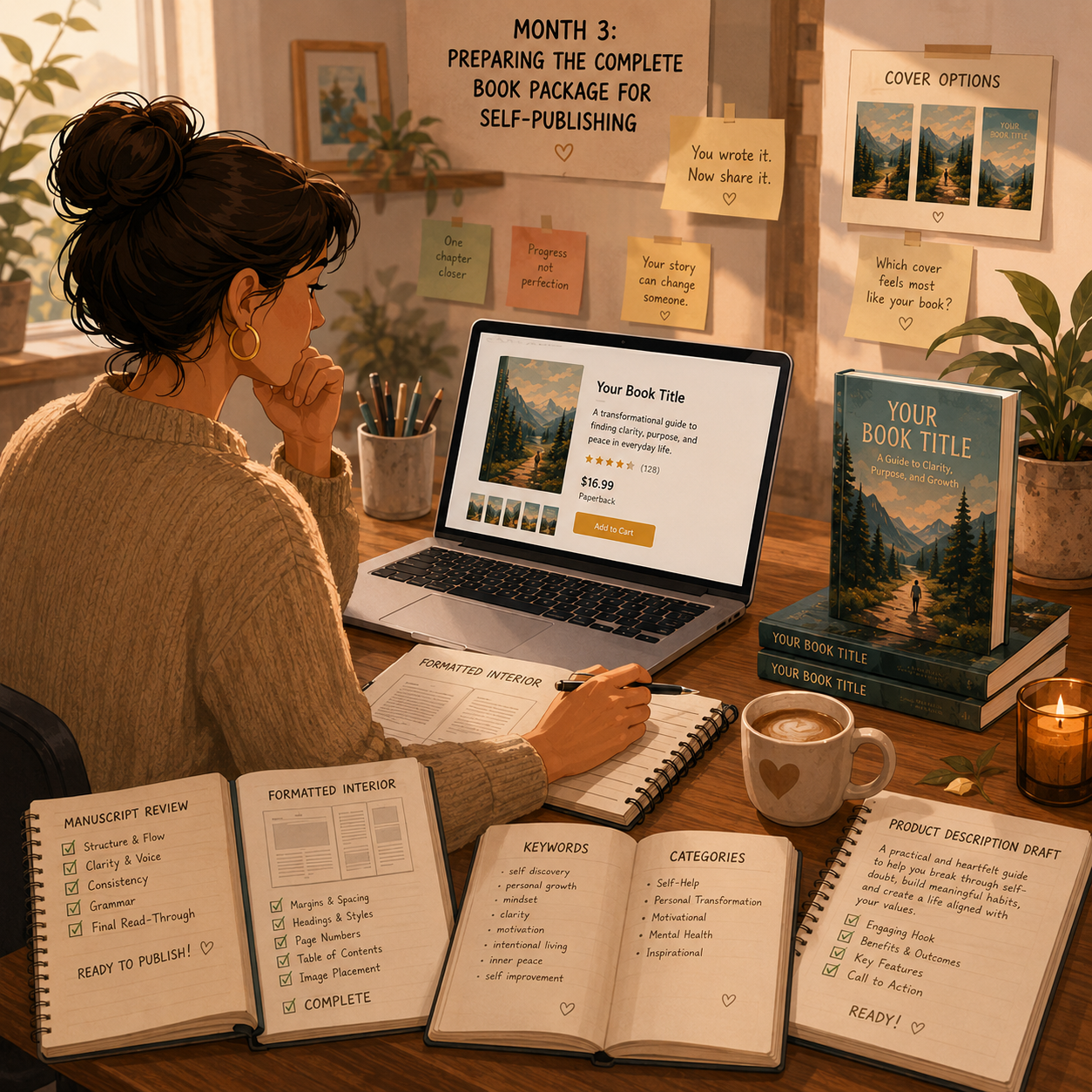
📅 Month 4: Publish, Launch & Collect Early Feedback
🎯 Main Goal
Publish your first book and learn how buyers respond to the listing, cover, description, and content.
✅ What to Do
- Upload the book to KDP
- Preview the files before publishing
- Order a proof copy if publishing print
- Fix formatting or cover issues before promoting heavily
- Publish the book
- Share it with your network or niche audience
- Ask readers for honest reviews
- Track sales, ranking, page reads, and feedback
🏁 Month 4 Success Looks Like
- Your first book is published
- The listing is live and searchable
- You have checked for quality issues
- You are tracking early performance
- You have started collecting reader feedback
⚠ COMMON MISTAKE
Do not publish and disappear. Watch early data, fix obvious problems, and learn what readers respond to.
🗓️ Simple Weekly Workflow
Day | Task |
Monday | Review listing and book details |
Tuesday | Fix formatting or description issues |
Wednesday | Share book with relevant audience |
Thursday | Track sales, reads, and rank |
Friday | Ask for feedback or reviews |
Weekend | Plan improvements or next book idea |
☑️ Simple Launch Checklist
Step | What to Check |
Interior file | Correct formatting and page order |
Cover file | Readable title and clean layout |
Description | Clear benefit and audience |
Keywords | Relevant to the book topic |
Categories | Accurate and specific |
Price | Matches book type and market |
Preview | Looks professional |
Promotion | Shared with relevant readers |
📅 Month 5: Improve the Book & Start the Next Project
🎯 Main Goal
Use early results to improve your first book and begin building your next book or series.
✅ What to Do
- Review sales, reviews, and page reads
- Improve the book description if needed
- Test a better cover if the book gets impressions but few sales
- Update keywords or categories if the book is hard to find
- Fix formatting or content issues
- Start outlining your second book
- Create a related book idea if the first niche has promise
- Build a simple publishing tracker
🏁 Month 5 Success Looks Like
- Your first book has been reviewed for improvements
- You know what parts of the listing may need work
- You have started the next book
- Your publishing workflow is more organized
- You are thinking beyond one book
🎯 KEY TAKEAWAY
Many KDP publishers grow through a catalog. One book teaches the process, but multiple related books can build stronger long-term income.
📈 Ways to Improve KDP Results
Improvement | Why It Helps |
Better cover | Improves click and buyer interest |
Stronger description | Helps readers understand value |
Better keywords | Helps discoverability |
More specific category | Helps book compete better |
Improved preview | Builds buyer confidence |
Reader feedback | Shows what to fix or expand |
Series planning | Encourages repeat buyers |
Related books | Builds a stronger catalog |
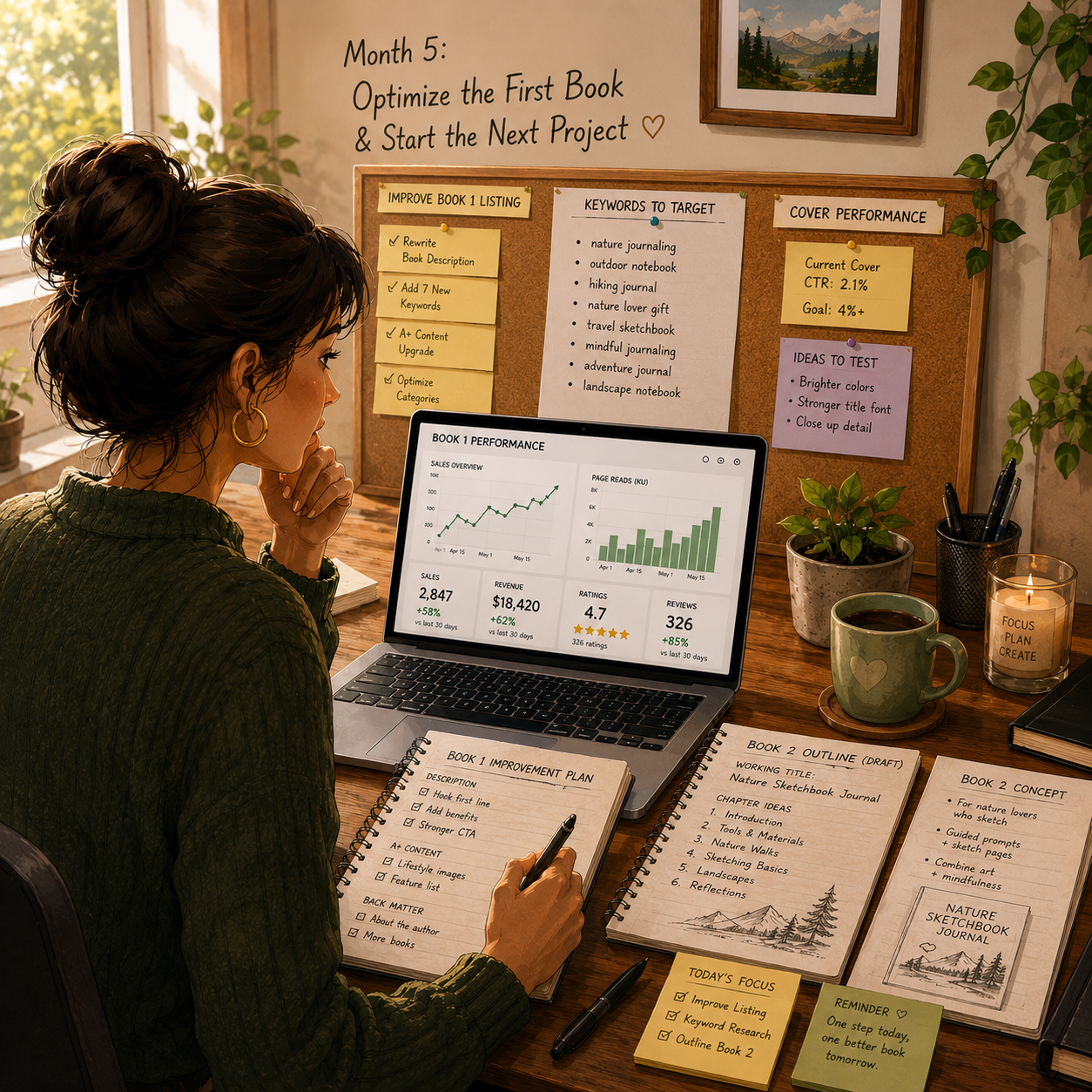
📅 Month 6: Review, Refine & Build a Publishing Plan
🎯 Main Goal
Review your first 6 months and decide whether to improve your first book, continue the niche, or test a new book category.
✅ What to Do
- Review all book ideas, drafts, and published books
- Identify your strongest niche
- Review sales, reviews, ranking, and page reads
- Review which keywords or categories make sense
- Decide whether to update the first book
- Continue or publish your second book
- Create a 90-day publishing plan for months 7–9
- Decide whether to build a series, brand, or niche catalog
❓ 6-Month Review Questions
- Which book idea had the clearest demand?
- Which book was easiest to create well?
- Did the cover fit the market?
- Did the title clearly explain the book?
- Did the description convert interest into sales?
- What feedback did readers give?
- Which category has room for more books?
- What should you stop creating?
- What should you publish next?
🏁 Month 6 Success Looks Like
- You understand your first publishing results
- You know what to improve
- You have a repeatable book creation process
- You know whether the niche deserves more books
- You have a 90-day plan to keep publishing smarter
🎯 KEY TAKEAWAY
KDP success usually comes from improving the full publishing system: research, book quality, cover, listing, launch, and catalog growth.
📊 Decision Table
If This Happens | Do This |
Book gets views but few sales | Improve cover, title, price, or description |
Book gets sales but few reviews | Ask for honest reviews through appropriate methods |
Readers like the topic | Create a related book or series |
Book is hard to find | Improve keywords and categories |
Cover looks weak compared to competitors | Redesign or outsource the cover |
Creation takes too long | Use a simpler book format or better workflow |
Niche feels too competitive | Narrow the angle or test a smaller category |
First book has no traction | Review demand, listing quality, and topic fit |
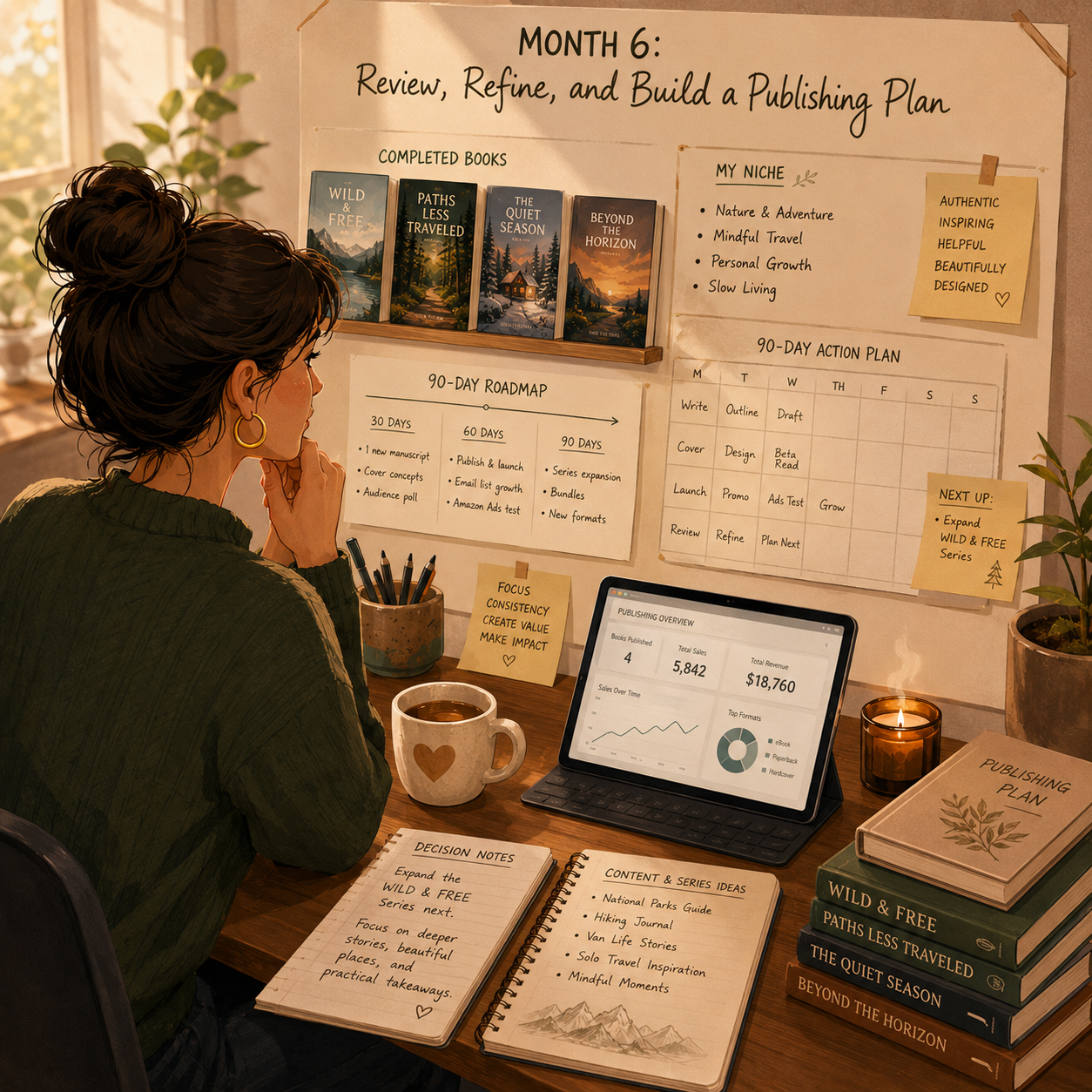
✅ 6-Month Success Checklist
By the end of 6 months, check whether you have:
✅ Chosen one KDP book category
✅ Researched competing books
✅ Created a list of book ideas
✅ Finished a manuscript or interior
✅ Edited and formatted the book
✅ Created a clean book cover
✅ Written a clear title, subtitle, and description
✅ Researched keywords and categories
✅ Published your first book
✅ Tracked sales, ranking, reviews, or page reads
✅ Started or planned the next book
✅ Created a plan for the next 90 days
⚠️ What Not to Do During the First 6 Months
Avoid these mistakes:
❌ Publishing books without researching demand
❌ Copying another author’s title, cover, or content
❌ Using copyrighted images, text, or characters without permission
❌ Uploading low-quality interiors
❌ Creating misleading book descriptions
❌ Ignoring formatting and preview issues
❌ Choosing categories that do not match the book
❌ Expecting one book to create instant income
❌ Buying fake reviews
❌ Publishing too many rushed books instead of improving quality
📝 QUICK NOTE
KDP is a publishing business. Quality, reader trust, and clean listings matter if you want long-term results.
🧭 Simple 6-Month Milestone Tracker
Month | Main Focus | Target Output |
Month 1 | Niche research | 10–30 book ideas researched |
Month 2 | Book creation | First draft or interior completed |
Month 3 | Editing & listing prep | Cover, formatting, description, keywords |
Month 4 | Publish & launch | First book published |
Month 5 | Improve & next book | Updates plus second book started |
Month 6 | Review & plan | 90-day publishing plan created |
🚀 Final 6-Month Strategy
Your first 6 months should follow this simple path:
Month 1: Research niches and choose your book type
Month 2: Outline, write, or create the first book
Month 3: Edit, format, and prepare the listing
Month 4: Publish, launch, and collect early feedback
Month 5: Improve the book and start the next project
Month 6: Review results and build your publishing plan
The KDP publishers who grow fastest are not just uploading books. They research readers, create useful books, improve listings, and build a catalog with a clear strategy.
11. View the KDP Launch Kit
🎁 Your KDP Publishing Toolkit
The Self-Publishing on Amazon KDP Starter Kit includes 12 browser-based studios to research reader demand, prepare manuscripts and interiors, draft listings, estimate royalties and plan a book launch.
The 12 components:
✅ 1. KDP Niche & Keyword Explorer — Research reader interests, potential book niches and keyword opportunities.
✅ 2. Book Formatting & Sizing Guide — Review trim sizes, margins and formatting requirements before preparing book files.
✅ 3. Book Description Builder — Draft accurate, compelling descriptions that explain your book’s content and reader appeal.
✅ 4. Cover Design Checklist — Review cover layouts and pre-publication details against your chosen format’s requirements.
✅ 5. Low-Content Book Idea Generator — Brainstorm and evaluate original low-content book concepts.
✅ 6. Book Keyword Optimizer — Refine keyword and metadata choices using current marketplace guidance; rankings are not guaranteed.
✅ 7. KDP Launch Checklist — Track publication tasks and quality checks before submitting your book.
✅ 8. Royalty & Pricing Calculator — Model book prices, print costs and hypothetical royalties using assumptions you verify against current KDP terms.
✅ 9. Book Interior Template Library — Explore editable book interior templates and related PDF resources.
✅ 10. 90-Day Publishing Roadmap — Schedule your first three months of writing, book preparation and launch tasks.
✅ 11. A+ Content & Branding Toolkit — Plan book listing enhancements and brand assets, checking current A+ Content requirements before use.
✅ 12. Publishing Portfolio Growth Planner — Review existing titles and plan future publishing priorities based on your findings.
Also included in the editable master: A dashboard, Start Here guide, supporting worksheets and interior-template source materials are available in the editable master.
This is an educational toolkit, not an Amazon publishing integration. KDP requirements and royalties can change; publishing approval, discoverability and sales are not guaranteed. Verify rights, originality and current policies.

12. Frequently Asked Questions
✍️ Do I need to be a good writer?
For low-content books, no writing is required.
For fiction or nonfiction, basic writing skills help, but editing services are available.
Typical editing costs:
- 💵 $0.01–$0.05/word
- ✨ Higher for developmental editing
- 🧾 Lower for basic proofreading
💡 You can start with low-content books while improving your writing skills over time.
⏳ How long until I make money?
Income varies. Some titles sell within weeks; many earn little at first.
Illustrative timeline, not a guarantee:
- 🚀 First sale: possible within weeks, not typical for every book
- 📈 Higher monthly totals: often take months of consistent publishing, research, and listing work
- 🐢 Catalog growth: 20–50 books is a workload example, not an income forecast
👉 Results depend on niche research, book quality, and optimization — not book count alone.
🌍 Can I publish books if I'm not in the US?
Yes. KDP is available in most countries.
International authors complete a tax interview during setup.
Royalties can be paid in your local currency depending on your country and payment method.
💡 Amazon gives international creators access to global marketplaces.
🔢 Do I need an ISBN?
No. Amazon provides free ISBNs for eBooks and paperbacks.
You can buy your own ISBN if you want to be listed as the publisher.
Typical cost:
- 💵 $125+ through Bowker in the U.S.
💡 Beginners can use Amazon’s free ISBN to keep startup costs low.
📉 What if my book doesn't sell?
That is normal.
Only a small percentage of books become profitable.
Common approach:
- 📚 Publish 20–50+ books
- 🔍 Test niches
- 🧠 Study what sells
- 🛠️ Optimize covers, titles, and keywords
- 🔁 Repeat what works
💡 KDP is a portfolio business. One book rarely proves anything.
🌐 Can I publish the same book on other platforms?
Yes, unless the book is enrolled in KDP Select.
KDP Select makes your eBook Amazon-exclusive for 90 days.
If not enrolled, you can also publish through:
- 📚 Draft2Digital
- 📖 IngramSpark
- 🍎 Apple Books
- 📘 Kobo
- 🌎 Other book marketplaces
💡 Wide publishing gives more reach, while KDP Select gives Amazon-specific benefits.
🚫 How do I avoid getting banned?
Avoid:
- ❌ Plagiarism
- ❌ Copyright infringement
- ❌ Trademark infringement
- ❌ Fake reviews
- ❌ Manipulated rankings
- ❌ Misleading metadata
- ❌ Improper categories
- ❌ Unlicensed images or content
Also avoid violating content policies, including rules around hate speech, explicit content, or restricted categories.
💡 Always use licensed images, original content, and honest marketing.
📘 Should I use KDP Select or go wide?
KDP Select:
- ✅ Easier for beginners
- 📚 Kindle Unlimited income
- 📣 Promotional tools
- 🔒 Amazon exclusivity for 90 days
Going wide:
- 🌐 More platforms
- 📖 Access to Apple Books, Kobo, and others
- 🚫 No Amazon exclusivity
- 🏗️ Better long-term platform diversification
💡 Good starting strategy: try KDP Select for the first 90 days, then decide based on data.
⭐ How do I get reviews?
Use legitimate review methods only.
Options:
- 📚 ARC readers from author groups
- 📩 Request reviews in book back matter
- 🛒 Amazon’s “Request a Review” button
- 👥 Friends/family, only if reviews are honest and follow platform rules
🚫 Never buy fake reviews or pressure people into positive reviews.
🏢 Do I need a business license or LLC?
Not required to publish.
You can report income as self-employment income.
Consider an LLC once:
- 💰 You’re earning $2,000+/month consistently
- 🛡️ You want liability protection
- 🧾 You want cleaner business finances
- 📈 You are treating publishing like a serious business
💡 Consult a tax professional as income grows.
💰 Can I make a living from KDP?
Some authors do, but it is not get-rich-quick and not a typical starting outcome.
Higher monthly figures are possible later, not a promise. They often take:
- 📚 A larger quality catalog
- 🔍 Strong niche research
- 📣 Marketing
- 🧠 Optimization
- ⏳ Years of consistent publishing
👉 Treat it like a real publishing business, and use your own results — not headline income ranges — to decide.
13. Important Considerations
Before you publish, understand these key realities — KDP rewards patience, volume, and research far more than any single book.
📜 Content Policies Matter
Before publishing, review KDP content guidelines.
Avoid:
- ❌ Plagiarism
- ❌ Hate speech
- ❌ Copyright infringement
- ❌ Trademark violations
- ❌ Misleading metadata
- ❌ Low-quality or duplicate content
- ❌ Restricted content placed in the wrong category
💡 Policy violations can lead to rejected books, removed listings, or account suspension.
🧾 Tax Obligations Are Real
KDP royalties are taxable income.
Best practices:
- 💰 Set aside 25–30% for taxes
- 📊 Track royalty income
- 🧾 Track expenses
- 📚 Deduct covers, software, editing, ads, and tools
- 📄 Keep receipts
💡 Treat it like a business from the beginning.
🏆 Quality Standards Matter
Amazon may remove low-quality books.
Make sure your books have:
- 📄 Proper formatting
- ✍️ Clean writing or useful interiors
- 🎨 Professional-looking covers
- ✅ No major typos
- 📚 Accurate metadata
- 🔍 Clear value for the buyer
👉 Low-quality publishing can hurt your account and brand.
⚠️ Income Is Not Guaranteed
This is educational content, not a promise of income.
Results depend on:
- 🎯 Niche selection
- 📚 Book quality
- 🔍 Keyword research
- 🎨 Cover design
- 📣 Marketing effort
- 📈 Publishing consistency
- 🧠 Ability to learn from data
💡 KDP rewards consistency, testing, and improvement.
14. Your Next Steps
🚀 ACTION STEP
📍 Today
- 📦 View the KDP launch kit above
- 👤 Create a free KDP account at kdp.amazon.com
- 🔍 Browse Amazon best sellers in 3 categories you’re interested in
📅 This Week
- 📚 Choose your book type, with low-content recommended for your first book
- 🎯 Research a specific niche for 2–4 hours
- 🔍 Identify 5 successful books to study
- 🧱 Create a book outline or design plan
🗓️ This Month
- 📄 Create your book interior, usually 3–10 hours for low-content
- 🎨 Design or order a cover, around $0–$150
- 🧰 Format the book using Kindle Create or Atticus
- 🚀 Upload to KDP and publish
- 📣 Share with people who match the intended reader
🚀 Months 2–3
- 📚 Start the next related book if the first title is worth expanding
- 🛠️ Optimize your first book based on performance
- 📣 Learn basic Amazon ads
- 👥 Join 2 author communities
- 🎯 Goal: a repeatable publishing process — not a guaranteed $200–$800/month from 10+ books
15. The Bottom Line
🎯 KEY TAKEAWAY
Self-publishing on Amazon KDP can be an accessible way to build royalty income over time — but it is not automatic, and more books do not guarantee more sales.
🙋 If you:
✔ Research niches and keywords before writing a word
✔ Publish consistently — one book rarely changes anything
✔ Invest in covers and formatting; they sell the book
✔ Iterate based on what the sales data tells you
🏗️ You can build:
💰 Extra income is possible; higher monthly figures usually take a quality catalog, niche research, and consistent publishing — not a book-count promise
🔁 Royalties can continue after launch when a title keeps selling, but they are not automatic
📈 Larger catalogs can support more income when the books are useful and discoverable — not a $2,000–$10,000/month forecast
🚀 Research your niche and publish when the book, files, and rights are ready.
16. Recommended Websites & Tools
🛠 TOOLS & RESOURCES
You do not need every resource listed below. This directory brings together the major platforms, tools, and resources from this guide, along with additional research and learning options, so you can find them in one place when you need them.
Start with the essentials. Add tools only when your publishing workflow develops a specific need for them.
📚 Publishing, Distribution & Royalty Platforms
- Amazon KDP — Amazon’s self-publishing platform for publishing eBooks, paperbacks, hardcovers, and low-content books without inventory.
- Amazon — Main book marketplace where KDP books are listed, searched, purchased, reviewed, and discovered by readers.
- Kindle Unlimited — Amazon subscription reading program mentioned as a royalty stream for eligible KDP Select books.
- KDP Select — Optional Amazon exclusivity program for eBooks that unlocks Kindle Unlimited royalties and promotional tools.
- Draft2Digital — Wide publishing platform for distributing books outside Amazon and exporting files for publishing workflows.
- IngramSpark — Print and distribution platform for authors who want wider bookstore, library, and non-Amazon distribution options.
- Apple Books — Apple’s author publishing platform mentioned for authors who want to sell books beyond Amazon.
- Kobo Writing Life — Kobo’s self-publishing platform mentioned for going wide and reaching non-Amazon eBook readers.
💡 PRO TIP
Start exclusive with KDP Select if you want Kindle Unlimited page reads. Go wide to Kobo, Apple, or Draft2Digital later, once you know what sells.
✍️ Writing, Drafting & Manuscript Tools
- Google Docs — Free cloud writing tool for drafting manuscripts, collaborating with editors, and organizing book content.
- Microsoft Word — Traditional writing and formatting tool for manuscripts, editing, document review, and file delivery.
- Scrivener — Long-form writing software for organizing chapters, research notes, fiction projects, and complex book manuscripts.
- Atticus — All-in-one writing and formatting tool for creating eBook and print-ready files from one platform.
- Vellum — Professional formatting tool for clean, polished eBook and print book layouts.
📐 Formatting, Interior Design & KDP File Setup
- Kindle Create — Free Amazon tool for formatting Kindle eBooks and preparing beginner-friendly KDP files.
- Reedsy Book Editor — Free online writing and formatting tool for creating clean book interiors and export-ready files.
- Draft2Digital — Formatting and distribution platform useful for creating export files and publishing beyond Amazon.
- Book Bolt — KDP-focused tool for low-content book research, interior generation, listing support, and publishing workflows.
- Tangent Templates — Template resource for KDP interiors, low-content books, planners, journals, and niche publishing layouts.
- Creative Fabrica — Design asset marketplace for fonts, graphics, SVGs, interiors, and commercial-use creative resources.
- KDP Interior Templates — Amazon help resource for free interior templates and print layout guidance.
- KDP Cover Calculator — Amazon tool for calculating exact cover dimensions based on trim size, page count, and paper type.
📝 QUICK NOTE
Bad interior formatting earns returns and bad reviews. Use a template or dedicated formatting tool instead of hand-formatting in Word.
🎨 Cover Design & Creative Support
- Canva — Beginner-friendly design tool for low-content interiors, covers, promotional graphics, and simple book marketing assets.
- Book Brush — Book marketing and cover design tool for KDP covers, mockups, author graphics, and promotional visuals.
- Adobe Express — Quick design tool for simple covers, promotional graphics, and author marketing visuals.
- Adobe Photoshop — Advanced image editing tool for professional cover design, image cleanup, and polished book graphics.
- Fiverr — Freelance marketplace for hiring cover designers, formatters, editors, illustrators, and KDP support help.
- 99designs — Design marketplace for hiring professional cover designers and getting multiple book cover concepts.
🔎 Keyword, Niche & Competitor Research
- Amazon Best Sellers — Amazon category research page for studying profitable book niches, buyer demand, rankings, and competing titles.
- Amazon Autocomplete — Free keyword research method for finding real buyer search phrases inside Amazon’s search bar.
- Publisher Rocket — KDP keyword and competitor research tool for finding book keywords, categories, competition, and market opportunities.
- KDP Spy — Competitor research tool for analyzing Amazon book listings, estimated sales, categories, and keyword opportunities.
- Helium 10 — Advanced Amazon research tool mentioned for deeper keyword, product, and marketplace analysis.
📝 QUICK NOTE
Categories and keywords decide who ever sees your book. Spend as long on them as you spend on the cover.
📣 Book Marketing, Traffic & Launch Tools
- Amazon Ads — Paid advertising platform for running Sponsored Products campaigns and increasing visibility for optimized KDP books.
- Pinterest — Visual traffic platform mentioned for promoting planners, journals, low-content books, children’s books, and niche book products.
- TikTok — Short-form video platform for showing book interiors, author content, niche examples, and behind-the-scenes publishing content.
- YouTube — Video platform for book demonstrations, author content, tutorials, niche education, and longer-form marketing.
- Facebook Groups — Community search page for finding KDP, author, and self-publishing groups for learning and promotion guidance.
- BookBub — Book promotion platform mentioned for free or discounted book promotions and author marketing.
- Amazon Request a Review — Amazon KDP feature for requesting reviews from eligible book buyers.
⚖️ Publishing, ISBN & Policy Resources
- Bowker — Official U.S. ISBN source mentioned for authors who want to buy their own ISBNs instead of using Amazon’s free option.
- KDP Content Guidelines — Amazon policy resource for checking content rules, quality standards, and publishing restrictions before uploading.
- KDP Select — Program information page for understanding exclusivity, Kindle Unlimited, promotional tools, and 90-day enrollment decisions.
🎯 KEY TAKEAWAY
You do not need every tool on this page. A free KDP account, one writing tool, and one cover tool are enough to publish your first book.
🧭 How to Use This Directory
🧰 Start With a Simple Setup
Do not start by creating accounts with every service listed above. For most beginners, a simple setup is enough:
- A free KDP account
- One writing tool
- One cover design tool
- One keyword research tool
That is enough to start building. Add tools only when you can name the specific problem they will solve.
🎯 KEY TAKEAWAY
Tools support the business. They are not the business.
Your biggest advantages will come from:
Niche research → Consistent publishing → Covers & keywords → Reviews
17. Explore Similar Side Hustles
 Freelance Writing: Get Paid to Write Online — Get paid per article while your royalty income builds.
 Online Course Creation: Turn Your Knowledge Into Income — Turn your book's knowledge into a higher-priced course.
- Copyediting & Proofreading: Get Paid to Polish Words — Edit other authors' manuscripts as a parallel service.
- Blogging: Build an Online Brand and Earn from Your Words — A blog builds the audience that buys your books.
 Newsletter Monetization: Get Paid to Write About What You Love — An email list is the most reliable book-launch engine.
 Selling Digital Products — Sell workbooks and templates spun off from your books.