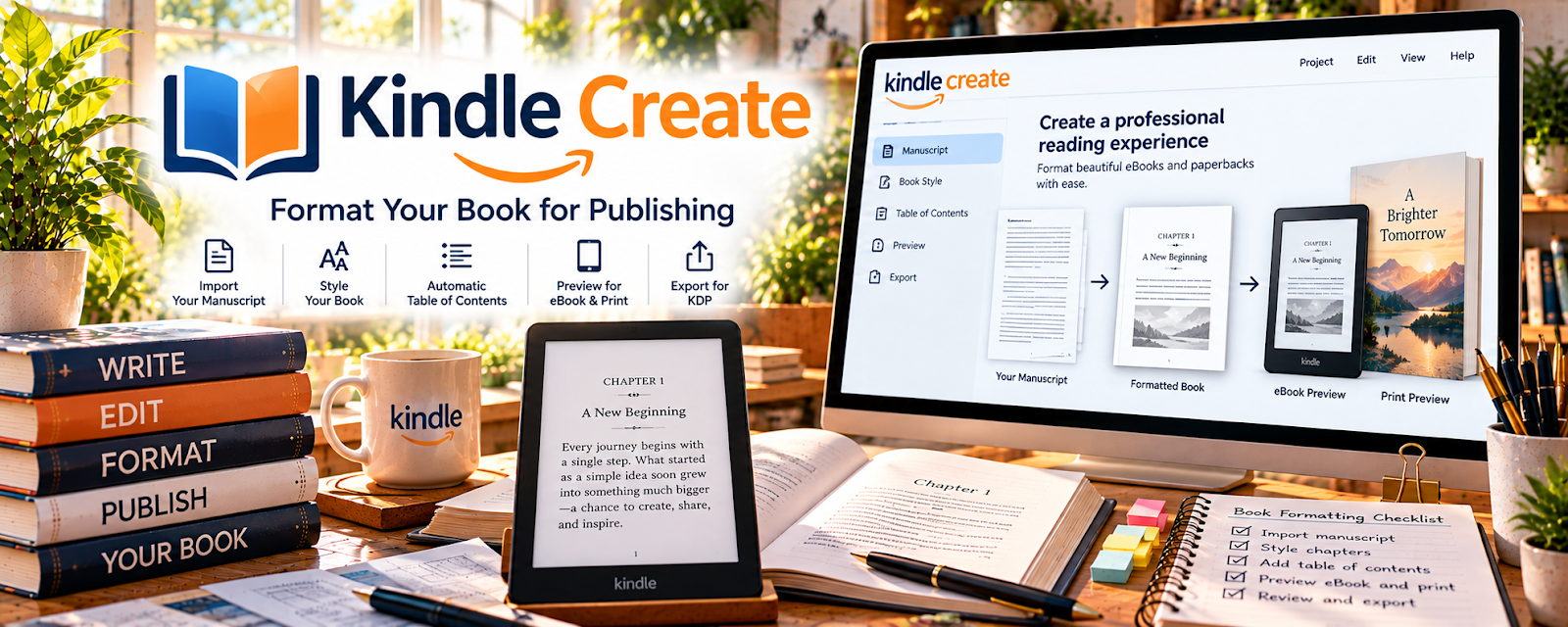
Official Website
Kindle Create is Amazon’s free formatting tool for preparing ebooks and print interiors for KDP.
🔗 Visit Official Website — Kindle Create
Domain: www.amazon.com
⚠️ Destination review: this URL points to a retailer or product-search page, not a verified manufacturer website.
What This Website Is
Kindle Create is Amazon’s free formatting tool for preparing ebooks and print interiors for KDP. For 📚 Self-Publishing on Amazon KDP, it helps turn a manuscript into a cleaner, publish-ready file without needing advanced design software.
How to Apply It to 📚 Self-Publishing on Amazon KDP
Use Kindle Create as your formatting step between manuscript draft and KDP upload.
Step-by-Step Implementation:
- Phase 1: Finish and proof your manuscript in a separate writing tool.
- Phase 2: Import the file into Kindle Create and apply chapter titles, front matter, and body formatting.
- Phase 3: Preview, export, and upload the finished file to your KDP book listing.
Common Use Cases for this Side Hustle:
- Scenario A: You need a simple ebook layout without hiring a formatter.
- Scenario B: You want consistent chapter formatting across a series.
- Scenario C: You need to preview how the book will feel before publishing.
When to Use This
- You are formatting a KDP ebook or paperback.
- You want a free Amazon-native tool.
- Your book has a mostly text-based layout.
- You need to preview before uploading.
Best Tasks to Use It For
- Ebook formatting
- Chapter and heading cleanup
- Front/back matter organization
- Previewing reading flow
- Exporting KDP-ready files
Getting Started Steps
- Download Kindle Create.
- Prepare a clean manuscript file.
- Import the manuscript into a new project.
- Apply chapter titles, headings, and section breaks.
- Add front matter and back matter.
- Preview the book on multiple device views.
- Export and upload the final file to KDP.
Good Beginner Search Terms
- Kindle Create tutorial
- KDP ebook formatting
- Kindle Create chapter titles
- KDP manuscript checklist
- Kindle Create print preview
- how to format a book for Amazon KDP
Monetization Angle
Better formatting improves reader experience and reduces refund/review risk. A repeatable formatting workflow also helps you publish more books faster.
Pros
- Free and built for KDP
- Good for straightforward books
- Helps preview before publishing
Cons
- Limited design flexibility
- Not ideal for complex layouts
- Still requires proofreading before import
Who Should Use This
KDP authors who need a simple, free formatting workflow for mostly text-based books.
Who Should Skip This
Skip this if your book needs advanced layout, heavy illustrations, or professional print design.
Practical Applications
- Format a sample manuscript with consistent chapter headings.
- Preview navigation and page layout before preparing a KDP upload.
- Test images and front matter in a representative chapter before formatting the whole book.
Important Considerations
- Confirm supported file formats, operating systems, and current KDP requirements for your chosen book type.
- Preview and proof the exported book; formatting software does not replace editing, rights clearance, or print-quality checks.
Related Resources

Adobe InDesign — Offers advanced layout control for more complex print interiors.
Google Drive — Stores manuscripts, cover files, exports, and KDP assets.
Related Side Hustles
 Blogging: Build an Online Brand and Earn from Your Words — Builds writing consistency and an audience for published books.
 Selling Digital Products — KDP books are digital products with similar launch and listing skills.
 Freelance Writing: Get Paid to Write Online — Writing skill directly improves book quality and publishing speed.