Official Website
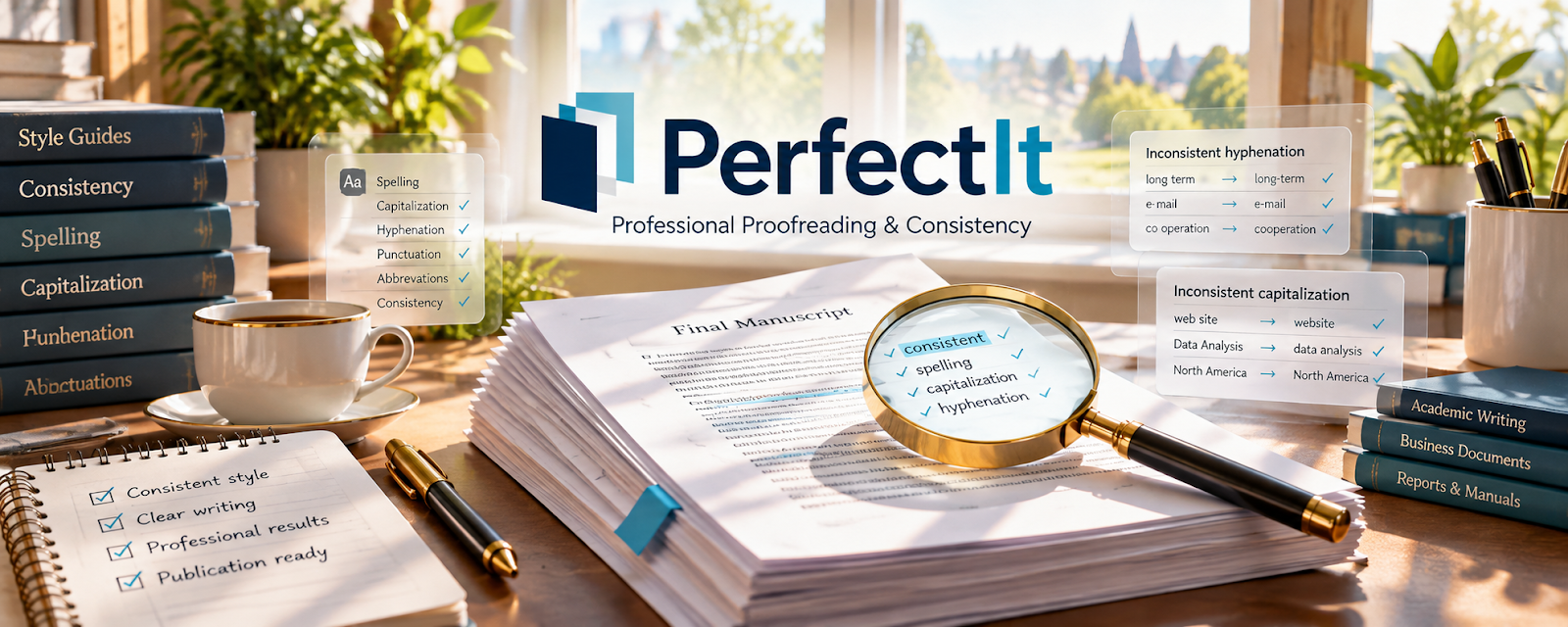
PerfectIt is a paid editing tool (Word add-in) that checks consistency (capitalization, hyphenation, style rules, abbreviations).
🔗 Visit Official Website — PerfectIt
Domain: intelligentediting.com
What This Website Is
PerfectIt is a paid editing tool (Word add-in) that checks consistency (capitalization, hyphenation, style rules, abbreviations). For the 📚 Self-Publishing on Amazon KDP side hustle, it can be used to improve manuscript quality and reduce costly formatting/editing errors before publishing.
How to Apply It to 📚 Self-Publishing on Amazon KDP
Use PerfectIt as your “pre-publish QA pass” after you’ve drafted and copyedited.
Step-by-Step Implementation:
- Phase 1: Decide your style rules (numbers, hyphenation, character names, terminology).
- Phase 2: Run PerfectIt and fix consistency issues across the full manuscript.
- Phase 3: Do a final human proofread, then format and publish.
Common Use Cases for this Side Hustle:
- Scenario A: If you change spelling/terms across chapters, PerfectIt flags inconsistencies.
- Scenario B: If you have multiple character names/terms, it helps standardize.
- Scenario C: If you want fewer 1-star “typo” reviews, do stronger QA.
When to Use This
- You have a full draft ready for QA.
- You care about consistency and polish.
- You’re publishing frequently and need speed.
- You’re working with editors and want a final check.
Best Tasks to Use It For
- Consistency checks across manuscripts
- Style guide enforcement
- Terminology/name standardization
- Final QA before formatting
- Reducing preventable errors
Getting Started Steps
- Install PerfectIt in Microsoft Word.
- Define your style rules (a simple style sheet).
- Run PerfectIt on one chapter to learn the output.
- Apply changes across the full manuscript.
- Re-run after major edits.
- Export a clean final doc for formatting.
- Keep your style sheet for future books.
Good Beginner Search Terms
- PerfectIt self publishing workflow
- style sheet template fiction editing
- consistency editing checklist
- proofreading checklist for books
- common typos in manuscripts
- KDP formatting after editing
Monetization Angle
Higher-quality books reduce negative reviews and refunds and can support higher pricing. PerfectIt speeds up QA so you can publish more consistently.
Pros
- Strong consistency checks
- Saves time on repetitive QA
- Helps improve perceived professionalism
Cons
- Paid tool
- Requires Word
- Still needs human judgment
Who Should Use This
KDP publishers who want faster, more consistent editing QA and plan to publish multiple books.
Who Should Skip This
Skip this if you only publish occasionally and already have thorough editing/proofreading coverage.
Practical Applications
- Run a consistency check after revising a Word manuscript.
- Review flagged hyphenation, capitalization, and abbreviation variations.
- Record intentional exceptions in the book’s style sheet before final proofreading.
Important Considerations
- Review each suggestion in context; automated consistency checks are not a replacement for developmental editing, fact-checking, or final proofs.
- Confirm current Word compatibility, supported features, pricing, and confidential-document handling before installation or use.
Related Resources
Adobe InDesign — Formats polished interiors after manuscript QA is complete.

Google Docs — Supports drafting, editing rounds, and collaborative manuscript review.
Google Drive — Stores manuscripts, style sheets, proofs, covers, and final exports.
Related Side Hustles
 Blogging: Build an Online Brand and Earn from Your Words — Strong editing improves long-form content and audience-building articles.
 Freelance Writing: Get Paid to Write Online — Manuscript polish and style consistency overlap with paid writing work.
Copyediting & Proofreading: Get Paid to Polish Words — PerfectIt directly supports the same consistency and QA skills.