Official Website
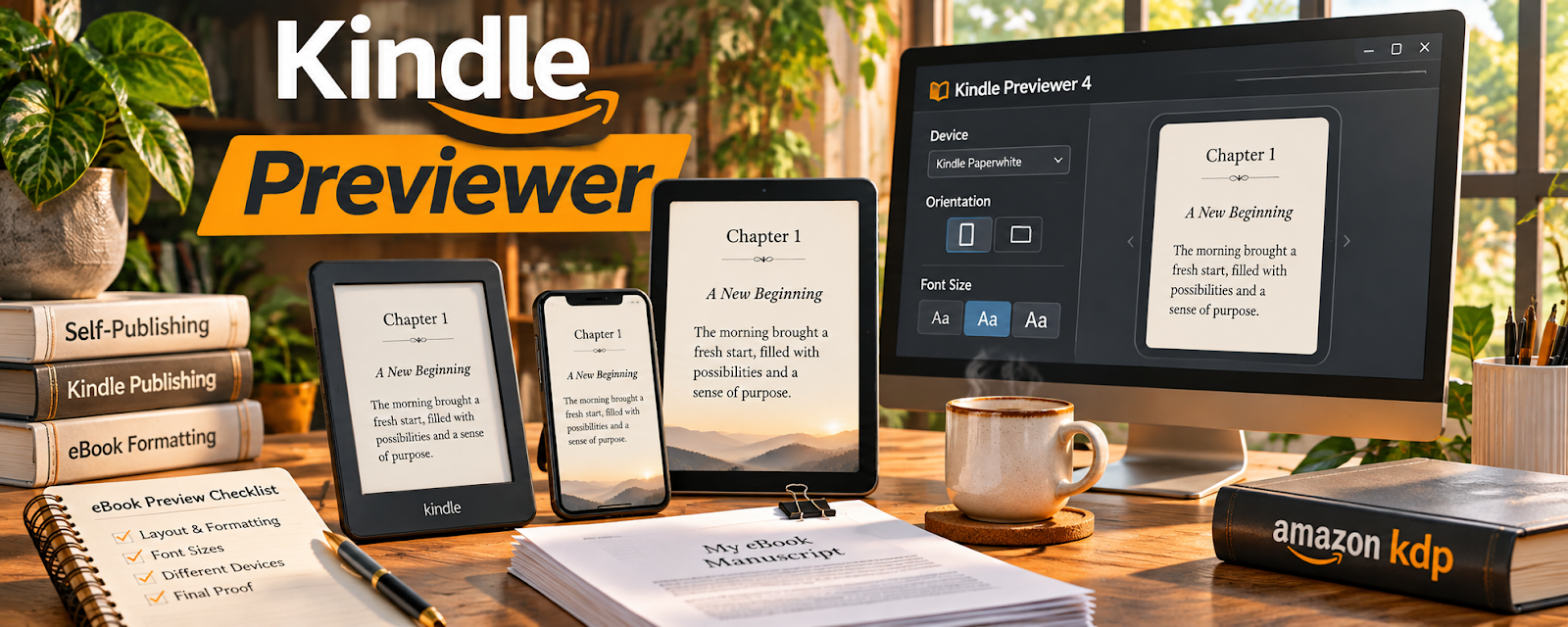
Kindle Previewer is a free tool that lets you preview how your book will look on Kindle devices and apps.
🔗 Visit Official Website — Kindle Previewer
Domain: kdp.amazon.com
⚠️ Destination review: this URL points to a retailer or product-search page, not a verified manufacturer website.
What This Website Is
Kindle Previewer is a free tool that lets you preview how your book will look on Kindle devices and apps. For the 📚 Self-Publishing on Amazon KDP side hustle, it helps you catch formatting issues before publishing.
How to Apply It to 📚 Self-Publishing on Amazon KDP
Use Kindle Previewer as your “pre-publish QA” step: export → preview → fix → recheck.
Step-by-Step Implementation:
- Phase 1: Export your manuscript file (DOCX/EPUB/KPF) from your writing/formatting tool.
- Phase 2: Open it in Kindle Previewer and review key sections (TOC, chapter breaks, images, font sizes).
- Phase 3: Fix formatting issues, re-export, and re-preview until clean.
Common Use Cases for this Side Hustle:
- Scenario A: If chapters break oddly, adjust headings and page breaks.
- Scenario B: If images look wrong, resize and re-embed.
- Scenario C: If TOC is broken, fix heading styles and regenerate.
When to Use This
- You’re preparing an ebook for KDP.
- You want to catch formatting issues early.
- You’re using EPUB/DOCX exports.
- You want fewer “formatting complaint” reviews.
Best Tasks to Use It For
- Ebook formatting QA
- TOC validation
- Image and spacing checks
- Device preview testing
- Final pre-upload review
Getting Started Steps
- Download Kindle Previewer.
- Export your manuscript file (EPUB/DOCX/KPF).
- Open the file in Kindle Previewer.
- Check TOC, chapter breaks, and spacing.
- Preview on multiple device profiles.
- Fix issues and re-export.
- Repeat until the preview looks clean.
Good Beginner Search Terms
- Kindle Previewer formatting issues
- EPUB validation KDP
- fix table of contents epub
- KDP ebook formatting checklist
- chapter breaks Kindle ebook
- common KDP formatting mistakes
Monetization Angle
Cleaner formatting reduces negative reviews and refunds, improving conversion and long-term sales.
Pros
- Free and official preview tool
- Helps catch formatting issues
- Supports multiple device previews
Cons
- Doesn’t replace real device testing entirely
- Requires repeated export/preview cycles
- Can be time-consuming for complex layouts
Who Should Use This
KDP publishers who want a reliable formatting QA step before uploading.
Who Should Skip This
Skip this only if your formatting tool already produces a verified KPF workflow and you’ve validated output thoroughly.
Practical Applications
- Preview a book’s navigation and chapter transitions before upload.
- Inspect images, tables, and text at several available viewing settings.
- Record formatting defects and recheck the corrected export.
Important Considerations
- Preview behavior is not a guarantee of every real device experience or print result.
- Use the correct tool for the book format and complete the relevant KDP preview and proofing workflow before publishing.
Related Resources

Adobe InDesign — Builds advanced layouts that need careful ebook and print QA.
PerfectIt — Catches manuscript consistency issues before formatting and previewing.
Related Side Hustles
 Blogging: Build an Online Brand and Earn from Your Words — Long-form writing and formatting discipline transfer to book publishing.
 Freelance Writing: Get Paid to Write Online — Strong writing skills support better manuscripts, blurbs, and launch content.
Copyediting & Proofreading: Get Paid to Polish Words — Clean formatting pairs with careful proofreading for professional books.