Official Website
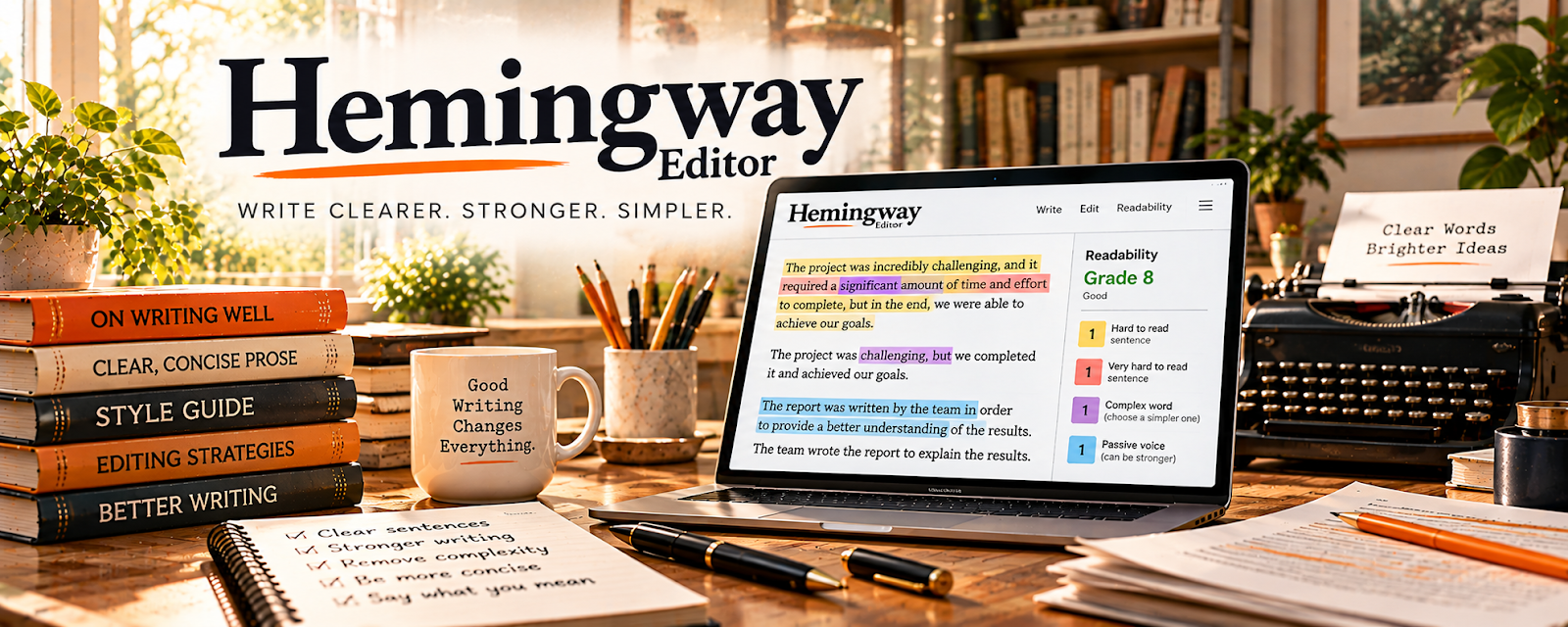
Hemingway Editor is a writing and editing tool that highlights readability issues (complex sentences, passive voice, adverbs, etc.).
🔗 Visit Official Website — Hemingway Editor
Domain: hemingwayapp.com
What This Website Is
Hemingway Editor is a writing and editing tool that highlights readability issues (complex sentences, passive voice, adverbs, etc.). For 📚 Self-Publishing on Amazon KDP, it helps tighten your manuscript so it reads cleaner and reviews better.
How to Apply It to Self-Publishing on Amazon KDP
Use Hemingway as your “clarity pass” before publishing: run each chapter through it, simplify where needed, then do a final proofread.
Step-by-Step Implementation:
- Phase 1: Decide your target reading level for your genre/audience (don’t “simplify” past what readers expect)
- Phase 2: Edit chapter-by-chapter (fix hard-to-read sentences first, then trim wordiness)
- Phase 3: Do a final consistency sweep (terms, tense, names, formatting) before exporting
Common Use Cases for this Side Hustle:
- Scenario A: Before upload, reduce hard-to-read sections that cause reader drop-off
- Scenario B: When feedback says “confusing” or “wordy,” use Hemingway to pinpoint fixes fast
When to Use This
- Your draft feels wordy or hard to follow
- You want a faster self-editing process
- You’re polishing nonfiction/how-to content
- You want to reduce passive voice and complexity
- You’re prepping a manuscript for formatting/export
Best Tasks to Use It For
- Readability improvements
- Sentence simplification
- Passive voice cleanup
- Tightening paragraphs
- Identifying “weak” phrasing patterns
Getting Started Steps
- Paste a chapter into Hemingway.
- Fix the hardest-to-read sentences first.
- Reduce adverbs and unnecessary qualifiers.
- Break up long paragraphs.
- Re-read aloud for flow.
- Repeat for each chapter.
- Do a final proof pass after formatting.
Good Beginner Search Terms
- self editing checklist for KDP
- passive voice examples and fixes
- how to improve readability nonfiction
- tighten writing remove wordiness
- reading level for genre fiction
Monetization Angle
Clearer writing improves reviews and reduces refunds/negative feedback. Better reviews support higher conversion, which increases royalties over time.
Pros
- Fast, practical clarity feedback
- Easy to use for quick self-edits
- Helps reduce revision cycles
Cons
- Can over-simplify if you follow it blindly
- Doesn’t replace line edits or proofreading
- Some suggestions are style-dependent
Who Should Use This
KDP authors who want a faster self-editing workflow to produce clearer, more readable drafts before formatting and publishing.
Who Should Skip This
Authors who already have a professional editor for every draft and only need final proofreading (though it can still help as a quick pre-pass).
Practical Applications
- Review an authorized manuscript copy for unnecessary complexity.
- Compare proposed wording with the narrator’s voice and intended meaning.
- Use findings to plan a separate proofing pass.
Important Considerations
- Readability scores are not evidence of literary quality, factual correctness, or KDP suitability.
- Verify current tool and processing terms, preserve intentional style, protect unpublished text, and independently check quotations, rights, formatting, and final book previews.
Related Resources
ProWritingAid — Adds deeper style and consistency reports after Hemingway’s readability pass.
Atticus — Formats the edited manuscript for upload after readability cleanup.

Related Side Hustles
 Self-Publishing on Amazon KDP — Hemingway Editor improves manuscript clarity before formatting and publishing.
 Freelance Writing: Get Paid to Write Online — The same readability workflow helps produce cleaner client drafts.
 Newsletter Monetization: Get Paid to Write About What You Love — Clearer writing supports launch emails, author updates, and subscriber content.