Official Website
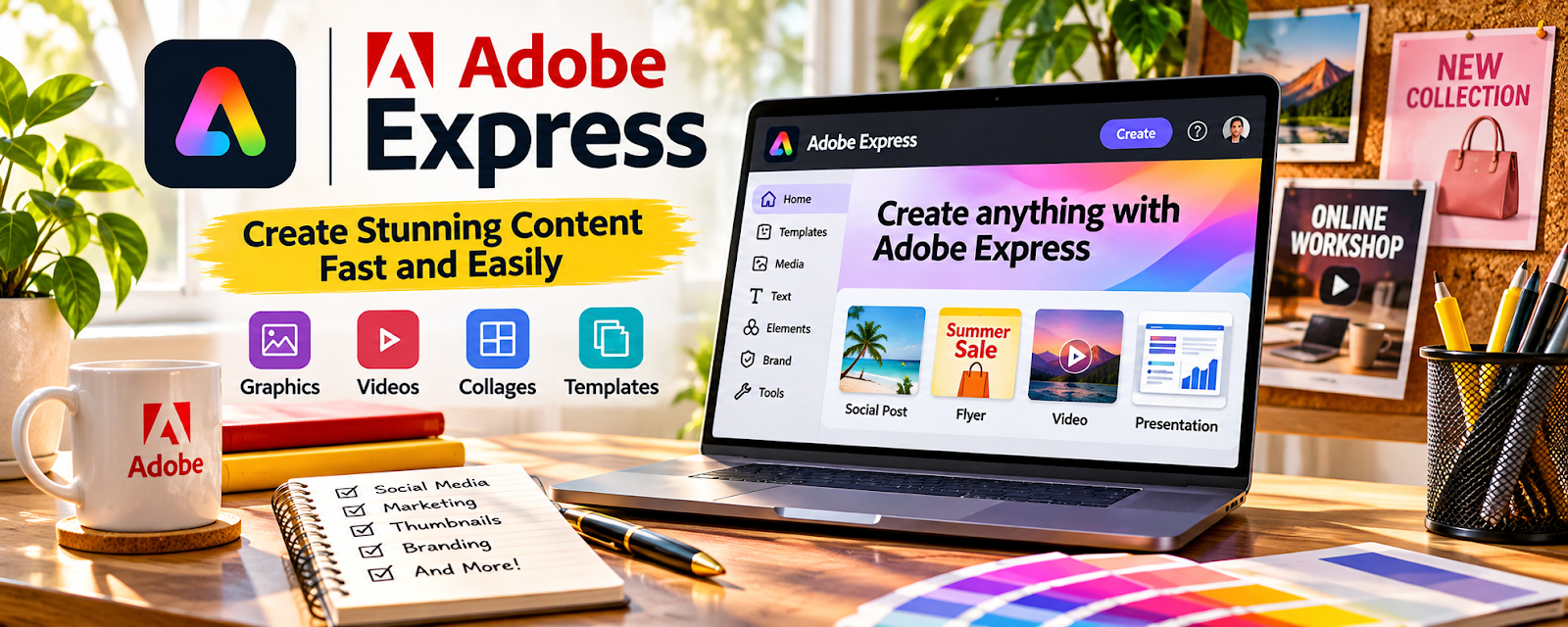
Adobe Express is a design tool for quick graphics, templates, social assets, and simple promotional visuals.
🔗 Visit Official Website — Adobe Express
Domain: www.adobe.com
What This Website Is
Adobe Express is a design tool for quick graphics, templates, social assets, and simple promotional visuals. For 📚 Self-Publishing on Amazon KDP, it can be used to create book promo graphics, ad visuals, and simple cover concepts.
How to Apply It to 📚 Self-Publishing on Amazon KDP
Use Adobe Express as your “promo asset maker”: choose template → adapt book branding → export platform sizes → upload to campaigns.
Step-by-Step Implementation:
- Create a small visual kit for the book or series.
- Design social posts, ad graphics, and author promo images.
- Export versions for Amazon ads, social posts, and newsletter placements.
When to Use This
- You need quick promo graphics
- You want templates for book marketing
- You are testing ads or social posts
Best Tasks to Use It For
- Book promo graphics
- Ad visuals
- Simple cover and mockup concepts
Getting Started Steps
- Choose a book promo template.
- Add cover, title, author name, and CTA.
- Create 3 variations for testing.
- Export sizes for ads and social platforms.
Good Beginner Search Terms
- Adobe Express book promo graphics
- KDP ad image design
- book marketing social post templates
Monetization Angle
Better promotional assets can increase clicks and improve the performance of book launches, ads, and reader outreach.
Pros
- Fast template-based design
- Good for social and ad assets
- Easier than advanced design software
Cons
- Less control than professional design tools
- Templates may need customization to stand out
- Not a complete publishing workflow
Who Should Use This
KDP authors who need quick, polished promo graphics for launches, ads, newsletters, and social posts.
Who Should Skip This
Authors who already have a professional designer or need complex custom cover art.
Practical Applications
- Create a promotional graphic using the real book cover.
- Prepare an original cover concept for later specification checks.
- Test legibility and accurate representation on social or retailer-sized previews.
Important Considerations
- Verify asset, font, template, and AI-use rights and current plan features.
- Promotional graphics are not automatically compliant production covers; inspect KDP specifications and do not invent awards, reviews, or sales results.
Related Resources
Canva / Canva Mockups — Provides another beginner-friendly design workflow for covers and promo visuals.
Photopea — Supports more advanced PSD editing and mockup customization.

Related Side Hustles
 Self-Publishing on Amazon KDP — Adobe Express supports the marketing assets needed to promote KDP books.
 Selling Digital Products — The same design skills can create templates, printables, and downloadable products.