Official Website
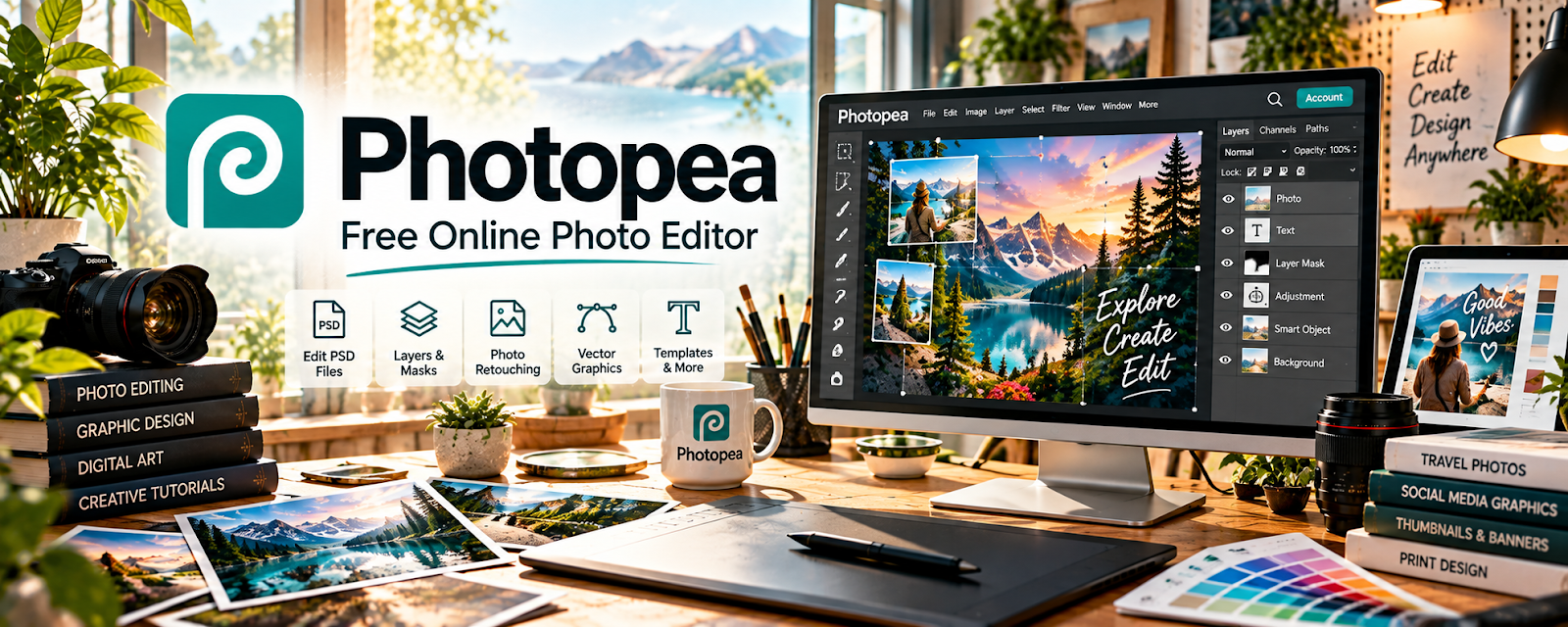
Photopea is a free, browser-based image editor similar to Photoshop.
🔗 Visit Official Website — Photopea
Domain: www.photopea.com
What This Website Is
Photopea is a free, browser-based image editor similar to Photoshop. For 💻 Selling Digital Products, it helps you create and edit product mockups, templates, and listing images.
How to Apply It to 💻 Selling Digital Products
Use Photopea as your “design + mockup” tool: edit templates → create mockups → export assets → list.
Step-by-Step Implementation:
- Create a folder of reusable PSD templates.
- Build mockups for your product (covers, previews).
- Export consistent sizes for Etsy/Gumroad/Shopify.
When to Use This
- You want Photoshop-like editing for free
- You work in the browser
- You need quick mockups
Best Tasks to Use It For
- Mockups
- Product preview images
- Template editing
Getting Started Steps
- Open one PSD mockup.
- Swap in your product.
- Export 5 listing images.
Good Beginner Search Terms
- Photopea mockup tutorial
- create product mockups for digital downloads
- Photopea PSD smart objects
Monetization Angle
Better mockups improve conversion on listings, increasing sales with the same traffic.
Pros
- Free
- Works in browser
Cons
- Not as fast as native apps
- Advanced workflows can be clunky
Who Should Use This
Digital product sellers who need affordable design + mockup tools.
Who Should Skip This
People who already have a pro Adobe workflow.
Practical Applications
- Create original product graphics or edit assets you have rights to use.
- Prepare clear listing previews and supporting instructions.
- Test exported files in the software the buyer is expected to use.
Important Considerations
- Confirm current font, stock, and template rights, especially restrictions on editable redistribution or standalone resale.
- Protect confidential files, retain source backups, and avoid previews that imply features, compatibility, or results the product does not deliver.
Related Resources
Adobe Express — Creates quick product graphics and promotional images for digital downloads.
Canva / Canva Mockups — Offers template-based mockups and product preview images for listings.
WordPress.com — Hosts a storefront, landing page, or content hub for selling digital products.
Related Side Hustles
 Selling Digital Products — Photopea directly supports creating and editing the assets sold in this model.
 Blogging: Build an Online Brand and Earn from Your Words — Blog visuals, lead magnets, and downloadable resources can be built with the same design workflow.