Official Website
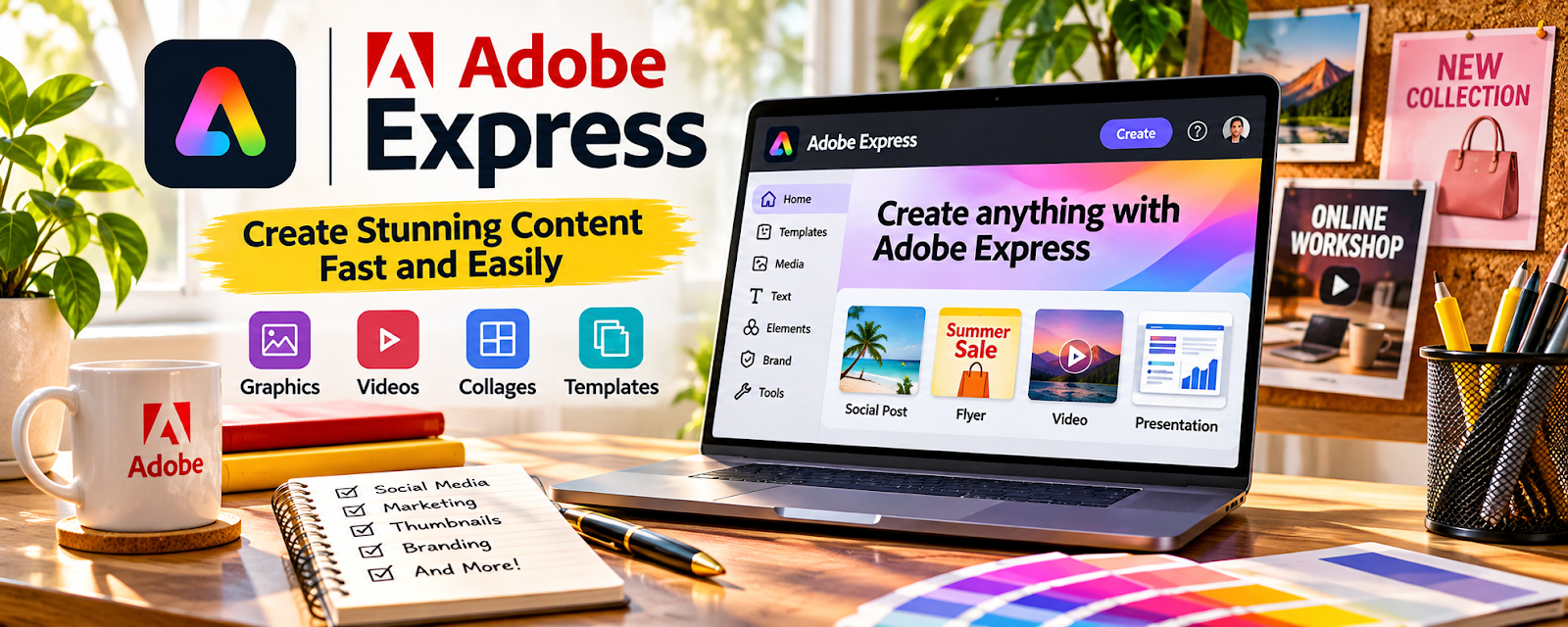
Adobe Express is a simple design tool for creating social graphics, thumbnails, short videos, and brand assets.
🔗 Visit Official Website — Adobe Express
Domain: www.adobe.com
What This Website Is
Adobe Express is a simple design tool for creating social graphics, thumbnails, short videos, and brand assets. For the 📰 Newsletter Monetization side hustle, it helps you create consistent visuals that improve clicks, sharing, and perceived quality.
How to Apply It to 📰 Newsletter Monetization
Use Adobe Express as a practical “newsletter design system”: template → create assets → publish → repeat.
Step-by-Step Implementation:
- Phase 1: Create a brand kit (fonts, colors, logo) and 3–5 reusable templates.
- Phase 2: Make weekly assets (header image, promo tiles, social posts).
- Phase 3: Track clicks and improve visuals/CTAs over time.
Common Use Cases for this Side Hustle:
- Scenario A: Making consistent promo posts for new newsletter issues.
- Scenario B: Creating lead magnet covers.
- Scenario C: Creating sponsor/ad creative quickly.
When to Use This
- You want faster design than pro tools.
- You need consistent brand visuals weekly.
- You promote on social platforms.
- You want reusable templates.
Best Tasks to Use It For
- Newsletter promo graphics
- Lead magnet covers
- Social media posts
- Simple thumbnails and banners
- Sponsor/ad creative
Getting Started Steps
- Create an Adobe Express account.
- Set up your brand kit.
- Build 3 templates (promo post, header, CTA tile).
- Create assets for your next issue.
- Schedule promo posts.
- Track which visuals drive clicks.
- Iterate templates monthly.
Good Beginner Search Terms
- Adobe Express newsletter graphics templates
- newsletter promotion visuals
- lead magnet cover design
- CTA button graphic design
- sponsor banner sizes
- simple brand kit setup
Monetization Angle
Better visuals increase clicks and sharing, which grows subscribers. More subscribers unlock sponsorships, affiliates, and product sales.
Pros
- Fast template-based design
- Easy brand consistency
- Good for social assets
Cons
- Less control than full Adobe apps
- Can look generic without customization
- Requires consistent publishing to matter
Who Should Use This
Newsletter creators who want fast, consistent visuals for growth and promotion.
Who Should Skip This
Skip this if you already have a strong design workflow and only need writing/distribution tools.
Practical Applications
- Create a newsletter signup graphic with a clear reader benefit.
- Prepare a sponsor-placement mockup using labeled sample information.
- Build consistent email and social visuals and test mobile readability.
Important Considerations
- Review licenses for templates, fonts, images, and AI-assisted assets for the intended use.
- Do not imply sponsor performance or endorsements you cannot substantiate; verify dimensions, accessibility, and actual email display.
Related Resources
Beehiiv — Publishes and monetizes newsletters while Adobe Express handles supporting visuals.
Substack — Offers a simple newsletter publishing option for audience growth and paid subscriptions.
ActiveCampaign — Adds deeper email automation and segmentation for newsletter monetization.
Related Side Hustles
 Blogging: Build an Online Brand and Earn from Your Words — Blog content can feed newsletter issues and grow subscriber trust.
 Selling Digital Products — Newsletters can promote templates, guides, and other digital products.