Official Website
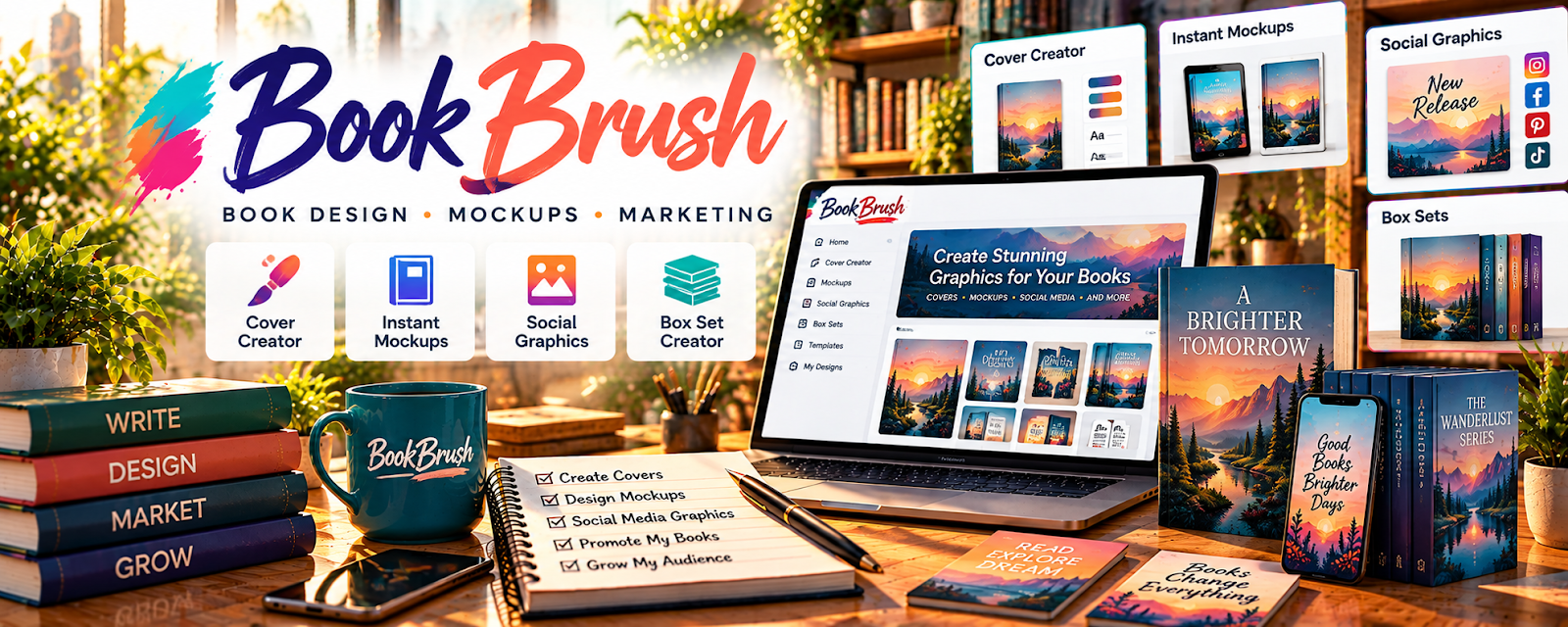
BookBrush is a design tool for creating book marketing graphics (covers, mockups, ads).
🔗 Visit Official Website — BookBrush
Domain: bookbrush.com
What This Website Is
BookBrush is a design tool for creating book marketing graphics (covers, mockups, ads). For the 📚 Self-Publishing on Amazon KDP side hustle, it can be used to create promo images that improve clicks and sales.
How to Apply It to 📚 Self-Publishing on Amazon KDP
Use BookBrush as your “book marketing creative” tool: create mockups → make ads → post/promote.
Step-by-Step Implementation:
- Phase 1: Create a set of reusable book promo templates.
- Phase 2: Generate 10–20 mockups and ad variations.
- Phase 3: Use creatives in Amazon Ads, socials, and email.
Common Use Cases:
- Scenario A: If ads don’t convert, test new creative variants.
- Scenario B: If social posts look weak, use clean templates.
- Scenario C: If launching a book, prep a launch asset pack.
When to Use This
- You need book marketing graphics.
- You want mockups quickly.
- You run ads.
- You want reusable templates.
Best Tasks to Use It For
- Book mockups
- Ad creative variants
- Social promo graphics
- Cover-style visuals
- Launch asset packs
Getting Started Steps
- Create a BookBrush account.
- Upload your cover.
- Pick mockup templates.
- Create 10 variations.
- Export and organize assets.
- Use in ads/social.
- Save templates for next launch.
Good Beginner Search Terms
- BookBrush mockup tutorial
- book launch graphics checklist
- ad creatives for books
- how to promote KDP books
- book marketing templates
- improve book ad CTR
Monetization Angle
Better creatives improve click-through and conversion, supporting higher sales and more efficient ads.
Pros
- Fast book-specific graphics
- Great mockups
- Templates speed up marketing
Cons
- Paid plans for some features
- Needs good cover assets
- Designs can feel templated
Who Should Use This
KDP authors who want fast, repeatable book marketing graphics.
Who Should Skip This
Skip this if you already use a full design workflow in Canva/Photoshop.
Practical Applications
- Create a promotional graphic using your actual book cover.
- Prepare consistent visuals for a launch email and social announcement.
- Compare a mockup with the real book format before publication.
Important Considerations
- Check current plan features and licenses for templates, fonts, and imagery.
- Do not imply reviews, awards, formats, or sales performance you cannot substantiate; marketing graphics are not a substitute for a compliant production cover.
Related Resources

Photopea — Provides deeper image editing for covers, ads, and promotional assets.
Related Side Hustles
 Blogging: Build an Online Brand and Earn from Your Words — Author blogs can reuse book graphics to promote launches and backlist titles.
 Affiliate Marketing: Get Paid to Promote What You Love — Book-related content can include relevant product recommendations.
 Freelance Writing: Get Paid to Write Online — Strong copy supports better book descriptions, ad text, and promo posts.