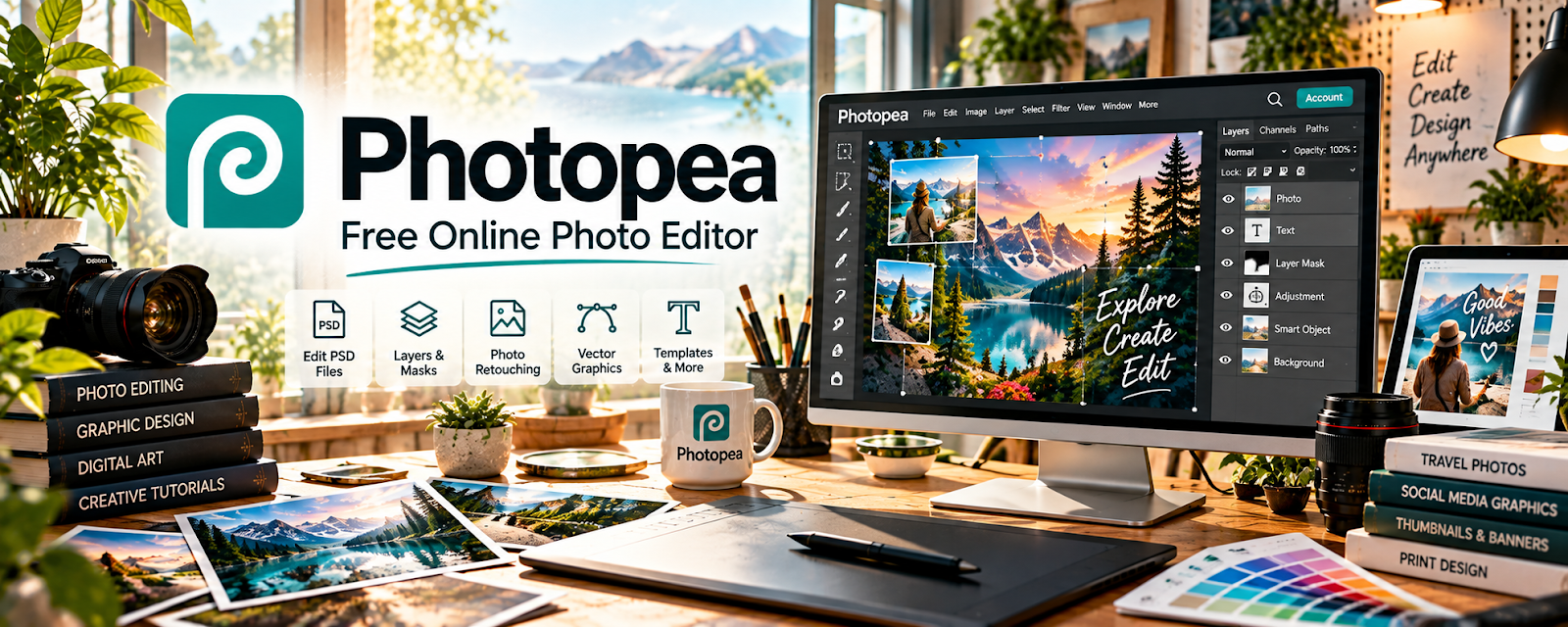
Official Website
Photopea is a browser-based image editor (similar to Photoshop) for editing product images, creating ads, and making simple graphics.
🔗 Visit Official Website — Photopea
Domain: www.photopea.com
What This Website Is
Photopea is a browser-based image editor (similar to Photoshop) for editing product images, creating ads, and making simple graphics. For the 📦 Dropshipping side hustle, it can be used to create clean product creatives and ad assets quickly.
How to Apply It to 📦 Dropshipping
Use Photopea as your “creative production” tool: edit product images → make ad variants → export.
Step-by-Step Implementation:
- Phase 1: Create a few reusable templates (ad sizes, product layouts).
- Phase 2: Edit product images (background cleanup, cropping, color).
- Phase 3: Export multiple ad variants and test.
Common Use Cases for this Side Hustle:
- Scenario A: If supplier images are bad, clean them up and standardize.
- Scenario B: If ads fatigue, produce fast new variants.
- Scenario C: If you need thumbnails, build a template and reuse.
When to Use This
- You need quick ad creative edits.
- You want a free/low-cost alternative.
- You test lots of creatives.
- You need simple photo cleanup.
Best Tasks to Use It For
- Ad creative variants
- Background removal/cleanup
- Product mockups
- Cropping/resizing
- Simple graphic overlays
Getting Started Steps
- Open Photopea in your browser.
- Create an ad template size you use often.
- Import product images.
- Clean up backgrounds and crop.
- Add text/price badges if needed.
- Export multiple variants.
- Save templates for reuse.
Good Beginner Search Terms
- Photopea background removal
- dropshipping ad creative templates
- product image cleanup tutorial
- export settings social ads
- create ad variants quickly
- photopea psd editing
Monetization Angle
Better creatives improve click-through and conversion. Faster variant production supports more testing and better ROAS.
Pros
- Fast and accessible
- Works in the browser
- Great for quick creative variants
Cons
- Not as powerful as full Photoshop
- Performance depends on browser/device
- Can be messy without templates
Who Should Use This
Dropshippers who need lots of quick creative edits and want a low-cost tool.
Who Should Skip This
Skip this if your workflow depends on advanced Photoshop features and plugins.
Practical Applications
- Resize authorized supplier photos for a consistent storefront layout.
- Prepare a simple product-ad graphic with accurate text and imagery.
- Export and inspect an image at the dimensions required by the sales channel.
Important Considerations
- Get permission to use supplier or stock imagery and avoid edits that misrepresent product quality or features.
- Check current tool and font licenses, save editable files and backups, and review any sensitive files before using a browser-based workflow.
Related Resources
Canva / Canva Mockups — Creates quick product graphics, mockups, and ad assets without complex editing.
Placeit — Generates product mockups and visuals for ecommerce listings.

WooCommerce — Another storefront option that benefits from better product visuals.
Related Side Hustles
 Blogging: Build an Online Brand and Earn from Your Words — Product visuals support reviews, guides, and niche content.
 Affiliate Marketing: Get Paid to Promote What You Love — Better product images can improve comparison content and conversions.
 Dropshipping: Start an Online Store Without Holding Inventory — This is the direct ecommerce model Photopea supports.