
Affiliate disclosure: Some links in this guide may be paid referral links. If you purchase or sign up through one, One Stop Side Hustles may earn a commission. How our affiliate links work.
GIG ECONOMY STARTER GUIDE
Learn how gig platforms work—including comparing apps, avoiding common mistakes, managing taxes, and working on your own terms. Results vary with your market, hours, expenses, and strategy.
2. Why Choose Gig Economy Apps?
3. Choose Your Niche & Services
4. Earnings, Pricing & Offer Selection
5. Essential Tools & Your Starting Setup
6. Find Customers & Reach Your Audience
7. From Offer to Completed Gig
8. Build Trust & Improve Results
9. Learning Resources & Templates
10. Your First 6 Months in Gig Economy Apps
11. Get the Gig Economy Starter Kit
12. Frequently Asked Questions
Quick Snapshot
Earn: Highly variable — extra cash is possible part-time; higher monthly totals depend on hours, market, expenses, and strategy
Work: Pick jobs from an app whenever and wherever you want
Start: Low cost — a smartphone, plus a car for most apps
Best for: Flexible people who want fast, on-demand income
Grow: Stack apps → peak hours → higher hourly profit
1. What Are Gig Economy Apps?
Gig economy apps connect independent workers with short-term jobs or "gigs." These platforms handle customer acquisition, payment processing, and insurance—you just show up and do the work.
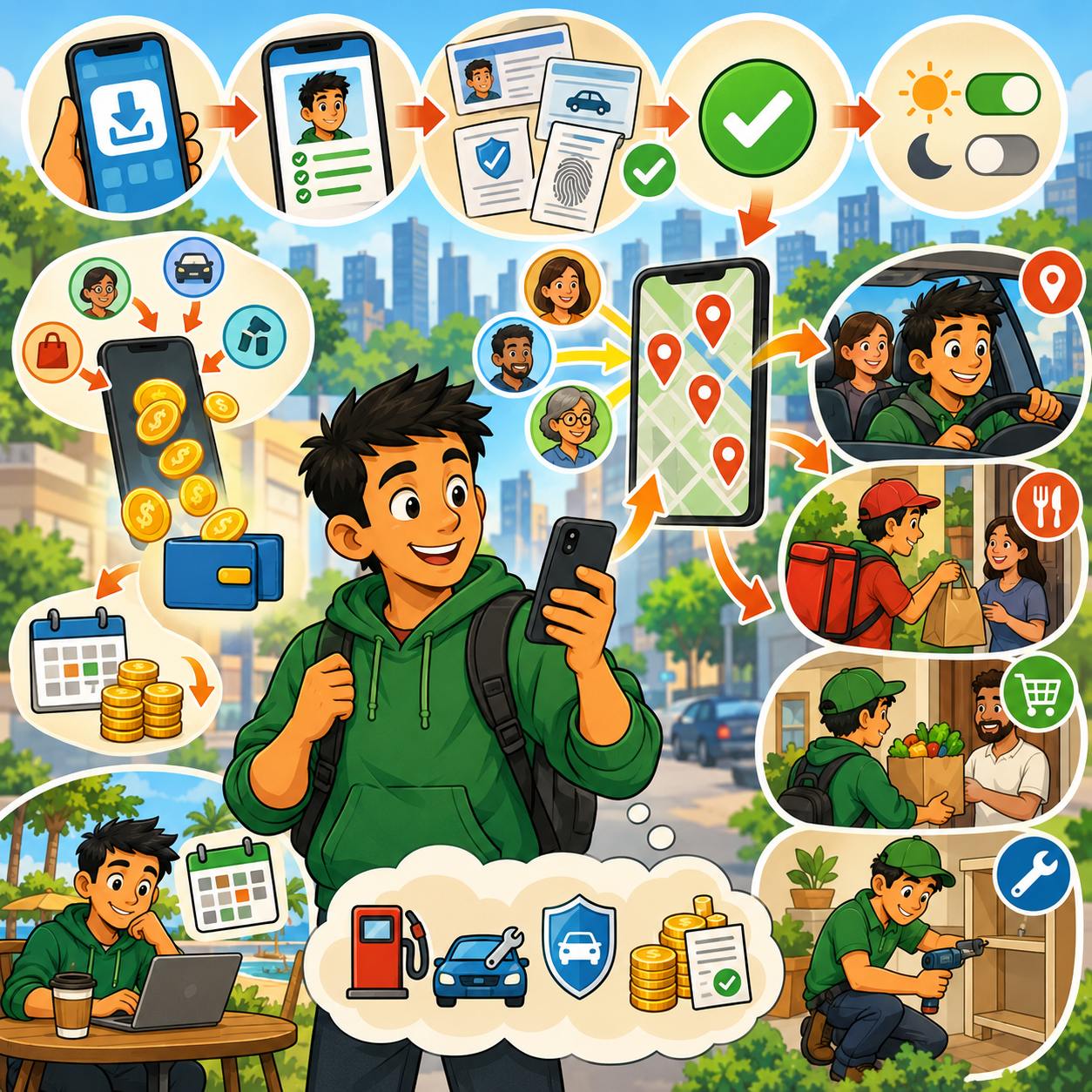
⚙️ How It Works
- Download app and create profile
- Submit documents (license, insurance, background check)
- Get approved (usually 1-7 days)
- Go online when you want to work
- Accept gigs that fit your schedule and location
- Get paid weekly or instantly (with fees)
🎯 KEY TAKEAWAY
You're an independent contractor, not an employee. This means flexibility but also responsibility for taxes, vehicle costs, and benefits.
2. Why Choose Gig Economy Apps?
Gig economy apps are a strong side hustle because they can create fast cash flow, fit around almost any schedule, and reward people who learn how to work strategically.
💰 You can start generating income quickly
Compared with many other side hustles, gig apps can produce money much faster once you are approved.
Common early upside includes:
- Same-week earnings
- Quick test shifts
- Flexible part-time income
- Extra cash during urgent months
That speed is one of the biggest reasons people use gig apps in the first place.
📱 The startup barrier is relatively low
Most platforms only require a practical starter setup:
- Smartphone
- Vehicle, bike, or scooter for many apps
- Clean background or driving record
- Bank account for payouts
You do not usually need formal training, a portfolio, or advanced credentials to begin.
🕒 It is one of the most flexible work models
Gig work fits around:
- Evenings
- Weekends
- Gaps between other jobs
- Short work blocks
- Last-minute schedule changes
That flexibility makes it easier to use for side income instead of needing a full career reset.
📈 Better strategy can raise hourly profit
The real advantage is not just availability — it is optimization.
Better workers often earn more by:
- Multi-apping
- Working peak hours
- Choosing profitable gigs
- Avoiding weak zones
- Watching earnings per mile
This means results can improve without simply adding more hours.

🤝 You are not limited to one income stream
One of the biggest benefits is being able to stack different categories of work.
Common mixes include:
- Food and grocery delivery
- Rideshare and package delivery
- Task work and pet care
- Local gigs and digital micro-services
That flexibility gives you backup options when one app is slow.
🧠 Most people can learn the work quickly
Many gig categories are beginner-friendly because the work is practical and repeatable.
If you can:
- Follow directions
- Communicate clearly
- Show up reliably
- Move efficiently
- Stay organized
you can often become functional fast and improve with repetition.
🌍 Local convenience creates steady demand
Customers are constantly paying for speed, convenience, and saved time.
Common demand comes from:
- Rides
- Meals
- Groceries
- Packages
- Small local tasks
In many markets, that demand makes gig work a reliable short-term income option.
⚠️ The best workers think in profit, not just pay
Gross earnings can look strong until expenses start eating into them.
Smart gig workers track:
- Gas
- Maintenance
- Depreciation
- Taxes
- Time and mileage
The more disciplined you are with numbers, the better this side hustle usually performs.
3. Choose Your Niche & Services
Gig apps can create income in very different ways depending on your vehicle, skills, schedule, local demand, and tolerance for driving, people, or physical work.
You do not need every platform. The smarter move is to choose one strong main category, test one or two backups, and compare real profit after time and expenses.
🚗 Driving, Delivery & Route-Based Gigs
🚗 Rideshare & Passenger Driving
- 🚘 Main apps: Uber and Lyft
- 📌 What you do: Drive passengers during busy demand windows and earn through base fares, tips, bonuses, and surge pricing
- 💰 Typical earnings: $12–$30/hour gross
- ✅ Best for: Drivers with a reliable car who are comfortable with people
💡 PRO TIP
Gross pay can look strong until gas, insurance, maintenance, and depreciation are included.
📦 Package & Route Delivery
- 📦 Main apps: Amazon Flex, Roadie, and Veho
- 📌 What you do: Deliver assigned routes or packages with less passenger interaction and more structured blocks
- 💰 Typical earnings: $18–$27/hour on many route-based apps
- ✅ Best for: Workers who prefer structure and packages over passengers
💡 PRO TIP
Predictable routes still need strong mileage awareness to stay profitable.

🍔 Food, Grocery & Convenience Gigs
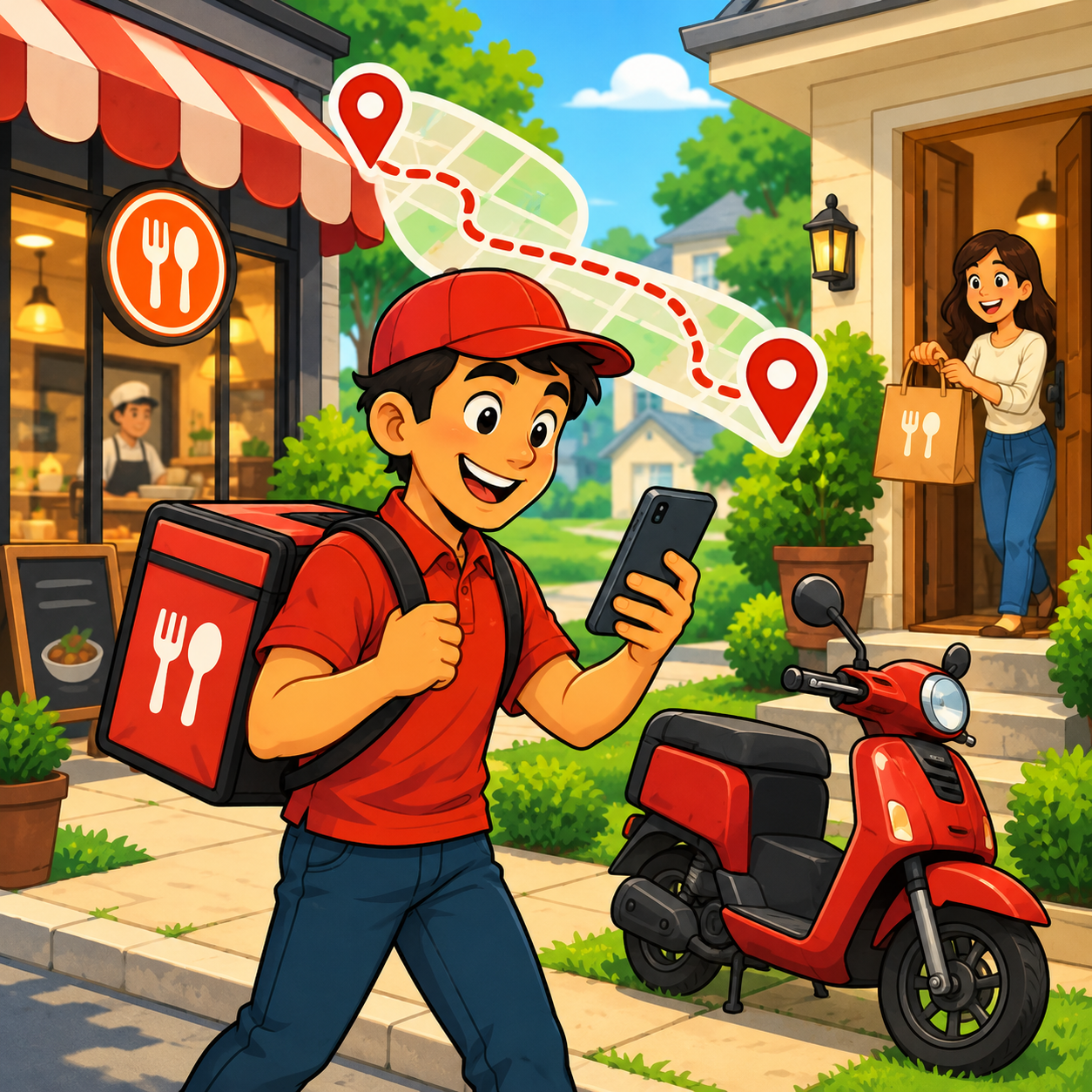
🍔 Food Delivery
- 🍕 Main apps: DoorDash, Uber Eats, and Grubhub
- 📌 What you do: Pick up orders and choose deliveries based on payout, time, and distance
- 💰 Typical earnings: $10–$25/hour plus tips
- ✅ Best for: Flexible workers who want a lower barrier to entry and no passengers
💡 PRO TIP
Payout per mile and smart order selection usually matter more than total order count.
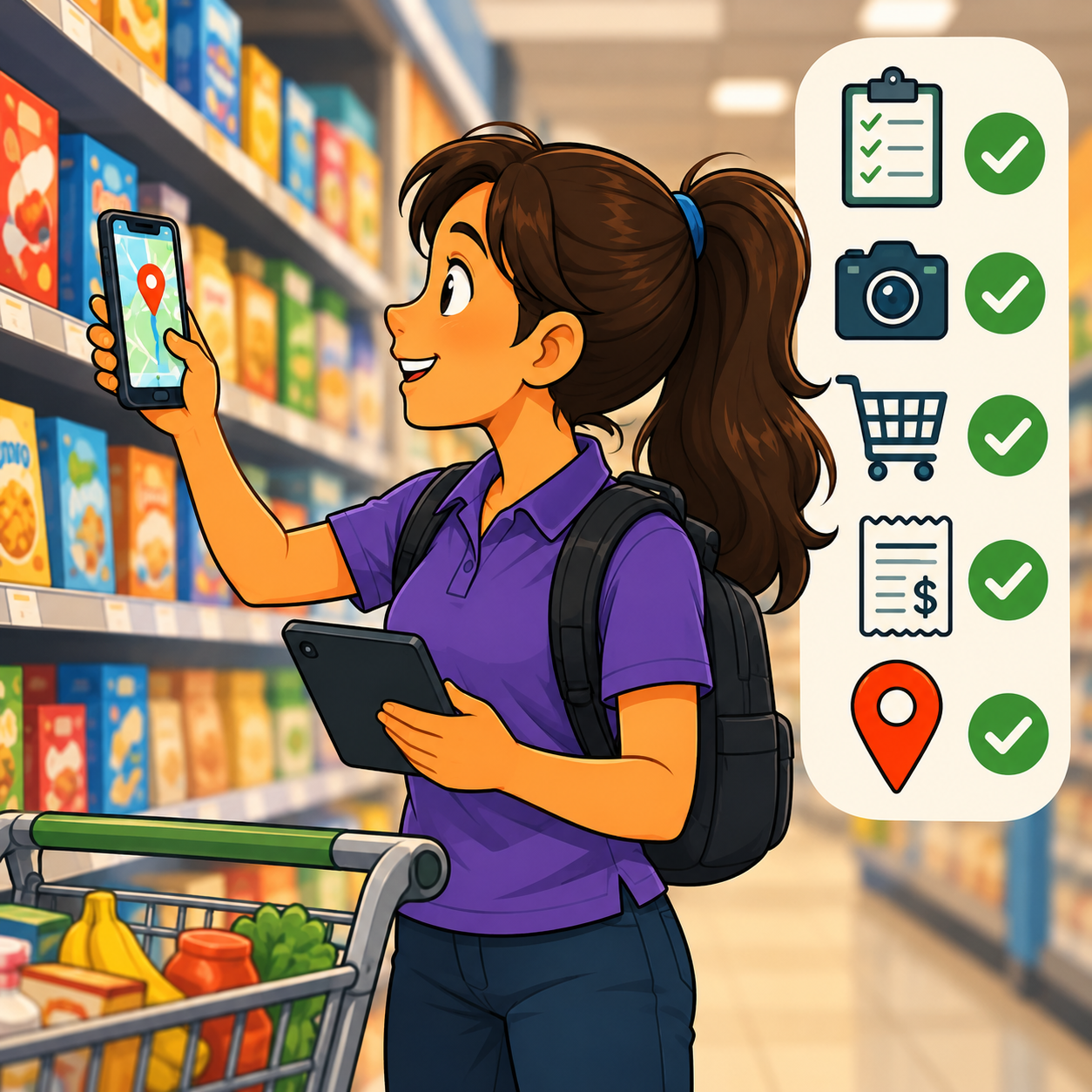
🛒 Grocery Delivery
- 🛒 Main apps: Instacart, Shipt, and Amazon Fresh
- 📌 What you do: Shop, substitute, communicate, check out, and deliver larger orders
- 💰 Typical earnings: $15–$30/hour depending on tips and batch quality
- ✅ Best for: Organized workers who move quickly and communicate well
💡 PRO TIP
Grocery work often pays more than food delivery, but the physical effort and time costs are higher too.
🛠️ Skill-Based, Task & Pet Care Gigs
🔧 Task, Handyman & Local Service Work
- 🧰 Main apps: TaskRabbit, Handy, and Thumbtack
- 📌 What you do: Take jobs like assembly, cleaning, repairs, mounting, moving help, or skilled services
- 💰 Typical earnings: $22–$80/hour depending on market and skill
- ✅ Best for: Skilled workers who want higher hourly upside
💡 PRO TIP
Narrow service focus and strong reviews often raise rates faster than trying to offer everything.
🐾 Pet Care & Dog Walking
- 🐶 Main apps: Rover and Wag
- 📌 What you do: Walk dogs, do drop-ins, pet sit, board animals, and build repeat relationships
- 💰 Typical earnings: $15–$30 per walk or visit, with more for boarding or overnight care
- ✅ Best for: Animal lovers who want lower-stress, relationship-based work
💡 PRO TIP
Repeat trust-based clients can matter more than trying to be the cheapest sitter.

⚡ Micro-Tasks & Digital Gig Work
📍 Field Tasks & Retail Audits
- 📍 Main apps: Gigwalk and Field Agent
- 📌 What you do: Complete retail checks, photos, surveys, and quick in-person tasks
- 💰 Typical earnings: $3–$100 per task
- ✅ Best for: Filler income between larger gigs or quick downtime cash
💡 PRO TIP
These apps usually work best as add-ons, not your only income plan.
💻 Digital Freelance Gigs
- 💻 Main platform: Fiverr
- 📌 What you do: Sell digital services like writing, editing, design, admin help, and niche micro-offers
- 💰 Typical earnings: $5–$500+ per gig depending on skill and positioning
- ✅ Best for: People with digital skills who want location-independent work
💡 PRO TIP
Specific offers usually convert better than broad “I can do anything” listings.
🧭 How to Choose the Right Category
🧩 Choose Based on Your Assets
🚗 Reliable car = rideshare, food delivery, grocery delivery, package routes
🚲 Bike or scooter = dense-area food delivery
🛠️ Tools or trade skill = task and local service apps
🐶 Pet care confidence = Rover or Wag
💻 Digital skills = Fiverr and online gigs
📍 Phone + spare time = micro-task apps
🧠 Choose Based on Your Personality
🗣️ Like people = rideshare, pet care, task work
🤫 Prefer solo work = package delivery, food delivery, micro-tasks
🧩 Like solving practical problems = task apps or Fiverr
📋 Prefer structure = Amazon Flex, Veho, or scheduled grocery blocks
💡 PRO TIP
The best app in theory is not always the best app in your city or for your real-life schedule.
🎯 Choose Your First Gig Category
🎯 KEY TAKEAWAY
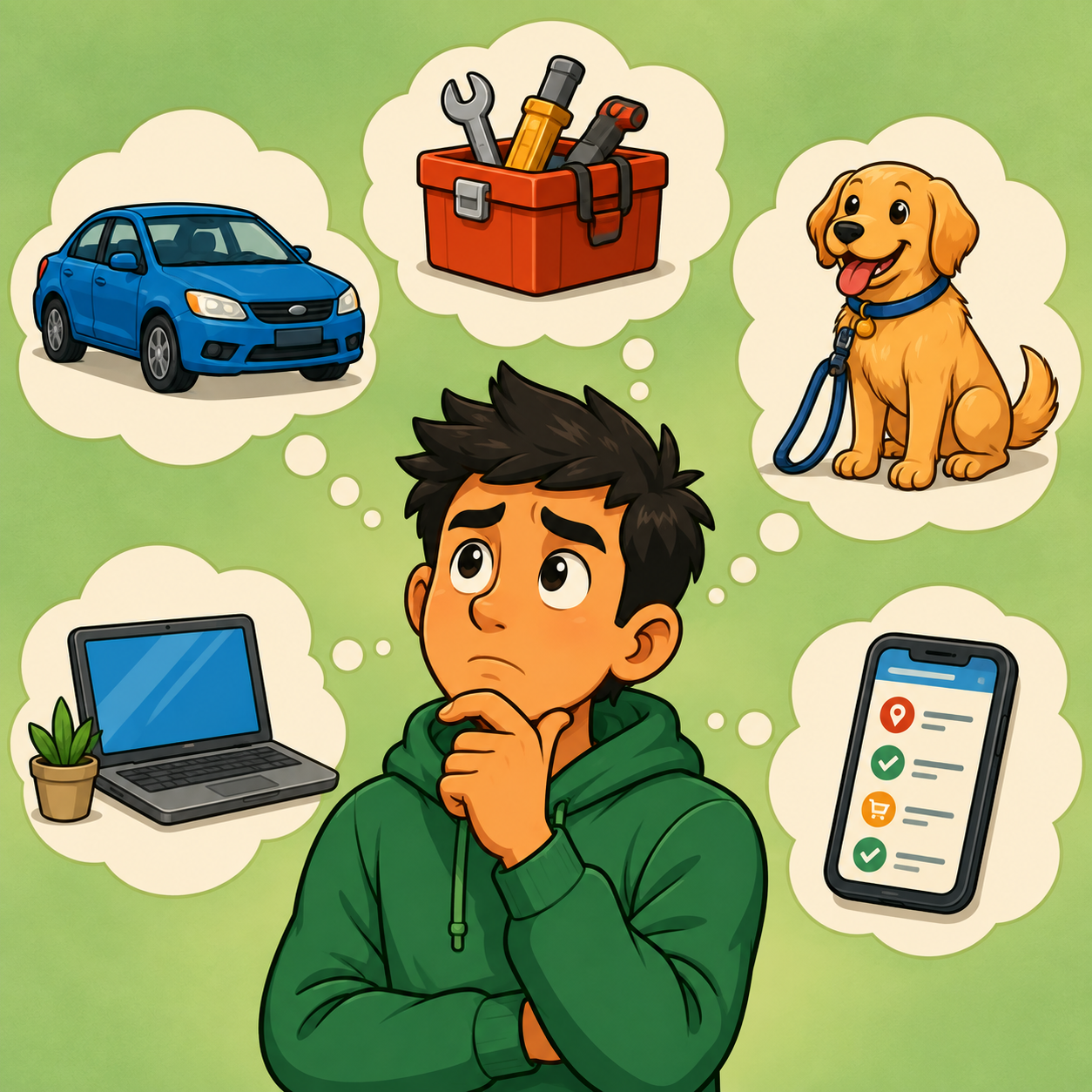
Start with food delivery, grocery delivery, pet care, or micro-tasks for a lower barrier to entry. Choose TaskRabbit, Thumbtack, package delivery, or Fiverr if you already have useful skills and want stronger upside.
🚀 ACTION STEP
Write a focused first plan:
- Fit: Match the work to your vehicle, tools, skills, location, and available hours.
- Eligibility: Check platform requirements, local rules, safety, and appropriate coverage.
- Trial: Try a limited number of shifts or tasks without overcommitting.
- Net results: Log pay, expenses, unpaid travel, and total time to decide what to keep.
4. Earnings, Pricing & Offer Selection
Use this chapter to connect gig selection, work windows, expenses, and real take-home income before planning your next shifts.
🧠 Reality Check (What Actually Separates Earners)
- Many beginners earn average or below-average results at first
- Not because the apps cannot pay
- 👉 Many people do not track expenses
- 👉 Many accept weak jobs and work low-value hours
- Stronger earners usually:
- Use multiple apps strategically
- Work proven peak windows
- Track mileage, taxes, and real net profit
- Choose better gigs instead of taking everything
🎯 KEY TAKEAWAY
Gig work improves most when you treat it like a business, not just “extra hours.”
🔑 Smart Earnings Strategy
📱 App Mix & Work Windows
- Move toward:
- Better time blocks
- Better app combinations
- Better order selection
- Higher-value skill-based gigs
📊 Efficiency & Customer Experience
- Focus on:
- Speed
- Profit per mile
- Reliability
- Customer experience
🎯 KEY TAKEAWAY
More offers are useful only when they improve the return on your time, mileage, and effort. Platform-set pay leaves you less pricing control than direct service work.
🧪 Real Example
📋 REAL-WORLD EXAMPLE
These are illustrative scenarios, not verified typical outcomes or earnings guarantees. Actual demand, total working time, costs, and taxes vary. The original “profit” figures do not specify which expenses or taxes were deducted; use your own records rather than treating them as take-home estimates.
🌱 Scenario A: Unoptimized worker
- Works 30 hours/week
- Accepts most offers
- Tracks little or nothing
- Profit: $1,500/month
🎯 Scenario B: Strategic worker
- Works 30 hours/week
- Uses 2–3 apps
- Targets better windows
- Profit: $3,000/month
🚀 Scenario C: Advanced optimizer
- Works 30–40 hours/week
- Uses multi-app strategy, bonuses, and stronger cost control
- Profit: $4,500–$6,000+/month
🎯 KEY TAKEAWAY
Similar hours can produce different results. Compare decision quality, full costs, and total time—not busyness alone.
🎯 What Actually Drives Income
Most beginners think:
👉 “I just need to work more hours.”
A useful strategy framework is:
🧮 Time × Strategy × Efficiency = Income Potential
- More hours without strategy = more wear and burnout
- Better strategy = stronger hourly profit
- Better efficiency = more take-home income from the same shift
📈 Expenses That Change Your Real Income
📖 Read the Numbers in Context
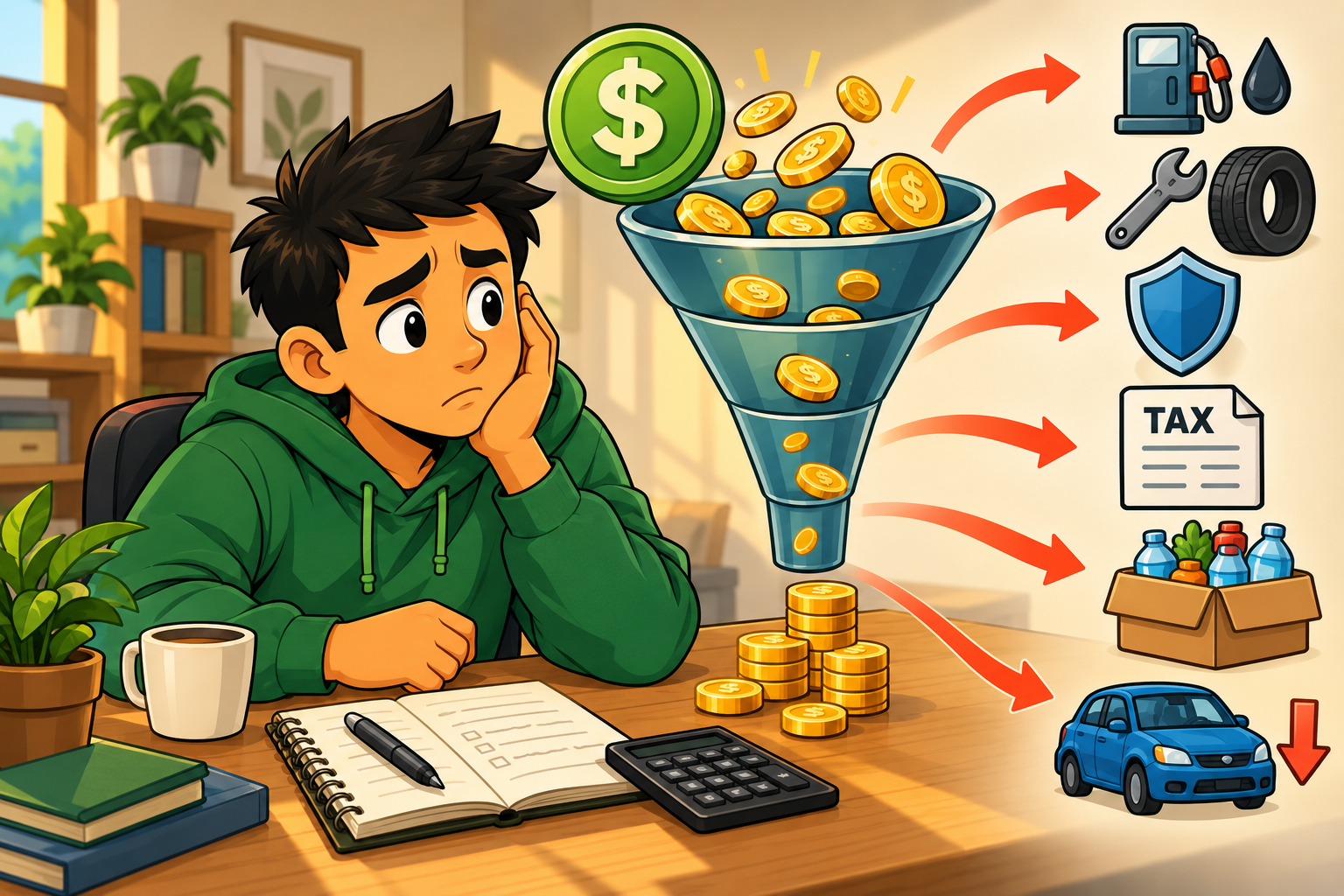
Include fuel, maintenance, depreciation, work-related coverage, fees, parking, tolls, and supplies where relevant. Unpaid waiting and return travel also affect your effective hourly return. Keep business-cost estimates and personal tax planning separate.
🎯 KEY TAKEAWAY
Use actual collected pay, complete working time, and realistic costs to judge what you keep.
🚀 Build Your First Gig Earnings Plan
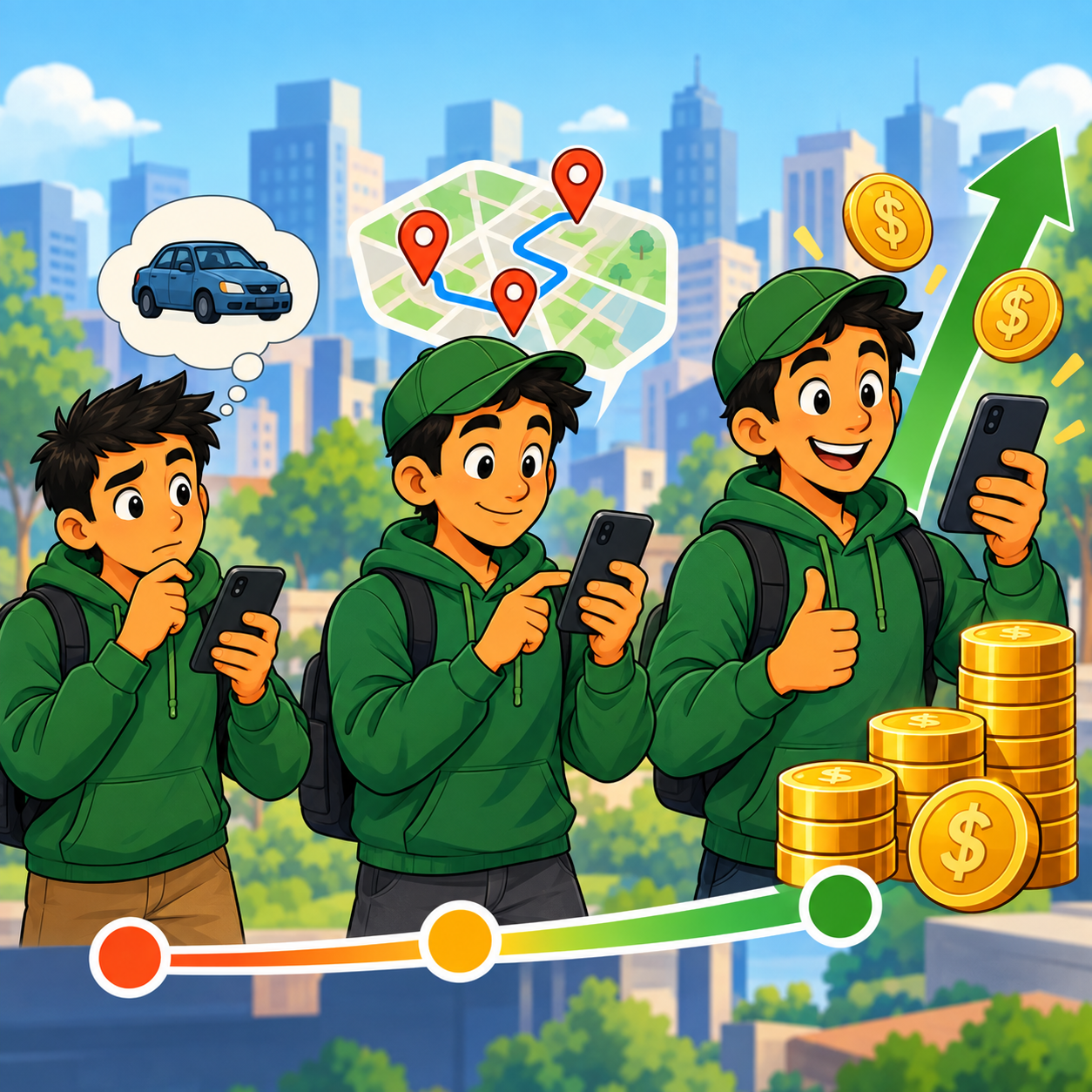
Start with one main gig category, one manageable area, a few repeatable work windows, and a clear cost tracker. Compare what you keep for all the time committed—not just the pay shown in an offer.
🧭 Run a Disciplined Gig Earnings Test
- Choose work that fits your assets. Match the gig to your vehicle, equipment, skills, and available hours. Check current eligibility, local requirements, insurance coverage, payout terms, and safety procedures before taking paid work. Do not buy a vehicle just to run an unproven test.
- Set your acceptance and cost rules. Estimate total task time, pickup or shopping delays, all expected miles, parking, tolls, and where the job leaves you. Use your own vehicle costs and minimum acceptable return to judge offers. Follow platform rules; do not rely on an advertised hourly rate or uncertain tips.
- Test a small, consistent schedule. Run three manageable shifts per week for four weeks, if approved and opportunities are available. Repeat comparable windows so you can distinguish a good pattern from one unusual shift. Test one backup app when the main app is quiet; pause others when committed to a job instead of accepting conflicting obligations.
- Record the full shift. Log start and finish time, paid and unpaid waiting, total work-related miles, base pay, tips, bonuses, fees, and costs. Count overlapping multi-app time only once. Reconcile estimated offers with actual payouts and keep a separate tax reserve and maintenance allowance.
- Repeat what works safely. Review contribution per total hour and per mile, along with fatigue, reliability, and risk. Change one variable—app, zone, or time window—at a time. Stop weak work windows before extending hours; bonuses are helpful only if the extra work remains worthwhile.
🎯 KEY TAKEAWAY
The best gig workers do not win by being busiest. They win by choosing suitable apps, better work windows, worthwhile jobs, and stronger cost discipline.
💡 Example: A Four-Week Gig Earnings Test
- Work type: Food delivery with an existing eligible, appropriately insured vehicle
- Test area: One familiar zone with practical pickup access and legal parking
- Cadence: Three two-hour shifts per week for four weeks; compare lunch and dinner windows
- Backup: One approved backup app, used without conflicting active orders and within platform rules
- Selection: Estimate pay, total minutes, mileage, likely wait, and return travel before accepting
- Tracking: Log the whole work window, completed payouts, tips, fees, miles, fuel, and a vehicle-cost allowance
- Decision: Keep windows that repeatedly meet your own return and safety criteria; do not judge the test from one bonus or unusually high tip
This is a learning schedule, not a forecast of orders or income. Approval, demand, and payout availability vary. Gross app earnings are not take-home pay; costs, vehicle wear, overhead, and personal tax obligations still matter.
✍️ Write Your One-Line Earnings Test Plan
Use this structure to make the test easy to evaluate:
“For [gig category], I will test [apps] in [area] during [work windows] for [test period]. I will record [total time, miles, actual pay, and costs] and repeat only the windows that meet [my return and safety criteria].”
✅ Completed example
“I will test food delivery in one familiar zone for four weeks, working three two-hour shifts weekly. I will compare lunch and dinner using actual payouts, full shift time, all work miles, and estimated vehicle costs. I will use a backup app only without conflicting jobs and keep the windows that meet my own return and safety criteria.”
🚀 ACTION STEP
Before starting your first test:
Keep the first test focused. Improve the core workflow before adding more platforms, services, or commitments.
📋 Pricing & Revenue Planning Reference
Review the work stages, expense estimates, and pay sources alongside your app mix, total work time, mileage, and actual cost records. Existing ranges are indicative planning references, not verified local forecasts or guaranteed earnings. Tax percentages are rough reserve-planning figures, not a universal self-employment tax rate.
💵 What Gig Workers Actually Earn
📊 Income Progression by Stage
🚀 Stage | 🚗 Work Style | 💰 Typical Monthly Income | ⏳ Timeline | 📌 What’s Happening |
Beginner | Single app and casual shifts | $300–$1,000 | 0–1 month | Learning the platform and basic acceptance habits |
Developing | Regular part-time worker | $1,000–$2,500 | 1–3 months | Better scheduling, cleaner route choices, and less wasted time |
Consistent | Multi-app strategy | $2,500–$4,500 | 3–6 months | Optimizing zones, peak hours, and order selection |
Advanced | Full-time optimized | $4,500–$7,000+ | 6–12 months | Strong systems, stronger categories, and better cost control |
Top Earners | Highly strategic mix of gigs | $7,000+/month | 1+ years | Peak optimization, repeat systems, and higher-value work |
🎯 KEY TAKEAWAY
Location, category choice, costs, and efficiency can change results dramatically even when hours look similar.
📊 Key Metrics & Margin Snapshot
📈 Expenses That Change Your Real Income
📊 What Reduces Profit
📌 Expense | 💰 Typical Impact |
⛽ Gas | 10%–25% of earnings |
🔧 Maintenance | Oil, tires, brakes, and repairs |
📉 Depreciation | Vehicle wear and resale loss |
🛡️ Insurance | Commercial or rideshare coverage in some cases |
📊 Taxes | 15%–30% self-employment impact |
🎯 KEY TAKEAWAY
Expense percentages vary with your vehicle, mileage, market, and tax situation. Use real records; a reserve-planning percentage is not a statutory tax rate.

💸 How Gig App Pay Is Built
🧾 Common Income Sources
💡 Income Source | 💰 Typical Earnings |
🚗 Base pay | $2–$10 per ride or order |
💸 Tips | $3–$20+ per order |
⚡ Surge / peak pay | +$5–$20 per ride or rush window |
🎯 Bonuses / incentives | $50–$500+ weekly |
🕒 Hourly equivalent | $15–$35+/hour gross in many markets |
🎯 KEY TAKEAWAY
Gross pay is not the same as take-home income after business costs and taxes.
🧮 Check Your Gig Economics
Shift contribution = actual gig earnings − shift-related costs and fees.
Divide by total committed shift hours, including waiting and repositioning, to compare work windows. Account for vehicle wear and ongoing overhead when assessing the whole business. A tax deduction is not a cash reimbursement; do not double-count the same vehicle costs.
🚀 ACTION STEP
🗓️ Build a Monthly Gig Earnings Snapshot
Use collected revenue, actual costs, and total working time—not invoice totals or advertised rates alone—to decide what to repeat.
5. Essential Tools & Your Starting Setup
Your gig-work setup depends on the specific task, location, and platform. Check eligibility and safety first, then test a short shift with your existing equipment before committing to a vehicle purchase or recurring subscriptions.
🧰 Your Minimum Viable Setup
🧰 Start With What You Already Have
- Phone: A compatible smartphone, reliable data, and dependable charging.
- Account: Required identity documents and a suitable payout method.
- Task equipment: Only the transport and supplies your selected work requires.
- Coverage: Confirmation of applicable insurance and local requirements.
- Records: Track total work time, mileage where relevant, earnings, and expenses.
💡 PRO TIP
Read the requirements for your exact city and work type before buying equipment. Availability, waitlists, background checks, and vehicle rules vary; approval is not guaranteed.
🧭 Choose One Working Path
Driving or delivery: Check vehicle eligibility and ask your insurer about paid delivery or rideshare use. Platform coverage may have exclusions or apply only during certain periods.
Bike or walking delivery: Use these modes only where the platform allows them. Plan safe routes, carrying capacity, weather protection, and charging.
Non-driving tasks: Confirm the job’s equipment, access, physical demands, and skills before accepting it.
🎯 KEY TAKEAWAY
Choose work that matches your eligibility, safe capabilities, and realistic costs—not just the highest advertised payout.
⚙️ Set Up Your Workflow in 5 Steps
🔍 1. Check Local Eligibility
Review age, identity, screening, vehicle or task requirements, and availability for the chosen platform. Submit accurate information and use official support if verification fails.
🛡️ 2. Confirm Safety and Coverage
Resolve insurance questions before working. Inspect necessary equipment and plan safe navigation, pickup, and handoff procedures. A dash cam can document events but does not replace insurance or remove liability; check recording laws and platform rules.
🛠️ 3. Prepare Accounts and Records
Secure accounts, verify payout details, and learn how earnings and fees are displayed. Set up an income and expense log. Keep mileage records where relevant and seek appropriate tax guidance rather than assuming every trip is deductible.
🧪 4. Run a Short Trial
Start in familiar areas and follow platform instructions. Include waiting, repositioning, travel, and administration when tracking work time. Do not interact with apps while driving; stop safely first.
🔍 5. Review Net Results
Subtract direct costs and allow for maintenance, depreciation, insurance, and taxes where applicable. Compare the return on total time, not only active-task pay. Stop or change the plan if the work is unsafe or financially unsuitable.
Before you begin:
💸 Keep Your Tool Budget Lean
⚠ COMMON MISTAKE
Buying a car or taking on a rental commitment based only on promotional earnings claims.
Use equipment you already have where suitable, but never skip necessary coverage or safety. Compare recurring costs and payout fees with realistic net results from a small trial.
🚀 ACTION STEP
Choose one eligible platform, verify its requirements and insurance implications, and prepare an expense log. After activation, run a short safe trial and calculate your return on all work time.
📝 Additional Starter Guidance
✅ Getting Approved (Timeline)
Week 1: Application
- Day 1: Download apps, create profiles
- Day 2-3: Upload documents (license, insurance, vehicle registration)
- Day 4-7: Wait for background check results
Week 2: Activation
- Day 8-10: Receive approval emails
- Day 11: Watch training videos (if required)
- Day 12: Pick up insulated bag or starter kit
- Day 13-14: First shifts! Start slow to learn the system
Common approval delays:
- Incomplete documents
- DMV verification issues
- Background check discrepancies
- High demand in your area (waitlist)
📋 Tool, Equipment & Setup Reference
🛠 TOOLS & RESOURCES
Use these existing comparisons as a reference library, not a requirement to buy or use every option.
📝 QUICK NOTE
Original comparison entries are retained. Listed prices, fees, eligibility, availability, timelines, and performance claims have not been reverified here. Check current provider terms and applicable requirements before relying on them; a free software tier does not eliminate equipment, training, transaction, or other business costs.
📱 Universal Requirements
Item | Purpose | Cost | Priority |
Smartphone (recent model) | Run apps, navigate, communicate | $0 (you have) | 🔥 Critical |
Clean background | Pass safety screening | $0 | 🔥 Critical |
Bank account/debit card | Receive payments | $0 | 🔥 Critical |
Reliable internet/data plan | App functionality | $30-60/mo | 🔥 Critical |
🚗 For Driving/Delivery Gigs
Item | Requirement | Cost | Notes |
Vehicle | 2008+ (varies by app), clean, functional | 0-5,000+ | Bike/scooter ok for some apps |
Valid driver's license | Clean record, no major violations | $0 (have it) | Must be in your name |
Auto insurance | Meets state minimums | $80-200/mo | Some apps require rideshare coverage |
Car inspection (some apps) | Safety/emissions | $20-100 | Required in some states |
Phone mount | GPS navigation | $10-30 | Essential for safety |
Insulated bag (food delivery) | Keep food hot/cold | $10-30 | Required by most apps |
🧰 Nice-to-Have Items
Item | Purpose | Cost | Impact |
Dash cam | Protection in accidents/disputes | $50-200 | High - covers liability |
Phone charger (car + portable) | Stay powered all shift | $15-40 | High - dead phone = no work |
Mileage tracker app (Stride, MileIQ) | Tax deductions | Free-$6/mo | High - saves on taxes |
Bluetooth speaker | Music without draining phone | $20-50 | Low - comfort |
Spare tire/roadside kit | Emergency preparedness | $50-100 | Medium - peace of mind |
6. Find Customers & Reach Your Audience
Compare platforms by eligibility, local demand, gross pay, expenses, and schedule fit. Test a small mix, then keep the options that produce the strongest net profit.
🚗 Rideshare Apps for High-Demand Social Work
Rideshare can be one of the fastest ways to start earning if you have a reliable vehicle, enjoy interacting with people, and live in an area with strong rider demand.
⚖️ Platform Comparison
Platform | Best For | Typical Earnings | Main Downside |
High-volume rideshare demand | $15–$30/hour gross | Vehicle wear, fuel costs, passenger unpredictability | |
Drivers who want a second rideshare option | $15–$30/hour gross | Demand varies by city |
👍 Best For
- People with newer, reliable vehicles
- Drivers comfortable with passengers
- Workers in busy metro areas
- People who can drive during peak demand times
🕒 Best Times to Drive
- Morning commute
- Evening commute
- Weekend nights
- Airport rush periods
- Concerts, sports events, and local festivals
📝 QUICK NOTE
Rideshare earnings are usually shown as gross pay. Always subtract gas, maintenance, depreciation, insurance costs, and taxes to estimate real profit.
🍔 Food Delivery Apps for Flexible Shifts
Food delivery is one of the easiest gig categories to start because it usually has fewer requirements than rideshare and lets you work in short time blocks.
⚖️ Platform Comparison
Platform | Best For | Typical Earnings | Main Advantage |
Beginners and flexible schedules | $12–$25/hour + tips | Large delivery volume in many areas | |
Multi-apping with Uber or DoorDash | $12–$25/hour + tips | Easy to stack with other apps | |
Drivers in cities with strong restaurant demand | $12–$25/hour + tips | Can be strong in select markets |
👍 Best For
- Beginners
- Flexible schedules
- Students
- Part-time workers
- People who prefer not to drive passengers
- Workers who want quick start-up
🧠 Best Strategy
- 📱 Run 2 apps at once when allowed
- 💸 Focus on high-tip areas
- 🚫 Avoid long-distance, low-pay orders
- 🐢 Learn which restaurants are slow
- 🍽️ Work lunch and dinner rushes
- 📏 Track dollars earned per mile
💡 PRO TIP
Food delivery income depends heavily on your market. A strong strategy in one city may perform poorly in another, so track your own data for the first 2–3 weeks.
🛒 Grocery Delivery Apps for Larger Orders
Grocery delivery can pay more than basic food delivery because orders are larger and customers may tip better. The tradeoff is that it requires more physical effort and better organization.
⚖️ Platform Comparison
Platform | Best For | Typical Earnings | Main Downside |
Shopping and delivering groceries | $15–$30/hour | Heavy items, substitutions, store delays | |
Repeat customers and grocery delivery | $15–$30/hour | Requires strong communication | |
Grocery delivery through Amazon ecosystem | Varies by area | Availability depends on location |
👍 Best For
- Organized workers
- Fast shoppers
- People who know local grocery stores
- Workers comfortable lifting heavier items
- Detail-oriented people who communicate well
💰 How to Earn More
- Learn store layouts
- Communicate clearly about substitutions
- Avoid low-pay batches with heavy items
- Watch mileage closely
- Choose stores with fast checkout
- Keep insulated bags in your car
⚠ COMMON MISTAKE
Grocery orders can look profitable at first but become less worth it if they include long checkout lines, heavy cases of water, apartment stairs, or long driving distances.
📦 Package Delivery Apps for Structured Routes
Package delivery is a good fit if you prefer predictable routes, less customer interaction, and scheduled work blocks.
⚖️ Platform Comparison
Platform | Best For | Typical Earnings | Main Downside |
Scheduled delivery blocks | $18–$27/hour | Blocks can be competitive | |
Local and long-distance item delivery | Varies by gig | Pay varies by route and item | |
Package delivery routes | Varies by market | Availability depends on city |
👍 Best For
- Predictable routes
- Consistent work blocks
- People who prefer minimal customer interaction
- Drivers with reliable vehicles
- Workers who like structure
👍 Pros
- Less social than rideshare
- More predictable than some food delivery shifts
- Good for people who like route-based work
- Can be easier to plan around
👎 Cons
- Less flexibility than on-demand apps
- Scheduled blocks may fill quickly
- Some routes include apartments or difficult drop-offs
- Vehicle mileage still matters
💡 PRO TIP
Package delivery works well if you like structure and want to avoid constant restaurant pickups or passenger interactions.
🛠 Skilled Task Apps for Higher Hourly Potential
Task-based gig apps can pay much more than driving apps because you are selling a skill, not just your time and vehicle.
⚖️ Platform Comparison
Platform | Best For | Typical Earnings | Best Services |
Local tasks and handyman-style work | $30–$80/hour | Moving, furniture assembly, mounting, repairs | |
Cleaning and home services | $20–$60+/hour | Cleaning, repairs, home projects | |
Skilled local services | Varies widely | Cleaning, handyman, lawn care, photography, tutoring |
👍 Best For
- Skilled workers
- Handyman services
- Cleaners
- Movers
- Organizers
- Furniture assembly workers
- Lawn care providers
- Local service professionals
💡 Why It Pays More
- Customers pay for skill and convenience
- Less direct competition than food delivery
- Higher-value jobs
- Repeat clients are possible
- Can lead to your own independent business
💡 PRO TIP
Skilled task apps can become a bridge into your own service business where you keep more profit and build repeat local clients.
🐾 Pet Care Apps for Flexible Local Work
Pet care gigs are a good fit if you like animals and want flexible work that does not always involve driving all day.
⚖️ Platform Comparison
Platform | Best For | Typical Earnings | Main Advantage |
Dog walking, pet sitting, boarding | $15–$30+ per job | Repeat clients and trust-based work | |
Dog walking and quick bookings | $15–$30+ per job | Good for flexible dog walking gigs |
👍 Best For
- Animal lovers
- Remote workers
- People with flexible schedules
- Sitters who can board pets
- Walkers in dense neighborhoods
- Workers who want repeat local clients
💰 Ways to Earn More
- Offer dog walking
- Offer overnight pet sitting
- Offer boarding, if allowed where you live
- Add pet photo updates
- Build repeat weekly clients
- Ask happy owners for reviews and referrals
💡 PRO TIP
Pet care is trust-based. Strong reviews, good communication, and reliable updates can matter more than being the cheapest option.
🧭 Choose and Stack the Right Platforms
The best gig app depends on your vehicle, schedule, city, personality, and income goals.
🧭 Platform Selection Guide
🎯 Best Match by Situation
Situation | Best Platforms |
Need fastest start | DoorDash, Uber Eats, Instacart |
Have a newer car and like people | Uber, Lyft |
Prefer no passengers | DoorDash, Uber Eats, Amazon Flex |
Want higher hourly potential | TaskRabbit, Thumbtack, Handy |
Love animals | Rover, Wag! |
Want structured blocks | Amazon Flex, Veho |
Want quick downtime money | Fiverr, Gigwalk |
🧰 Stacking Strategy
The highest earners usually do not rely on one app. They stack 2–3 platforms to reduce downtime and increase income.
🧰 Example App Stacks
Goal | App Stack |
Flexible food delivery | DoorDash + Uber Eats + Grubhub |
Driving without passengers | Amazon Flex + DoorDash + Roadie |
Higher-value local services | TaskRabbit + Thumbtack + Handy |
Pet care side income | Rover + Wag! + local referrals |
Mixed income strategy | Uber Eats + Instacart + TaskRabbit |
🔍 What to Track
- Earnings per hour
- Earnings per mile
- Fuel costs
- App fees
- Tips
- Time spent waiting
- Best neighborhoods
- Best days and hours
- Vehicle maintenance
💡 PRO TIP
Stacking 2–3 platforms can increase income by 20–40% because you spend less time waiting and more time accepting profitable gigs. The fastest way to start earning is choosing the right apps for your situation, location, and schedule.
7. From Offer to Completed Gig
Getting approved is only the beginning. The real job is to turn each offer into work you can finish safely, on time, and at a return that still makes sense after time, miles, and costs.
🎯 PHASE 1 — Match the Work and Choose Your Apps
📋 Steps 1–3: Choose a category that fits your vehicle, skills, hours, and comfort level; pick one main app plus one backup; and understand your contractor responsibilities. Do not start from the highest advertised pay.
✅ Ready to move on: You can name one category, one primary app, one backup, and what independent-contractor status means for your taxes.
🎯 Step 1: Match the Work to What You Already Have
Choose a gig category that fits your vehicle or transport, skills, hours, physical ability, and comfort with people. Do not start from the highest advertised hourly rate.
Before you apply:
- Confirm the work is available in your area
- Check current age, license, vehicle, and screening rules
- Decide whether you can do the physical tasks (stairs, groceries, pets, tools)
- Use equipment you already have for a short test
- Do not buy or rent a vehicle just to try an unproven app
Food delivery, grocery shopping, package routes, rideshare, task work, and pet care are different jobs. If the category needs skills, insurance, or equipment you do not have, pick a simpler first path.
⚠ COMMON MISTAKE
Signing up for five apps on day one, or taking on a car payment because a signup bonus looked like income. Approval is not a forecast of demand, and a bonus is not take-home pay.
🎯 Step 2: Choose One Main App and One Backup
Start with one primary platform you will test consistently and one backup for when the first app is quiet. Compare eligibility, payout display, scheduling, and coverage—not just the brand name.
🥇 Primary app
The one you will learn first: offers, pickup flow, customer instructions, and how pay actually posts.
🥈 Backup app
A second option you can open when you are not already committed to a job. It should not create conflicting obligations.
🎯 KEY TAKEAWAY
Keep the first test simple. You are learning whether this work fits—not building a multi-app system yet.
🎯 Step 3: Treat Yourself as a Contractor, Not an Employee
Most gig apps classify you as an independent contractor. That usually means you choose when to go online, but you are responsible for taxes, expenses, and benefits the platform does not provide.
The IRS treats gig income as taxable even when it is part-time, paid in cash, or not reported on a Form 1099. If you have net earnings from self-employment of $400 or more, you generally must file a return. Independent contractors may also need to pay estimated tax during the year because tax is not withheld from each payout. [1] [2]
💡 PRO TIP
If you also have a W-2 job, extra withholding on that paycheck can sometimes cover gig tax. That is a planning choice, not a reason to skip records.
🛡️ PHASE 2 — Confirm Coverage, Activate and Set Up Records
📋 Steps 4–6: Confirm insurance, finish activation with accurate documents, and set up records and a tax reserve before the first paid gig.
✅ Ready to move on: Coverage questions are answered, the account is fully activated, and you have a private log and a tax-reserve habit.
🛡️ Step 4: Confirm Insurance Before You Go Online
Ask your insurer whether paid rides, delivery, or task work is covered. Many personal auto policies exclude livery or other commercial use. Platform coverage, when it exists, often changes by period: offline, online waiting for an offer, en route, and on a trip. [3]
Uber’s U.S. rideshare materials are a useful example of the gap: you must keep required personal auto insurance; collision and comprehensive coverage maintained by the platform generally depends on your own comprehensive/collision coverage; and there is typically no Uber-maintained collision or comprehensive coverage while you are online but have not yet accepted a trip. Delivery coverage is a separate product. Do not assume one app’s flyer describes every app. [4]
DoorDash also notes that many personal policies are built for everyday driving, not delivery, and that some claims may be denied if the insurer treats the work as business use. [5]
Resolve this before paid work:
- What your personal policy covers and excludes
- Whether a rideshare or delivery endorsement is available
- What the platform covers in each app status
- Any deductible, gap, or vehicle-damage limit you would actually have to pay
🛡️ Step 5: Finish Activation With Accurate Documents
Submit identity, license, insurance, vehicle, and tax information that match your legal name and current documents. Watch required safety modules. Set payout details you control.
Before the first paid gig:
If verification fails, use official support. Do not work on someone else’s account.
🛡️ Step 6: Set Up Records and a Tax Reserve
Keep income and expense records during the year. The IRS says gig workers should save receipts, record money received even without Forms 1099, and may deduct certain business expenses subject to the rules. Independent contractors often use Schedule C and Schedule SE. [2]
If you use a vehicle, you may be able to use the standard mileage rate or actual expenses—not both for the same miles. Check the current IRS mileage rate before you file; the rate changes. [6]
📋 REAL-WORLD EXAMPLE
“Confirming a two-week food-delivery test: DoorDash as primary, Uber Eats as backup, in one familiar lunch zone. Three weekday shifts of about two hours each. I will not accept a second order while one is active. I will stop in a legal spot before using the app. I’ll log start/end time, miles, payouts, tips, fees, and fuel, then keep only the windows that meet my own return and safety criteria. This is a learning schedule, not an income forecast.”
📅 PHASE 3 — Plan a Short, Safe Test Window
📋 Steps 7–9: Plan a short, comparable test window, run a pre-shift safety check, and start from a familiar, legal place. The goal is usable numbers, not maximum earnings.
✅ Ready to move on: Your first window, zone, hard stop time, and safety check are written down.
📅 Step 7: Pick a Short, Comparable Work Window
Do not judge a category from one lucky dinner or one dead afternoon. Plan several short shifts you can actually finish.
A practical first test:
- One category
- One familiar zone
- Three manageable shifts
- Similar days or meal windows so you can compare
Your first-shift goal is not maximum earnings. It is: complete the work safely, learn the flow, and collect usable numbers.
📅 Step 8: Run a Pre-Shift Safety Check
🚗 You and the vehicle
- Phone charged, mount set, data working
- Fuel or battery sufficient for the window plus a buffer
- Lights, tires, and required bags or tools ready
- Personal items secured; customer food or packages will have a clean, stable place
📋 The plan
- Legal parking and pickup access in the test zone
- A hard stop time so fatigue does not extend the shift
- Weather, traffic, and platform alerts checked
- A rule for when you will go offline
If conditions are unsafe—severe weather, ice, flooding, or a local emergency—stay offline. DoorDash says Dashers may decline orders when they do not feel safe, and that in extreme weather the platform may adjust or suspend operations. [5]
📅 Step 9: Start in a Familiar, Legal Place
Go online where you can park or wait legally, read offers without blocking traffic, and reach the first pickup without a long unpaid drive. Avoid starting a shift from a place that forces an immediate low-value trip just to “get moving.”
💡 PRO TIP
A two-hour window that includes 20 minutes of repositioning is not a two-hour paid job. Count the whole commitment before you repeat it.
📲 PHASE 4 — Judge Offers by the Whole Job
📋 Steps 10–12: Judge each offer by total minutes, miles, effort, and return; decline weak or unsafe work within platform rules; and use a backup app only when you are free to take it.
✅ Ready to move on: You have a personal minimum return, an acceptance rule, and a no-overlap rule for apps.
📲 Step 10: Judge the Whole Job, Not the Headline Pay
Read payout, distance, destination, pickup wait, parking, stairs, item count, and where the job leaves you. A higher number on the screen is not automatically a better job.
Estimate before you accept:
- Total minutes, including wait and return
- All miles, not only the drop-off pin
- Parking, tolls, or building access
- Physical effort and customer complexity
- Whether you can finish it before your stop time
Set a personal minimum return using your own vehicle costs and time. Do not treat an advertised hourly rate, a mapped “peak pay,” or an expected tip as guaranteed.
📲 Step 11: Decline Weak or Unsafe Work Without Breaking Platform Rules
You do not have to take every offer. Uber’s community guidelines say it is not a violation to decline a trip or delivery because it does not work for you. It is a violation to refuse requests because of a protected characteristic or to avoid a neighborhood solely because of the people or businesses there. [7]
Some platforms still reward high acceptance or may pause you after many consecutive declines. Read the current rules. A status bonus that requires taking losing or unsafe jobs is not free money.
⚠ COMMON MISTAKE
Accepting a long, low-pay order “to keep acceptance up,” then chasing the next ping while still on that job. Status is not profit, and overlapping commitments create late deliveries and rating risk.
📲 Step 12: Use a Backup App Only When You Are Free to Take It
A second app can reduce unpaid waiting. It should not create two active jobs, two pickup directions, or a customer waiting while you finish someone else’s order.
When you accept a gig:
- Pause or go offline on the other app
- Do not stack conflicting pickups
- Follow each platform’s current multi-app rules
- Count overlapping time only once in your log
If you cannot explain what problem the second app solves, you are not ready to add it.
🚗 PHASE 5 — Drive Safely and Follow the Task
📋 Steps 13–15: Drive first, follow the assigned task, and leave or unassign when the situation is unsafe. No gig is worth a crash, a ticket, or an injury.
✅ Ready to move on: You can complete a gig with the phone used only when stopped, within the task, and with a clear safety stop rule.
🚗 Step 13: Drive First; Use the Phone Only When Stopped
Navigation belongs on a mounted screen. Accepting offers, reading chats, taking photos, and tapping “complete” wait until you are legally parked or otherwise stopped. Distracted driving includes talking or texting on a phone—anything that takes attention off driving. [8]
Uber expects drivers to keep riders safe; reports of dangerous driving can lead to loss of access even when no ticket is issued. Do not speed, run stops, or make illegal drop-offs because an app timer is counting down. [7]
💡 PRO TIP
If an offer expires while you are moving, let it expire. A missed ping is cheaper than a crash, a ticket, or a deactivated account.
🚗 Step 14: Follow the Task, Not Extra Requests
Do the job the app assigned: pick up the right order, keep food sealed, follow drop-off instructions, and complete any required ID check for age-restricted items. Delivery people should not tamper with or open packaging. [7]
✅ Do
- Confirm names, addresses, and special instructions
- Use an insulated bag when required
- Take the in-app photo where the platform asks
- Stay professional in chat
🚫 Don’t
- Enter a home, garage, or isolated area to be “helpful”
- Leave a vehicle running and unattended with orders inside if that creates a theft or safety risk
- Transport extra passengers, pets, or packages that are not part of the gig
- Share customer addresses or photos outside the app
For rideshare, follow seat-belt, child-seat, and platform safety rules. If a rider asks you to break a traffic law, decline.
🚗 Step 15: Leave or Unassign When the Situation Is Unsafe
No gig is worth an unsafe building, an aggressive person, a dog you cannot manage, ice you cannot drive, or a request that exceeds the job.
Use in-app safety tools when they help. If they fail or you need emergency help, leave the app and contact local emergency services directly. DoorDash’s safety page says to dial 911 from your phone if emergency features error, and that reporting a safety issue can include opting out of future deliveries to that customer. [5]
After you are safe:
- Document what happened in the app
- Do not argue on the property
- Do not complete a drop-off that puts you at risk
- End the shift if you are shaken, injured, or too tired to drive well
📦 PHASE 6 — Hand Off, Reconcile and Log the Shift
📋 Steps 16–18: Complete the handoff the way the app asks, reconcile the payout, and log the whole shift—not just the paid minutes.
✅ Ready to move on: The gig is closed correctly, the payout matches the offer, and the shift log is complete.
📦 Step 16: Complete the Handoff the Way the App Asked
Finish at the pin, follow “leave at door” or “hand to customer,” and capture any required photo. For age-restricted items, complete ID verification; if you cannot verify, do not leave the item.
Before you walk away:
- The order matches the ticket
- The drop-off matches the instructions
- Packaging is intact
- You have closed the gig in the app from a stopped position
Do not wait around for a cash tip or a rating. Do not go back to a customer’s door to debate a missing item—use support.
📦 Step 17: Reconcile the Payout Before You Start the Next Offer
Check that the completed gig posted. Note base pay, tip, peak pay, fees, and any adjustment. If the number does not match what you accepted, screenshot the offer and the completion screen for support. Then decide whether you still have time for another job before your stop.
🎯 KEY TAKEAWAY
Gross app earnings are not take-home income. Fees, unpaid waiting, miles, and vehicle costs still have to come out.
📦 Step 18: Log the Whole Shift, Not Just the Paid Minutes
Record start and finish, paid tasks, unpaid waiting, repositioning, miles, fuel, parking, tolls, bags or supplies, and actual payouts. Count multi-app time once.
Keep customer names, addresses, and photos out of a general earnings spreadsheet. Store only what you need for taxes, disputes, and your own review.
📊 PHASE 7 — Review the Numbers and Decide What Comes Next
📋 Steps 19–21: Compare the shift with your own numbers, change one variable, and decide whether to repeat, adjust, re-scope, or stop.
✅ Done when: You have a shift contribution figure, one improvement, and a continue / adjust / re-scope / stop decision.
📊 Step 19: Track the Shift Against Your Own Numbers
Compare this window with your other shifts—not a stranger’s screenshot of a $50 hour.
Field | What to record |
Shift | Date, app, zone, start/end |
Work | Completed gigs, unpaid wait, return travel |
Pay | Base, tips, incentives, fees, actual payout |
Miles | All work-related miles, not only drop-off pins |
Costs | Fuel, parking, tolls, supplies, and a vehicle-cost allowance |
Fit | Safe? Repeatable? Would you work this window again? |
Shift contribution = actual payouts − shift-related costs and fees. Divide by total committed hours. That is a planning measure before taxes and longer-term vehicle wear—not a promised hourly wage.
📊 Step 20: Improve One Variable After Each Test
🙋 Ask
- Did the category still fit my assets and energy?
- Where did waiting or miles erase the pay?
- Did I use the phone while moving?
- Did a backup app create conflict?
- Was the window safe to repeat?
🔧 Then change one thing
- Move the start point
- Shorten the window
- Tighten your acceptance rule
- Pause the second app
- Drop a slow pickup area
Do not respond to a weak shift by adding three more apps or buying equipment.
📊 Step 21: Decide What to Repeat—and What to Stop
If this is true | Do this |
✅ The window is safe, the work fits, and the return meets your criteria | Continue. Repeat comparable shifts. |
🛠️ The category fits, but waiting, miles, or pickups are weak | Adjust. Change one variable next time. |
➕ You want a second app, a new zone, or a higher-skill category | Re-scope. Finish the current test first. |
❌ The work is unsafe, uncovered, or repeatedly unprofitable after costs | Stop or switch categories. Walking away is good business. |
🔄 Your Gig Workflow
Use the same cycle for every shift:
Check Fit → Confirm Coverage → Plan Shift → Select Offers → Execute Safely → Complete → Record → Review
🎯 The Goal
Your goal is not “Work as many hours as the app will send you.” It is “Find the safest worthwhile way to use the hours you choose to work.”
- Know your limits.
- Confirm coverage.
- Plan a short window.
- Judge the whole job.
- Drive with the phone down.
- Finish the handoff.
- Log the real numbers.
- Then change one thing.
📋 First Shift Review
🎯 KEY TAKEAWAY
A dependable gig worker does not accept every offer. They choose suitable work, protect coverage and safety, and let their own records—not gross pay—decide what to repeat.
🚀 ACTION STEP
After your next shift, fill in the private tracker, choose one improvement, and make a continue / adjust / re-scope / stop decision before you add hours or apps.
Complete these only with equipment and coverage you already have.
🎯 1. Fit
Confirm eligibility, insurance questions, and one primary app before you take paid work.
⚡ 2. Execute
Finish one short shift in a familiar zone: safe driving, correct handoff, no overlapping jobs.
🔍 3. Review
Log time, miles, payouts, and costs. Change one variable on the next comparable window.
Three careful shifts teach more than a 12-hour grind with no notes. A gig count is not proof you should rent a car or go full-time.
Keep one private set of templates:
The purpose is not extra paperwork. It is to stop rebuilding the same quality process from memory every shift.
8. Build Trust & Improve Results
Use this section to build trust, present your gig profile professionally, communicate clearly, deliver reliable service, grow with purpose, specialize strategically, and avoid the mistakes that cost new gig workers earnings, ratings, and energy. Chapter 7 gets you started; this chapter helps you look credible, earn smarter, and keep customers coming back.
⭐ ADVANCED STRATEGY
1️⃣ Build Proof Before You Start 📁
Non-negotiable
Customers, hosts, and platforms are trusting a stranger with their food, home, pet, or time. Before you go live, show that you are eligible, prepared, and reliable.
🛡️ Why Proof Builds Trust
Platforms and customers rely on ratings, completion records, and clear profiles because they cannot see you work in advance.
Why this matters:
- Customers decide before they see the result
- A blank or messy profile feels risky
- Ratings and completion rates affect the work you are offered
- Reliability matters as much as speed
- Early records help you spot problems before they cost money
☑️ Minimum Readiness Checklist
- Eligibility checked for each app: age, license, vehicle, background check, and location rules
- Current license, registration, and insurance on hand
- Personal policy checked for gig or rideshare coverage gaps
- A clear profile photo and a short, honest bio
- A charged phone, mount, charger, and the right bags or supplies
- A mileage and expense tracker set up before shift one
- Safety basics reviewed: when to decline and when to contact support
🛡️ How to Create Proof Before Your First Paid Gig
🧪 Option 1: Run a Short Trial Period
Test the work with the car, phone, and time you already have.
What to do:
- Plan 3–5 short test shifts at different times
- Log pay, miles, minutes, waiting time, and tips for each gig
- Compare payouts to costs, not just to the app screen
- Stop or adjust if the numbers do not work
- Skip buying new gear until the trial proves the model
⭐ Option 2: Build Reviews on Task & Pet Platforms
Apps like TaskRabbit, Thumbtack, Rover, and Wag run on profiles and reviews.
What to do:
- Start with small, clearly scoped jobs you can finish well
- Keep descriptions specific about what you do and where
- Ask satisfied customers to leave a short review
- Add photos only where you have permission
- Keep your calendar and availability current
🎓 Option 3: Complete Training & Verification
Finish what each platform offers before your first busy shift.
What to do:
- Complete onboarding, safety, and handling training
- Finish background and document checks early
- Read the current rules on ratings, cancellations, and deactivation
- Save screenshots of key policies you rely on
{cap("tip","Rules, pay formulas, and coverage change often. Re-check the app and its help pages instead of relying on old posts or memory.")}
🙋 Option 4: Ask for Feedback Early
Early reviews and ratings shorten the trust gap.
What to do:
- Be friendly and clear in every interaction
- Politely ask for a rating or review when it is appropriate for the platform
- Keep a note of positive comments you can reference
- Do not offer incentives where platform rules forbid them
Avoid:
- Pressuring customers for five stars
- Creating fake accounts or reviews
- Waiting months to start tracking records
2️⃣ Showcase Your Profile 🗂️
🖼️ What to Include in Your Profile
Profile Element | What It Shows |
Clear, friendly photo | You are a real, approachable person |
Short, honest bio | Who you are and what you do well |
Services and areas | What you offer and where |
Ratings and completed gigs | A track record other people trust |
Reviews and comments | Customers were happy working with you |
Availability | When people can count on you |
Verification badges | Identity and checks completed |
Keep it tight:
- Lead with the service customers book most
- Use plain language, not hype
- Update your profile when your services or schedule change
- Remove outdated claims quickly
🛡️ Where to Show Your Profile
Place | Best For |
Delivery and rideshare apps | Your rating, badges, and completion history |
Rover or Wag profile | Pet care bookings and repeat clients |
TaskRabbit or Thumbtack profile | Task and handyman leads |
Fiverr or similar gig page | Small online services |
Referral cards or messages | Repeat clients and word of mouth |
Local community groups | Neighborhood trust and direct requests |
Display reviews:
- Ask after a successful job while the customer is happy
- Request specifics, such as punctuality or care
- Respond politely to any negative review
📱 Gig Platforms That Can Help You Grow
Category | Typical Gross Earnings | How It Works |
Rideshare | Often about $12–30 per hour before costs | Accept ride requests; pay varies by market and time |
Package and route work | Often about $18–27 per hour | Scheduled blocks or routes with set payouts |
Food delivery | Often about $10–25 per hour plus tips | Accept orders and deliver; tips vary |
Grocery shopping | Often about $15–30 per hour | Shop and deliver; batches and tips matter |
Task and handyman | Often about $22–80 per hour | Set your skills and rates; get booked by customers |
Pet care | Often about $15–30 per walk or visit | Create a profile; customers book you |
Field tasks | About $3–100 per task | Short local tasks, such as photos or checks |
⚠️ Reality check: These ranges are gross, vary by market, and can change at any time. Gas, maintenance, insurance, fees, waiting time, and taxes reduce what you keep, so use them as rough planning figures rather than promises.
💡 PRO TIP
Build your profile around the same service you want repeat bookings for. If you want pet-care regulars, show your pet-care experience and availability, not a general list of everything.
3️⃣ Be Recognizable and Honest ✨
Trust is built by what customers can see, repeat, and verify.
🪜 Position Yourself Clearly
Do not try to do every kind of gig. Pick 1–2 services so customers and platforms see a clear, reliable pattern.
Beginner: “I do delivery apps”
Better: “Evening grocery and food delivery”
Best: “I deliver groceries and meals in my neighborhood with careful handling, clear messages, and on-time drop-offs.”
Why focusing wins:
- Easier to build a good rating
- Stands out in a task or pet profile
- Helps you learn your best zones and hours
- Reduces wasted miles and downtime
🎯 Choose Work You Can Do Well
Choose work that fits your car, time, skills, and local demand.
Strong fits can include:
- Food delivery near busy restaurant clusters
- Grocery shopping if you are careful and organized
- Package routes if you prefer scheduled work
- Pet care if you are reliable with animals
- Task work if you have handyman, assembly, or moving skills
- Rideshare where demand and your coverage allow it
Use the same story everywhere: your profile, your messages, and your referral requests.
💼 Make Your Presence Recognizable
- Use one photo and short bio across platforms where it makes sense
- Keep your car clean and presentable
- Keep your availability honest and up to date
- Point task, pet, and referral profiles to the same service focus
Avoid:
- Mixing unrelated services in the same profile
- Vague claims like “I can do anything”
🤝 Be Honest About Your Work
Do:
- Follow each platform’s rules and terms
- Use only your own account
- Describe your skills and experience accurately
- Be clear about what insurance or coverage you do and do not have
Avoid:
- Sharing, renting, or borrowing accounts
- Promising results, tips, or arrival times you cannot control
- Hiding problems until after the job
4️⃣ Communicate Like a Professional 💼
Customers judge your reliability from the first message and the first minute on site.
💬 Clear, Prompt Communication
Do:
- Thank customers in app messages
- Confirm the address, instructions, and timing before you start
- Follow delivery and drop-off instructions
- Message early if you are running late
- Take photos at drop-off where the platform allows
- Keep messages short, polite, and professional
Avoid:
- Being late without communication
- Ignoring special instructions
- Sending long or casual messages that cause confusion
⭐ Customer Service Excellence
Do:
- Keep your car clean and presentable
- Be friendly and professional
- Handle food, groceries, and packages carefully
- Communicate proactively about delays or issues
Avoid:
- Eating or smelling customer food
- Rude or pushy behavior
- A messy car or appearance
- Entering a home or ignoring a safety concern
⭐ Impact: Good service can lead to better tips, ratings, and order opportunities, though results vary.
🔁 Handling Problems and Feedback
Do:
- Tell the customer and support early about a problem
- Use the app’s tools to report issues
- Stay calm and polite if the customer is upset
- Keep records and screenshots of any dispute
Avoid:
- Arguing with a customer
- Guessing at a fix that breaks the platform’s rules
- Taking feedback personally
🚨 Handling Unsafe Situations
Do:
- Decline or leave a job that feels unsafe
- Contact the platform’s support or emergency tools
- Use your phone only when stopped
- Do not enter a customer’s home unless the platform rules allow it
Avoid:
- Staying in a situation that feels wrong
- Handling the phone while driving
- Ignoring platform safety instructions
📅 Availability Status
Status | What to Tell Customers |
Open | “I’m available for new bookings this week.” |
Limited slots | “I have a few openings this month.” |
Fully booked | “I’m booked right now. I can look at next week.” |
Away | “I’m unavailable until the date shown on my profile.” |
⏱ Response time: State when you usually reply on your profile so expectations are clear.
📝 QUICK NOTE
Only say availability is limited when it really is. Honest scarcity builds trust; fake scarcity damages it.
5️⃣ Message Templates 📝
⏰ Delivery Delay Message
Hi [Name],

This is [Your Name], your delivery driver.
I am running about [number] minutes late
because of [traffic / a delayed pickup].

I will let you know as soon as I am on the way.
Thank you for your patience.
🛠️ Task Booking Confirmation
Hi [Name],

Thanks for booking me for [task].
Here is a quick summary:

Task: [what is included]
Date and time: [date / window]
Location: [address area]
Rate: [hourly or fixed amount]
Tools or supplies: [who provides them]

Please confirm and send any details I
should know before I arrive.

[Your Name]
🐾 Pet Care Update Message
Hi [Name],

Quick update: [pet name] had a great
[walk / visit] today.

Summary: [what we did, food or water,
anything unusual]
Next visit: [date / time]

Let me know if you want anything changed
for next time.

[Your Name]
🌟 Review and Repeat Request
Hi [Name],

Thank you for booking me. I hope everything
went well.

If you were happy with the service, would you
leave a short review on the app? I would also
be glad to help again, or to help anyone you
know who needs [service].

[Your Name]
🆘 Support Dispute Message
Hello Support,

I would like to report an issue with
[order / job ID] on [date].

What happened: [short, factual summary]
Evidence: [screenshots / photos attached]
What I am asking for: [correction / review]

Thank you for your help.
[Your Name]
Keep disputes short, factual, and polite. Stick to what you can show.
📋 Terms to Cover in Writing
- Scope, location, and timing of the job
- Rate, fees, and expected tips or extras
- Cancellation and reschedule rules
- Who provides tools, supplies, and transport
- Who is responsible for damage or loss, per platform rules
- Payment method and when you are paid
- What happens if you cannot finish the job
🛠 TOOLS & RESOURCES
Save these as notes or text shortcuts on your phone so you can reply quickly and consistently without typing at the wheel.
6️⃣ Growth Hooks & Bonuses 🎣
Good service still needs reasons for customers to rebook and for you to earn more per hour.
🪝 Hooks That Bring Repeat Work
Hook Type | Example |
Reliability | “Always on time, with clear updates” |
Specialty | “Gentle pet care for anxious dogs” |
Local focus | “Serving your neighborhood this week” |
Referral | “Know someone who needs help? Send them my way” |
Review ask | “A short review helps me a lot” |
Availability | “Booking evenings and weekends” |
Use hooks in: your profile, messages, referral cards, and local group posts.
🎯 Growth Tactics That Work
- Ask happy customers for reviews where allowed
- Keep a short list of repeat customers
- Share useful, honest tips in local groups
- Leave a small referral card where the rules allow it
- Respond fast to new booking requests
- Track which services and times repeat
Avoid:
- Spamming local groups
- Pulling customers off a platform if its terms forbid it
- Promising what you cannot deliver
🎁 Maximize Bonus Opportunities
- Sign-up bonuses
- Peak pay and surge pricing
- Quest bonuses
- Referral bonuses
- Weekend and holiday incentives
Reality check: Bonuses are not guaranteed and can require extra hours or conditions. Read the terms first.
🏆 Challenge Yourself Wisely
- Top Dasher program
- Uber Pro tiers
- Weekly challenges
- Streak bonuses
- Other platform rewards
Rule: Chase a bonus only if the extra hours still pay after gas, time, and costs.
💡 PRO TIP
Stack bonuses with peak hours, but compare the real hourly result with and without the bonus before you change your schedule.
7️⃣ Shift Quality Checklist ✅
Run this before and after each shift so mistakes stay small.
🚦 Pre-Shift Checklist
Check | What to Confirm |
Phone and apps | Charged, updated, and logged in |
Mount and charger | In the car and working |
Bags and supplies | Insulated bags, ties, and any gear for the job |
Vehicle | Fuel, tires, and fluids look fine |
Documents | License, registration, and insurance current |
Tracker | Mileage tracker is on |
Plan | Zone, hours, and acceptance rules set |
🚙 Keep Your Vehicle Ready
Track every mile:
- Use Stride or MileIQ
- Track automatically when possible
- Keep records for tax time
Keep it maintained:
- Regular oil changes
- Tire rotations
- Check brakes and fluids
- Clean interior
- Do not forget small maintenance items
📋 Quick Daily Checklist
- ✅ Am I working during peak hours?
- ✅ Do I know my hot zones?
- ✅ Is my acceptance strategy strong?
- ✅ Am I tracking miles and expenses?
- ✅ Are my apps and phone ready?
- ✅ Am I providing excellent customer service?
- ✅ Am I taking advantage of bonuses?
- ✅ Am I making profit after expenses?
🛡️ Safety and Rules Check
- Use the phone only when stopped
- Do not run overlapping jobs that conflict with platform rules
- Follow each app’s rules on pickups, drop-offs, and photos
- Take breaks and stay hydrated
- Keep valuables out of sight
- Report any incident to the platform
🛠 TOOLS & RESOURCES
Keep a reusable checklist in your notes app and run through it before every shift.
8️⃣ Specialization & Earnings Strategy 🎯
Treat gig work as a small business: pick the right work, choose good hours, and keep only gigs that pay after costs.
📅 Strategic Scheduling
Your schedule can have a big impact on your earnings.
Master peak hours:
- 🍔 Lunch: 11 AM–2 PM, office and quick meal orders
- 🍽️ Dinner: 5 PM–9 PM, a prime earning window
- 🌙 Friday and Saturday nights: often the highest demand
- 🌧️ Bad weather: surge pricing can apply
- 🎉 Holidays and events: demand can rise
Know your market:
- Identify high-tip neighborhoods
- Learn the fastest routes and beat GPS
- Find where orders cluster
- Avoid dead zones, especially suburbs with no restaurants
{cap("tip","Your best zone is where pay, distance, tips, parking, and pickup speed work together.")}
🎯 Acceptance Strategy
Do not accept every order. Cherry-pick smart, within platform rules.
ACCEPT IF:
- $2+ per mile minimum
- Going toward a hot zone
- Small item count
- High-tip restaurants or customers
- Stacked order with good pay

DECLINE IF:
- Under $6 total payout
- More than 5 miles for under $10
- Takes you to a dead zone
- Apartment with no parking or long walk
- No-tip order
📈 Impact: Selective accepting can improve your effective hourly return, but check how declining affects your acceptance or ratings requirements on each app.
📱 Multi-App Strategy
Use 2–3 apps to reduce downtime, but only without conflicting jobs.
App | Role | Best Use |
1️⃣ DoorDash | Primary | Most orders |
2️⃣ Uber Eats | Secondary | Fill gaps |
3️⃣ Instacart | Tertiary | Use during slow times |
How to multi-app safely:
- Only accept orders going the same direction
- Pause other apps when accepting an order
- Do not stack too many orders because it can hurt ratings
- Track which apps pay best in your area
📈 Income boost: A second app can reduce unpaid waiting, with some reports of 20–40% higher income. Results vary.
🔧 5-Step Earnings Optimization
- Log pay, miles, and time for every shift
- Find your best hours and zones from the data
- Set clear acceptance rules and keep them
- Drop or reduce the apps that pay least after costs
- Review weekly and adjust one thing at a time
Generic vs. specific:
Generic | Specific |
“I drive for apps” | “Dinner shifts in two zones, tracked weekly” |
Accept most orders | Accept by pay per mile and zone |
Track gross payouts | Track payouts minus costs |
Use one app | Use 2–3 apps that fit |
💵 Know Your True Costs
Cost Type | Example |
⛽ Gas | Weekly fuel spending |
🔧 Maintenance | Oil, brakes, tires, repairs |
🛡️ Insurance | Delivery or rideshare coverage |
📉 Depreciation | Vehicle value loss |
💬 Other Costs | Tolls, parking, car washes |
Break-even rule: Aim for $1–$1.50 per mile minimum to stay profitable.
🧮 Reality Check on Hourly Pay
- A $20 per hour advertised rate can be closer to $13–15 after costs
- Gas often takes 10–25% of earnings
- Wear and tear can add about $0.10–0.20 per mile
- Unpaid waiting time lowers your real hourly rate
- Gross payouts are not take-home pay
{cap("note","Judge the whole job: time, miles, and waiting, not only the payout number on the screen.")}
⭐ ADVANCED STRATEGY
Raise your standards when your best hours fill up. If you are regularly turning down good work, tighten your acceptance rules instead of working longer.
9️⃣ Common Mistakes: Acceptance, Costs & Positioning ⚠️
❌ Accepting Everything
The trap: Taking every order to stay busy.
The reality: Low-paying or far-away jobs can lower your real hourly pay.
The fix: Use clear acceptance rules and review them weekly.
❌ Ignoring Costs
The trap: Looking only at the payout shown in the app.
The reality: Gas, maintenance, insurance, and depreciation can erase profit.
The fix: Track costs per mile and use a break-even rule.
❌ Working Low-Demand Hours
The trap: Driving at random times and places.
The reality: You may wait a long time between jobs.
The fix: Focus on proven peak hours and hot zones.
❌ Driving Too Far for Low Pay
The trap: Accepting a long trip for a small payout.
The reality: Extra miles and time can cost more than the order pays.
The fix: Decline long, low-pay jobs and favor clustered work.
❌ Using Only One App
The trap: Relying on one app for all income.
The reality: Slow periods or rule changes can hurt you.
The fix: Add a second or third app only where it fits safely.
❌ Letting Ratings Slip
The trap: Ignoring customer service or instructions.
The reality: Ratings below about 4.2–4.5 can put your account at risk, depending on the platform.
The fix: Follow instructions, communicate early, and check your rating weekly.
⚠ COMMON MISTAKE
A cluttered strategy, unclear acceptance rules, and no cost tracking all make it harder to know whether a gig is really paying you.
🔟 Common Mistakes: Terms, Payment, Taxes & Burnout ⚠️
❌ Ignoring App Rules
The trap: Skipping the terms and policies.
The reality: Rule breaks can cost you pay or your account.
The fix: Read the current rules and follow them, including no overlapping jobs.
❌ Skipping Insurance Checks
The trap: Assuming your personal policy or the app covers everything.
The reality: Coverage depends on your status, the platform, and your policy.
The fix: Check your personal policy and ask your insurer about gig coverage.
❌ Forgetting Taxes
The trap: Treating gross pay as take-home.
The reality: You may owe self-employment and income tax.
The fix: Set aside 25–30% and pay quarterly estimated taxes if required.
❌ Working More Without Checking Profit
The trap: Adding hours to chase income.
The reality: More hours can mean more costs without more profit.
The fix: Review profit per hour after expenses before adding time.
❌ Using the Phone While Driving
The trap: Handling messages or the app on the road.
The reality: It is unsafe and may be illegal.
The fix: Use the phone only when stopped and follow local laws.
❌ Burning Out
The trap: Working 50+ hours a week to hit a number.
The reality: Quality, safety, and energy suffer.
The fix: Cap your hours, take rest days, and stop when you are tired.
🧾 Tax Preparation: Plan Ahead So Taxes Do Not Surprise You
💰 Set Aside and Plan
- Set aside 25–30% for taxes
- You owe self-employment tax and income tax
- Pay quarterly estimated taxes to avoid penalties
- Know the IRS $400 net self-employment threshold
- Verify the current IRS mileage rate before filing
Tools: Stride, Hurdlr, MileIQ, Gridwise, or work with a CPA.
Consider a CPA: It may be worth it once gig work is a larger, ongoing income stream.
LLC, optional: Not required to start. If gig work becomes an ongoing business, discuss entity and tax questions with a qualified professional in your jurisdiction.
🧾 Deduct Common Expenses
Expense | Example |
🚗 Mileage | Delivery and active work miles |
📱 Phone | Work-related phone use |
🧼 Car Washes | Cleaning for delivery or rideshare |
🛍️ Bags | Insulated bags and supplies |
🅿️ Parking | Paid parking during work |
🛠️ Maintenance | Repairs, oil changes, tires |
➕ More | Tolls, app fees, business supplies |
Keep every receipt and record. Small deductions add up.
🚀 ACTION STEP
This week, set up your mileage tracker, save your message templates, and open a separate savings bucket for taxes.
9. Learning Resources & Templates
🛠 TOOLS & RESOURCES
Gig Economy Apps brings together platform rules, safe work, trip costs, and reliable record-keeping. You do not need to master everything at once. Choose resources that help you complete the next practical step.
🎓 Learning (Free & Paid)
Start with one source that fits your current level. Practice what it teaches before collecting more courses or tools.
🎬 Gig Economy Tutorials & YouTube
Watch realistic gig workflows to understand pickups, waiting, customer contact, and common service issues.

Watch Gig Nation for tutorials, examples, and practical ideas you can apply to gig app work.
🟢 Beginner
Watch The Rideshare Guy for tutorials, examples, and practical ideas you can apply to gig app work.
🟢 Beginner
Watch Your Driver Mike for tutorials, examples, and practical ideas you can apply to gig app work.
🟢 Beginner
💬 Gig Worker Communities & Forums
Compare local experiences to identify questions about demand and costs, but verify policies and earnings assumptions yourself.
Use r/doordash_drivers to ask questions, study real examples, and network with people doing gig app work.
🟢 Beginner
Use r/InstacartShoppers to ask questions, study real examples, and network with people doing gig app work.
🟢 Beginner
Use r/UberEATS to ask questions, study real examples, and network with people doing gig app work.
🟢 Beginner
Use r/gigwork to ask questions, study real examples, and network with people doing gig app work.
🟡 Intermediate
Use r/TaskRabbit to ask questions, study real examples, and network with people doing gig app work.
🟡 Intermediate
💰 Paid Gig Work Learning
Paid training is optional; consider it only for a specific skill that official onboarding and free guidance do not address.

Use Skillshare — Freelancing Classes for structured training, courses, or credentials that build confidence in gig app work.
🟢 Beginner

Use Udemy — Gig Economy Courses for structured training, courses, or credentials that build confidence in gig app work.
🟢 Beginner

Use Coursera — Gig Economy for structured training, courses, or credentials that build confidence in gig app work.
🟡 Intermediate

Use LinkedIn Learning — Freelancing for structured training, courses, or credentials that build confidence in gig app work.
🟡 Intermediate

Use Rideshare Guy Courses for structured training, courses, or credentials that build confidence in gig app work.
🟡 Intermediate
📝 QUICK NOTE
Platform and insurance requirements vary by work type and location. Check official policies before working; do not rely on forum earnings claims or treat gross payouts as take-home income.
📝 What Should You Learn First?
Follow this order:
1️⃣ Eligibility & protection
Check local platform availability, requirements, insurance, and worker obligations.
2️⃣ One gig type
Learn the actual tasks, equipment, and service standards for one suitable app.
3️⃣ Offer economics
Compare pay with travel, waiting, fuel, fees, and other expenses before accepting work.
4️⃣ Safe execution
Plan pickups, deliveries, personal safety, and appropriate customer communication.
5️⃣ Records & payouts
Track time, mileage, expenses, and payment status from the start.
6️⃣ Shift review
Compare net results across time slots without assuming every week will be similar.
🎯 KEY TAKEAWAY
Learn through a small, realistic practice task. Build confidence in the core workflow before adding more tools, paid courses, or commitments.
📄 Four Practical Starting Templates
Create these in a document, spreadsheet, or Notion page. They are working outlines—not ready-made legal agreements or professional advice. Use fictional data for practice and keep real records secure.
App Comparison
Record: App | Work type | Requirements | Costs | Coverage | Payout rules
Verify the requirements before signing up.
Shift Log
Record: Date | App | Total time | Gross pay | Tips | Expenses | Net result
Include waiting and travel when reviewing a shift.
Mileage & Expense Record
Record: Date | Business purpose | Miles | Cost | Receipt
Keep supporting records and check applicable tax rules.
Payout Reconciliation
Record: Period | Expected pay | Adjustments | Received | Date | Issue
Follow up on discrepancies using official support channels.
🚀 ACTION STEP
Choose one learning resource and draft your App Comparison. Use a small practice example to identify the next skill you need before taking on live work or spending more money.
🧰 Resources
Use these resources to put your gig economy apps learning into practice. Start with a small, dependable setup and add a tool only when its purpose, cost, and limitations are clear.
🚗 Rideshare & Passenger Apps
Compare passenger-transport opportunities and local requirements. Verify vehicle eligibility, insurance, safety procedures, and actual operating costs.
Use DoorDash to find local gig work, track availability, and earn through app-based service tasks.
🟢 Beginner
Use Lyft Driver to find local gig work, track availability, and earn through app-based service tasks.
🟢 Beginner
Use Uber to find local gig work, track availability, and earn through app-based service tasks.
🟢 Beginner
Use Uber Eats to find local gig work, track availability, and earn through app-based service tasks.
🟢 Beginner
GoShare connects eligible drivers with local delivery and moving jobs, including furniture, appliances, packages, and other cargo. For the Gig Economy Apps Starter Kit, use it to evaluate vehicle-based delivery opportunities, compare job pay with mileage and loading costs, and build a practical delivery-driving routine.
🟡 Intermediate
🛒 Grocery Delivery Apps
Explore shopping and grocery-delivery work. Account for store time, heavy items, parking, mileage, and customer communication.
Use GoPuff Driver to find local gig work, track availability, and earn through app-based service tasks.
🟢 Beginner
Use Instacart Shopper to find local gig work, track availability, and earn through app-based service tasks.
🟢 Beginner
Use Shipt Shopper to find local gig work, track availability, and earn through app-based service tasks.
🟢 Beginner
Use Spark Driver to find local gig work, track availability, and earn through app-based service tasks.
🟢 Beginner
Use Amazon Flex to find local gig work, track availability, and earn through app-based service tasks.
🟡 Intermediate
🛠️ Local Task & Service Apps
Find local tasks suited to your skills and equipment. Decline work outside your competence or any required license.
Use Taskrabbit to find local gig work, track availability, and earn through app-based service tasks.
🟢 Beginner
Use Angi Services for Pros to find local gig work, track availability, and earn through app-based service tasks.
🟡 Intermediate

Use Dolly to find local gig work, track availability, and earn through app-based service tasks.
🟡 Intermediate
Use Lugg to find local gig work, track availability, and earn through app-based service tasks.
🟡 Intermediate
Use Thumbtack to find local gig work, track availability, and earn through app-based service tasks.
🟡 Intermediate
🐾 Pet Care Apps
Explore app-based pet care opportunities. Check care responsibilities, animal suitability, fees, and insurance arrangements before booking.
Use Rover to find pet sitting or dog walking bookings and manage local pet care clients.
🟢 Beginner
Use Wag! to find pet sitting or dog walking bookings and manage local pet care clients.
🟢 Beginner

Use Meowtel to find pet sitting or dog walking bookings and manage local pet care clients.
🟡 Intermediate

Use Sittercity to find pet sitting or dog walking bookings and manage local pet care clients.
🟡 Intermediate

Use Care.com to find pet sitting or dog walking bookings and manage local pet care clients.
🟡 Intermediate
💻 Online & Digital Gigs
Compare remote task opportunities and required skills. Verify the platform and expected pay before sharing personal information.
Use Fiverr to organize clients, files, schedules, communication, or repeatable workflows for gig app work.
🟢 Beginner

Use Freelancer to organize clients, files, schedules, communication, or repeatable workflows for gig app work.
🟡 Intermediate
Use Upwork to organize clients, files, schedules, communication, or repeatable workflows for gig app work.
🟡 Intermediate

Use Contra to organize clients, files, schedules, communication, or repeatable workflows for gig app work.
🟡 Intermediate

Use Toptal to organize clients, files, schedules, communication, or repeatable workflows for gig app work.
🔴 Advanced
🗺️ Navigation & Route Tools
Plan routes and compare travel time. Use navigation safely and never interact with a phone while driving.
Use Google Maps to plan routes, track mileage, and organize expenses for gig app work.
🟢 Beginner
Use Waze to plan routes, track mileage, and organize expenses for gig app work.
🟢 Beginner
Use Everlance to plan routes, track mileage, and organize expenses for gig app work.
🟢 Beginner
Use Stride to plan routes, track mileage, and organize expenses for gig app work.
🟢 Beginner
Use Gridwise to plan routes, track mileage, and organize expenses for gig app work.
🟡 Intermediate
⭐ Gig Worker Profiles & Ratings
Improve the clarity and reliability of your service profile. Focus on accurate information and consistent service, not manipulated reviews.
Use Facebook Groups to promote your offer, capture leads, and build an audience around gig app work.
🟢 Beginner

Use Canva / Canva Mockups to promote your offer, capture leads, and build an audience around gig app work.
🟢 Beginner

Use Linktree to promote your offer, capture leads, and build an audience around gig app work.
🟢 Beginner

Use Nextdoor to promote your offer, capture leads, and build an audience around gig app work.
🟢 Beginner
Use Google Business Profile to promote your offer, capture leads, and build an audience around gig app work.
🟡 Intermediate
💰 Taxes, Mileage & Finance
Record business travel, expenses, and payouts. Check tax treatment with authoritative guidance or a qualified professional.
Use Google Sheets to handle payments, invoices, income tracking, or taxes for your gig app work work.
🟢 Beginner
Use PayPal Business to handle payments, invoices, income tracking, or taxes for your gig app work work.
🟢 Beginner
Use Wave to handle payments, invoices, income tracking, or taxes for your gig app work work.
🟢 Beginner

Use Quickbooks to handle payments, invoices, income tracking, or taxes for your gig app work work.
🟡 Intermediate
Use TurboTax Self-Employed to handle payments, invoices, income tracking, or taxes for your gig app work work.
🟡 Intermediate
10. Your First 6 Months in Gig Economy Apps
Your first 6 months using gig economy apps should be focused on learning which apps fit your schedule, which jobs pay best, and how to track real profit after expenses.
The goal is to move from:
Sign Up → Test Apps → Track Earnings → Improve Strategy → Repeat Best Gigs → Build Steady Income
By the end of 6 months, you should know which platforms are worth your time, what hours pay best, what expenses reduce profit, and how to turn gig work into a reliable side income system.
🎯 6-Month Goal
By the end of your first 6 months, aim to have:
✅ 2–4 gig apps tested
✅ A weekly availability schedule
✅ Basic income and mileage tracking
✅ A clear understanding of expenses
✅ Your best-paying time blocks identified
✅ Your best zones, routes, or job types identified
✅ A simple tax savings habit started
✅ A repeatable work routine
✅ A plan to focus on the highest-profit gigs
🎯 KEY TAKEAWAY
Gig work is not just about how much you earn per shift. The real number is profit after gas, mileage, supplies, taxes, and time.
📅 Month 1: Choose Apps & Set Up Your Tracking
🎯 Main Goal
Sign up for beginner-friendly gig apps and create a system to track earnings, expenses, and time.
✅ What to Do
- Research gig apps available in your area
- Sign up for 2–4 platforms
- Complete background checks and profile setup
- Learn each app’s rules and payment system
- Set up mileage tracking
- Set up an income and expense tracker
- Choose your available work hours
- Test short shifts before committing long hours
🏁 Month 1 Success Looks Like
- You are approved on at least one platform
- You understand the app basics
- You have started tracking mileage and income
- You know your available work schedule
- You completed your first test shifts or tasks
⚠️ Beginner Mistake: Only looking at gross earnings. A $100 day is not really $100 if fuel, mileage, supplies, and taxes are not tracked.
💡 Gig App Types to Consider
Gig Type | Examples |
Food delivery | DoorDash, Uber Eats, Grubhub |
Grocery delivery | Instacart, Shipt |
Rideshare | Uber, Lyft |
Package delivery | Amazon Flex, Roadie |
Task-based gigs | TaskRabbit, Thumbtack |
Pet care gigs | Rover, Wag |
Local service gigs | Moving help, handyman tasks, cleaning jobs |
Freelance micro-gigs | Fiverr, Upwork, local service platforms |
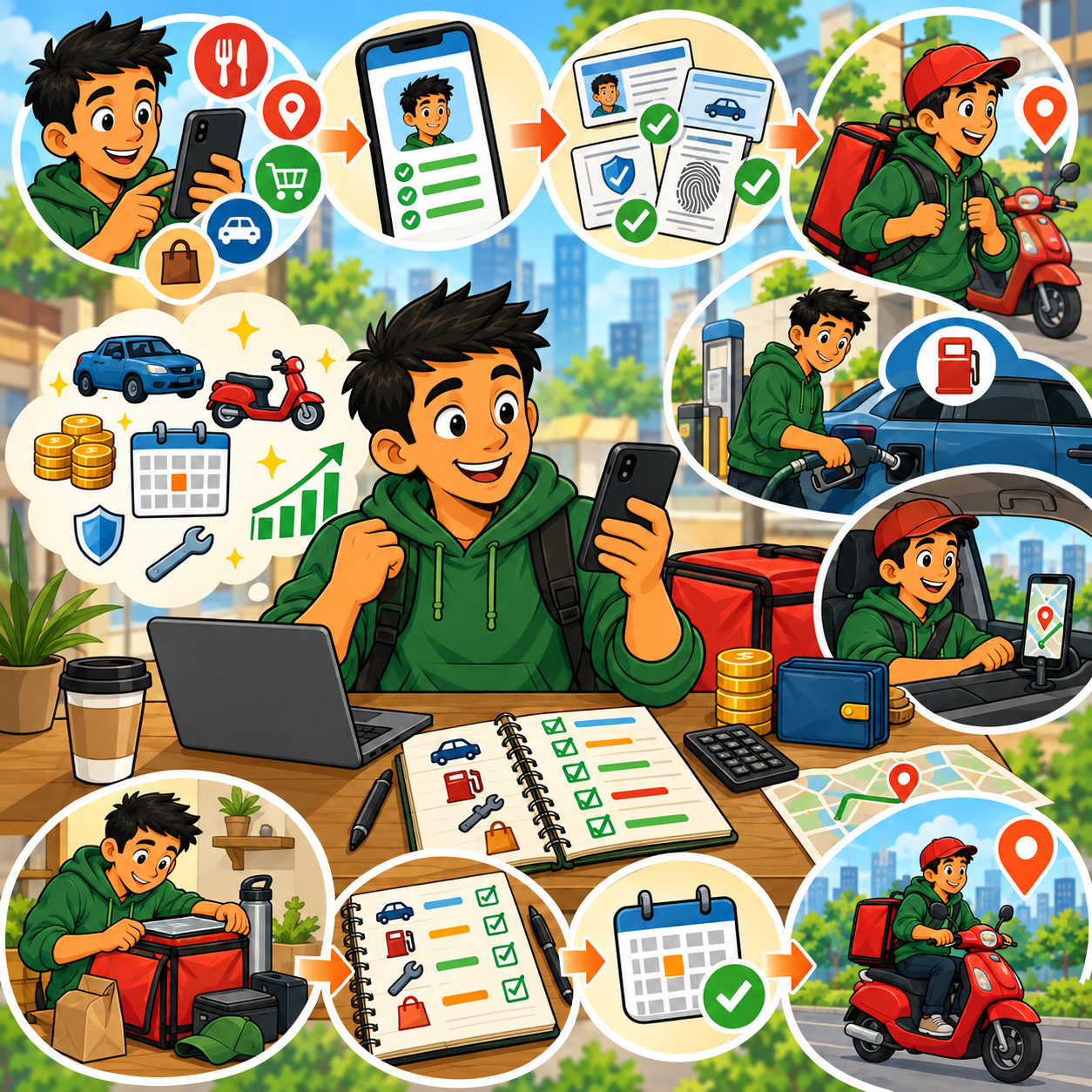
📅 Month 2: Test Different Apps, Times & Locations
🎯 Main Goal
Figure out which platforms, hours, and areas give you the best return for your time.
✅ What to Do
- Work different days and time blocks
- Test lunch, dinner, weekend, and evening shifts
- Compare apps side by side
- Track earnings per hour
- Track miles driven
- Track downtime between orders or jobs
- Identify high-demand areas
- Avoid low-paying orders or jobs when possible
🏁 Month 2 Success Looks Like
- You know which apps are worth testing more
- You understand your best work hours
- You have early earnings data
- You are avoiding obvious low-profit gigs
- You are getting more comfortable with the workflow
🎯 KEY TAKEAWAY
The best gig workers do not accept everything. They learn what jobs are worth the time, distance, and effort.
🔍 What to Test
Test Area | What to Learn |
Time of day | Which hours pay best |
Day of week | Which days are busiest |
Location | Which zones have better orders |
App type | Which platform fits your area |
Job type | Which gigs are worth accepting |
Distance | How far is too far for the pay |
Customer demand | Where repeat work may exist |
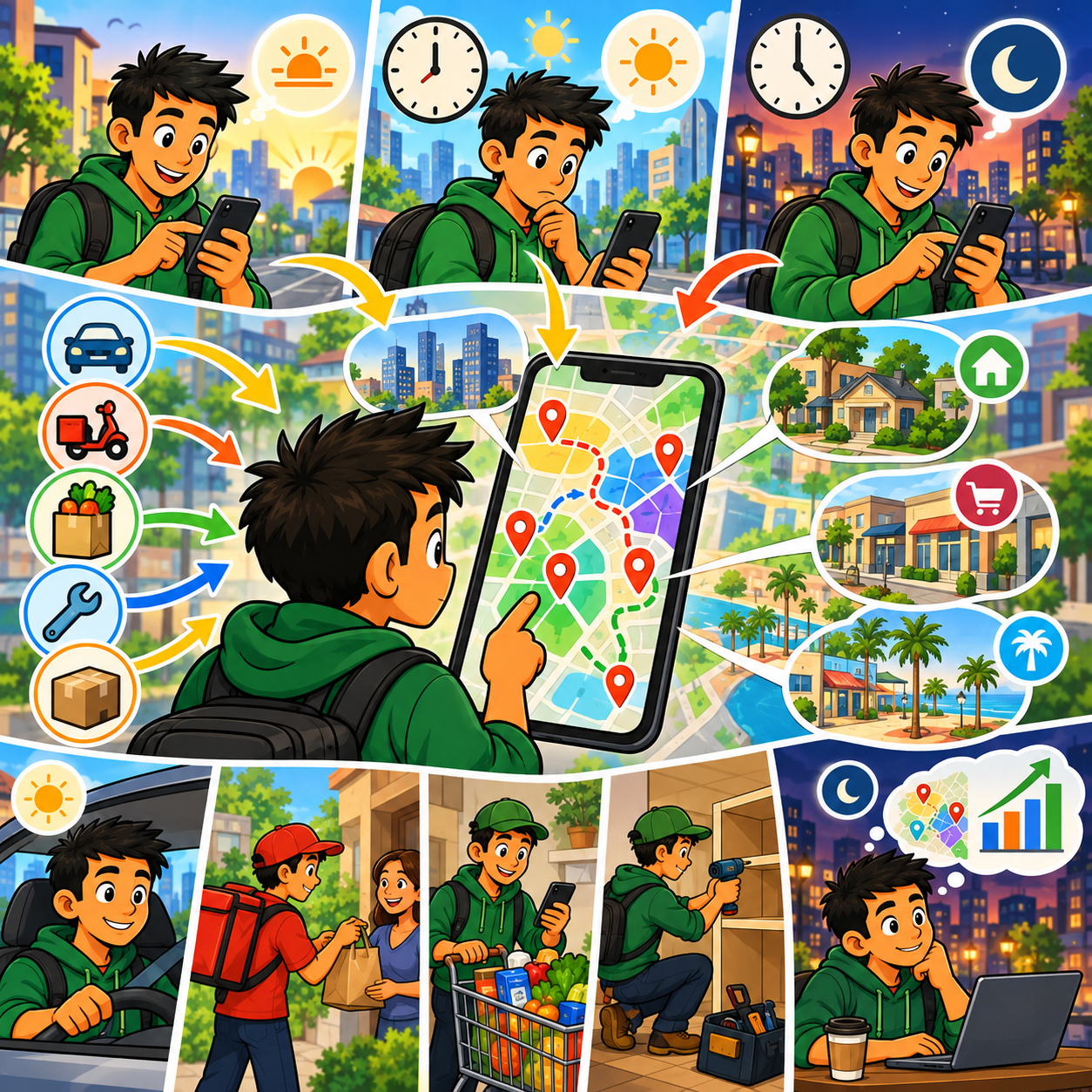
📅 Month 3: Improve Efficiency & Reduce Wasted Time
🎯 Main Goal
Use your first few weeks of data to work smarter, reduce downtime, and improve profit per hour.
✅ What to Do
- Review your earnings by app
- Review your earnings by hour
- Review your mileage and fuel costs
- Identify your most profitable zones
- Build a weekly schedule around peak times
- Create rules for accepting or rejecting gigs
- Keep supplies organized
- Improve communication with customers
🛠️ What to Improve First
- Long-distance low-pay orders
- Slow pickup locations
- Weak time blocks
- Too much unpaid waiting
- Poor mileage tracking
- Disorganized supplies
- Apps that do not perform in your area
🏁 Month 3 Success Looks Like
- You know your strongest app or gig type
- You have better acceptance rules
- You are reducing wasted miles
- Your schedule is more strategic
- You have a clearer view of real profit
💡 PRO TIP
Track “earnings per mile” along with “earnings per hour.” A shift can look good until the mileage cost is included.
📈 Metrics to Watch
Metric | What It Tells You |
Gross earnings | Total money earned before expenses |
Net profit | Money left after expenses |
Earnings per hour | Whether your time is being used well |
Earnings per mile | Whether driving is worth it |
Acceptance choices | Whether you are taking profitable jobs |
Downtime | How much time is unpaid |
Tips | Which jobs or areas tip better |
Repeat clients | Where steady work may come from |
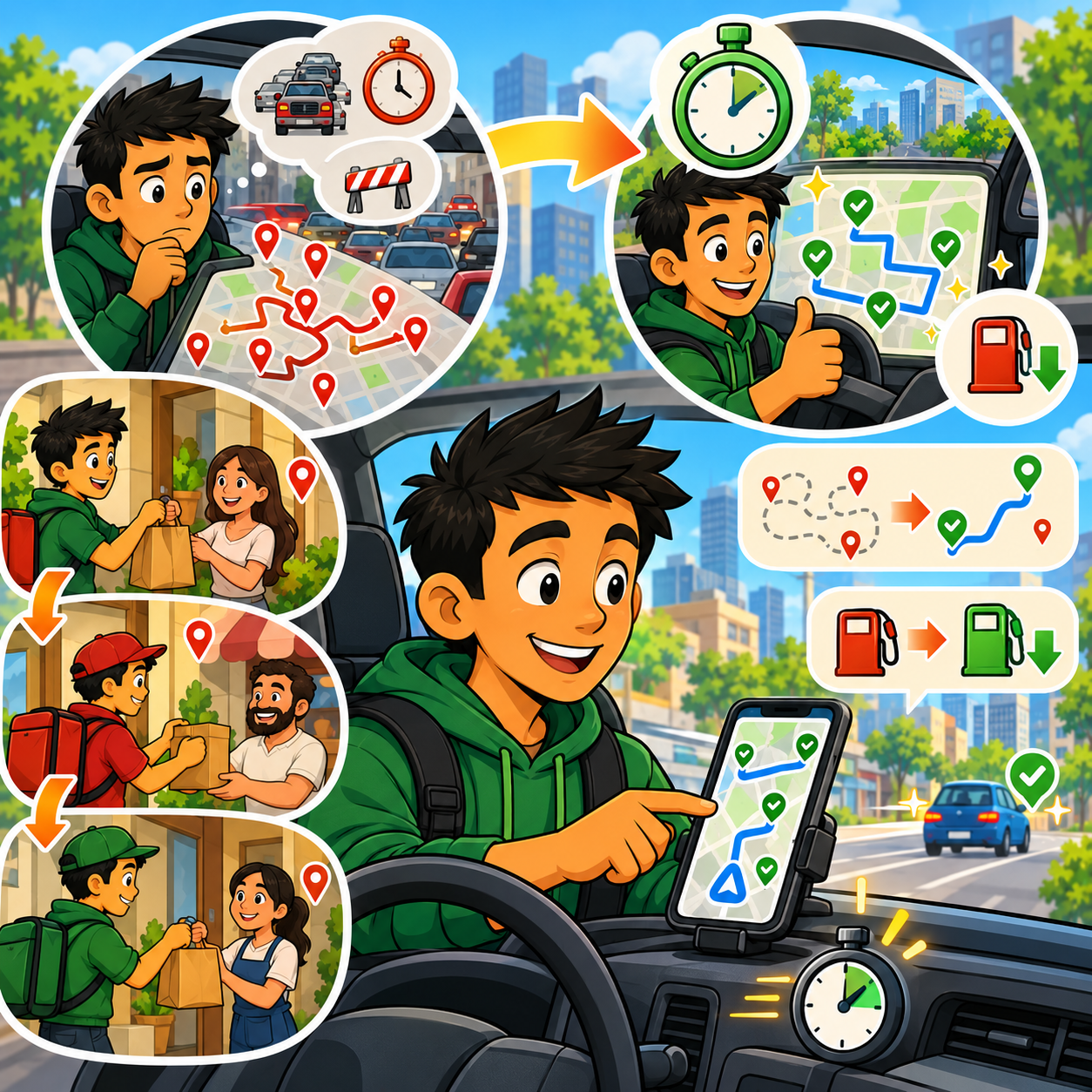
📅 Month 4: Build a Repeatable Gig Work System
🎯 Main Goal
Turn gig work into an organized side income routine instead of random shifts.
✅ What to Do
- Create a weekly schedule
- Focus on your best apps and time blocks
- Keep a basic car or supply checklist
- Save for taxes weekly
- Track income and expenses every shift
- Create a simple end-of-week review
- Build backup app options for slow days
- Set income goals by week instead of guessing

🏁 Month 4 Success Looks Like
- Your gig work feels organized
- You have a realistic weekly income goal
- You are using fewer low-value time blocks
- Your tracking habit is consistent
- You know which apps are backups and which are main earners
⚠️ Scale Smart: More hours do not always mean better profit. Focus on the hours, apps, and areas that produce the best return.
🗓️ Simple Weekly Workflow
Day | Task |
Monday | Review last week’s earnings |
Tuesday | Choose best shifts for the week |
Wednesday | Work a tested time block |
Thursday | Test one backup app or zone |
Friday–Sunday | Focus on peak earning hours |
Weekend | Track expenses and set aside tax money |
🔄 Simple Gig Work Workflow
Step | What Happens |
Plan schedule | Choose the best days and hours |
Check app demand | Look for busy zones or available tasks |
Start shift | Work during selected peak time |
Track miles | Record driving or travel distance |
Track earnings | Log gross earnings and tips |
Track expenses | Record fuel, supplies, parking, tolls, or fees |
Review results | Compare profit by app, time, and location |
Adjust plan | Repeat what worked and cut what did not |
📅 Month 5: Optimize Earnings & Add Higher-Value Gigs
🎯 Main Goal
Increase income by focusing on better-paying opportunities and reducing low-value work.
✅ What to Do
- Compare gig apps by net profit
- Drop or reduce low-paying apps
- Test higher-value gig categories
- Look for recurring local service clients
- Improve ratings and customer communication
- Use bonuses or peak pay strategically
- Track which gigs create the least stress
- Consider adding a skill-based gig if possible
🏁 Month 5 Success Looks Like
- You know your most profitable gig categories
- You are reducing wasted time and mileage
- You have tested higher-value gigs
- You understand which work fits your lifestyle
- You are building toward steadier income
🎯 KEY TAKEAWAY
Skill-based and repeat-client gigs can often beat one-time delivery gigs because they may pay more and create ongoing work.
📈 Higher-Value Gig Options
Gig Type | Why It Can Pay More |
Task-based work | Often pays more than basic delivery |
Furniture assembly | Higher service value |
Moving help | Strong local demand |
Pet sitting | Repeat clients possible |
House cleaning | Recurring income potential |
Lawn care | Seasonal repeat clients |
Handyman tasks | Skill-based pricing |
Grocery delivery | Larger orders may tip better |
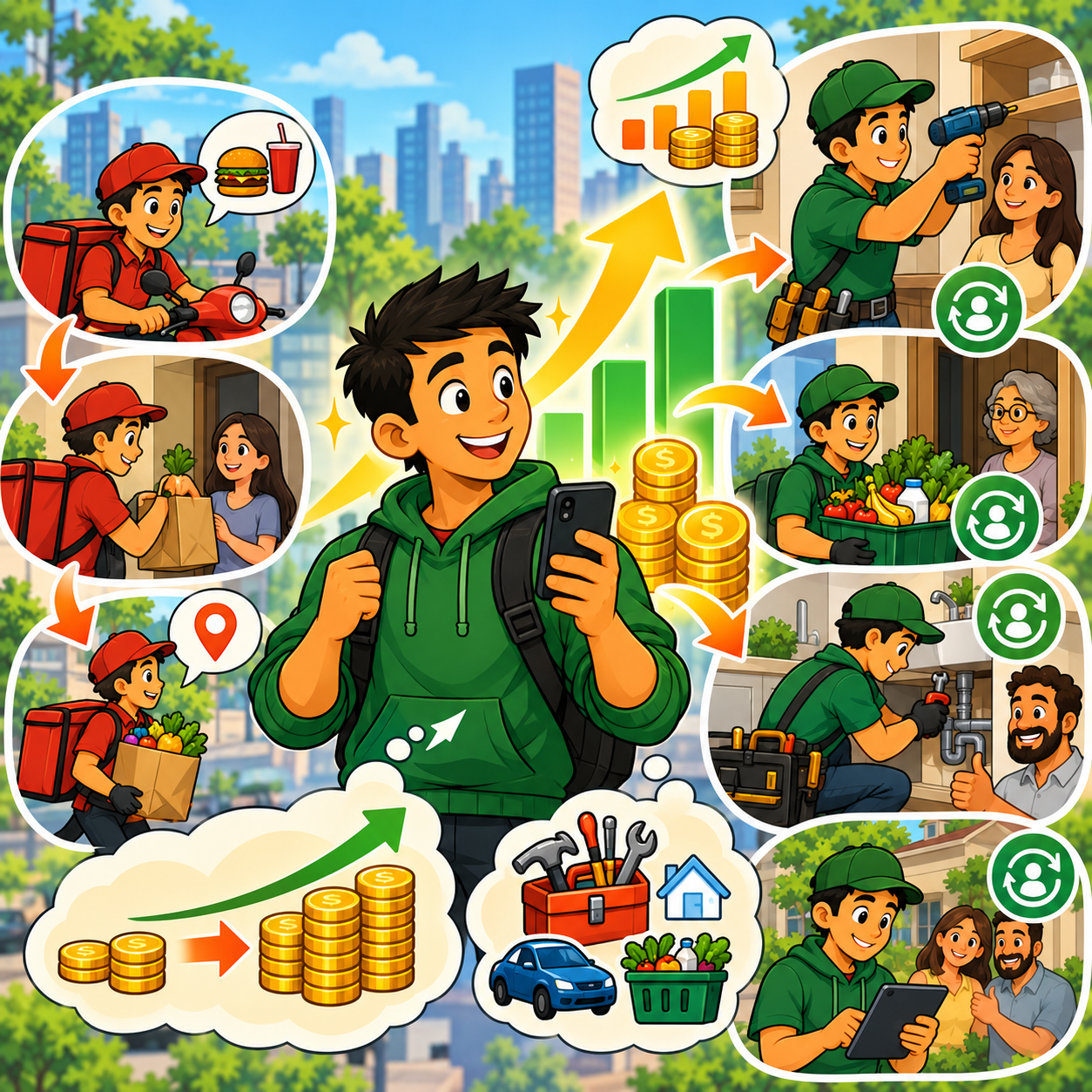
📅 Month 6: Review, Focus & Build a Better Income Plan
🎯 Main Goal
Review your first 6 months and decide which gig apps, schedules, and job types are worth continuing.
✅ What to Do
- Review total income
- Review net profit after expenses
- Identify your best app
- Identify your best time blocks
- Identify your best locations or job types
- Review customer ratings and feedback
- Remove apps that waste time
- Create a 90-day plan for months 7–9

🏁 Month 6 Success Looks Like
- You know your real profit numbers
- You know which apps are worth keeping
- You have a stronger weekly schedule
- You understand your best gig strategy
- You have a 90-day plan to earn more efficiently
🎯 KEY TAKEAWAY
Gig economy success comes from treating your time like a business asset. Track everything, cut weak work, and repeat what produces the best profit.
📊 Decision Table
If This Happens | Do This |
Delivery pays best during dinner | Focus on dinner rush shifts |
Grocery orders tip better | Prioritize grocery delivery blocks |
Mileage is too high | Work smaller zones or reject far orders |
One app is unreliable | Keep it as backup only |
Task gigs pay more | Shift toward skill-based work |
You get repeat local clients | Build a simple service schedule |
Ratings are improving | Use that proof to get better gigs |
Profit is too low | Recalculate expenses and change strategy |
❓ 6-Month Review Questions
- Which app made the most money?
- Which app made the most profit after expenses?
- Which hours paid best?
- Which areas were most reliable?
- Which gigs caused the most stress?
- Which jobs had the best tips?
- Which gigs created repeat opportunities?
- What expenses were higher than expected?
- What should you stop doing?
✅ 6-Month Success Checklist
By the end of 6 months, check whether you have:
✅ Signed up for multiple gig apps
✅ Completed test shifts or jobs
✅ Tracked income and mileage
✅ Tracked expenses
✅ Identified your best time blocks
✅ Identified your best locations or zones
✅ Compared apps by real profit
✅ Created acceptance rules
✅ Saved money for taxes
✅ Tested higher-value gigs
✅ Removed low-value work
✅ Created a plan for the next 90 days
⚠️ What Not to Do During the First 6 Months
Avoid these mistakes:
❌ Accepting every order or job automatically
❌ Ignoring gas, mileage, and maintenance costs
❌ Forgetting to save for taxes
❌ Working low-demand hours repeatedly
❌ Driving too far for low pay
❌ Ignoring app rules or customer expectations
❌ Letting ratings drop from poor communication
❌ Depending on only one app
❌ Working more hours without checking profit
❌ Treating gross earnings like take-home pay
⚠️ Reminder: Gig apps can create flexible income, but flexibility only helps if you track your numbers and make smart choices.
🧭 Simple 6-Month Milestone Tracker
Month | Main Focus | Target Output |
Month 1 | App setup & tracking | 2–4 apps started, tracker created |
Month 2 | Testing | Best times, zones, and apps identified |
Month 3 | Efficiency | Acceptance rules and profit tracking |
Month 4 | System building | Weekly schedule and review routine |
Month 5 | Optimization | Higher-value gigs tested |
Month 6 | Review & focus | 90-day income plan created |
🚀 Final 6-Month Strategy
Your first 6 months should follow this simple path:
Month 1: Sign up for apps and create tracking
Month 2: Test apps, times, and locations
Month 3: Improve efficiency and reduce wasted time
Month 4: Build a repeatable gig work system
Month 5: Optimize earnings and test higher-value gigs
Month 6: Review results and focus on what pays best
The gig workers who do best are not always the ones who work the most hours. They are the ones who know their numbers, choose better gigs, and protect their time.
11. Get the Gig Economy Starter Kit
🎁 Organize Your Gig Work
The Gig Economy Apps Starter Kit includes 12 interactive tools to compare opportunities, prepare for shifts, keep records, manage expenses and review safety and payout considerations.
Explore the 12 included workspaces:
✅ 1. Gig App Comparison Guide — Compare 20 gig platforms and plan trials; any example earnings are illustrative.
✅ 2. Vehicle & Gear Checklist — Check equipment, required documents and preparation tasks before starting a shift.
✅ 3. Earnings & Expense Tracker — Record platform income and work-related costs to estimate net results.
✅ 4. Mileage & Trip Log — Document work-related trips and check for missing mileage details.
✅ 5. Weekly Shift Planner — Plan weekly work blocks and compare potential shifts using your own assumptions.
✅ 6. Multi-App Strategy Guide — Plan app-switching decisions with safety and platform rules in mind, avoiding conflicting commitments.
✅ 7. Tax Deduction Tracker — Organize expense records and potential deductions for review with a qualified tax professional; eligibility is not guaranteed.
✅ 8. Gig Worker Safety Toolkit — Prepare personal safety checks and organize incident notes.
✅ 9. Ratings & Service Tracker — Record service observations, review practices and organize supporting documentation.
✅ 10. 30-Day Gig Launch Roadmap — Follow a structured first month of gig-work preparation, learning and progress tracking.
✅ 11. Payout & Cash Flow Planner — Plan around payout timing, pending amounts and upcoming bills.
✅ 12. Gig Specialization Explorer — Compare gig categories and design a limited trial before choosing a focus.
Also in the editable master: A kit dashboard, Start Here materials and supporting review resources are available in the editable master.
The dashboard identifies this as a review candidate. This kit is not linked to gig platforms or live earnings feeds, does not send emergency alerts, and does not guarantee pay, platform eligibility or tax outcomes.

12. Frequently Asked Questions
🚗 Do I need a new car?
No. Most apps accept cars from 2008–2015+ depending on the market. Clean and functional is what matters. Some delivery apps also accept bikes or scooters.
💰 How much do I really make after expenses?
Gross pay is not take-home pay. Gas, maintenance, and vehicle wear reduce what you keep, and the share varies by vehicle, mileage, and market. Track everything so you know your real hourly rate.
🧾 Do I have to pay taxes?
Yes. You’re self-employed. Set aside 25–30% and pay quarterly estimated taxes. Deduct mileage and expenses to lower your tax bill.
⏰ Can I do this full-time?
Some people do. Full-time net pay varies widely with market, hours, expenses, and strategy, and it is not as stable as a traditional job. It usually does not include benefits.
🚨 What if I get into an accident?
Platform coverage, when it exists, often applies only during certain trip statuses and may have gaps. Your personal insurance may not cover gig work, so check both your policy and the app’s current terms.
📱 Can I work multiple apps at once?
Yes. Many gig workers keep 2–3 apps available so they have a backup when one is quiet. Follow each platform’s current rules and avoid overlapping active jobs.
🛠️ What about wear and tear on my car?
This is a real cost. Figure around $0.10–$0.20/mile in depreciation, maintenance, and repairs. Track this when calculating whether gig work is worth it.
😤 How do I handle bad customers?
Stay professional, document everything, and report issues to the platform. On some apps, you can decline future orders from problem customers.
🛡️ Do I need special insurance?
For rideshare apps like Uber or Lyft, yes — a rideshare endorsement is usually required. For delivery, your personal policy may or may not cover you, so check directly with your insurer.
⭐ What if my ratings drop?
Below 4.2–4.5, you risk deactivation. Focus on excellent service, communicate proactively, and appeal unfair ratings through the platform.
13. Important Considerations
Before jumping into gig work, understand the real economics, risks, and trade-offs so you can make smart, profitable decisions from day one.
⛽ Your “Hourly Rate” Isn’t What You Think
Most platforms advertise gross earnings, not what you actually keep.
- ⛽ Gas, maintenance, and depreciation eat into profits
- 💰 Net income is often much lower than the advertised hourly rate
👉 Example:
- $20/hr advertised = around $13–$15/hr real income
🚗 Vehicle Wear Adds Up Fast
Driving-based gigs come with hidden long-term costs:
- 🛠️ $0.10–$0.20 per mile in wear and tear
- 🛞 More frequent oil changes, tires, and repairs
- 📉 Faster depreciation of your vehicle
💡 If you’re not tracking this, you’re overestimating your profit
🧾 You’re Responsible for Taxes
Gig workers are independent contractors, not employees.
- 💰 Set aside 25–30% of your income for taxes
- 📅 You may need to pay quarterly estimated taxes
- 🚫 No automatic withholding
👉 Miss this and you could owe thousands unexpectedly
📉 Income Isn’t Consistent
Your earnings depend on:
- 🕒 Time of day, such as peak vs. off-peak hours
- 📍 Location and demand
- 🚗 Competition in your area
- 🎄 Seasonality, such as holidays vs. slow periods
📊 Peak hours like lunch and dinner often pay better than slow afternoons
⭐ Ratings Control Your Income
Your performance directly affects your opportunities:
- 🏆 Higher ratings = better orders + priority access
- 📉 Lower ratings = fewer and worse offers
- ⚠️ Risk of deactivation below around 4.2–4.5
📌 Stronger ratings and service can improve access to better offers, but results vary by platform and market
🧠 Not Every Gig Is Worth Taking
One of the biggest beginner mistakes:
❌ Accepting every order
✔ Smart drivers cherry-pick profitable gigs
- 💸 Low-paying orders reduce your hourly rate
- 📈 Selective acceptance can improve your effective hourly return
👉 Activity ≠ Profit
⏰ More Hours ≠ Always Better
- 📈 50+ hours/week can generate higher income
- ⚠️ But it’s not sustainable long-term
🔥 Burnout is real in gig work
🛡️ Safety Should Always Be a Priority
Safety guidelines:
- 🚫 Avoid unsafe locations
- 🏠 Don’t enter homes for deliveries
- 📍 Use app safety features, such as GPS tracking and emergency buttons
- 🧠 Trust your instincts
👉 No gig is worth risking your safety
⚠️ Market Saturation Is Real
Some areas have:
- 🚗 Too many drivers
- 📦 Not enough orders
Result:
- 📉 Lower pay
- ⏳ More downtime
💡 This is why multi-apping is critical
💡 Final Reality Check
Gig economy work is:
✔ ⚡ Fast to start
✔ 🗓️ Flexible
✔ 📈 Scalable
But also:
❌ Not hands-off income
❌ Requires discipline and strategy
❌ Depends heavily on your decisions
🎯 The Smart Approach
To succeed long-term:
- 📊 Track every expense
- 🕒 Work peak hours only
- 📱 Use multiple apps
- 🎯 Be selective with gigs
- 🧰 Treat it like a business — not a job
🚀 The difference between a weak week and a better one is usually strategy and cost tracking, not just more hours.
14. Your Next Steps
🚀 ACTION STEP
📍 Today
- 📦 View the starter kit above
- 📱 Choose 2–3 apps that fit your vehicle/skills
- 📄 Gather required documents, including license, insurance, and registration
📅 This Week
- 📝 Apply to chosen platforms
- 🛡️ Complete background checks
- 🎥 Watch required training videos
- 🛒 Order a phone mount and insulated bags
🗓️ Week 2
- ✅ Receive approval notifications
- ⏰ Plan your schedule, starting with 10–15 hours
- 🚗 Complete your first 10 deliveries/rides
- 📊 Track earnings and expenses from day 1
📆 First Month
- 🕒 Test different time slots to find peak earnings
- 📈 Aim for 20–25 hours/week while learning
- ⭐ Build a 5-star rating because your first 100 orders matter most
- 🎯 Goal: a few comparable shifts with full time, mile, and expense records
🚀 Months 2–3
- 📱 Implement a multi-app strategy if profitable
- 📊 Optimize your schedule based on your market data
- ⏰ Increase to 25–35 hours/week if desired
- 🎯 Goal: a clearer picture of which apps, hours, and zones are worth repeating
15. The Bottom Line
🎯 KEY TAKEAWAY
Gig economy apps are a low-barrier way to start earning on a flexible schedule — no resume or interview required for many platforms. You still need eligibility, a smartphone, a vehicle for most gigs, and a plan for expenses and taxes.
🙋 If you:
✔ Work peak hours and run multiple apps
✔ Cherry-pick profitable gigs instead of accepting everything
✔ Track every expense and set aside 25–30% for taxes
✔ Protect your rating with proactive, professional service
🏗️ You can build:
💰 Extra cash on a flexible schedule, or a larger weekly load if the work still pays after expenses
🗓️ A schedule you choose, within platform rules and local demand
⚡ Income that can start after approval — not a promised weekly total
🚀 Treat it like a business, not just extra hours — strategy, cost tracking, and safety matter more than grinding every offer.
16. Recommended Websites & Tools
🛠 TOOLS & RESOURCES
You do not need every resource listed below. This directory brings together the major platforms, tools, and resources from this guide, along with additional research and learning options, so you can find them in one place when you need them.
Start with the essentials. Add apps only when your gig workflow develops a specific need for them.
🚗 Rideshare Apps
- Uber — Rideshare platform for picking up passengers, working peak demand windows, and earning through fares, tips, promotions, and surge pricing.
- Lyft — Rideshare platform for drivers who want a second passenger-driving option or want to compare demand across apps.
💡 PRO TIP
Run two or three apps at once so you always have a backup when one goes quiet — downtime is unpaid time.
🍔 Food Delivery Apps
- DoorDash — Food, grocery, and retail delivery app that is beginner-friendly and useful for flexible lunch, dinner, and weekend shifts.
- Uber Eats — Food and grocery delivery platform that works well as a second app for multi-apping with DoorDash or Uber.
- Grubhub — Restaurant delivery platform that can be useful in cities with strong local restaurant demand.
🛒 Grocery Delivery Apps
- Instacart — Grocery shopping and delivery platform for workers who are organized, fast in stores, and comfortable communicating substitutions.
- Shipt — Same-day grocery delivery platform with potential for repeat customers and higher-tip grocery orders.
- Amazon Fresh — Amazon grocery delivery option mentioned for workers interested in grocery delivery through the Amazon ecosystem.
📦 Package & Route Delivery Apps
- Amazon Flex — Package delivery platform for scheduled delivery blocks, structured routes, and drivers who prefer packages over passengers.
- Roadie — Local and long-distance delivery platform for transporting packages, items, and route-based gigs.
- Veho — Package delivery platform for scheduled last-mile delivery routes where available.
🛠️ Skilled Task & Local Service Apps
- TaskRabbit — Local task marketplace for furniture assembly, moving help, mounting, repairs, errands, yard work, and other hands-on services.
- Handy — Home services platform for cleaning, handyman work, repairs, and local household projects.
- Thumbtack — Local services marketplace for skilled work such as cleaning, handyman services, lawn care, photography, tutoring, and home projects.
📝 QUICK NOTE
Skilled task apps usually pay far more per hour than driving gigs. If you have a practical skill, start there.
⚡ Micro-Task & Field Task Apps
- Gigwalk — Micro-task app for local retail audits, store checks, photos, product verification, and quick field assignments.
- Field Agent — Field task platform for retail audits, mystery-shopping-style tasks, store photos, surveys, and product checks.
💻 Digital Gig Platform
- Fiverr — Digital freelance marketplace for selling services like writing, graphic design, resume help, video editing, voiceover, data entry, Canva graphics, virtual assistant work, and website help.
🧾 Mileage, Taxes & Expense Tracking
- Stride — Mileage, expense, and tax-support app mentioned for tracking deductions and protecting real gig-work profit.
- Hurdlr — Expense, mileage, income, and tax tracking tool for independent contractors and gig workers.
- MileIQ — Mileage tracking app mentioned for automatically logging work miles and supporting tax deduction records.
- Gridwise — Gig-driver tracking app for mileage, earnings, airport demand, and performance insights.
- IRS Standard Mileage Rates — IRS resource to verify the current mileage rate before filing taxes.
🎯 KEY TAKEAWAY
You do not need every app on this page. Two or three apps run simultaneously, plus a mileage tracker, are enough to start earning this week.
🧭 How to Use This Directory
🧰 Start With a Simple Setup
Do not start by creating accounts with every service listed above. For most beginners, a simple setup is enough:
- Two or three gig apps
- One mileage & expense tracker
- A phone mount and car charger
- A plan for peak hours
That is enough to start building. Add tools only when you can name the specific problem they will solve.
🎯 KEY TAKEAWAY
Tools support the business. They are not the business.
Your biggest advantages will come from:
Working peak hours → Multi-apping → Cherry-picking profitable gigs → Tracking every expense
17. Explore Similar Side Hustles
 Pet Sitting & Dog Walking: Earn Money Caring for Pets — Turn animal care into a gig with flexible apps and repeat local clients.
 Handyman & Fix-It Services: Turn Your Skills into Cash — Move from task apps into higher-paying skilled work in your area.
 House Cleaning & Organization: Make Money Creating Clean, Tidy Spaces — Build a local client base with flexible scheduling and recurring income.
- Babysitting & Childcare: Flexible Side Hustle Caring for Kids — Flexible care work that fits around your gig app schedule.
 User Testing & Surveys — Earn from your phone during downtime between gigs.
 Lawn Care & Yard Work: Earn Money Maintaining Outdoor Spaces — Build your own outdoor service route instead of relying on app demand.
Ready to start earning with gig apps? View the starter kit above and choose your first 2–3 platforms when you have eligibility and coverage checked.