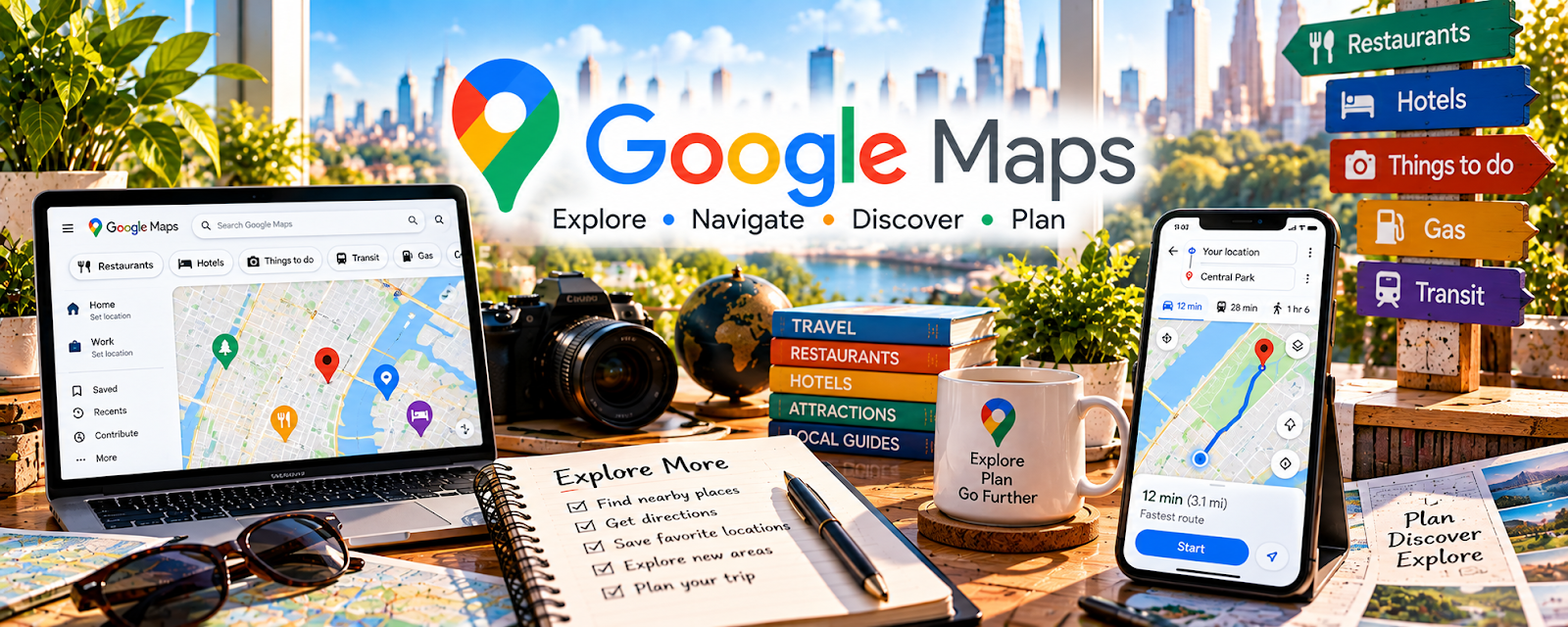
Official Website
Google Maps is a free mapping and navigation tool for route planning and local discovery.
🔗 Visit Official Website — Google Maps
Domain: www.google.com
What This Website Is
Google Maps is a free mapping and navigation tool for route planning and local discovery. For the 🚗 Gig Economy Apps side hustle, it can be used to navigate efficiently, estimate ETAs, and reduce wasted miles.
How to Apply It to 🚗 Gig Economy Apps
Use Google Maps as your “efficiency tool”: plan routes → avoid traffic → reduce dead miles.
Step-by-Step Implementation:
- Phase 1: Set home/base areas and preferred routes.
- Phase 2: Use live traffic and route options to choose the best pickup/drop-off path.
- Phase 3: Save frequent locations and review performance weekly (miles vs earnings).
Common Use Cases for this Side Hustle:
- Scenario A: If you waste time in traffic, use live rerouting.
- Scenario B: If you drive too many dead miles, plan positioning.
- Scenario C: If you multi-app, use quick switching and saved places.
When to Use This
- You drive for deliveries/rides.
- You want better routing.
- You want to reduce dead miles.
- You work in traffic-heavy areas.
Best Tasks to Use It For
- Route planning
- Live traffic navigation
- Saving frequent locations
- ETA estimation
- Business positioning decisions
Getting Started Steps
- Update Google Maps on your phone.
- Save your key zones and frequent stops.
- Turn on traffic and alerts.
- Compare route options before trips.
- Use voice navigation to stay safe.
- Track miles and earnings.
- Adjust positioning based on demand areas.
Good Beginner Search Terms
- reduce dead miles gig driving
- best route strategy delivery drivers
- Google Maps traffic features
- positioning strategy rideshare
- mileage tracking gig work
- safe navigation while driving
Monetization Angle
Fewer wasted miles means higher profit per hour. Better routing improves completed trips and reduces fuel/time costs.
Pros
- Free and reliable
- Strong live traffic routing
- Easy saved places
Cons
- Can be wrong in edge cases
- Depends on phone signal
- Battery usage
Who Should Use This
Gig drivers and delivery workers who want better routing and efficiency.
Who Should Skip This
Skip this only if you already use another navigation system that works better for your area.
Practical Applications
- Review pickup and destination areas before beginning a gig route.
- Estimate travel time and identify legal parking or access questions.
- Compare planned routes with actual travel and expense records after the job.
Important Considerations
- Traffic and ETA information can change and does not override road signs, local restrictions, or platform instructions.
- Set up navigation before driving, protect customer location information, and do not assume the shortest route produces the best net earnings.
Related Resources
TurboTax Self-Employed — Helps gig drivers handle taxes, deductions, and self-employment reporting.
Wave — Tracks gig income, expenses, and simple bookkeeping.
Google Calendar — Plans driving blocks, high-demand windows, and personal availability.
Google Sheets — Tracks mileage, earnings, fuel costs, and route performance.
Related Side Hustles
 Virtual Assistance — Both benefit from scheduling discipline and tracking work accurately.
 Blogging: Build an Online Brand and Earn from Your Words — Driving experiences and local tips can become content for gig-work audiences.
 Affiliate Marketing: Get Paid to Promote What You Love — Gig-related tools and supplies can be recommended through content.