Official Website
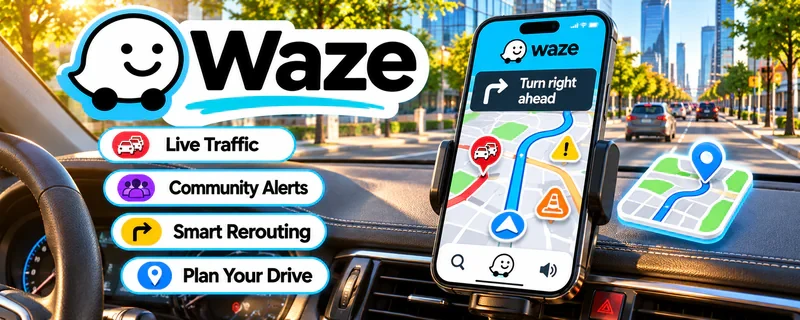
Waze is a navigation app that uses real-time traffic and incident reports to optimize routes.
🔗 Visit Official Website — Waze
Domain: www.waze.com
What This Website Is
Waze is a navigation app that uses real-time traffic and incident reports to optimize routes. For 🚗 Gig Economy Apps, it helps you reduce drive time and plan routes more efficiently.
How to Apply It to Gig Economy Apps
Use Waze as your “route optimization” tool: choose routes that minimize delays, then pair with mileage tracking so your true profit per hour stays high.
Step-by-Step Implementation:
- Review current navigation, privacy, device, and road-use requirements before a shift.
- Set relevant preferences and destinations while safely stationary.
- Use navigation as an aid while obeying road signs, access restrictions, safe driving practices, and actual delivery instructions.
- Keep appropriate independent mileage and expense records and evaluate delays and full costs without assuming a suggested route guarantees higher profit.
When to Use This
- You drive during high-traffic hours
- You need real-time rerouting
- You want fewer delays and detours
Best Tasks to Use It For
- Route planning
- Traffic avoidance
- Multi-stop navigation
- ETA accuracy
Getting Started Steps
- Install Waze and enable location permissions.
- Set your preferred route options (avoid tolls, etc.).
- Start navigation before every shift.
- Use real-time rerouting when delays occur.
- Save frequent destinations.
- Review typical surge/traffic patterns weekly.
- Pair with a mileage log for deductions.
Good Beginner Search Terms
- best times to drive gig economy avoid traffic
- mileage deduction rules 1099
- route batching strategies delivery drivers
Monetization Angle
Shorter routes and fewer delays improves profit per hour, and better mileage logs support tax deductions.
Pros
- Strong real-time traffic data
- Fast rerouting
- Community incident reporting
Cons
- Can be distracting
- Battery/data usage
Who Should Use This
Gig drivers who want to minimize downtime and traffic delays.
Who Should Skip This
Drivers who already use a preferred navigation stack and don’t want another app.
Practical Applications
- Compare routes before starting a driving shift.
- Allow realistic time for parking, pickups, and delivery access.
- Review disruptions safely while parked and adjust plans as appropriate.
Important Considerations
- Navigation suggestions do not override road signs, vehicle restrictions, or traffic laws.
- Do not interact with the app while driving; estimated arrival times do not guarantee earnings or justify unsafe shortcuts.
Related Resources
Related Side Hustles
 Gig Economy Apps: Earn Money on Your Schedule Using Your Phone — Waze helps drivers reduce delays, plan routes, avoid traffic, and improve profit per hour.
 Product Flipping — Flippers can use Waze for sourcing trips, pickups, meetups, and delivery routes.
 Lawn Care & Yard Work: Earn Money Maintaining Outdoor Spaces — Local service routes also benefit from traffic-aware navigation and route planning.