Official Website
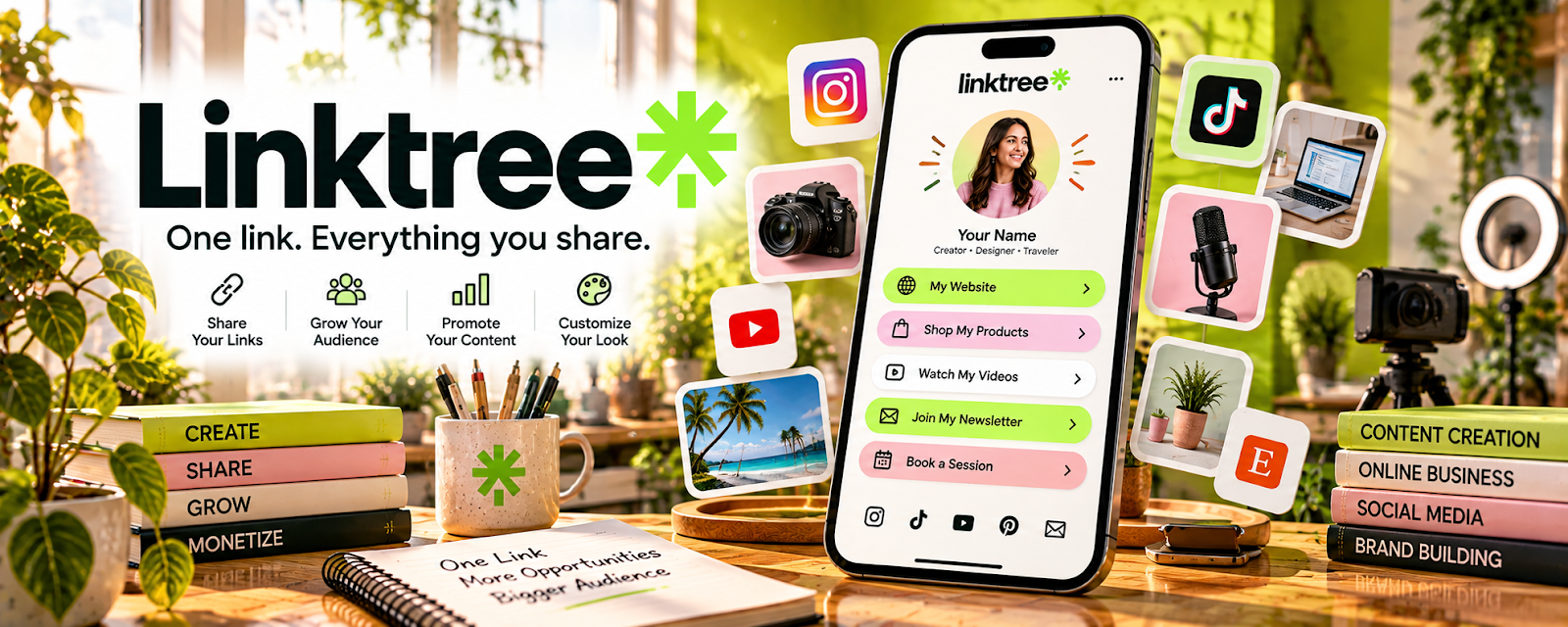
Linktree is a “link in bio” landing page that lets you share multiple links from one place.
🔗 Visit Official Website — Linktree
Domain: linktr.ee
What This Website Is
Linktree is a “link in bio” landing page that lets you share multiple links from one place. For 🚗 Gig Economy Apps, it can be useful if you promote referral codes, services, or local offers and want one easy link to share.
How to Apply It to 🚗 Gig Economy Apps
Use Linktree as your “single share link”: set up your page → add your top links → share consistently.
Step-by-Step Implementation:
- Add your referral codes (Uber/Lyft/etc.) and any local service links.
- Add a short “how to use my code” note in link titles.
- Share your Linktree link in posts, DMs, or profiles.
Common Use Cases for this Side Hustle:
- Scenario A: You want to earn referral bonuses.
- Scenario B: You want a simple page to share with potential customers.
When to Use This
- You share multiple referral links
- You want one link to send people
- You want a simple landing page without a full website
Best Tasks to Use It For
- Organizing referral links
- Sharing one “bio link”
- Simple promotion workflows
Getting Started Steps
- Create a Linktree account.
- Add your top 5 links.
- Add a clear CTA (e.g., “Use my referral code”).
- Share it on your profiles.
- Track which links get clicks.
Good Beginner Search Terms
- Linktree referral code landing page
- how to promote referral codes ethically
- best link in bio layout
- Linktree analytics tutorial
Monetization Angle
A clean “one link” setup makes it easier for people to use your referral code or contact you, increasing conversions.
Pros
- Very fast setup
- Simple and mobile-friendly
Cons
- Limited customization on free plan
- You don’t own the platform like a full website
Who Should Use This
Gig workers who promote referral links or share multiple offers.
Who Should Skip This
Gig workers who don’t share links publicly or don’t use referral marketing.
Practical Applications
- Organize verified service, portfolio, or permitted referral destinations.
- Label each link so a visitor understands its purpose.
- Test the mobile page and remove expired offers promptly.
Important Considerations
- Check current platform and referral-program rules and clearly disclose relevant incentives.
- A link page does not create work or validate an offer; avoid exposing private account links, making unsupported earnings claims, or collecting unnecessary visitor information.
Related Resources
Wave — Tracks income and expenses from referrals, local offers, or gig work.
Quickbooks — Provides fuller tax-ready tracking for ongoing gig income and expenses.
Buy Me a Coffee — Adds a simple support link or tip option for audiences that follow your gig content.
Related Side Hustles
 Gig Economy Apps: Earn Money on Your Schedule Using Your Phone — Linktree organizes referral codes, contact links, and gig-related offers in one shareable page.
 Selling Digital Products — A link-in-bio page can promote simple digital guides, trackers, or templates.