
Official Website
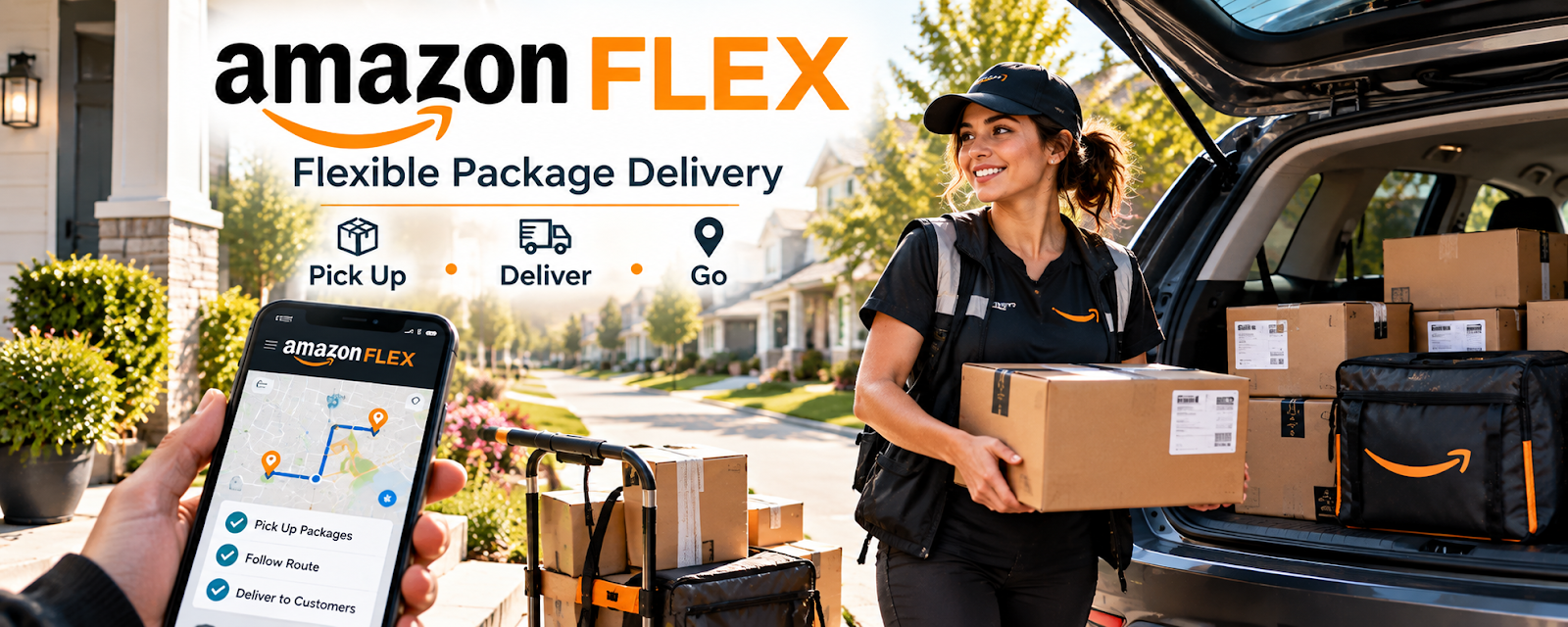
Amazon Flex is a delivery app where drivers earn by delivering Amazon packages or grocery orders.
🔗 Visit Official Website — Amazon Flex
Domain: flex.amazon.com
⚠️ Destination review: this URL points to a retailer or product-search page, not a verified manufacturer website.
What This Marketplace Is
Amazon Flex is a delivery app where drivers earn by delivering Amazon packages or grocery orders. For 🚗 Gig Economy Apps, it can be a flexible local income option if blocks, mileage, and expenses work in your area.
How to Use It for Gig Economy Apps
Use Amazon Flex as a scheduled delivery channel. Focus on block availability, route length, pickup location, fuel, vehicle wear, and net pay.
Step-by-Step Implementation:
- Check local driver requirements.
- Complete onboarding.
- Test a few delivery blocks.
- Track pay, mileage, fuel, and time.
- Keep only profitable zones and blocks.
Best Time to Use This
- When local blocks are available.
- When your vehicle costs are manageable.
- When scheduled delivery work fits your routine.
Marketplace Strategy
- Track pay per mile.
- Compare block length to actual time.
- Avoid routes that erase profit.
- Watch pickup wait time.
- Keep tax and mileage records.
Getting Started Steps
- Apply through Amazon Flex.
- Set delivery availability.
- Try short blocks first.
- Track every route.
- Adjust based on true net pay.
Good Beginner Search Terms
- Amazon Flex driver
- delivery block
- package delivery gig
- grocery delivery driver
- mileage tracking
- gig driver expenses
Best Work Types to Look For
- Short blocks
- Nearby pickup stations
- Low-mileage routes
- Grocery blocks with tip potential
- Predictable delivery windows
What to Look For in a Good Fit
- Strong net pay
- Safe routes
- Manageable mileage
- Reliable pickup flow
- Schedule fit
- Clear delivery instructions
Red Flags to Avoid
- Ignoring fuel, maintenance, insurance, and taxes.
- Long routes with weak pay.
- Unsafe delivery conditions.
- Judging income by gross pay only.
- Taking blocks that conflict with your schedule.
Monetization Angle
Amazon Flex can provide flexible local income when you choose profitable blocks and track expenses carefully.
Pros
- Flexible scheduled work.
- No client prospecting.
- Easy to compare against other delivery apps.
Cons
- Vehicle costs reduce profit.
- Blocks may be limited.
- Route quality varies.
Who Should Use This
Use this if you can deliver reliably and track net earnings after vehicle costs.
Who Should Skip This
Skip this if local blocks are scarce or your vehicle costs make delivery unprofitable.
Practical Applications
- Review current local application, vehicle, and delivery requirements.
- Plan a trial block including travel to the pickup location and return time.
- Track actual net proceeds after mileage, fuel, insurance, and other costs.
Important Considerations
- Availability, eligibility, block terms, and earnings vary; verify current official information.
- Observe traffic laws and safe lifting practices, and confirm appropriate insurance rather than assuming platform coverage handles every situation.
Related Resources
Spark Driver — Grocery delivery app to compare against Amazon Flex.
Instacart Shopper — Shopping and delivery app option.
Uber Eats — Restaurant delivery app comparison.
DoorDash — Food delivery app in this batch.
Related Side Hustles
 Gig Economy Apps: Earn Money on Your Schedule Using Your Phone — The direct side hustle this app supports.
 Product Flipping — Both require local route and cost awareness.
 Handyman & Fix-It Services: Turn Your Skills into Cash — Local service work can sometimes offer higher margins.