
Affiliate disclosure: Some links in this guide may be paid referral links. If you purchase or sign up through one, One Stop Side Hustles may earn a commission. How our affiliate links work.
✨ VOICEOVER WORK STARTER GUIDE
Learn how to start voiceover work from home: building a demo, recording clean audio, and finding clients. Extra income is possible; $500/month or $5,000+ is an example, not a forecast.
2. Why Voiceover Work Is a Great Side Hustle
3. Types of Voiceover Gigs You Can Do
4. How Much Can You Earn & Pricing Strategies
5. Equipment You Need to Get Started
6. Where to Find Voiceover Jobs
 Voiceover Work - 7. From Final Script to Client-Ready Audio
8. Tips to Maximize Earnings & Grow Your Voiceover Career
9. Learning, Templates & Resources
10. Your First 6 Months Voiceover Work Plan
11. View the Voiceover Starter Kit
12. Frequently Asked Questions
📌 Quick Snapshot
💰 Earn: Varies widely — some projects pay about $25–$500+; higher monthly totals usually take repeat clients, stronger demos, and specialized work
⏰ Work: Record and edit audio from a home setup
🧰 Start: Medium cost — a mic, quiet space, and audio software
🎙️ Best for: Clear, expressive voices who take direction
📈 Grow: Small gigs → recurring clients → premium niches
1. What Is Voiceover Work?
Voiceover artists (VAs) are paid to record their voices for various media—commercials, YouTube videos, audiobooks, eLearning courses, video games, animations, and more. Clients provide a script; you deliver professional audio.
⚙️ How It Works
- Client posts job (or you audition for role)
- You submit audition (demo or custom sample)
- Get hired and receive script/direction
- Record in home studio (or professional booth)
- Edit and deliver final audio files
- Get paid (per project, per hour, or per finished hour)
🎯 KEY TAKEAWAY
You're not just reading—you're performing. The best voice actors bring emotion, character, and energy to every word, even if they're reading a phone menu.

2. Why Voiceover Work Is a Great Side Hustle
Voiceover work is a strong side hustle because it combines high-value creative output, remote recording flexibility, and a clear path from short scripts into premium voice niches.
💰 The pay per project can be strong relative to the time spent recording
Voiceover stands out because even shorter scripts can have meaningful value when the delivery matches what the client needs.
That earning potential often comes from:
- Commercial usage
- Branded content
- Training narration
- Repeat creative needs
- Premium niche work
When your delivery is clean and usable, one project can be worth much more than many basic online gigs.
🎤 Your voice becomes the product without needing to be on camera
This side hustle works especially well for people who want a creative outlet but do not want to build a face-based personal brand.
Clients are usually paying for:
- Clear delivery
- Emotional control
- Direction-following
- Tone matching
- Reliable sound quality
That makes voiceover a unique way to monetize performance skill while staying behind the scenes.
⚡ You can begin with a practical home setup
Starting does not require a full professional studio if you can create clean, controlled audio with basic gear and a treated space.
Most beginners can start with:
- A microphone
- A quiet room
- Editing software
- Basic treatment
- Headphones
That makes the business more accessible than many people assume.
🏠 The work fits naturally into remote life
Because recording and delivery happen digitally, voiceover can fit around other work more easily than location-based creative jobs.
Common lifestyle benefits include:
- Home recording
- Flexible session timing
- No commute
- Independent workflow
- Quiet solo work
That flexibility makes it much easier to use voiceover as part-time income while improving your craft.
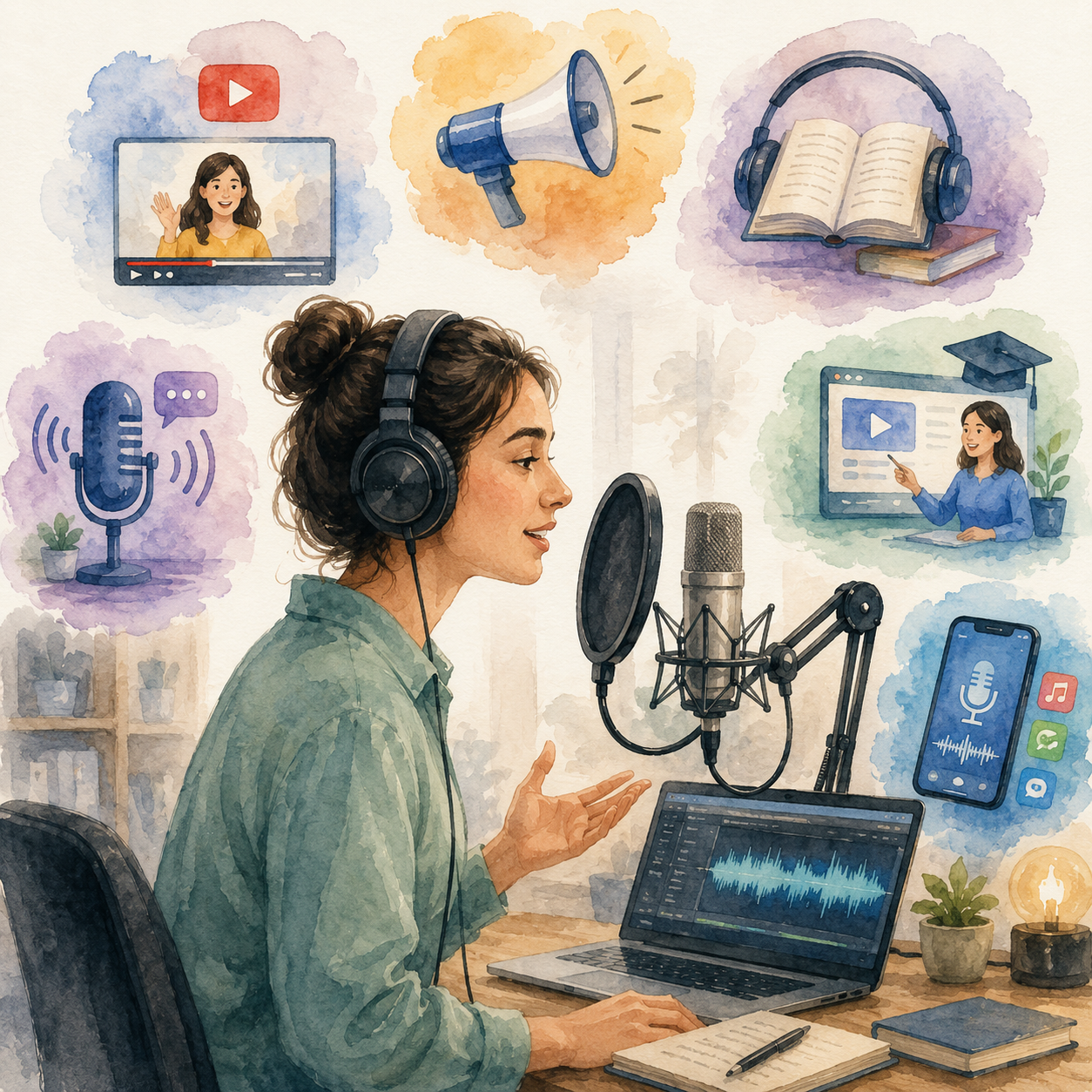
📈 Demand keeps expanding as digital content grows
Businesses, creators, and platforms need more recorded voice than ever because so much content is now distributed online.
Common demand sources include:
- YouTube narration
- Ads and promos
- Audiobooks
- eLearning
- Apps and podcasts
That growing content ecosystem keeps creating new opportunities for voice talent at different experience levels.
🕒 The project-based format gives you flexibility and control
Voiceover is often sold by script, project, or usage, which makes it easier to shape your workload around your schedule.
That can look like:
- Short beginner gigs
- Recurring monthly clients
- Part-time booking volume
- Niche-specific work
- Controlled production blocks
This makes it easier to grow steadily instead of needing a full calendar of fixed shifts.
🎯 You can specialize into very different markets
Voiceover is not one narrow service. It includes several niches, each with different styles, budgets, and client expectations.
Common specialization paths include:
- YouTube narration
- Commercial reads
- Audiobooks
- eLearning
- Character work
That variety gives you room to find the type of performance and client work that best fits your voice.
🔁 Skill development usually compounds quickly
As your performance, recording quality, and client handling improve, it becomes easier to charge more and win stronger projects.
Common growth steps include:
- Better reads
- Better demos
- Better audio
- Repeat clients
- Stronger positioning
That combination makes voiceover one of the clearer creative side hustles for turning practice into premium earning power over time.
3. Types of Voiceover Gigs You Can Do
Voiceover includes short podcast intros, long audiobooks, corporate training modules, commercials, YouTube narration, animation, and video game characters. Some gigs are beginner-friendly, while others require stronger acting skills, studio-quality audio, vocal stamina, or industry connections.
Most beginners do better by choosing one narration style and one script type, building a short demo, improving recording quality, and then moving into more competitive categories.
📝 QUICK NOTE
The rates below are illustrative ranges, not verified market prices or expected earnings. Rates vary widely with usage rights, script length, revisions, exclusivity, and union status. Agree in writing on how the recording may be used, and do not allow your voice to be cloned or used for synthetic-voice training unless you have explicitly agreed to it.
🎬 Beginner Narration & Content Voiceover
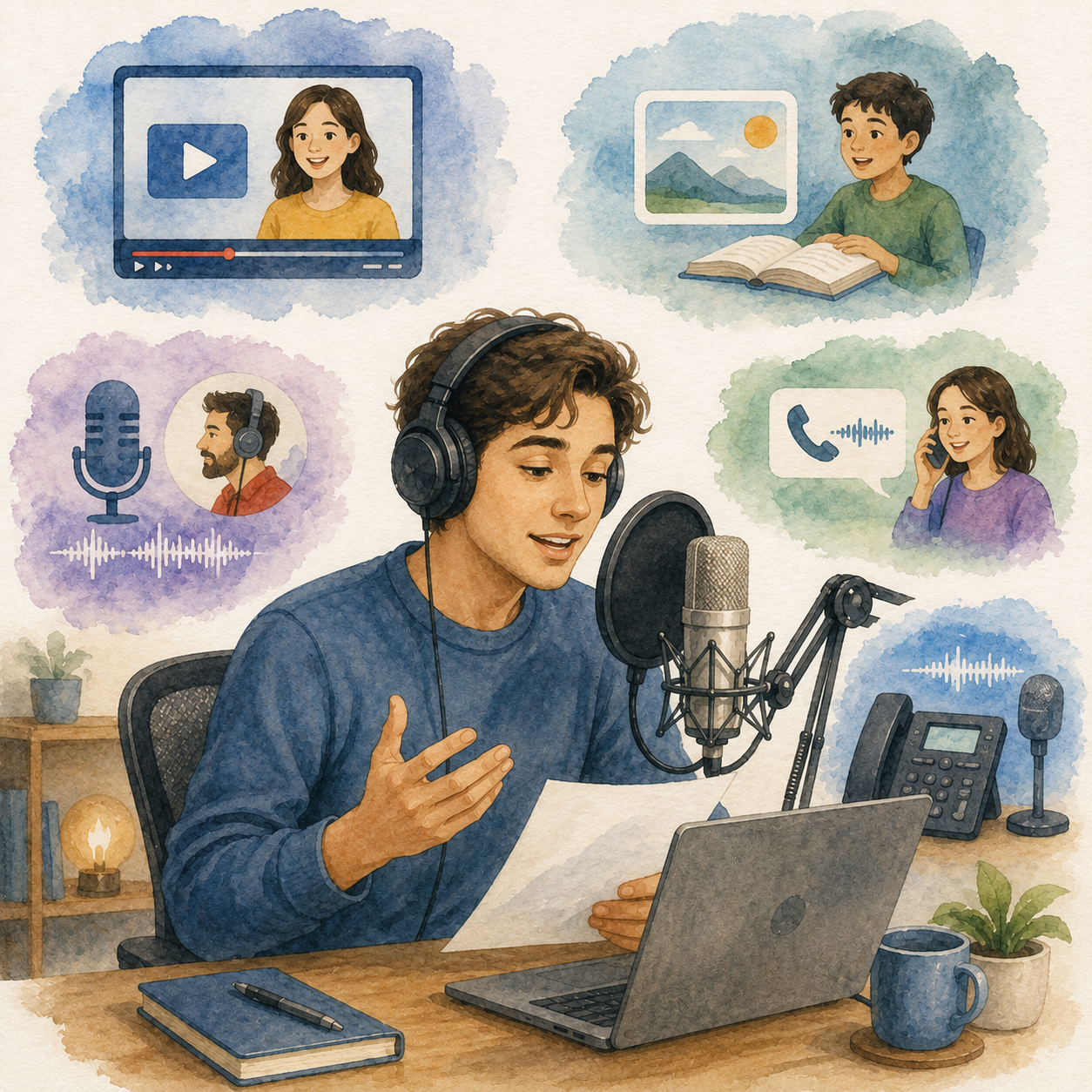
📺 YouTube, Explainer & Educational Narration
A strong starting lane because creators, brands, and educators need clear, trustworthy narration for recurring content.
- 📌 What you might record: Faceless YouTube videos, software explainers, tutorials, product demos, and educational scripts
- 👥 Common clients: YouTube creators, course creators, startups, and educators
- 💰 Illustrative rate: Roughly $50–$300 for a short script, depending on length and usage
- ✅ Best for: Beginners who sound natural, consistent, and easy to follow
💡 PRO TIP
Read naturally rather than overperforming. Clean audio and steady pacing matter more than a dramatic voice.
📞 Podcast Intros, IVR & Short Business Audio
A good early category because scripts are short and turnaround is manageable.
- 📌 What you might record: Podcast intros, sponsor reads, voicemail greetings, on-hold messages, and phone-tree prompts
- 👥 Common clients: Podcasters, small businesses, agencies, and call-center vendors
- 💰 Illustrative rate: Roughly $25–$150 per project, depending on length and usage
- ✅ Best for: Beginners practicing clean delivery on shorter scripts
💡 PRO TIP
Offer a few tone options and deliver polished, immediately usable files. Ask for pronunciation notes before recording.
📢 Ads, Social Content & Brand Voice Work
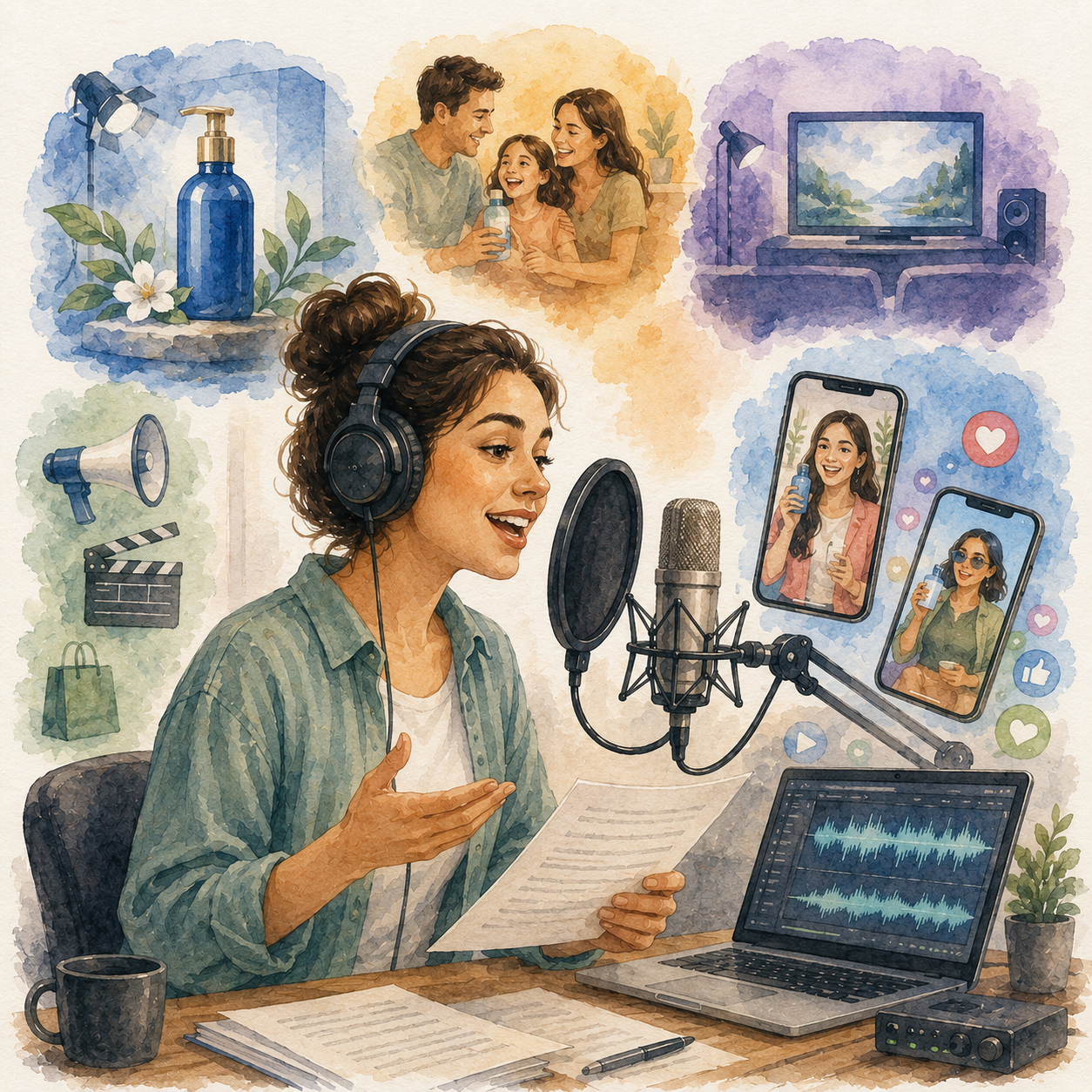
📣 Commercials & Traditional Advertising
A higher-value lane where brands pay for tone, performance, and usage value, not just script reading.
- 📌 What you might record: Radio spots, online commercials, promos, and branded campaigns
- 👥 Common clients: Advertising agencies, brands, and casting platforms
- 💰 Illustrative rate: Varies widely; depends heavily on usage, term, and market
- ✅ Best for: Voice actors with stronger audition skills and acting instincts
💡 PRO TIP
Price usage, term, and revisions clearly. A short read can carry a broad usage right that should cost more.
📱 Social Media Ads & Creator-Style Reads
A fast-growing category because brands want voices that sound casual, relatable, and native to short-form platforms.
- 📌 What you might record: TikTok ads, Reels promos, product hooks, UGC-style campaigns, and direct-response reads
- 👥 Common clients: E-commerce brands, creators, performance-marketing teams, and agencies
- 💰 Illustrative rate: Roughly $50–$300 per read, depending on usage and paid-ad rights
- ✅ Best for: Natural, conversational voices who can sound like a real person speaking
💡 PRO TIP
Avoid an announcer voice. Ask whether the audio will be used in paid ads, because paid usage usually warrants a higher fee.
🎧 Long-Form, Corporate & Professional Narration
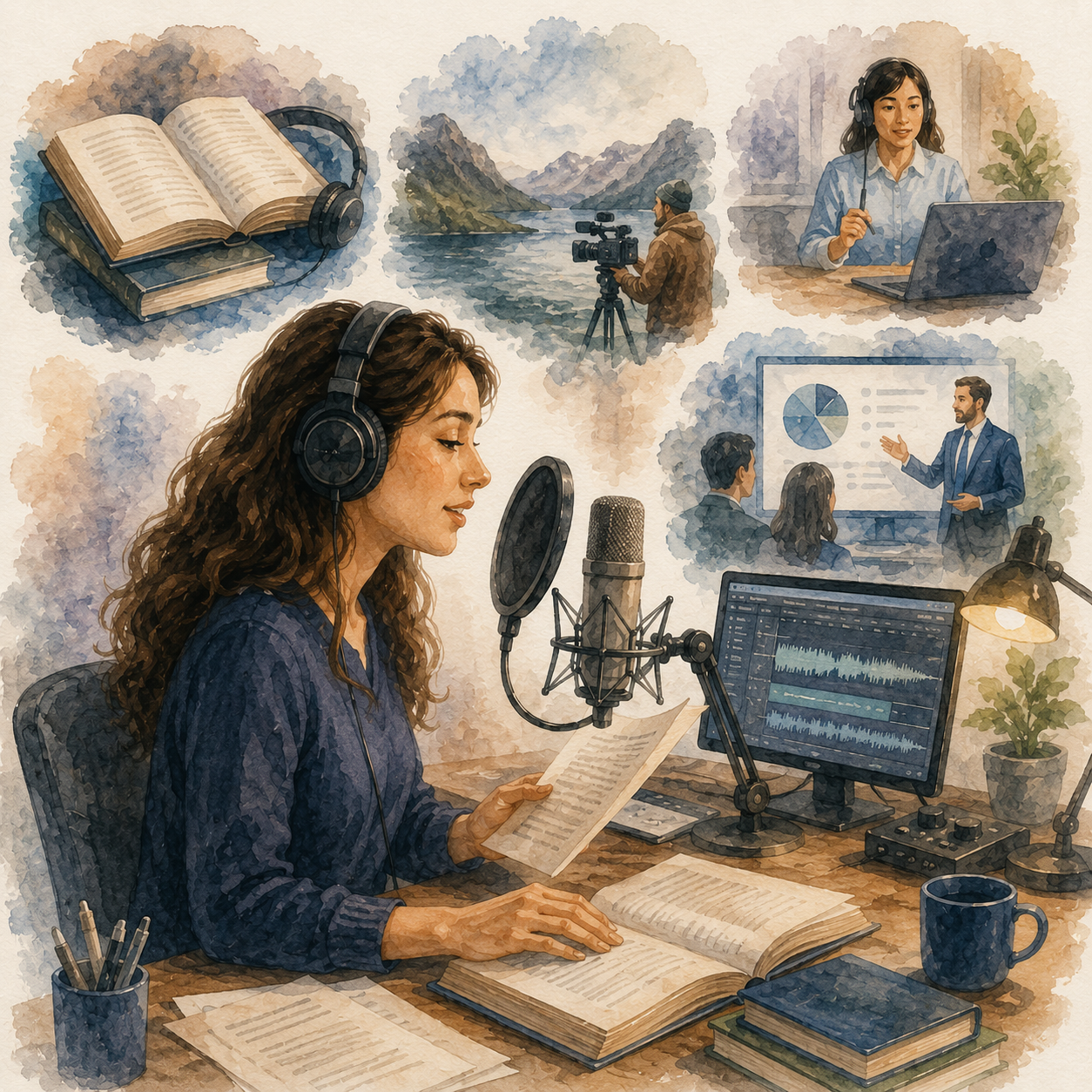
📚 Audiobooks, Documentary & Educational Long-Form Reads
A strong path for patient narrators who can keep pacing, tone, and clarity consistent across long scripts.
- 📌 What you might record: Fiction and nonfiction audiobooks, documentary narration, museum audio, and educational media
- 👥 Common clients: Authors, publishers, audiobook platforms, and nonprofits
- 💰 Illustrative rate: Often priced per finished hour or as a royalty-share; terms vary widely
- ✅ Best for: Patient narrators with vocal stamina and strong editing habits
💡 PRO TIP
Price for the full workload: recording, editing, proofing, pickups, and vocal rest. A finished hour usually takes much longer than an hour of reading.
🏢 eLearning, Corporate Training & Business Narration
A reliable category because businesses need clear, repeatable voiceover for training, onboarding, and compliance.
- 📌 What you might record: Training modules, onboarding videos, tutorials, compliance content, and internal communications
- 👥 Common clients: Corporate training teams, eLearning developers, and HR departments
- 💰 Illustrative rate: Roughly $100–$500 per finished project, depending on length and revisions
- ✅ Best for: Calm, credible voices who can read consistently and pronounce terms accurately
💡 PRO TIP
Ask for a script with a pronunciation guide. Repeat clients value consistency, so keep a consistent tone and recording setup.
🎭 Character, Gaming & Specialized Niches
🎭 Character, Animation & Video Game Voiceover
A creative but demanding lane that depends on acting range, vocal safety, and consistency across many takes.
- 📌 What you might record: Character dialogue, animation, game lines, creature sounds, and emotional scenes
- 👥 Common clients: Game studios, animation teams, casting platforms, and agencies
- 💰 Illustrative rate: Varies widely by project, budget, and union status
- ✅ Best for: Performers with acting range, a strong demo, and good voice care habits
💡 PRO TIP
Build a character demo and protect your voice. Expressive sessions are competitive and physically demanding, so warm up and rest.
🌍 Bilingual, Medical, Legal & Technical Voiceover
A specialized lane where accuracy, terminology, and language skill raise the value of the recording.
- 📌 What you might record: Multilingual narration, healthcare explainers, legal training, software tutorials, and technical education
- 👥 Common clients: Healthcare organizations, training companies, software firms, and global brands
- 💰 Illustrative rate: Often higher than general reads when precision and subject knowledge are needed
- ✅ Best for: Narrators with language fluency or subject-matter understanding
💡 PRO TIP
Only take work you can pronounce accurately and understand. Request a script review from the client for technical terms.

🎯 Build Your Beginner Voiceover Offer
🎯 KEY TAKEAWAY
Start with YouTube narration, short explainer videos, podcast intros, IVR scripts, or simple corporate narration. These are easier to break into than commercials, audiobooks, animation, or video games, and they help you build a demo and a clean recording workflow.
🚀 ACTION STEP
Write a focused first plan:
- Read style: Choose a narration format that suits your voice and recording setup.
- Demo: Record a short sample that shows clarity, pacing, and clean audio.
- Scope: Define script length, pickups, revisions, delivery format, and turnaround.
- Rights & price: Agree on usage, licensing, synthetic-voice restrictions, and payment terms.
4. How Much Can You Earn & Pricing Strategies
Use this chapter to connect recording quality, project scope, editing time, and usage rights to your voiceover pricing plan.
🧠 Reality Check (What Actually Separates Higher Earners)
- Most beginners do not start with premium voiceover rates
- Not because voiceover work is low-value
- 👉 Many start on low-paying freelance platforms or casting sites
- 👉 Or they charge too little before they understand editing time, revisions, and usage rights
- The voice actors who earn more typically:
- Improve audio quality and consistency
- Deliver clean reads with less editing needed
- Develop range in niches like commercials, audiobooks, e-learning, corporate narration, or character work
- Learn how to price for both recording time and usage value
🎯 KEY TAKEAWAY
In voiceover work, higher income usually comes from becoming more professional, more versatile, and easier for clients to trust repeatedly, not just from recording more lines.
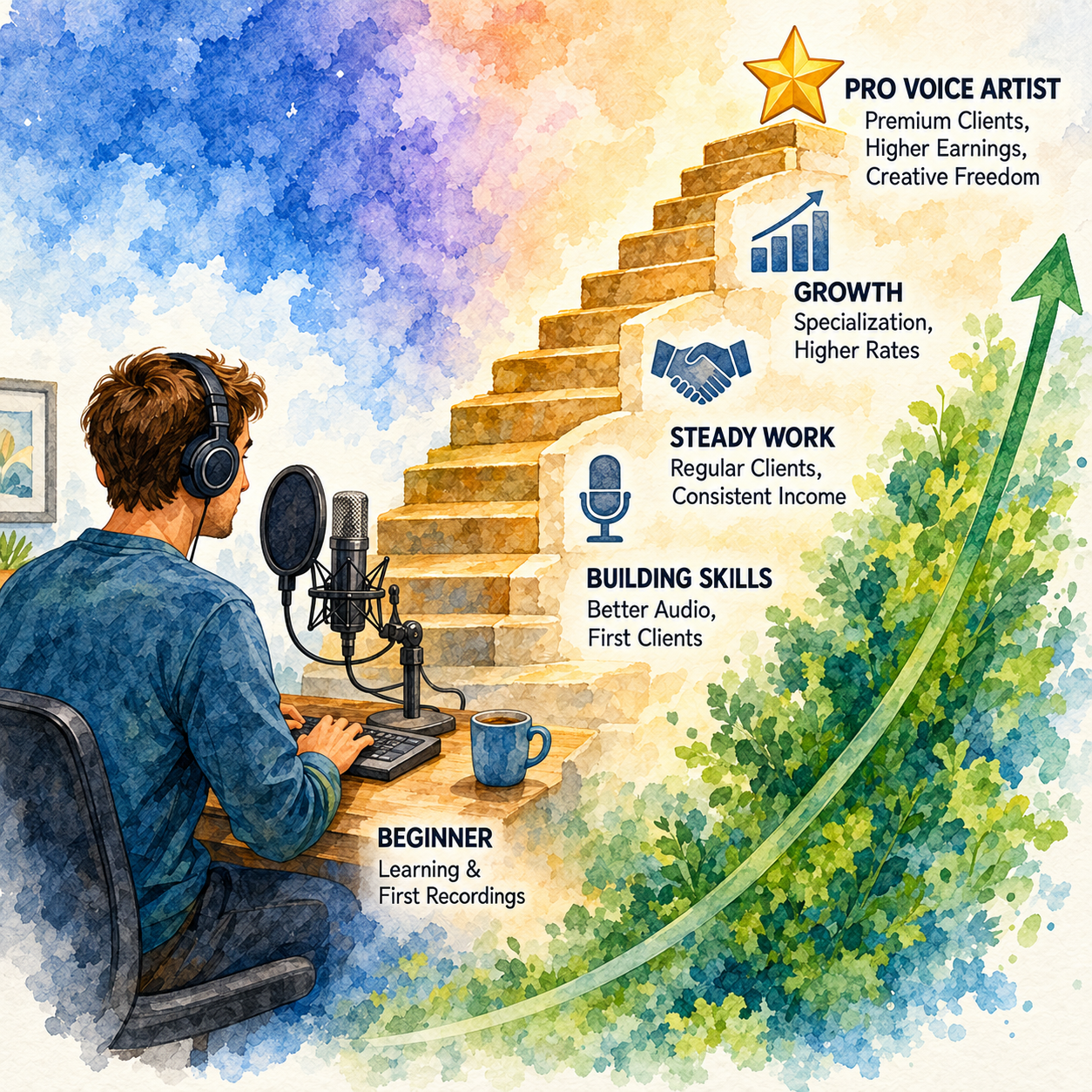
🔑 Smart Pricing Strategy
🎙 Base Offer, Delivery Scope & Rate Readiness
- Start with a simple base offer
- Example: one short script, one delivery format, one revision
- Define clearly:
- word count or script length
- delivery timeline
- number of revisions
- audio cleanup/editing included
- usage rights included or not
- Raise rates once you have:
- cleaner audio
- stronger samples or demos
- positive reviews
- faster turnaround
🎯 Voiceover Niches & Specialization
- Consider specializing in:
- commercials
- audiobooks
- e-learning
- YouTube narration
- corporate training
- character or animation reads
🎯 KEY TAKEAWAY
Separate production scope from usage permission. Define media, territory, duration, paid advertising, revision limits, and renewal terms; do not casually grant unlimited or synthetic voice rights.
🧪 Real Example
📋 REAL-WORLD EXAMPLE
📌 Same Skill Category, Different Outcomes
These scenarios illustrate possible project mixes, not verified typical earnings or forecasts. They exclude auditions, production costs, overhead, and taxes; licensing and workload differ across niches.
🌱 Scenario A: New freelance voice talent
- Books small online gigs
- Low rates, basic setup
- Income: $200–$700/month
🎯 Scenario B: Developing narrator
- Better audio setup and better demos
- Books more corporate and content narration
- Income: $1,500–$4,000/month
🚀 Scenario C: Specialized voiceover professional
- Strong niche, repeat clients, better pricing structure
- Charges for usage, revisions, and premium delivery
- Income: $5,000–$10,000+/month
🎯 KEY TAKEAWAY
Same field. Big difference in audio quality, positioning, niche, and pricing discipline.
🎯 KEY TAKEAWAY
Use these scenarios to understand the model, not to predict your own income. Compare actual results and risks with your written plan.
🎯 What Actually Drives Income
🧮 Performance Quality × Client Fit × Pricing Discipline = Income Potential
This is a business framework, not a mathematical earnings forecast.
📊 Key Income Drivers
- Audio quality
- Better recording quality makes you easier to hire and easier to keep
- Niche
- Commercials, e-learning, audiobooks, YouTube narration, gaming, and corporate reads all pay differently
- Editing speed
- Faster clean editing improves your effective hourly income
- Delivery quality
- Clear tone, pacing, emotion, and pronunciation increase booking potential
- Usage rights
- A commercial ad run by a business has more value than a private internal read
- Client type
- Direct clients and agencies often pay more than budget marketplaces
🎯 KEY TAKEAWAY
The best-paid voice actors are not just people with good voices. They are people who deliver broadcast-ready audio, reliable turnaround, and the exact tone a client needs.
📈 Finished Audio & Usage Rights (Pricing Reality)
📖 Read the Numbers in Context
A finished minute or finished hour is an output unit, not the hours you spend working. Auditions, script preparation, recording, retakes, editing, and quality checks all take time. Commercial usage may need a separate negotiated license. Clarify pickups versus script changes, exclusivity, and any synthetic voice or model-training rights; do not assume they are included.
🎯 KEY TAKEAWAY
Look beyond headline income: assess the complete economics, risks, and real cash available.
🚀 Build Your First Voiceover Offer
Start with one narration niche, a clean sample, and a clearly scoped recording offer. Use four weeks to test audio quality, quoting, delivery time, and client fit before buying more equipment or pursuing premium usage.
🧭 Run a Scoped Recording & Delivery Test
- Select one suitable narration niche. Choose short corporate or educational narration if it fits your skills. Record an original or permission-cleared sample showing clean sound and appropriate delivery. Do not imply that sample brands hired you or buy a premium setup based on assumed future bookings.
- Specify the production deliverable. Set script length, file format, delivery date, editing included, and pickup policy. Request the final script and pronunciation guidance. Distinguish corrections to your own errors from client script changes or new creative direction.
- Agree usage before quoting. Ask where and how the audio will be used, for how long, and in which territories. Quote production and usage clearly, including paid ads or exclusivity when relevant. Exclude voice cloning, synthetic reuse, and AI training unless separately negotiated with informed consent and explicit boundaries.
- Run a paid four-week outreach and delivery test. Approach a small group of relevant clients or suitable casting opportunities. Track auditions, proposals, booked projects, and payment separately. For each job, confirm the written scope, record carefully, review audio, and deliver through an agreed secure channel.
- Review total effort and repeat fit. Measure preparation, recording, editing, pickups, admin, and audition time. Compare actual fees collected with costs and all hours. Ask for permission before sharing client work in a portfolio. Improve recurring quality issues before widening your offer.
🎯 KEY TAKEAWAY
Quote the complete job: performance, preparation, recording, editing, revisions, delivery, and specifically agreed usage—not just microphone time.
💡 Example: A Four-Week Voiceover Test
- Niche: Short internal training narration
- Deliverable: A final script with agreed length, clean edited audio, and specified file format
- Usage: Internal use under defined terms; paid ads and synthetic reuse excluded
- Revisions: Error corrections and a limited pickup policy distinguished from script changes
- Test: Four weeks of targeted outreach and any booked work
- Review: Audio quality, bookings, total time, revision burden, receipts, and costs
This is an offer-design test, not a promise of bookings or premium rates. Internal narration, paid advertising, and audiobooks have different workload and licensing economics.
✍️ Write Your One-Line Earnings Test Plan
Use this structure to make the plan easy to review:
“For [client and narration use], I will deliver [script length and audio files] for [production fee plus agreed usage], with [deadline and revision limits]. I will review [quality, all work time, collected fees, and costs] over [period].”
✅ Completed example
“For internal training clients, I will test a short narration offer over four weeks with agreed script length, clean edited files, a delivery date, limited pickups, and defined internal-use permission. I will exclude ads and synthetic reuse unless separately negotiated, and review quality, all time, collected fees, and costs.”
🚀 ACTION STEP
Before starting:
Keep the first plan focused. Build a workable process before adding more complexity.
📋 Pricing & Revenue Planning Reference
The existing rate and income tables are illustrative references, not verified typical rates or guaranteed progression. Market, usage, contract or union terms where applicable, audio quality, project length, and complete production time change the economics. Finished-audio rates are not work-hour rates.
💵 What Voiceover Offers Can Earn
📊 Income Progression by Stage
🚀 Stage | 🎙️ Work Level | 💰 Typical Monthly Income | ⏳ Timeline | 📌 What’s Happening |
Beginner | Small freelance gigs / starter jobs | $100–$800 | 0–3 months | Learning delivery, editing, and client expectations |
Developing | Regular small projects | $800–$2,500 | 3–9 months | Better demos, cleaner workflow, stronger confidence |
Established | Consistent paid narration / commercial work | $2,500–$6,000 | 9–18 months | Repeat clients, better audio, clearer positioning |
Advanced | Premium niches / recurring clients | $6,000–$12,000+ | 1–2 years | Better demos, stronger rates, more specialized bookings |
Professional | High-end commercial / agency / major client work | $12,000+/month | 2+ years | Reputation, premium clients, usage-based pricing, strong systems |
🎯 KEY TAKEAWAY
The stages describe possible progression, not guaranteed income or a required timeline. Use your own capital or business records to plan realistically.
📊 Key Metrics & Margin Snapshot
📈 Finished Audio & Usage Rights (Pricing Reality)
📊 What Your Recording Offer Is Actually Earning
Metric | What to Record |
Bookings | Auditions and proposals compared with paid projects |
Production time | Preparation, recording, editing, QA, and pickups |
Output units | Finished minutes or hours tracked separately from work hours |
Usage scope | Media, duration, territory, exclusivity, and renewals |
Net economics | Collected fees, relevant selling fees, equipment, and overhead |
🎯 KEY TAKEAWAY
Measure total job and audition effort. A strong per-finished-hour rate can still mean a weak work-hour return.
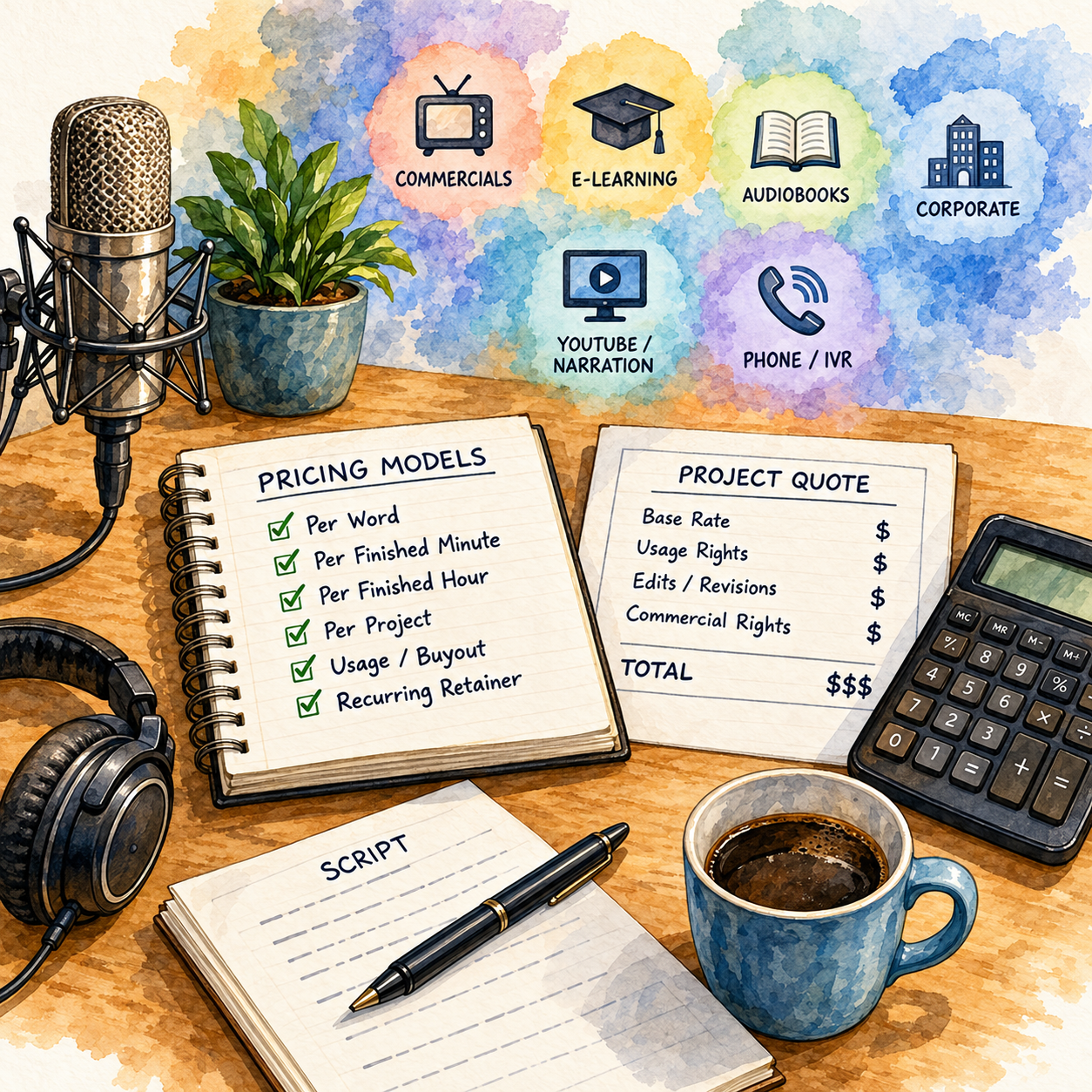
💸 Common Voiceover Pricing Models
🧾 Common Voiceover Pricing Models
💡 Pricing Model | 💰 Typical Range | 📌 Best For |
Small beginner freelance project | $25–$100 | Practice jobs, short reads, basic online gigs |
Per finished minute | $20–$100+ / finished minute | Narration, e-learning, some explainer work |
Per finished hour | $150–$500+ / finished hour | Audiobooks and long-form narration |
Short commercial / ad read | $100–$500+ | Ads, promos, branded videos |
Corporate narration | $100–$1,000+ | Training videos, internal company content |
Retainer / recurring client work | $500–$3,000+/month | Ongoing branded content, podcast intros, recurring narration |
Revisions / rush / usage rights | Additional fee | Extra value beyond base recording |
🎯 KEY TAKEAWAY
A recording fee does not automatically grant unlimited usage. Put production and licensing boundaries in writing.
🧮 Check Your Project & Revenue Economics
Project contribution = collected production and usage fees − relevant platform/payment fees − direct job costs.
Divide by total preparation, recording, editing, pickups, and admin time for a project-level pre-tax return. Review auditions and sales time at the business level, plus equipment and software overhead. Count only contracted, earned usage fees—not assumed future renewals.
🚀 ACTION STEP
🗓️ Build a Monthly Voiceover Revenue Snapshot
Use actual records and a sustainable plan—not projections alone—to decide what to continue.
5. Equipment You Need to Get Started
🛠 TOOLS & RESOURCES
Start with the room and recording fundamentals, then choose the setup tier that matches your current work. Upgrade only when paid projects justify the cost.
🏠 Home Studio Setup Tips
✅ Acoustic treatment > expensive mic
- Treat your space first (foam, blankets, bass traps)
- Closet with clothes = instant acoustic treatment (free!)
- Cardboard box vocal booth = $20 DIY solution
✅ Quiet is king
- Turn off AC/heating during recording
- Record at quiet times (early morning, late night)
- Use blanket fort if needed (seriously works!)
- Inform household when recording
✅ Mic technique matters
- 6-8 inches from mic (hand span distance)
- Slightly off-axis to avoid plosives (P's and B's)
- Consistent distance = consistent sound
- Pop filter is essential ($10, huge difference)
💸 Budget Starter Setup ($100–$300)
Item | Budget Option | Cost | Priority |
USB Microphone | $60-130 | 🔥 Critical | |
Pop Filter | Generic foam or mesh | $5-15 | 🔥 Critical |
Headphones | $40-150 | 🔥 Critical | |
Recording Software | Audacity (free), GarageBand (Mac free) | $0 | 🔥 Critical |
Quiet Space | Closet with blankets/pillows | $0-50 | 🔥 Critical |
Total: $105–$345
Good enough for: Fiverr, Upwork, YouTube voiceovers, building demo reel
⚙️ Intermediate Setup ($500–$1,000)
Item | Recommended Option | Cost |
XLR Microphone | $100-230 | |
Audio Interface | $100-180 | |
Boom Arm/Stand | Rode PSA1 or a generic scissor arm | $30-100 |
Acoustic Treatment | Foam panels, bass traps, DIY booth | $100-300 |
Recording Software | Audacity (free), Reaper ($60), Adobe Audition ($21/mo) | $0-250/year |
Total: $400–$1,000
Good enough for: Professional audiobooks, commercials, agency work
🏆 Professional Setup ($1,500–$5,000+)
Upgrade | Recommended Options | Estimated Cost | Purpose |
High-End Mic | $700-$1,200 | Broadcast-quality voiceover recording | |
Pro Interface | $500-$800 | Cleaner audio signal and professional sound control | |
Vocal Booth | $1,500-$5,000+ | Better sound isolation and reduced room noise | |
Pro Software | $30-$60/mo | Professional audio editing, mixing, and mastering | |
Plugins | $130-$1,200 | Noise reduction, cleanup, and audio repair |
When to upgrade: Once earning $2,000+/month consistently
🎛️ Recording Software Comparison
Software | Cost | Ease of Use | Features | Best For |
Free | ⭐⭐ Easy | Basic editing, effects | Beginners | |
GarageBand (Mac) | Free | ⭐⭐ Easy | Intuitive, built-in effects | Mac users starting out |
$60 | ⭐⭐⭐ Moderate | Professional features, customizable | Serious hobbyists | |
$21/mo | ⭐⭐⭐ Moderate | Industry standard, spectral editing | Professionals | |
$30-80/mo | ⭐⭐⭐⭐ Hard | Industry standard (studios) | Pro studios |
✅ Recommendation: Start with Audacity (free) or Reaper ($60). Upgrade to Adobe Audition once you are earning $1,000+/month.
6. Where to Find Voiceover Jobs
Voiceover opportunities range from beginner freelance gigs to professional casting, long-form narration, specialist work, and direct clients. Use this chapter to match each channel to your demo quality, recording setup, niche, audition capacity, and licensing knowledge.
💻 Freelance Marketplaces — Build Early Credits
Freelance marketplaces are beginner-friendly because you can create a profile, upload demo samples, and start applying for small projects quickly. The tradeoff is high competition and lower starting rates.
Platform | Best For | Competition | Typical Pay | Fees |
Short YouTube voiceovers, intros, explainer videos, quick projects | Very High | $5–$300/gig | ~20% | |
Ongoing clients, corporate narration, eLearning, podcast intros | High | $50–$500+/project | Varies by contract | |
International clients, smaller VO jobs | High | $30–$300/project | Project-based fees |
📦 Best Beginner Services to Offer
- ▶️ YouTube narration
- 🎧 Podcast intros and outros
- 📢 Commercial voiceovers
- 📹 Explainer video narration
- 🎓 eLearning narration
- 🧘 Meditation or affirmation audio
- ☎️ IVR / phone system greetings
- 📱 Short social media ad voiceovers
⭐ How to Stand Out
- Upload 3–5 demo samples in different styles
- Create clear packages by word count or finished minutes
- Offer fast turnaround as a paid add-on
- Add commercial rights and broadcast rights as upgrades
- Use keywords like:
- American male voiceover
- warm narration voice
- YouTube voiceover
- commercial voice actor
- eLearning narration
💡 PRO TIP
Start with short, simple projects to build reviews, then raise rates once you have proof, better demos, and repeat clients.
🎤 Professional Casting — Higher Budgets and Competition
Professional VO marketplaces are built specifically for voice talent. These platforms usually have better-paying clients than general freelance sites, but they also require stronger demos, more auditions, and sometimes paid memberships.
Platform | Best For | Acceptance | Typical Pay | Model |
Commercials, corporate narration, eLearning, ads | Moderate | $100–$5,000+ | Audition-based, paid membership options | |
Commercial, narration, character, corporate work | Moderate | $100–$3,000+ | Audition-based, paid plans | |
European and international clients | Easier entry | $50–$2,000+ | Audition-based, free and paid options |
👍 Pros
- More professional clients
- Better project budgets
- Wide variety of voiceover categories
- Good place to practice auditioning
- Can lead to repeat clients
👎 Cons
- Paid memberships can be expensive
- Audition volume can be high
- Booking rates may be low at first
- Strong demos matter
- Competition includes experienced voice actors
⚠ COMMON MISTAKE
Expect to audition a lot. It may take 10–100 auditions to land a booking, especially when you are new.
📚 Audiobooks — Price the Full Production Workload
Audiobook narration can be rewarding, but it is more time-intensive than short voiceover work. A single finished hour can take several hours to record, edit, proof, and master.
Platform | Payment Model | Best For | Competition |
Per Finished Hour, Royalty Share, or Royalty Share Plus | Fiction and nonfiction audiobook narrators | High | |
Author and narrator marketplace / distribution ecosystem | Wider audiobook distribution | Medium | |
Direct author sales and relationships | Narrators building author connections | Medium-Low |
💰 ACX Payment Models
Model | How It Works | Best For |
PFH — Per Finished Hour | You are paid a set rate per finished hour of audio | Predictable income |
RS — Royalty Share | You earn royalties but no upfront payment | Long-term upside, higher risk |
RS+ — Royalty Share Plus | Smaller upfront PFH payment plus royalties | Balance of upfront pay and future earnings |
💵 Typical ACX Rate Ranges
- PFH: Often $50–$400+ per finished hour, depending on experience
- Royalty Share: No upfront pay, shared royalties
- Royalty Share Plus: Smaller upfront rate plus royalty participation
👍 Pros
- Great for narration practice
- Can build long-form storytelling skills
- Good for fiction, nonfiction, memoirs, and educational books
- Possible long-term royalty income
👎 Cons
- Very time-intensive
- Requires clean audio and consistent performance
- Editing and mastering take time
- Competitive auditions
- Home studio quality matters
⚠ COMMON MISTAKE
A 6-hour audiobook does not take 6 hours to produce. Recording, editing, corrections, and mastering can easily turn that into 30–60+ hours of work.
🎭 Specialized Work — Match Your Voice and Expertise
Specialized platforms can help you find work in animation, games, indie projects, character voices, commercial spots, and creative media.
Platform | Best For | Niche |
Commercial and corporate work | Higher-end brand content | |
Animation, character work, entertainment casting | Acting and performance roles | |
Indie games, animation, fan projects, practice roles | Beginner-to-paid pipeline | |
Commercial voiceover and corporate narration | Brand and business projects |
🧭 Best Voiceover Niches to Explore
- Commercial ads
- YouTube narration
- eLearning
- Corporate training
- Explainer videos
- Meditation and wellness audio
- Video games
- Animation
- Audiobooks
- Phone systems / IVR
- Podcast intros and outros
- Real estate video narration
👍 Who This Works Best For
- Character actors
- Strong storytellers
- People with unique vocal qualities
- Narrators with clean audio setup
- Creators willing to audition often
- Voice actors building niche demos
💡 PRO TIP
Build separate demo samples for different niches. A commercial demo, character demo, narration demo, and audiobook sample should not all sound the same.
📬 Direct Outreach — Build Higher-Margin Relationships
Direct outreach lets you find clients without platform fees. This works best when you have a simple demo link, clear service packages, and a specific type of client in mind.
📍 Where to Find Direct Clients
Client Type | Where to Find Them | What to Offer |
YouTube Creators | YouTube channels, creator websites, Instagram, X/Twitter | Narration, intros, ad reads |
Course Creators | Udemy, Teachable creators, personal websites | Course narration, lesson intros |
Indie Game Developers | Character voices, trailers | |
Marketing Agencies | Local agency websites, LinkedIn, Google search | Ads, explainer videos, client campaigns |
Podcasters | Apple Podcasts, Spotify, podcast websites | Intro/outro voiceovers, sponsor reads |
Local Businesses | Google Maps, local websites, Facebook pages | Phone greetings, ads, promo videos |
📝 Cold Outreach Template
Hi [Name],

I’m a voiceover artist and really enjoyed your [video, podcast, course, game, or brand content].

I specialize in [voiceover niche/style], and I think I could help with [specific need], such as [YouTube narration, podcast intros, ad reads, course lessons, character voices, etc.].

Here’s my demo: [link]

Would you be open to discussing voiceover support for an upcoming project?

Best,
[Your Name]
[Email]
✨ Better Personalized Version
Hi [Name],

I watched your video on [topic] and noticed you use narration throughout the intro and product explanation. I’m a voiceover artist specializing in warm, clear narration for educational and YouTube-style content.

I’d love to help with future voiceovers, intros, or sponsor reads if you ever need an additional voice.

Demo: [link]

Would it be okay if I sent over a few rate options?

Best,
[Your Name]
📊 Expected Results
- Response rate may be around 2–5%
- Personalization improves replies
- Follow-up matters
- Direct clients can become repeat clients
💡 PRO TIP
Do not pitch “voiceover services” in general. Pitch a specific use case: “YouTube narration,” “course lessons,” “podcast intro,” “commercial ad read,” or “game character voice.”
🧭 Job-Finding Strategy — Diversify Without Over-Auditioning
The smartest approach is to use beginner platforms for proof, professional platforms for better-paying auditions, and direct outreach for long-term clients.
🌱 Beginner Path
Stage | Focus | Best Channels |
Month 1 | Build demos and practice recording | Mock scripts, Casting Call Club, Fiverr |
Months 2–3 | Get first paid jobs and reviews | Fiverr, Upwork, Freelancer.com |
Months 3–6 | Improve niche demos and audition more | Voice123, Bodalgo, ACX |
Months 6+ | Build direct clients and repeat work | YouTube creators, agencies, course creators, podcasters |
🛠️ Demo Samples to Create
- Commercial demo
- Narration demo
- eLearning demo
- YouTube narration sample
- Character / animation demo
- Audiobook sample
- Phone greeting / IVR demo
- Meditation or wellness sample
🎯 What Clients Care About
- Clean audio
- Clear pronunciation
- Fast turnaround
- Direction-taking
- Consistent tone
- Commercial usage rights
- Multiple takes if needed
- Professional communication
📈 Common Add-Ons
- Rush delivery
- Commercial rights
- Broadcast rights
- Script proofreading
- Audio cleanup
- Multiple file formats
- Split files
- Extra revisions
- Background music
🎯 KEY TAKEAWAY
Voiceover is not just about having a “good voice.” Clients pay for clean audio, clear delivery, reliability, speed, and the ability to match the tone of their project.
7. From Final Script to Client-Ready Audio
Getting booked is only the beginning. Work through the tabs in order, from the client’s final script to delivery and your next booking, and return to the relevant phase whenever a client requests changes.
🤝 PHASE 1 — Confirm the Scope and Direction
📋 Steps 1–4. Define the approved script, performance, deliverables, deadlines, revisions, and usage permission.
✅ Ready to move on: You have one project sheet, written usage terms, and no unresolved brief questions.
🧭 Follow the Project From Brief to Delivery
Confirm → Clarify → Prepare → Mark Up → Warm Up → Record → Edit → Verify → Revise → Deliver → Track → Learn Your goal is not “Read the script without mistakes.” It is “Deliver the performance, sound, file, and usage the client actually purchased”: accurately performed, cleanly recorded, properly edited, correctly formatted, delivered on time, and licensed only as agreed.
🤝 Step 1: Confirm the Final Project Before Recording
Do not start from “Here's the script. Thanks!” Confirm exactly what you are producing.
- Script: final word count or length, approved version and language, pronunciations, alternate lines
- Performance: tone, pace, energy, audience, reference examples, character direction
🎯 KEY TAKEAWAY — Recording the wrong direction perfectly is still the wrong delivery.
📦 Confirm Deliverables, Deadlines & Revisions
- Deliverables: number of takes and files, WAV/MP3/other format, splitting and naming, raw or edited audio
- Timeline: recording, draft, and final deadlines; rush requirements
- Revisions: included pickups and client-directed revisions; script changes, reshoots, or rerecords
Keep the agreed requirements with the project before entering the booth.
⚖️ Step 2: Confirm How the Voice Will Be Used
Confirm production deliverable and usage permission before recording, and keep those terms with the project through delivery.
- Media: internal training, organic social, website, YouTube, podcast, eLearning, paid advertising, broadcast, audiobook, game/animation
- Duration: one-time, limited term, or renewable
- Territory: local, national, international, or worldwide
- Paid promotion: included? Which platforms and campaign?
- Exclusivity: none, an industry, or specific competitors? For how long?
Put the permission in writing; the finished recording and the right to use it are different parts of the agreement.
🛡️ Clarify Synthetic-Voice Rights
Do not assume your normal recording fee includes permission for:
- Voice cloning or synthetic voice generation
- AI model training or digital replicas
- New lines you never recorded
If the client wants those rights, agree the boundaries separately before recording rather than treating them as ordinary file delivery.
💡 PRO TIP — “We own the final WAV” and “we can generate your voice forever” are not the same permission.
🔄 Step 3: Distinguish Pickups From Script Changes
A pickup is a limited rerecord of an existing line. Separate it from an error, a changed script, or a new direction.
- Talent correction: you mispronounced, skipped a line, missed the approved direction, or caused a technical problem. Fix it.
- Pickup: a slightly warmer read, slower pace, or different emphasis on an approved line. Follow the agreed revision policy.
- Script change: new words, timing, product name, CTA (call to action), or legal language after recording. Not automatically your mistake.
- Direction change: “Warm and reassuring” becomes “Fast, energetic, hard-sell.” Clarify whether it falls within the revision scope.
📝 Step 4: Create a Project Sheet
Keep the whole job on one page so you are not digging through 28 emails while standing in the booth.
Client: ______ · Project: ______ Script Version: ______ · Audience: ______ Tone: ______ · Pace: ______ Reference: ______ · Pronunciations: ______ File Format: ______ · Naming: ______ Deadline: ______ · Usage: ______ Usage End Date: ______ · Revision Terms: ______ Payment Status: ______
Attach the final script and written usage agreement to this sheet.
🚀 Your First 5 Actions
🚀 ACTION STEP
You do not need to wait for a booking to practice the workflow. Do not present a practice brief or sample as a real client credit.
📝 PHASE 2 — Prepare the Script
📋 Steps 5–10. Read the whole script, identify the listener and purpose, verify pronunciations, mark the performance, and divide long reads into sections.
✅ Ready to move on: Every difficult word has a confirmed pronunciation, the script is marked, and you can state who you are speaking to and why.
📖 Step 5: Read the Whole Script Before Recording
Do not hit Record after reading only the first paragraph. Read everything first, then understand the message, check pronunciation, and plan pacing.
Look for: difficult names · acronyms · numbers · URLs · technical terms · emotional shifts · long sentences · tongue twisters · repeated phrases · legal or required wording · character changes · time-sensitive claims
👥 Step 6: Identify the Audience
You are not just reading to a microphone. You are talking to someone. Ask: Who is listening?
Write one sentence: “I am speaking to ______ who needs to feel/understand ______.” That simple sentence can improve the entire read.
🎯 Step 7: Understand the Purpose of the Script
Ask: What is this recording supposed to do? Teach · Reassure · Sell · Entertain · Explain · Guide · Motivate · Warn · Welcome · Tell a story
Words alone do not tell you the performance. “Let's get started.” can sound friendly, urgent, calm, authoritative, excited, or mysterious, depending on the job.
🗣️ Step 8: Build a Pronunciation List
Do not guess on client, product, or technical names. Record the pronunciation and its source.
Ask early: “Could you confirm the preferred pronunciation of these three terms before I record?” Much better than: “Here are the files—hope I guessed correctly.”
Word | Pronunciation | Source |
Company / Product / Person | ______ | Client |
Acronym | ______ | Reference |
Technical term | ______ | Approved source |
📋 REAL-WORLD EXAMPLE
- Employee training: needs clarity and confidence
- Luxury advertisement: needs mood and aspiration
- Software tutorial: needs clarity and patience
- Children’s story: needs character and engagement
- Healthcare explainer: needs calm, clarity, and careful terminology
✏️ Step 9: Mark Up the Script
Use whatever notation works for you: / short pause · // longer pause · underline emphasis · ↑ lift · ↓ settle · BREATH planned breath · TONE emotional change
Example: “This isn't just / another productivity app. // It's a simpler way to organize your work.” You might emphasize isn't, simpler, and organize. Not every word needs fireworks.
🧩 Step 10: Break Long Scripts Into Recording Sections
For longer narration, identify logical segments before recording.
Break at: paragraphs, chapters, slides, lessons, scenes, characters, or topic changes.
This makes retakes, file naming, editing, and pickups easier, and it reduces the temptation to push through a three-hour session just because the script is long.
🎙️ PHASE 3 — Record the Approved Performance
📋 Steps 11–18. Check your voice, room, microphone, and direction before the full session, then capture a clean, consistent read plus safety takes without pushing through vocal strain.
✅ Ready to move on: You have a clean core read, usable pickups, and safety takes of difficult lines that match the approved direction.
💧 Step 11: Check Your Voice Before the Session
Your voice is part of the equipment. Hydrate, warm up gently, relax your jaw and face, breathe comfortably, and read a few lines aloud to confirm your voice feels normal.
Do not force through pain. Fatigue is one thing; pain, significant hoarseness, or strain is another. Pushing harder can make the session worse.
🎯 KEY TAKEAWAY — The deadline matters. Your instrument matters longer.
🏠 Step 12: Check the Room Before Every Paid Session
A booth that sounded good yesterday can sound different today. Listen for HVAC (heating, ventilation, and air conditioning), fans, computer noise, appliances, traffic, construction, pets, lawn equipment, rain, and room echo.
Record a short room test and listen through headphones. Do not discover after 45 minutes that the air conditioner put a low hum under every take.
🎛️ Step 13: Test Microphone Position & Levels
Before the full read: set distance, check angle and pop filter, set input level, record several loud and quiet lines, and listen back.
Avoid chasing one universal numeric setting; your microphone, preamp, performance, and client specs may differ. Capture a clean signal with safe headroom and no clipping.
Headroom is the margin before the signal hits its maximum; clipping is the distortion when that limit is exceeded.
🧪 Step 14: Record a Short Direction Test
Before the full script, record a short sample of the intended tone and ask: Does this sound like the brief?
For larger jobs, the client may approve a style sample first. That prevents “Great audio. Wrong performance. Please rerecord all 75 minutes.” An email you do not want.
🎙️ Step 15: Capture the Core Read First
Record the version the client requested before experimenting. Then, when useful, capture alternates of important lines:
Take A: warm · Take B: more confident · Take C: faster
Do not automatically deliver ten versions of every sentence. More choices can become more work for the client.
⏮️ Step 16: Use Punch-and-Roll or Controlled Pickups
Punch-and-roll means playing back a short section before an error and resuming recording at the correction. With controlled pickups, you rerecord a selected line instead of restarting the script.
- Stop and back up.
- Listen to the preceding line.
- Match tone and microphone position.
- Continue the read.
Watch continuity: match energy, distance, pace, tone, and room sound.
🛟 Step 17: Record Safety Takes of Difficult Lines
For brand names, legal wording, emotional lines, fast copy, foreign terms, and difficult pronunciations, record another usable take while everything is set up.
One extra take now can save a full booth setup tomorrow.
⏱️ Step 18: Monitor Vocal Consistency on Long Sessions
Your voice may change as you tire. Listen for dropping energy, slower pacing, dry mouth, pitch changes, more mistakes, and reduced articulation. Take breaks before quality collapses.
Long-form rule: consistency across the project matters more than proving you can sit in the booth forever.
✂️ PHASE 4 — Edit Without Losing the Performance
📋 Steps 19–24. Protect the raw recording, choose the best read, clean conservatively, check every important edit, and apply the client’s technical specifications.
✅ Ready to move on: The edited file keeps a natural performance, has no audible seams, and follows the client’s specs.
💾 Step 19: Save the Raw Recording First
Before aggressive editing, save or duplicate the original. This makes a bad edit easy to recover from.
Example structure
Client_Project/ - 01_SCRIPT/ · 02_RAW/ · 03_EDIT/ - 04_PICKUPS/ · 05_FINAL/
✂️ Step 20: Edit for Performance First
Your first pass focuses on the read. Remove or fix mistakes, false starts, duplicate takes, long accidental pauses, and obvious disruptions, and choose the best performance.
Do not spend ten minutes removing one tiny breath before you have even chosen the correct take.
🧹 Step 21: Clean the Audio Conservatively
Depending on the project and specs, editing may involve noise cleanup, EQ (equalization: adjusting tonal balance), compression (controlling level differences), de-essing (reducing harsh “s” sounds), breath control and click removal, normalization (adjusting overall level), and limiting (controlling peaks) and fades.
Use processing to solve a problem, not because a tutorial said professional voiceover needs six plugins. Excessive noise reduction, compression, and breath removal can sound unnatural.
💡 PRO TIP — Clean audio should still sound like a human voice.
🌬️ Step 22: Check Which Breaths to Keep
Do not automatically delete every breath. Natural speech includes breathing.
- Remove or reduce when it is distracting, interrupts the message, is unusually loud, or client specs require tighter editing.
- Keep when it sounds natural, removing it makes pacing strange, or it supports emotional delivery.
A transcript is not being read by an immortal lungless robot. Probably.
🔎 Step 23: Check Edits for Audible Seams
Listen around every important edit for clicks, sudden room-tone changes, pacing jumps, tone changes, missing consonants, cut-off breaths, and abrupt silence.
Use crossfades or room tone where needed. Room tone is the room’s quiet background sound; a crossfade is a short overlap that blends an edit instead of an abrupt cut. The listener should hear the performance, not your edit points.
⚙️ Step 24: Apply the Client’s Technical Specifications
The client may specify file type, sample rate, bit depth, mono/stereo, loudness, peak level, file naming, splitting, and head/tail silence. Follow their specification.
Do not assume “My usual export settings are professional, so they must be right.” A podcast, audiobook, corporate video, IVR system, and commercial studio may each require different deliverables.
✅ PHASE 5 — Verify the Audio and Complete Revisions
📋 Steps 25–33. QA means quality assurance: compare the export against the approved script, performance brief, and delivery specs, then handle revision notes and recheck every changed file.
✅ Ready to move on: The final export, including any pickups, has passed the full QA checklist and matches the brief.
🎧 Step 25: Listen to the Entire Final File
Do not export and immediately upload. Listen through, following along with the final approved script. Check for missing words, wrong takes, repeated lines, mispronunciations, bad edits, background sounds, digital glitches, file order, long pauses, clipping, and inconsistent level.
For long projects, use a deliberate proofing process; do not rely only on your ears.
🔢 Step 26: Recheck Names, Numbers & Claims
Small verbal mistakes can change meaning. Recheck person, company, and product names, URLs, phone numbers, dollar amounts, dates, percentages, measurements, and medical or technical terms.
“Fifteen percent” versus “fifty percent” is not a charming little pickup.
🎭 Step 27: Check the Performance Against the Brief
Technical accuracy is only one part. Ask: Does this still match the brief?
Check tone, energy, pace, emotion, audience, character, pronunciation, and CTA. You can pronounce every word correctly and still deliver the wrong performance.
✅ Step 28: Run an Audio QA
Use this checklist after editing and again after inserting pickups.
▶️ Step 29: Listen Outside the Editing Timeline
When appropriate, export, open the finished audio, and listen through normal playback.
This can expose problems that become invisible after staring at waveforms for an hour. The waveform has never cared about your feelings.
💬 Step 30: Ask for Specific Revision Notes
Avoid vague feedback like “It doesn't sound right.” Ask: Which line? What direction should change? What reference should I use? Is the script changing?
Good revision note: “00:18 — ‘Start saving today’ — please make this warmer and slower.”
📋 Step 31: Consolidate Pickups
Collect revision notes into one pickup session when possible, to maintain microphone placement, room tone, vocal tone, processing, and efficiency. Use a pickup sheet so you know what is being rerecorded and why.
Line | Reason | Direction | Complete |
12 | Client direction | More reassuring | ☐ |
28 | Mispronunciation | Correct product name | ☐ |
41 | Script change | New CTA | ☐ |
🎚️ Step 32: Recreate the Original Recording Conditions
For pickups, use the same microphone, room, microphone position, input settings, processing chain, and a similar vocal condition.
Listen to the surrounding line first and match pace + energy + tone. The pickup should not sound like someone walked into a different studio two weeks later, even if you did.
📊 Step 33: Track Why Revisions Happened
Classify revisions after the project so you fix the cause, not just the latest file.
- Your error: improve script prep, pronunciation, and QA.
- Client preference: normal creative direction.
- Script change: improve scope and documentation.
- Unclear brief: improve intake.
- Technical issue: improve the recording or editing workflow.
🔁 Recheck Before Delivery
⚠ COMMON MISTAKE
Assuming a replacement line inherits the earlier file’s QA.
Before delivery: insert the approved pickups, check continuity, and repeat Steps 25–29 on the revised exports.
📦 PHASE 6 — Deliver and Track the Project
📋 Steps 34–39. Package verified files, communicate the handoff, record usage terms and portfolio permission, and measure the full project.
✅ Ready to move on: The client has confirmed receipt, usage and payment records are current, and total time and revenue are logged.
📦 Step 34: Build a Clean Delivery Package
Do not deliver final.wav, finalfinal.wav, and finalUSETHIS.wav. The client's editor should understand the folder without calling you.
Client_Project/
- Client_Project_Main_Final.wav
- Client_Project_AltCTA_Final.wav
- Client_Project_MP3_Final.mp3
For many files, use clear numbering: 01_Intro.wav, 02_Module_One.wav, 03_Module_Two.wav
📂 Step 35: Verify the Files Before Sending
Open every file and check the filename, length, version, export settings, and file count. Confirm there is no watermark or test audio.
Nothing says “premium voice talent” quite like sending a silent WAV. Let's avoid that little plot twist.
✉️ Step 36: Send a Simple Delivery Message
Keep it simple—no giant sales pitch. Use the agreed delivery channel and include only the purchased deliverables. Record the delivery date, ask the client to confirm receipt, retain approval or revision notes with the project, and confirm any invoice or outstanding payment against the agreed terms.
Hi [Name],
The final voiceover files for [Project] are ready.
Included:
- Main narration
- Approved alternate take
- [Any other purchased deliverables]
Format: [WAV / MP3 / etc.] Files: [link]
I also completed the final script and audio QA before export. Please let me know if you have any pickup notes within the agreed revision scope.
Thanks, [Name]
🗓️ Step 37: Track Usage Terms After Delivery
For licensed work, delivery is not always the end of the responsibility. Add reminders for agreed usage end dates and renewal discussions. Do not assume continued advertising or synthetic reuse is covered by the original recording fee.
Track: client · project · media · territory · usage start and end · paid ads (yes/no) · exclusivity · renewal · synthetic rights
🔐 Step 38: Ask Before Using Client Audio in Your Demo
Do not automatically add paid client work to your demo reel, website, social media, portfolio, or casting profile. Ask permission, especially when the work is unreleased, internal, confidential, under exclusivity, or tied to a private campaign.
Simple ask: “Would you be comfortable with me using a short excerpt of the finished project in my portfolio after the project is public?” Get the answer in writing.
🧮 Step 39: Track the Entire Project
Finished audio time is not working time. Measure preparation, recording, retakes, editing, proofing, and administration, not just recording time.
Time by stage: client communication ___ · script prep ___ · pronunciation research ___ · recording ___ · editing ___ · QA ___ · pickups ___ · delivery/admin ___ · total work time ___
Then record: Production Fee: ______ · Usage Fee: ______ · Direct Costs: ______ · Collected Revenue: ______ · Total Time: ______ · Would I Take This Again?: ______
📋 PHASE 7 — Review the Project and Improve the Next Booking
Step 40 plus the First 3 Projects challenge. Decide what to repeat, improve, re-scope, train for, or pass on, then review your first three projects together.
✅ Ready to move on: You can say whether you would take this type of project again and have chosen one improvement before the next booking.
🚦 Step 40: Choose What to Repeat or Improve
After each project, choose a next action. A booking is not automatically a good booking.
✅ REPEAT
The work fits your voice, skills, workflow, and economics. Pursue similar opportunities.
🛠️ IMPROVE
The niche is promising, but execution needs work: performance, script prep, editing, technical quality, or communication. Fix it, then test again.
📑 RE-SCOPE
The client is good, but future jobs need clearer usage, revisions, turnaround, file requirements, or script-change rules. Improve the agreement.
📚 TRAIN FIRST
The project exposed a real skill gap in acting, long-form stamina, character consistency, medical pronunciation, audiobook editing, or commercial performance. Train before chasing harder jobs.
❌ PASS NEXT TIME
Usage demands are unreasonable, synthetic rights unclear, revisions endless, communication chaotic, the work is outside your capability, or the economics do not make sense.
🎯 Next Action
Choose one improvement before the next booking and update the relevant checklist. Keep this focused on project delivery; use Chapter 8 for broader pricing, positioning, and growth.
🧪 Your First 3 Paid-Project Challenge
Use this beginner milestone instead of a generic 30-day roadmap: complete three properly scoped voiceover projects from script to final delivery. Each project uses the same tabs; change what you focus on, not which quality checks you skip. Bookings are not guaranteed, so practice projects can build readiness while you seek suitable paid work.
🎙️ Project 1 — Learn the Workflow
- Final script and direction
- Pronunciation and recording
- Editing, QA, and delivery
Do not obsess about speed.
🎚️ Project 2 — Improve Consistency
- Better script markup and fewer retakes
- Consistent microphone position
- Better file organization
- Cleaner editing and QA
🤝 Project 3 — Improve the Business Process
- Usage terms and revision boundaries
- Time tracking and project records
- Client communication
- Portfolio permission
Then compare all three.
📋 First 3 Projects Review
What worked and what slowed you down?
- Which project type suited my voice best?
- Which direction was easiest to perform?
- Where did I waste time?
- Did editing take longer than recording?
- Did I accurately estimate total workload?
- Would I accept the same type of project again?
What was unclear, and what should change?
- What was unclear in the brief or usage terms?
- Which pronunciation problems could I have caught earlier?
- How many pickups were my fault, and how many came from script changes?
- Did the client understand the revision policy?
- Did my file structure work?
- What should become a checklist before Project 4?
That tells you much more than “I completed three gigs.”
Create reusable tools that support the same project workflow. Keep presets as starting points, not substitutes for the client’s specifications. Your system should make Project 20 more controlled than Project 2, not simply faster.
🤝 Intake
- Voiceover project brief
- Scope checklist
- Usage-rights worksheet
- Pronunciation request
- Deadline tracker
📝 Script Prep
- Markup system
- Pronunciation sheet
- Character notes
- Direction notes
🎙️ Recording
- Pre-session checklist
- Room-tone check
- Microphone setup
- Vocal warm-up
✂️ Editing & Exports
- Project template
- Processing presets
- Export presets
- File naming
✅ QA
- Script comparison
- Performance QA
- Audio QA
- Technical-spec check
🔄 Revisions
- Pickup sheet
- Revision tracker
- Script-change log
🧾 Business Records
- Invoice tracker
- Project-time tracker
- Usage-expiration tracker
- Portfolio-permission record
- Client review
🔁 Reuse the Project Cycle
Confirm → Clarify → Mark Up → Warm Up → Record → Edit → Verify → Revise → Deliver → Track Then use what you learned to improve the next booking.
🎯 Keep the Client’s Finished Result at the Center
🎯 KEY TAKEAWAY
Your goal is not “Sound impressive.” It is “Give the client the exact voice performance and professional audio their project needs.”
Professional voiceover is not just what happens behind the microphone. It is everything that makes the recording safe for the client to use after you step away from it.
8. Tips to Maximize Earnings & Grow Your Voiceover Career
Use this section to build trust, present your voiceover work professionally, communicate clearly, deliver consistently clean audio, market and upsell with purpose, specialize strategically, and avoid the mistakes that cost new voice talent clients, income, and energy. Chapter 7 gets you through each project; this chapter helps you sound credible, price confidently, and keep clients coming back.
⭐ ADVANCED STRATEGY
1️⃣ Build Proof Before You Book 📁
Non-negotiable
Clients are trusting you with their script, brand, and deadline. Before you take regular paid work, show that you can deliver clean, natural, usable audio.
🛡️ Why Proof Builds Trust
Clients cannot hear your potential. They can only hear your demo and your samples.
Why this matters:
- A demo shows tone, pacing, and audio quality in seconds
- Clean samples reduce the risk of hiring you
- Reviews and repeat clients show you are reliable
- Clear packages and policies show you run a real business
- Clients forgive simple gear faster than noisy, echo-filled audio
☑️ Minimum Proof Checklist
- 1–2 clean demos in the style you want to book
- A quiet, treated recording space
- Clean, natural edits with a checked export
- A short intake form and a simple package menu
- A written revision and usage policy
- A file naming system
- Reviews or testimonials once you have them
- A way to receive payment and track projects
🛡️ How to Create Proof Before Your First Paid Job
📜 Option 1: Build a Script Practice Library
A script library helps you improve faster and create better demos.
Include scripts for:
- Commercial ads
- Corporate narration
- E-learning
- Explainer videos
- Audiobooks
- Animation
- Video games
- Phone systems
- Medical narration
- Tech tutorials
{cap("tip","Record the same script in three different styles to build vocal flexibility.")}
🎯 Option 2: Record Focused Practice Reads
Practice what clients actually hear.
Practice focus:
- Tone
- Pacing
- Emotion
- Clarity
- Energy
- Breath control
- Pronunciation
Do: Use original or permission-cleared scripts and label them as samples.
🌱 Option 3: Start With Fair Introductory Jobs
Use your first 5–10 jobs to build experience, samples, reviews, and confidence.
What to do:
- Offer competitive beginner pricing on a few small jobs
- Keep the same scope and policies you will use later
- Ask permission to share the finished work
- Request a short testimonial
- Raise your rates once clients like your work
{cap("tip","Introductory pricing should shorten the trust gap, not set your long-term rate.")}
🎙️ Option 4: Prepare Your Voice and Space
Get ready before your first booked session.
What to do:
- Treat your space and test your levels
- Learn a short warm-up routine
- Practice reading at a steady, natural pace
- Set up a backup system for files
- Prepare an intake form and quote template
2️⃣ Showcase Your Demos 🗂️
🎧 What to Include in Your Demo Library
Demo Piece | What It Shows |
Commercial demo | Energy, tone, and ad-ready delivery |
Narration demo | Steady pacing and clear storytelling |
E-learning demo | Calm, credible, easy-to-follow reads |
Explainer or YouTube sample | Natural, conversational delivery |
Character or animation demo | Range, accents, and acting skill |
Audiobook sample | Stamina and consistent character voices |
Keep it tight:
- Build separate demos for different niches
- Keep each demo short and polished
- Lead with the style closest to what the client wants
- Avoid making a demo feel messy or random
🛡️ Where to Show Your Demos
Place | Best For |
Fiverr, Upwork, and Freelancer.com | Early credits and small projects |
Voices.com, Voice123, and Bodalgo | Auditions and higher budgets |
ACX and audiobook platforms | Long-form narration |
Casting Call Club and Backstage | Character, animation, and indie work |
Personal website | Direct clients and credibility |
Outreach messages | Showing a demo link to a prospect |
Tips:
- Upload 3–5 demo samples in different styles
- Keep demos current
- Make the first 10 seconds count
🎭 Character Demo: Show Range Without Chaos
🎮 Skills to Build
- Character voices
- Emotional range
- Accent control
- Improvisation
- Script interpretation
- Vocal safety
- Acting fundamentals
🎤 Good Samples to Create
- Hero voice
- Villain voice
- Friendly sidekick
- Narrator
- Comedy character
- Dramatic character
- Creature or fantasy voice
Goal: Show range without making your demo feel messy or random.
⚠️ Reality check: A strong demo helps, but it does not guarantee bookings. It may take many auditions to land a booking, especially when you are new.
💡 PRO TIP
Review your demos every few months. Replace weak reads and update samples as your audio and performance improve.
3️⃣ Be Recognizable and Honest ✨
Clients hire voices they recognize, trust, and can rebook.
🪜 Position Yourself Clearly
Do not sell every style on day one. Pick 1–2 niches so clients can remember what you do.
Beginner: “I do voiceover”
Better: “Clear narration for YouTube and e-learning”
Best: “I record warm, clear narration for corporate training and educational videos, with clean audio and reliable turnaround.”
Why a tight focus wins:
- Easier to refer
- Stronger niche demos
- Faster, more consistent workflow
- Clients often prefer talent who understand their content type
⭐ Reviews & Testimonials Build Trust
Strong reviews help you win future work and justify higher pricing.
When to ask:
- After successful delivery
- After the client says they like the audio
- After a repeat order
- After a project gets strong results
Never: pressure clients for five stars or post reviews that are not real.
💼 Make Your Presence Recognizable
- Use one name, headshot or logo, and demo link across platforms
- Keep your niche, rates, and availability up to date
- Use clear keywords such as warm narration voice, YouTube voiceover, commercial voice actor, or eLearning narration
- Match your demo titles and profile descriptions
Avoid:
- Mixing unrelated styles in one demo
- Vague claims like “I can voice anything”
🤝 Be Honest About Your Work
Do:
- Describe what is included and what is not
- Say clearly how the recording may be used
- Refer or decline work you cannot do well
- Label practice or sample work honestly
Avoid:
- Presenting practice samples as real client credits
- Promising results or timelines you cannot control
- Taking medical, legal, or technical work you cannot pronounce or understand
- Allowing voice cloning or synthetic-voice training unless explicitly agreed
4️⃣ Communicate Like a Professional 💼
Clients judge your reliability from your first reply and your first delivery.
📋 Ask the Right Questions Before Recording
Good questions prevent revisions and misunderstandings.
Ask clients:
- What tone do you want?
- Who is the target audience?
- Where will the audio be used?
- Do you need commercial or broadcast rights?
- What file format do you need?
- Do you have pronunciation notes?
- Do you want fast, medium, or slow pacing?
- Do you have a reference video or sample style?
- What is the deadline?
{cap("tip","A short intake form can make you look more professional and reduce back-and-forth messages.")}
🔁 Turn One-Time Clients Into Repeat Clients
Repeat clients are easier to serve and more profitable than constantly chasing new jobs.
Retention tactics:
- Deliver on time
- Communicate clearly
- Save client preferences
- Offer quick turnaround for returning clients
- Follow up after delivery
- Ask if they need future scripts voiced
- Offer monthly or bulk recording packages
Goal: Become the person they think of first when they need voiceover.
📅 Availability Status
Status | What to Tell Clients |
Open | “I’m taking new projects. Send me your script and deadline.” |
Limited | “I have a few recording slots left this week.” |
Waitlist | “My calendar is full. I can add you to my list for the next opening.” |
Rush | “Rush delivery is available for an added fee.” |
⏱ Response time: State your usual response time and recording days so expectations are clear.
📝 QUICK NOTE
Only say you are booked when you really are. Honest scarcity builds trust; fake scarcity damages it.
5️⃣ Quote & Follow-Up Templates 📝
✅ Quote and Booking Confirmation
Hi [Client Name],

Thanks for reaching out! Here is your quote:

Project: [script type and length]
Package: [Basic / Standard / Premium]
Usage: [media, territory, duration]
Revisions: [number and what counts as one]
Delivery: [format] by [date]
Price: [amount]
Payment: [deposit and balance]

Please reply to confirm and send the final
script and pronunciation notes.
[Your Name]
🏁 Delivery Message
Hi [Client Name],

Your audio is ready: [link]. It includes
[files and format]. Usage is as agreed:
[usage]. Please let me know within [time]
if you need any revisions covered by the
quote.

[Your Name]
⭐ Review Request
Hi [Client Name],

I’m glad you’re happy with the final audio.
If you have a moment, I’d really appreciate a
quick review. It helps future clients feel
confident working with me.

[link]

[Your Name]
🔁 Repeat-Client Follow-Up
Hi [Client Name],

I really enjoyed working on this project. If
you need future voiceovers for ads, training
videos, social content, or updates, I’d be
happy to help again.

[Your Name]
🎙️ Audition Email
Hi [Name],

Thanks for the opportunity to audition for
[project]. I have attached a read of the
sample script in the tone you described.
I can deliver [format] within [timeline].

Best,
[Your Name]
[Demo link]
🔄 Revision Policy Message
Hi [Client Name],

Your quote includes [number] revisions for
corrections to my read, such as
mispronunciations or missed direction.
Script changes or new direction after
recording are quoted separately.

[Your Name]
📋 Terms to Cover in Writing
- Script length, approved version, and pronunciations
- Deliverables, file format, and deadline
- Usage: media, territory, duration, paid ads, exclusivity
- Revisions and pickups
- Rush fees
- Payment amount and schedule
- Synthetic-voice, cloning, and AI training exclusions unless separately agreed
📂 Save Templates & Presets
- Audition emails
- Client intake questions
- Delivery messages
- Revision policy
- File naming
- Audio processing presets
- Common project types
- Invoices and quotes
Example file naming system:
ClientName_ProjectName_Version_Date.wavOrganization prevents lost files, missed revisions, and confusing deliveries.
🛠 TOOLS & RESOURCES
Save these as notes or text shortcuts so every client gets the same clear, professional message.
6️⃣ Marketing Hook Mastery & Smart Upselling 🎣
Good audio still needs a reason for clients to choose you and to buy more from you.
🪝 Hooks That Get Attention
Hook Type | Example |
Use case | “YouTube narration, course lessons, or podcast intros” |
Tone | “Warm, clear narration for training videos” |
Speed | “Fast turnaround available” |
Proof | “Listen to a 30-second demo” |
Niche | “Voice for medical or tech explainers” |
Package | “Basic, Standard, or Premium options” |
Use hooks in: marketplace titles, demo descriptions, outreach messages, and your website.
🎯 Marketing Tactics That Work
- Pitch a specific use case, not “voiceover services” in general
- Update your portfolio weekly
- Personalize outreach and follow up
- Ask every happy client for a review and repeat work
- Reply quickly to every inquiry
- Stay consistent for at least a few months
Avoid:
- Generic mass messages
- Running ads before your demo and offer are ready
📦 Use Packages Instead of One Flat Price
Packages make it easier for clients to choose and easier for you to upsell. They help clients see the value difference between basic and premium service.
Package | Words | Revisions | Delivery | Extras |
🌱 Basic | Up to 100 | 1 | 3 days | Clean audio file |
🚀 Standard | Up to 300 | 2 | 2 days | Commercial rights included |
💎 Premium | Up to 750 | 3 | 24 hours | Commercial rights, background music option, multiple file formats |
⚠️ Note: These package levels are examples. Define usage in writing and price rights to match how the audio will be used.
💰 Sales & Upselling: Help, Not Pressure
➕ Profitable Add-Ons
- Rush delivery
- Commercial or broadcast rights
- Script proofreading
- Audio cleanup
- Multiple file formats
- Split files
- Extra revisions
- Background music
🗣️ How to Offer Them
- Ask where the audio will be used before quoting
- Present options instead of one price
- Explain the value of each upgrade
- Offer monthly or bulk recording packages to repeat clients
- Quote add-ons separately and clearly
🚀 ACTION STEP
Pick one hook from the table, build a three-tier package, and send three specific outreach messages this week with your demo link.
7️⃣ Audio Quality & Delivery Checklist ✅
Quality keeps clients coming back. Make your audio clean and your workflow repeatable before you focus on growth.
🎙️ Improve Your Recording Setup
You do not need a full studio to start, but your audio must be clean, clear, and professional.
Focus on:
- Quiet recording space
- Reduced echo
- Consistent microphone distance
- Pop filter use
- Stable input levels
- Minimal background noise
- Clean file exports
Why it matters: Clients forgive simple gear faster than noisy, echo-filled audio.
🛠️ Affordable Setup Improvements
- Moving blankets
- Closet recording space
- Foam panels
- Rug or carpet
- Pop filter
- Closed-back headphones
- Basic audio interface
- Entry-level condenser or dynamic microphone
Upgrade only when paid projects justify the cost.
🧼 Create a Clean Editing Workflow
- Listen through the full recording
- Remove mistakes and long pauses
- Reduce harsh breaths when needed
- Normalize volume
- Apply light noise reduction if necessary
- Export in the requested format
- Check the final file before sending
🚫 Avoid Over-Editing
- Too much noise reduction can create robotic audio
- Heavy compression can sound unnatural
- Removing every breath can make speech feel fake
- Overprocessing can hurt voice quality
Best result: Clean, natural, polished audio.
🧱 Batch Your Work
- Record auditions in one session
- Record client scripts in dedicated blocks
- Edit multiple files together
- Send deliveries at set times
- Update your portfolio weekly
- Track jobs and payments once per day
Why it matters: Switching between recording, editing, messaging, and marketing all day slows you down.
🚦 Pre-Delivery Checklist
Check | What to Confirm |
Script match | Every line read as approved |
Pronunciations | Names and terms checked |
Audio | No echo, hiss, clicks, or plosives |
Levels | Consistent volume |
Format | Requested file type and naming |
Usage | Matches the written agreement |
Backup | Originals and finals saved |
🔎 Every-Session Routine
- Review the project sheet
- Warm up your voice
- Test levels
- Record with consistent distance
- Edit conservatively
- Listen to the full export
- Deliver and log the project
Voice safety:
- Warm up before recording
- Take breaks and drink water
- Rest after long or expressive sessions
- Stop if you feel strain
- Protect your voice for repeat work
🛠 TOOLS & RESOURCES
Keep a reusable checklist and audio processing presets so every file goes out the same professional way.
8️⃣ Specialization & Pricing Strategy 🎯
Income varies widely with niche, audio quality, usage rights, and how efficiently you work, not only hours recorded.
📈 Start Fair, Then Raise Your Rates
Build experience, samples, reviews, and confidence first. Once you have proof that clients like your work, start raising your rates.
Suggested growth path:
- First 5–10 jobs: Competitive beginner pricing
- After 10 positive reviews: Raise rates by 10–15%
- After 25 reviews: Raise rates by 20–30%
- After repeat clients: Create premium packages
- After building a niche: Charge specialty rates
{cap("tip","Do not stay at beginner pricing forever. If your quality, speed, and reviews improve, your rates should improve too.")}
✅ What Justifies Higher Pricing
- Better audio quality
- Faster delivery
- Strong client reviews
- Niche expertise
- Commercial usage rights
- Clear revision policies
- Professional communication
These figures are planning references, not guarantees. Your market, niche, and clients will shape what you can charge.
🧾 Charge for Usage Rights
Voiceover pricing should not only be based on script length. It should also consider how the audio will be used. Higher-value usage means a higher rate.
📣 Common Usage Types
- Personal or internal use
- Social media content
- Paid ads
- Radio ads
- TV or streaming ads
- Corporate training
- Video games
- Audiobooks
- Phone systems or IVR
🔍 Why Usage Matters
A 30-second voiceover for a local business training video is not the same as a 30-second paid ad running nationally.
Ask, “Where will this audio be used?” before quoting. Define media, territory, duration, and paid advertising in writing.
💎 Choose a Profitable Voiceover Niche
General voiceover work can help you get started, but specialization helps you charge more and stand out faster. Clients often prefer voice talent who already understand their industry or content type.
🔍 Generic vs. Specific
Generic | Specific |
“I do voiceover” | “Warm narration for corporate training videos” |
Price by word count only | Price by usage, deadline, and project type |
One demo for everything | Separate demos by niche |
Take any script | Take scripts you can read well |
💎 High-Value Niches
- Commercials and ads
- Corporate narration
- E-learning
- Audiobooks
- Video games
- Animation
- Social media ads
- Phone systems and IVR
- Medical narration
- Legal narration
- Tech and software explainer videos
🏢 Corporate & E-Learning
Can be good for consistent income because businesses often need ongoing training, onboarding, and explainer content.
Good fit if your voice is: clear, trustworthy, professional, calm, friendly, and easy to understand.
Common projects:
- Employee training modules
- Safety training
- Product tutorials
- Software walkthroughs
- Company explainers
- Internal presentations
Businesses care about clarity, reliability, and polish.
📚 Audiobooks
Rewarding, but requires endurance, consistency, and strong editing discipline.
Skills needed:
- Long-form reading stamina
- Character consistency
- Breath control
- Clean pacing
- Editing patience
- Same tone across hours of audio
Important: One finished hour of audio may require several hours of recording, editing, proofing, and mastering.
📊 Track Your Numbers
📋 What to Track
- Auditions submitted
- Jobs booked and booking rate
- Average project value
- Time spent recording
- Time spent editing
- Revision requests
- Repeat clients
- Monthly income
- Best-paying niches
🧮 Real Hourly Rate
Project Pay ÷ Total Time Spent = Real Hourly Rate
A $100 job is not good if it takes 10 hours. A $75 job can be excellent if it takes 45 minutes.
Include auditions, preparation, recording, editing, revisions, and admin when you calculate your return.
🏆 The Skill Stack That Wins
⚡ Speed and 🎯 Quality
Speed: Batch work, use templates, and edit efficiently.
Quality: Deliver clean, natural audio and the exact tone the client needs.
💰 Sales and 💼 Systems
Sales: Offer packages, usage upgrades, and repeat-client plans.
Systems: Track projects, files, payments, usage dates, and follow-ups.
Winning formula: Efficiency + Quality + Sales + Systems = Scalable Profit
⭐ ADVANCED STRATEGY
Raise prices when your calendar fills, your best work is in demand, or you are turning down jobs you would happily take at a higher rate. Price the whole job, including preparation, recording, editing, revisions, and usage rights.
9️⃣ Common Mistakes: Pricing, Usage Rights & Positioning ⚠️
❌ Charging Only by Word Count
The trap: Quoting only by script length.
The reality: Usage rights, deadline, project type, and distribution all change the value.
The fix: Price production and usage separately, and ask where the audio will be used.
❌ Failing to Clarify Usage Rights
The trap: Assuming a recording fee covers any use.
The reality: Paid ads, broadcast, and commercial use should cost more.
The fix: Put media, territory, duration, and exclusivity in writing.
❌ Accepting Unlimited Revisions
The trap: Saying yes to every change.
The reality: Unlimited revisions can destroy your profit margins.
The fix: Define included revisions and charge for script or direction changes.
❌ Staying General Forever
The trap: Pitching “voiceover” to everyone.
The reality: Specialization helps you stand out and earn more.
The fix: Pick a niche, build a targeted demo, and pitch specific use cases.
❌ Staying at Beginner Pricing
The trap: Never updating your rates.
The reality: Better quality, speed, and reviews justify higher prices.
The fix: Review rates after reviews, repeat clients, and niche growth.
❌ Ignoring Your Real Hourly Rate
The trap: Judging a job by the fee alone.
The reality: A $100 job that takes 10 hours may not be worth it.
The fix: Track pay against all recording, editing, revision, and admin time.
⚠ COMMON MISTAKE
Quoting by word count, leaving usage open, and allowing unlimited revisions all make it harder to earn a fair return.
🔟 Common Mistakes: Audio, Delivery, Contracts & Business Systems ⚠️
❌ Using Poor Audio Quality
The trap: Recording in a noisy or echoey room.
The reality: Echo, hiss, background noise, and inconsistent volume can cost you jobs.
The fix: Treat your space, use a pop filter, and check every export.
❌ Ignoring Pronunciation Notes
The trap: Guessing at names, brands, or technical terms.
The reality: Mispronunciations create avoidable revisions.
The fix: Ask for pronunciation notes and verify difficult words before recording.
❌ Overacting and Reading Too Fast
The trap: Performing every script with big energy or rushing through it.
The reality: Some projects need calm, natural delivery, and clear pacing matters more than speed.
The fix: Match the client’s tone and slow down for clarity.
❌ Not Warming Up Your Voice
The trap: Recording cold.
The reality: It can lead to strain, mistakes, and weak delivery.
The fix: Warm up, take breaks, and rest after long sessions.
❌ Not Backing Up Files
The trap: Keeping originals and finals in one place.
The reality: Lost audio can damage client trust.
The fix: Back up raw files, edits, and deliveries in organized cloud folders with a clear naming system.
❌ No Written Terms
The trap: Relying on a verbal “just record it.”
The reality: Disputes about scope, usage, payment, and synthetic-voice rights are common.
The fix: Confirm scope, usage, revisions, payment, and AI or cloning exclusions in writing.
❌ Revenue Is Not Profit
The trap: Judging success by invoices alone.
The reality: Platform fees, memberships, equipment, software, and taxes reduce what you keep.
The fix: Track expenses, separate business and personal money, and set aside money for taxes.
❌ Taking Work You Cannot Deliver
The trap: Accepting medical, legal, audiobook, or character work beyond your skill.
The reality: Poor delivery hurts reviews and takes extra time.
The fix: Take scripts you can pronounce and understand, and build skills before moving up.
🧰 Basic Business Skills to Build
💼 Everyday Systems
- Scheduling sessions
- Sending quotes and invoices
- Tracking payments
- Recording client preferences
- Managing expenses
- Following up with leads
- Keeping project files organized
📊 Business Management Skills
- Tracking profit margins and monthly revenue
- Monitoring auditions, bookings, and booking rate
- Building repeat-client plans
- Creating standard operating procedures
- Managing usage dates and renewals
- Hiring editors only after systems are steady
🚀 ACTION STEP
This week, save your quote, delivery, revision, and review templates, set up one tracker for projects, usage, and payments, and back up your current files.
9. Learning, Templates & Resources
🛠 TOOLS & RESOURCES
Voiceover Work brings together performance, clean recording, audio delivery, and usage-aware quoting. You do not need to master everything at once. Choose resources that help you complete the next practical step.
🎓 Learning (Free & Paid)
Start with one source that fits your current level. Practice what it teaches before collecting more courses or tools.
🎬 Voiceover Tutorials & YouTube
Watch performance and recording demonstrations to connect delivery choices with clean home-studio technique.
Watch Booth Junkie (YouTube Channel) for tutorials, examples, and practical ideas you can apply to voiceover work.
🟢 Beginner
🆓 Free Voiceover Learning
Practice interpretation, pacing, microphone technique, and simple audio editing before investing in equipment.
VO Meter is a voiceover-industry podcast that helps beginners understand recording workflows, auditions, home-studio decisions, professional expectations, and career development. Use interviews and discussions to build industry awareness and identify focused practice goals for a voiceover side hustle.
🟢 Beginner
Use Edge Studio Script Library to learn beginner concepts, examples, and workflows before starting voiceover work.
🟢 Beginner
Use Voice Acting 101 to learn beginner concepts, examples, and workflows before starting voiceover work.
🟢 Beginner
Use Voice123 Voice Over Guide to learn beginner concepts, examples, and workflows before starting voiceover work.
🟢 Beginner
Use Gravy For The Brain Blog to learn beginner concepts, examples, and workflows before starting voiceover work.
🟡 Intermediate
Use Global Voice Acting Academy Resources to learn beginner concepts, examples, and workflows before starting voiceover work.
🟡 Intermediate
💬 Voiceover Communities & Forums
Seek feedback on performance and workflow while verifying rates, contracts, and usage expectations for each job.
Use r/voiceacting to ask questions, study real examples, and network with people doing voiceover work.
🟢 Beginner
Use Voice Acting Club to ask questions, study real examples, and network with people doing voiceover work.
🟢 Beginner
Use r/VoiceWork to ask questions, study real examples, and network with people doing voiceover work.
🟡 Intermediate
Use Gravy For The Brain Community to ask questions, study real examples, and network with people doing voiceover work.
🟡 Intermediate
Use World-Voices Organization to ask questions, study real examples, and network with people doing voiceover work.
🔴 Advanced
💰 Paid Voiceover Courses
Consider coaching or focused audio training when you need expert feedback on a specific performance or recording problem.

Use Skillshare — Voiceover Classes for structured training, courses, or credentials that build confidence in voiceover work.
🟢 Beginner
Use Udemy — Voiceover Courses for structured training, courses, or credentials that build confidence in voiceover work.
🟢 Beginner
Use Gravy For The Brain for structured training, courses, or credentials that build confidence in voiceover work.
🟡 Intermediate
Use Edge Studio Training for structured training, courses, or credentials that build confidence in voiceover work.
🔴 Advanced
Use Such A Voice for structured training, courses, or credentials that build confidence in voiceover work.
🔴 Advanced
📝 QUICK NOTE
Get explicit agreement on usage, especially AI training, voice cloning, and synthetic reuse. A recording fee does not automatically define every future right to your voice.
📝 What Should You Learn First?
Follow this order:
1️⃣ Performance basics
Practice interpretation, pacing, pronunciation, and natural delivery before buying more gear.
2️⃣ Recording environment
Learn microphone technique, room noise control, and a consistent recording position.
3️⃣ Editing & export
Practice cleanup that preserves speech quality and meets the client’s file specifications.
4️⃣ Demos & auditions
Create permission-cleared samples that match the kinds of jobs you can deliver.
5️⃣ Scope & usage
Clarify script length, directed sessions, pickups, usage, duration, and payment terms.
6️⃣ Delivery & review
Listen through the final files and confirm naming, edits, and agreed deliverables.
🎯 KEY TAKEAWAY
Learn through a small, realistic practice task. Build confidence in the core workflow before adding more tools, paid courses, or commitments.
📄 Four Practical Starting Templates
Create these in a document, spreadsheet, or Notion page. They are working outlines—not ready-made legal agreements or professional advice. Use fictional data for practice and keep real records secure.
Voiceover Brief
Record: Audience | Tone | Script | Pronunciation | File specs | Deadline
Confirm direction before recording.
Audition Tracker
Record: Client | Project | Sample | Sent | Reply | Outcome
Track targeted auditions and useful feedback.
Usage & Quote Checklist
Record: Length | Usage | Territory | Duration | Pickups | Exclusivity | Fee
Separate recording work from the rights being granted.
Recording & Delivery QA
Record: Noise | Clipping | Pronunciation | Edits | Levels/specs | File names
Listen to exported files before handoff.
🚀 ACTION STEP
Choose one learning resource and draft your Voiceover Brief. Use a small practice example to identify the next skill you need before taking on live work or spending more money.
🧰 Resources
Use these resources to put your voiceover work learning into practice. Start with a small, dependable setup and add a tool only when its purpose, cost, and limitations are clear.
🎙️ Voiceover Marketplaces
Explore auditions and client briefs for work suited to your voice and skills. Check fees, usage terms, and payment arrangements.
Use Fiverr Voiceover to find paid opportunities, pitch services, or connect with clients for voiceover work.
🟢 Beginner
Use Upwork Voiceover Jobs to find paid opportunities, pitch services, or connect with clients for voiceover work.
🟡 Intermediate
Use Voice123 to find paid opportunities, pitch services, or connect with clients for voiceover work.
🟡 Intermediate
Use Voices to find paid opportunities, pitch services, or connect with clients for voiceover work.
🟡 Intermediate
Use ACX to audition for audiobook narration projects and get paid for voiceover work.
🔴 Advanced
🎤 Gear & Home Studio Setup
Build a quiet, consistent recording space. Improve room noise and microphone technique before chasing expensive equipment.
Use Audio-Technica AT2020 to record, edit, clean up, or package media assets for voiceover work.
🟢 Beginner
Use Blue Yeti to record, edit, clean up, or package media assets for voiceover work.
🟢 Beginner
Use Acoustic Panels to record, edit, clean up, or package media assets for voiceover work.
🟡 Intermediate
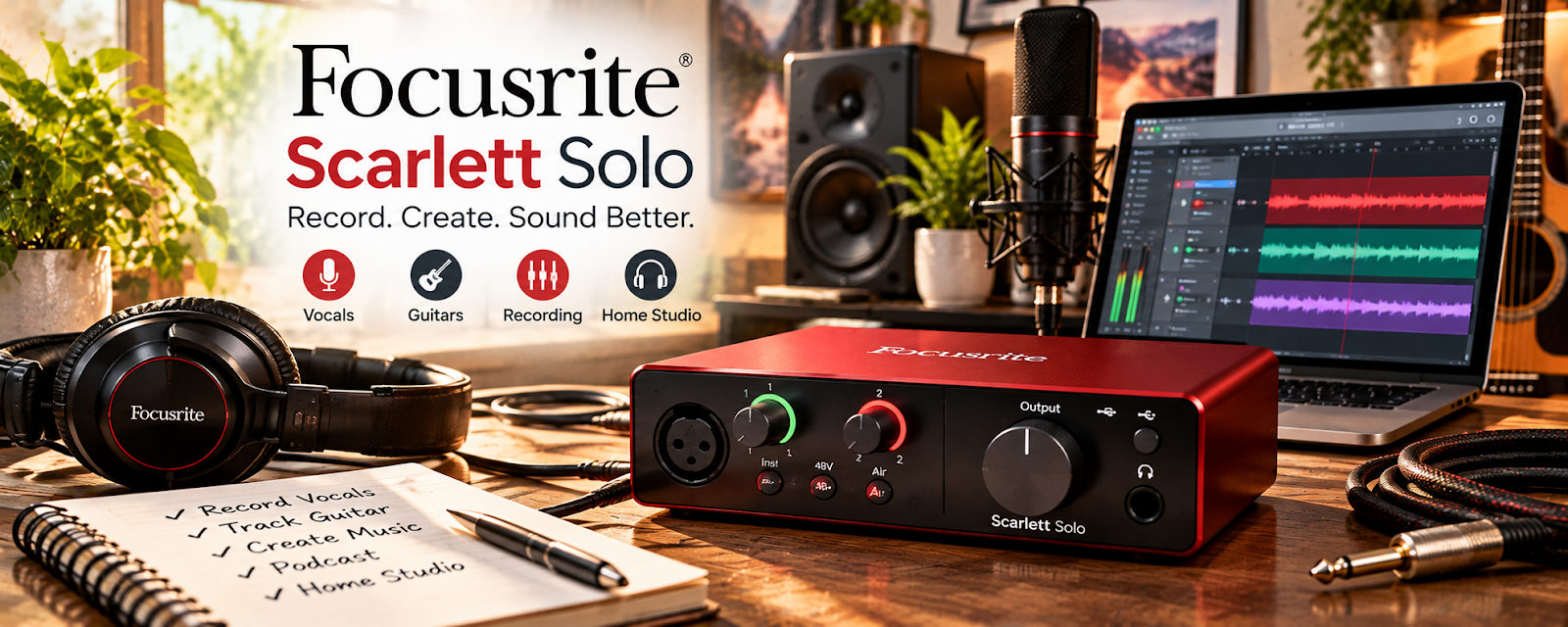
Use Focusrite Scarlett Solo to record, edit, clean up, or package media assets for voiceover work.
🟡 Intermediate
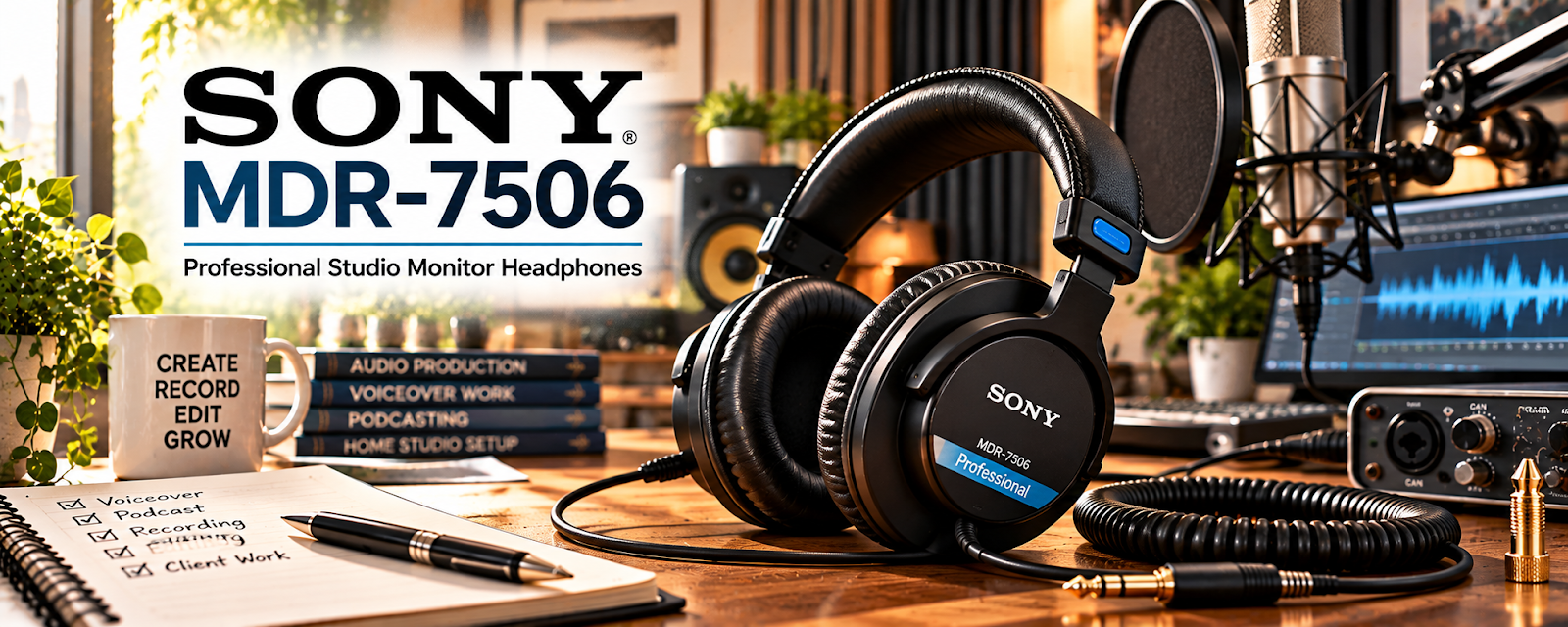
Use Sony MDR-7506 to record, edit, clean up, or package media assets for voiceover work.
🟡 Intermediate
🎧 Recording & Editing Software
Record, edit, and export clean speech. Learn a repeatable workflow that meets the requested audio specifications.
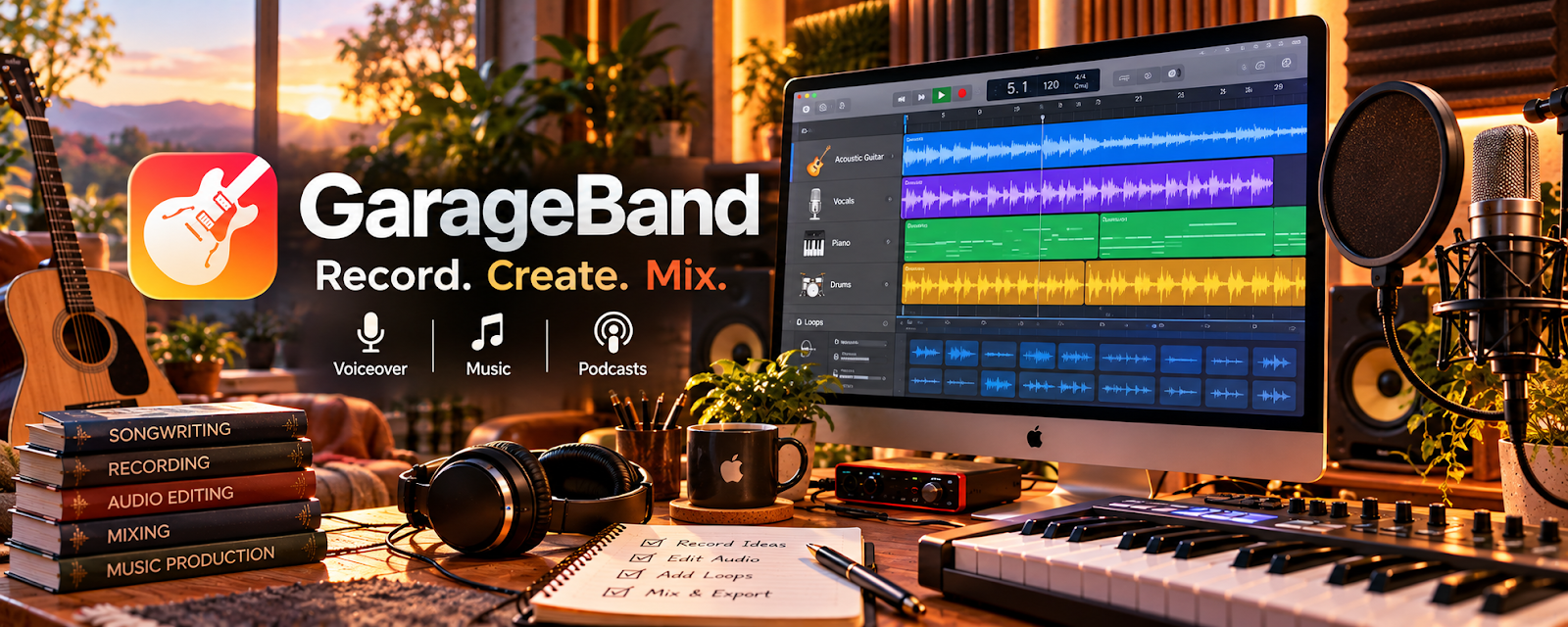
Use GarageBand to record, edit, clean up, or package media assets for voiceover work.
🟢 Beginner
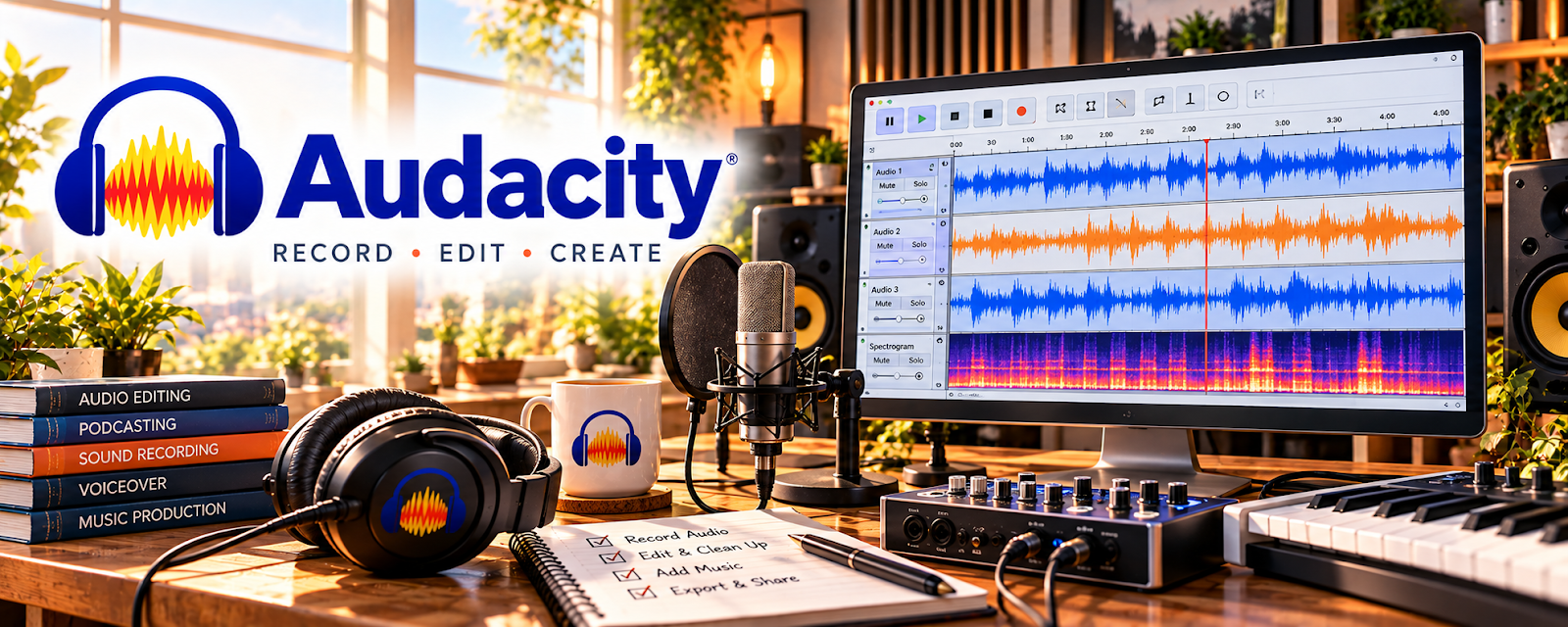
Use Audacity to record, edit, clean up, or package media assets for voiceover work.
🟡 Intermediate
Use TwistedWave to record, edit, clean up, or package media assets for voiceover work.
🟡 Intermediate
Use Reaper to record, edit, clean up, or package media assets for voiceover work.
🟡 Intermediate
Use Adobe Audition to record, edit, clean up, or package media assets for voiceover work.
🔴 Advanced
📜 Scripts, Demos & Practice
Practice interpretation and prepare permission-cleared samples. Use scripts that demonstrate the delivery you can reliably reproduce.
Use Voices Script Library as a practical resource for voiceover work in this category.
🟢 Beginner
Use GVAA Rate Guide as a practical resource for voiceover work in this category.
🟡 Intermediate
Use Edge Studio Training as a practical resource for voiceover work in this category.
🔴 Advanced
Use Edge Studio Demo Production as a practical resource for voiceover work in this category.
🔴 Advanced
💳 Payments & Client Management
Manage quotes, pickups, usage terms, deadlines, and receipts. Keep the agreed rights attached to each project.
Use Google Drive to store, organize, and share project files with authorized recipients for Voiceover Work.
🟢 Beginner
Use PayPal Business to accept business payments and review transaction records for Voiceover Work.
🟢 Beginner
Use Wave to organize bookkeeping records and manage invoicing for a small business for Voiceover Work.
🟢 Beginner
Use Stripe to accept customer payments and review payment records through supported integrations for Voiceover Work.
🟡 Intermediate
Use Bonsai to organize client projects, proposals, contracts, and invoicing workflows for Voiceover Work.
🟡 Intermediate
🧾 Portfolio & Marketing Tools
Present demos and contact details clearly. Tailor examples to the kinds of clients and scripts you want to attract.

Use Canva / Canva Mockups to promote your offer, capture leads, and build an audience around voiceover work.
🟢 Beginner

Use Carrd to promote your offer, capture leads, and build an audience around voiceover work.
🟢 Beginner
Use LinkedIn to promote your offer, capture leads, and build an audience around voiceover work.
🟢 Beginner
Use SoundCloud to promote your offer, capture leads, and build an audience around voiceover work.
🟢 Beginner

Use Squarespace to promote your offer, capture leads, and build an audience around voiceover work.
🟡 Intermediate
10. Your First 6 Months Voiceover Work Plan
Your first 6 months in voiceover work should be focused on building recording quality, vocal control, sample demos, client communication, and a repeatable delivery process.
The goal is to move from:
Voice Practice → Recording Setup → Demo Samples → First Clients → Reviews → Better Voiceover Niches
By the end of 6 months, you should know what type of voiceover work fits your voice, how to record clean audio, how to create strong demos, how to price beginner projects, and how to turn small jobs into repeat clients.
🎯 6-Month Goal
By the end of your first 6 months, aim to have:
✅ A basic recording setup
✅ A quiet recording space
✅ 5–10 voiceover practice scripts recorded
✅ 3–5 polished demo samples
✅ A simple voiceover profile or portfolio
✅ A basic rate sheet
✅ 1–3 practice or paid voiceover projects completed
✅ A repeatable recording, editing, and delivery workflow
✅ A plan to specialize in commercials, narration, audiobooks, YouTube, e-learning, or character work
🎯 KEY TAKEAWAY
Voiceover work is not just having a good voice. Clients pay for clean audio, clear delivery, strong interpretation, reliable communication, and fast turnaround.
📅 Month 1: Learn Voiceover Basics & Set Up Your Recording Space
🎯 Main Goal
Understand what voiceover work involves and create a simple setup that can record clean beginner audio.
✅ What to Do
- Learn common voiceover job types
- Practice reading scripts out loud
- Record yourself and listen back
- Set up a quiet recording area
- Test your microphone, headphones, and recording software
- Learn basic audio terms like noise floor, clipping, pacing, and room echo
- Practice vocal warmups
- Create a folder system for scripts, recordings, and demos
🏁 Month 1 Success Looks Like
- You understand basic voiceover categories
- You have a quiet recording area started
- You recorded first practice scripts
- You know what your raw audio sounds like
- You understand what needs improvement
⚠ COMMON MISTAKE
Focusing only on the microphone. A quiet room and clean recording environment often matter more than expensive gear.
🎙️ Voiceover Niches to Consider
Voiceover Type | What It Includes |
Commercial voiceover | Ads for products, services, and brands |
YouTube narration | Voiceovers for videos, explainers, and channels |
E-learning narration | Courses, training videos, and educational content |
Audiobook narration | Long-form book narration |
Podcast intros/outros | Short branded voice clips |
Phone system recordings | Voicemail, IVR, and business greetings |
Character voice acting | Games, animation, and creative projects |
Corporate narration | Presentations, internal videos, and company training |
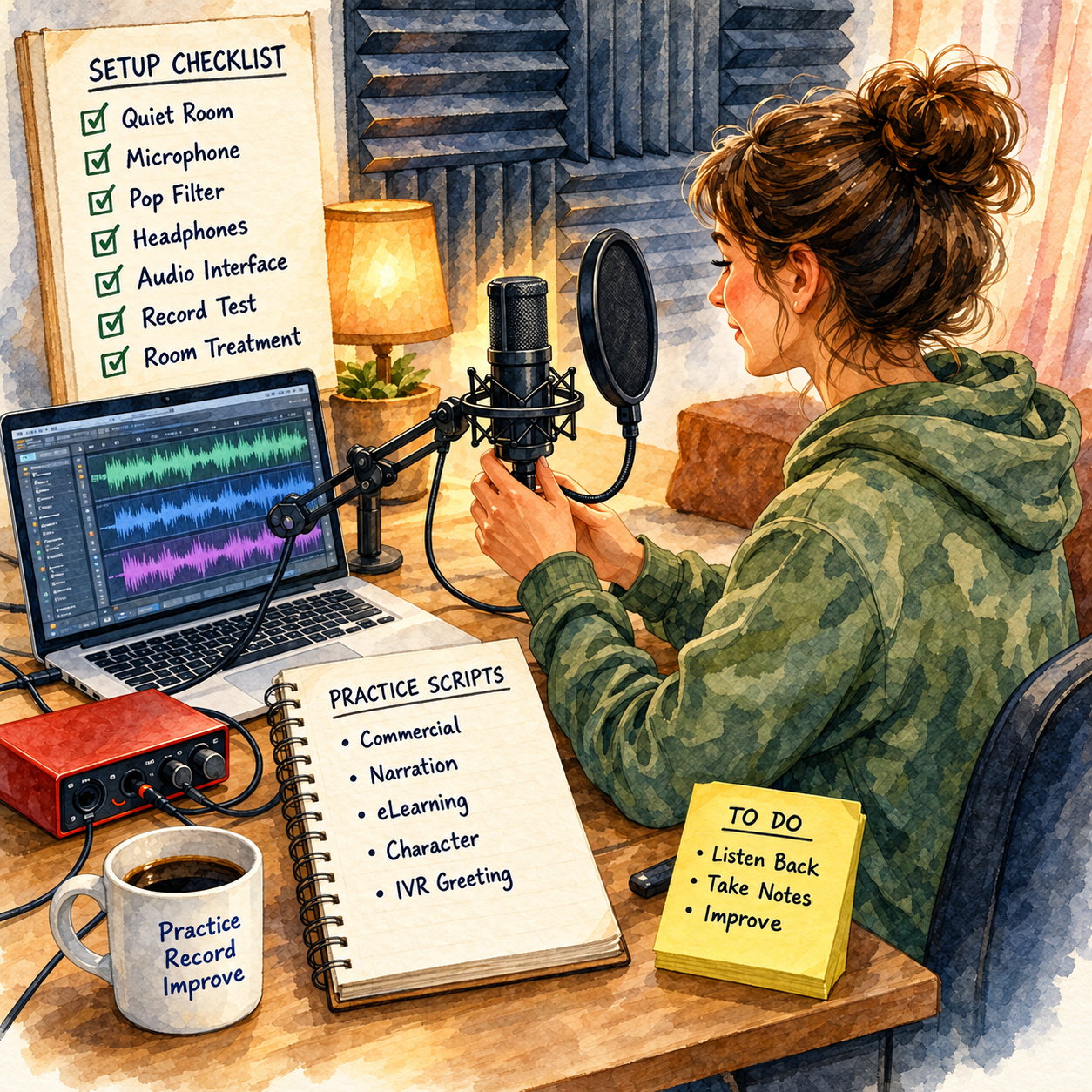
📅 Month 2: Practice Scripts & Create Demo Samples
🎯 Main Goal
Record enough practice material to identify your strongest voiceover style and create first demo samples.
✅ What to Do
- Practice 5–10 short scripts
- Record different tones and pacing styles
- Try commercial, narration, e-learning, and character reads
- Learn basic editing and noise cleanup
- Choose your best takes
- Create 3–5 short demo samples
- Write a simple voiceover bio
- Create a beginner rate sheet
📦 What to Include in Your Voiceover Offer
- Voice style
- Voiceover types offered
- Starting rate
- Script length included
- Turnaround time
- File format delivered
- Revision policy
- Whether commercial usage is included
🏁 Month 2 Success Looks Like
- You have recorded multiple practice scripts
- You understand your stronger voice styles
- You created first demo samples
- Your basic rate sheet is written down
- You are ready to build a profile
🎯 KEY TAKEAWAY
Demo samples should be short, clean, and specific. A client should quickly understand what type of voiceover you can deliver.
💡 Beginner Demo Ideas
Demo Type | What to Record |
Commercial demo | 15–30 second product or service ad |
YouTube narration demo | Short explainer or documentary-style read |
E-learning demo | Clear instructional lesson sample |
Corporate demo | Professional business training script |
Audiobook sample | 1–2 minute fiction or nonfiction reading |
Character sample | Distinct character lines or dialogue |
Phone greeting sample | Business voicemail or IVR script |
Podcast intro sample | Short energetic intro or outro |
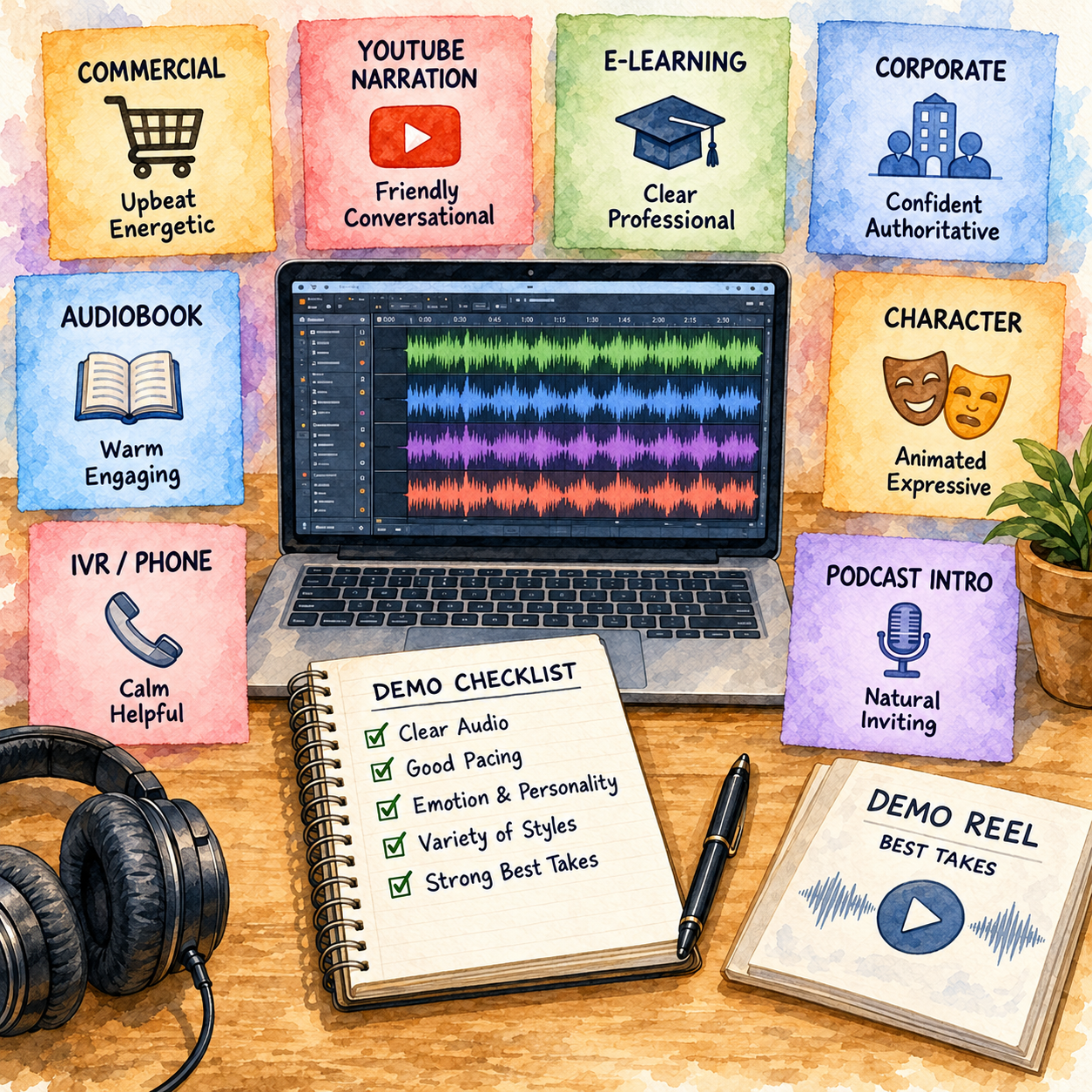
📅 Month 3: Build Your Profile & Find First Voiceover Jobs
🎯 Main Goal
Create a voiceover profile and start applying for small beginner projects.
✅ What to Do
- Create a simple portfolio page or folder
- Upload your best demo samples
- Create profiles on freelance platforms
- Offer beginner-friendly voiceover packages
- Reach out to YouTubers, podcasters, creators, and small businesses
- Apply to short scripts first
- Track auditions, messages, and client responses
- Ask for feedback after completed projects
🏁 Month 3 Success Looks Like
- Your profile or portfolio is live
- Your demos are easy to access
- You have applied to first jobs
- You completed first practice or paid projects
- You understand what clients ask for before hiring
💡 PRO TIP
Small jobs are useful early because they teach you how to follow direction, deliver clean files, handle revisions, and communicate professionally.
📍 Places to Find Voiceover Work
Source | Best For |
Fiverr | Productized beginner voiceover packages |
Upwork | Freelance voiceover projects |
Voices-style casting platforms | Auditions and voice talent jobs |
ACX-style audiobook platforms | Audiobook narration opportunities |
YouTube creators | Narration, intros, and explainer videos |
Podcasters | Intros, outros, ads, and announcements |
Local businesses | Phone greetings, ads, and promotional scripts |
Course creators | E-learning and training narration |
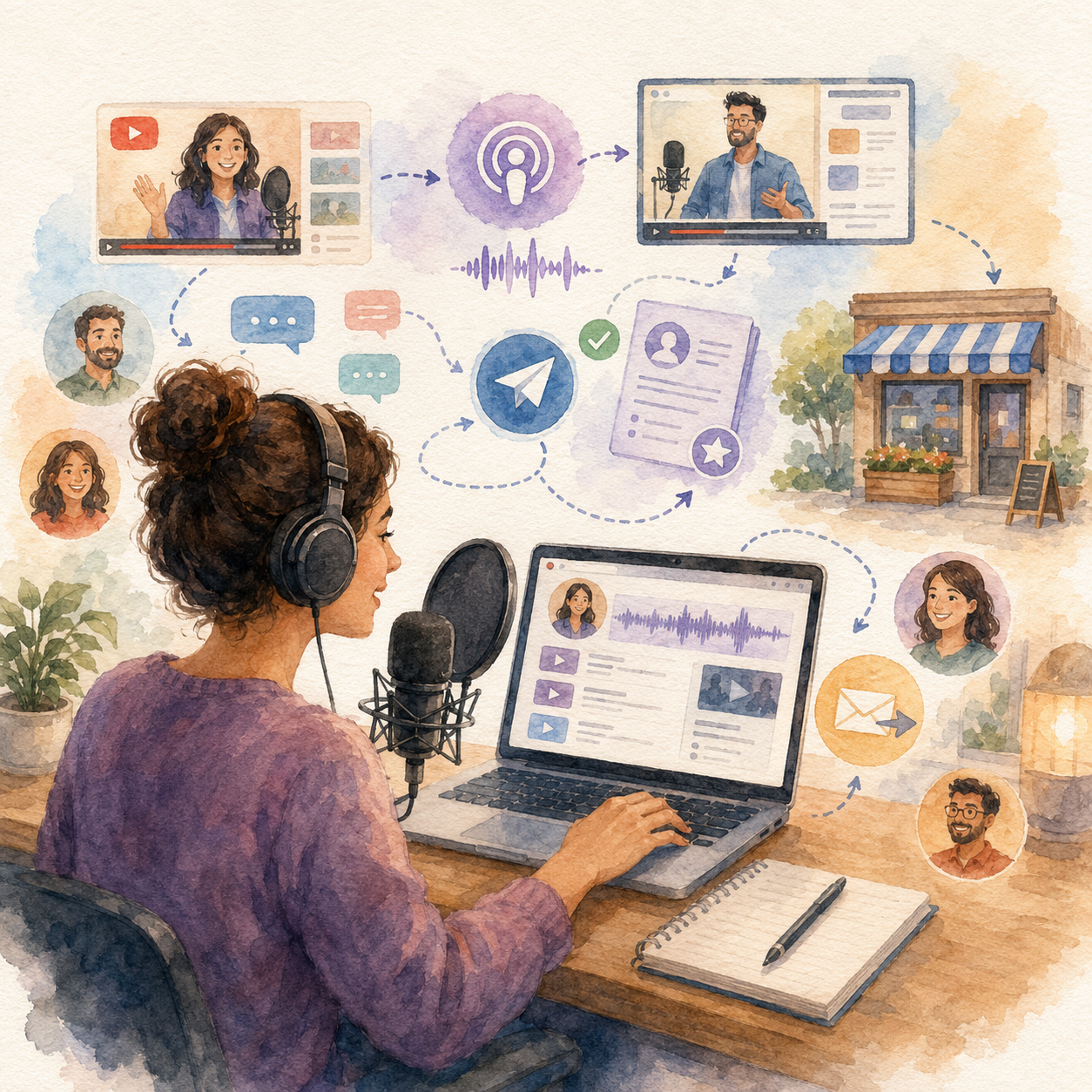
📅 Month 4: Build a Repeatable Recording & Delivery Workflow
🎯 Main Goal
Create a professional system for receiving scripts, recording, editing, delivering files, and managing revisions.
✅ What to Do
- Create a client intake form
- Ask about tone, audience, pronunciation, deadline, and usage
- Build a recording checklist
- Create file naming rules
- Learn basic editing cleanup
- Save project files in organized folders
- Create delivery message templates
- Set revision limits clearly
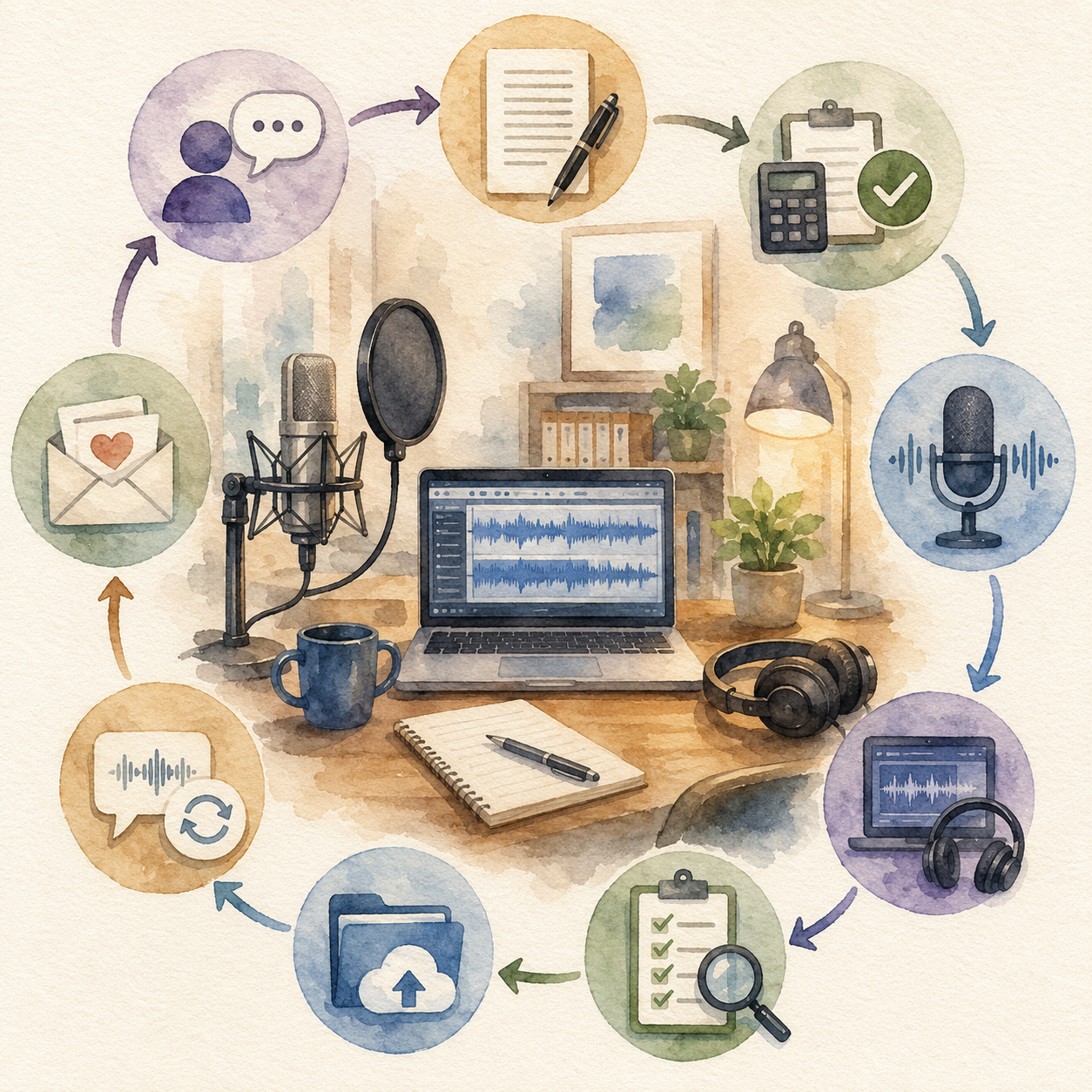
🏁 Month 4 Success Looks Like
- Your recording process is more consistent
- Your audio files are better organized
- Clients know what to expect
- You are handling revisions more clearly
- Your delivery process feels professional
⚠ COMMON MISTAKE
Do not accept unclear scripts, vague usage rights, or unlimited revisions. Voiceover work needs clear scope before recording begins.
🔄 Simple Voiceover Workflow
Step | What Happens |
Inquiry | Client asks about voiceover work |
Intake | Client sends script, tone, deadline, and usage details |
Quote | You confirm price, scope, revisions, and delivery format |
Recording | You record multiple takes if needed |
Editing | You clean audio, remove mistakes, and balance volume |
Quality check | You listen through before delivery |
Delivery | You send the final audio file |
Revision | Client requests reasonable corrections |
Follow-up | You ask for feedback, testimonial, or future work |
🗓️ Simple Weekly Workflow
Day | Task |
Monday | Reply to leads and review scripts |
Tuesday | Record short voiceover projects |
Wednesday | Edit and quality-check files |
Thursday | Deliver projects and handle revisions |
Friday | Audition, apply, and follow up |
Weekend | Practice scripts and update demos |
📅 Month 5: Improve Audio Quality, Pricing & Niche Focus
🎯 Main Goal
Use early projects to improve your sound, strengthen your demos, and move toward better-paying voiceover work.
✅ What to Do
- Review your recordings for noise, pacing, clarity, and tone
- Improve your recording space
- Upgrade equipment only if needed
- Add testimonials or client feedback to your profile
- Create stronger niche-specific demos
- Raise rates for new clients if your quality improves
- Offer package options
- Follow up with past clients for repeat work
🏁 Month 5 Success Looks Like
- Your audio quality has improved
- Your demos sound more polished
- Your service packages are clearer
- You understand which voiceover style fits you best
- You are starting to attract better-fit clients
🎯 KEY TAKEAWAY
Better voiceover clients usually pay for reliability, clean audio, direction-following, and usage rights—not just the sound of your voice.
🎙️ Voiceover Package Ideas
Package | What It Includes |
Short Commercial Voiceover | 15–60 second ad read |
YouTube Narration | Voiceover for videos or explainers |
Podcast Intro/Outro | Short branded audio clip |
Phone System Recording | Voicemail or business menu recording |
E-Learning Module | Training or lesson narration |
Audiobook Sample | Short-form narration sample or chapter test |
Character Voice Clip | Creative character lines |
Monthly Voiceover Support | Recurring scripts for creators or businesses |
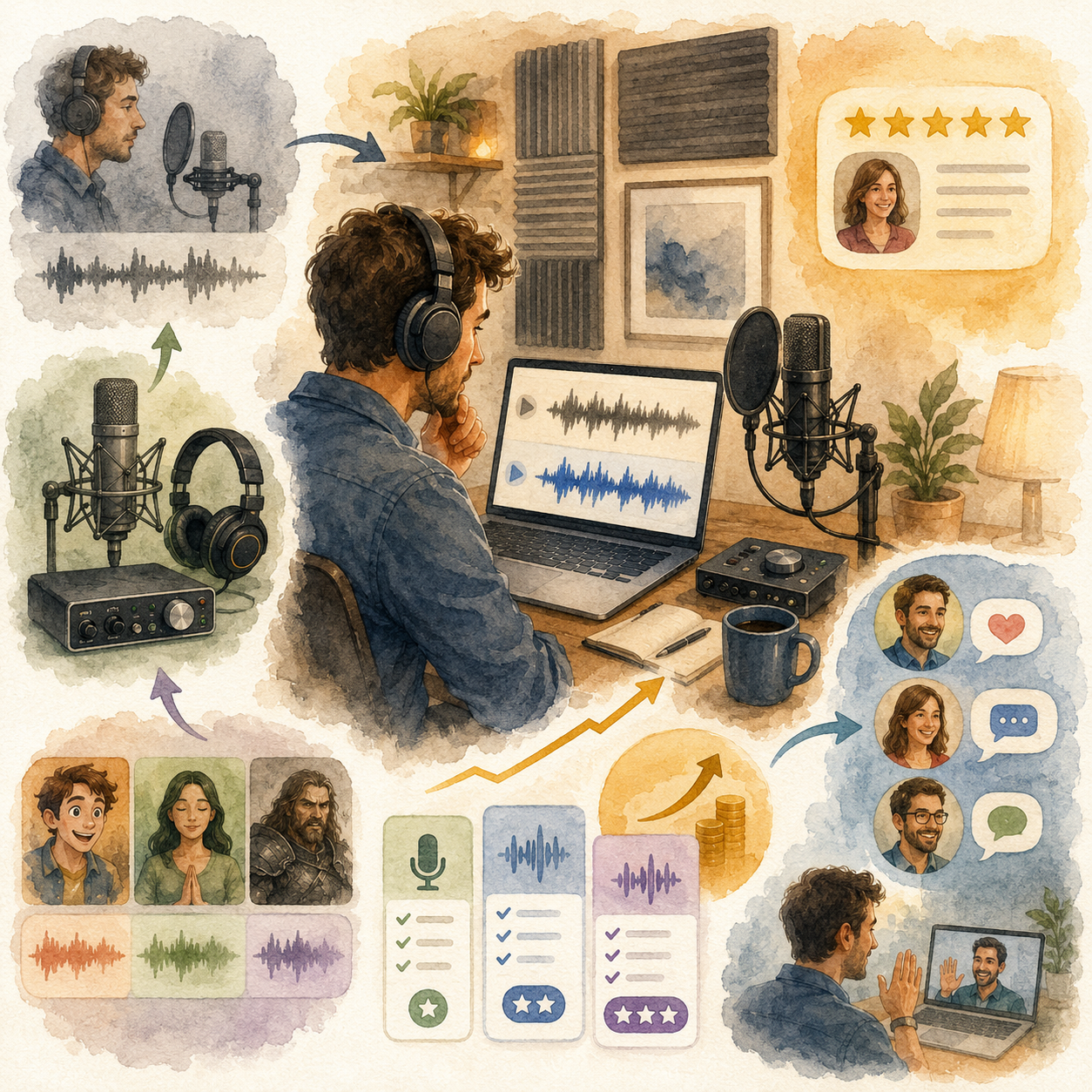
📅 Month 6: Review, Specialize & Plan Your Next Step
🎯 Main Goal
Review your first 6 months and decide which voiceover niche, platform, or client type deserves more focus.
✅ What to Do
- Review all demos, auditions, and completed projects
- Identify your strongest voice style
- Identify which jobs paid best for the time required
- Review which platforms brought the best leads
- Remove services that do not fit your voice or workflow
- Update your demos and rate sheet
- Improve your portfolio
- Create a 90-day plan for months 7–9
❓ 6-Month Review Questions
- Which voiceover style sounded most natural?
- Which projects did clients respond to best?
- Which jobs were easiest to record well?
- Which projects paid best for the time required?
- Which platforms or outreach methods worked best?
- Did your audio quality meet client expectations?
- What should you stop offering?
- Are you ready to raise rates?
- Can you create recurring packages for creators or businesses?
🏁 Month 6 Success Looks Like
- You know your strongest voiceover niche
- Your demos are more focused
- Your recording workflow is organized
- Your rates and packages are clearer
- You have a 90-day plan to improve quality and find better clients
🎯 KEY TAKEAWAY
Voiceover work grows faster when you specialize in the type of audio your voice, setup, and workflow can deliver consistently.
📊 Decision Table
If This Happens | Do This |
YouTube narration fits best | Build creator narration packages |
Commercial reads sound strong | Create more ad-style demos |
E-learning work feels natural | Build training and course narration samples |
Audiobooks take too long | Price carefully or focus on shorter narration |
Clients ask for phone greetings | Offer business voice package |
Audio quality still needs work | Improve recording space before scaling |
Revisions take too long | Tighten intake questions and revision policy |
Repeat clients need scripts often | Offer monthly voiceover support |

✅ 6-Month Success Checklist
By the end of 6 months, check whether you have:
✅ Learned basic voiceover job types
✅ Created a quiet recording space
✅ Practiced with multiple scripts
✅ Recorded 3–5 demo samples
✅ Built a voiceover profile or portfolio
✅ Created a rate sheet
✅ Applied to first voiceover jobs
✅ Completed practice or paid projects
✅ Built a recording and editing workflow
✅ Created delivery and revision rules
✅ Identified your strongest voiceover niche
✅ Created a plan for the next 90 days
⚠️ What Not to Do During the First 6 Months
Avoid these mistakes:
❌ Recording in a noisy or echo-heavy room
❌ Buying expensive gear before learning basic recording skills
❌ Sending demos with background noise or uneven volume
❌ Reading scripts with no emotion, pacing, or direction
❌ Accepting unclear usage rights
❌ Offering unlimited revisions
❌ Missing deadlines
❌ Ignoring pronunciation instructions
❌ Undercharging for commercial usage
❌ Assuming a good voice is enough without clean audio and professionalism
📝 QUICK NOTE
Voiceover work is a mix of performance and production. Your voice matters, but so do audio quality, reliability, editing, and client communication.
🧭 Simple 6-Month Milestone Tracker
Month | Main Focus | Target Output |
Month 1 | Basics & setup | Quiet space and first practice recordings |
Month 2 | Demos & offer | 3–5 demo samples and rate sheet |
Month 3 | First jobs | Profile created and first projects started |
Month 4 | Workflow | Recording, editing, and delivery system |
Month 5 | Quality & pricing | Better demos, packages, and testimonials |
Month 6 | Review & specialize | 90-day growth plan created |
🚀 Final 6-Month Strategy
Your first 6 months should follow this simple path:
Month 1: Learn voiceover basics and set up your recording space
Month 2: Practice scripts and create demo samples
Month 3: Build your profile and find first voiceover jobs
Month 4: Build a repeatable recording and delivery workflow
Month 5: Improve audio quality, pricing, and niche focus
Month 6: Review results and plan your next step
The voiceover artists who grow fastest are not just expressive. They record clean audio, follow direction, communicate clearly, deliver on time, and build demos around the work they can perform best.
11. View the Voiceover Starter Kit
🎁 Your Voiceover Career Toolkit
The Voiceover Work Starter Kit brings together 12 interactive planning and practice tools for equipment decisions, scripts, demo preparation, auditions, pricing and client communication.
The 12 components:
✅ 1. Recording Equipment Checklist — Review recording gear, workspace needs and practical upgrades before buying equipment.
✅ 2. Voiceover Practice Script Library — Practice delivery with sample narration and character scripts.
✅ 3. Demo Reel Builder — Plan your demo sequence and the production steps needed to assemble it.
✅ 4. Freelancer Profile Builder — Draft voiceover marketplace profiles based on your genuine skills and experience.
✅ 5. Voiceover Rate Calculator — Model project quotes using your assumptions about length, usage rights and revisions.
✅ 6. Recording & Editing Checklist — Review recording and editing checks before delivering audio.
✅ 7. Audition Preparation Toolkit — Organize audition scripts, preparation tasks and submission details.
✅ 8. Vocal Warm-Up Guide — Develop a consistent vocal preparation routine for practice and recording.
✅ 9. Client Communication Templates — Adapt message drafts for inquiries, delivery updates and other client conversations.
✅ 10. Voiceover Platform Comparison — Research and compare voiceover marketplaces, checking current terms independently.
✅ 11. Voiceover Niche Explorer — Explore voiceover specialties and assess their fit with your abilities.
✅ 12. Client Retention Planner — Plan professional follow-ups and opportunities for repeat client work.
Also included in the editable master: A central dashboard, Start Here guide and troubleshooting notes are included.
The kit does not record, edit or analyze real audio automatically unless a specific tool explicitly supports it. It does not book auditions, contact clients or guarantee voiceover work. Current marketplace information and final release status need verification.

12. Frequently Asked Questions
🎤 Do I need professional training or acting experience?
No, but it helps.
Many successful voice actors are self-taught.
What matters most:
- 🎭 Talent and expression
- 🔁 Practice
- 🎧 Good recording quality
- 📋 Ability to follow direction
- 💬 Professional communication
💡 Consider coaching once you’re earning $500+/month.
🗣️ What if I don't like my voice?
That is normal.
Most people dislike their recorded voice at first.
Clients care more about:
- ✅ Clarity
- 🎭 Emotion
- 🎧 Audio quality
- ⏰ Reliability
- 💼 Professionalism
You do not need to sound like a radio announcer.
💡 Unique voices often book more because they feel authentic and memorable.
🌍 Can I do voiceover with an accent?
Absolutely.
Accents are often in demand for authenticity.
Examples:
- 🇬🇧 British voiceover for UK brands
- 🇲🇽 Spanish-accented English for Latin American content
- 🇺🇸 Regional American accents for local campaigns
- 🌎 Global voices for international brands
💡 Lean into your natural voice instead of trying to erase it.
⏳ How long until I make good money?
Illustrative timeline, not a guarantee:
- 🌱 First paid gig: some people book in 2–8 weeks
- 📈 Consistent $1,000+/month: 6–12 months is an example, not a forecast
- 🚀 $3,000+/month: 12–24 months is possible for some, not typical
Your speed depends on:
- 🎧 Audio quality
- 🎭 Performance ability
- 📩 Audition volume
- 🎯 Niche specialization
- 🤝 Repeat clients
💡 Consistency matters more than one lucky booking.
🎧 Do I need a soundproof booth?
Not initially.
Beginner-friendly recording spaces include:
- 👕 A closet full of clothes
- 🧥 Blanket setup
- 📦 DIY cardboard booth
- 🛏️ Soft-furnished room
- 🎙️ Small treated corner
A basic DIY setup can cost around $20–$100.
Upgrade to a professional booth once earning around $2,000+/month.
💡 Quiet, treated space matters more than expensive gear at the start.
📱 Can I use my phone or laptop mic?
For practice, yes.
For paid work, no.
Clients expect professional-quality audio.
Minimum beginner setup:
- 🎙️ USB microphone
- 🎧 Headphones
- 💻 Recording software
- 🤫 Quiet recording space
Suggested budget:
- 💵 $60+ for a beginner USB mic, such as Fifine K669 or Samson Q2U
- 🎧 $30–$80 for headphones
- 🧰 Free software like Audacity
💡 Your audio quality affects whether clients take you seriously.
🚩 How do I avoid scams?
Watch for red flags:
- ❌ Upfront fees to join “exclusive” platforms
- ❌ Pay-to-audition schemes
- ❌ Requests for long free samples
- ❌ Vague contracts
- ❌ Clients refusing payment terms
- ❌ “Guaranteed work” promises
Legitimate platforms may be free or subscription-based, but they should be transparent.
💡 A short 15–30 second custom sample is common. Long unpaid work is not.
📚 Should I do royalty-share audiobooks?
Only in specific cases.
Royalty share means:
- 💰 No upfront payment
- 📖 You earn a percentage of future royalties
- ⏳ You take on more risk
It may make sense if:
- 📁 You’re building a portfolio
- 📚 The book has strong sales potential
- ✍️ The author already has an audience
- 🎧 You want audiobook experience
Better long-term goal:
- Charge PFH, or per finished hour, once you can command $100+/finished hour.
💡 Royalty share can be useful early, but don’t rely on it for stable income.
🗣️ How do I deal with voice strain?
Protect your voice like business equipment.
Best practices:
- 🔥 Warm up before sessions
- 💧 Stay hydrated
- 🥛 Avoid dairy before recording if it affects your voice
- ⏸️ Take breaks every 30–60 minutes
- 🚫 Stop if it hurts
- 😴 Rest your voice after long sessions
💡 Consider vocal coaching if you plan to do this seriously.
💰 Can I make a full-time living from voiceover?
Some people do, but it is not typical at first.
$40,000–$100,000+/year is an example, not a forecast.
But full-time income requires treating voiceover like a business.
You need:
- 🎧 Professional equipment
- 🎭 Strong performance skills
- 📩 Consistent marketing
- 🎯 Specialization
- 🤝 Excellent client service
- 📊 Clear rates and usage terms
💡 Voiceover can become a serious career, but it takes practice, persistence, and professionalism.
13. Important Considerations
Before you begin, understand the performance, recording, audition, and business realities that shape a voiceover career:
🎤 This Is Performance + Technical Skill
Voiceover is not just reading.
You must develop:
- 🎭 Acting ability
- 🗣️ Tone and emotion
- ⏱️ Pacing
- 🔤 Clear articulation
- 🎧 Audio quality
- ✂️ Editing skills
👉 The best voice actors combine performance + production.
🎧 Audio Quality Can Make or Break You
Even with a great voice, poor audio can cause instant rejection.
Avoid:
❌ Background noise
❌ Echo/reverb
❌ Poor editing
❌ Mouth clicks
❌ Inconsistent volume
❌ Room noise
Clients expect clean, professional audio, even from beginners.
💡 Your recording space matters as much as your microphone.
⏱️ Time vs. Pay Reality
Voiceover takes more time than just recording.
Especially for beginners:
- 🎙️ Recording takes time
- ✂️ Editing takes time
- 🔁 Retakes take time
- 📤 File delivery takes time
For audiobooks:
- 📚 1 finished hour can equal 6–8 hours of work
Your effective hourly rate may be low at first.
💡 Efficiency improves with practice, better setup, and editing skills.
💰 Rates Vary Widely — Know Your Value
Voiceover pricing depends on:
- 🎭 Experience
- 📦 Project type
- 📣 Usage rights
- ⏳ Length
- 🌍 Audience size
- 🏢 Client type
Beginner mistake:
❌ Accepting very low rates long-term
As you gain experience:
- 📈 Increase rates
- 📜 Charge for usage
- 🎯 Specialize
- 🤝 Work with better clients
💡 Your voice is not just a file — it is a licensed creative asset.
📜 Usage Rights = Hidden Income
Many beginners ignore usage rights.
Clients may use your voice for:
- 📺 Ads
- 🌐 Websites
- 📻 Broadcast
- 📱 Social media
- 🎥 YouTube
- 🏢 Corporate training
Charge more for:
- 📣 Commercial use
- 📺 Broadcast use
- ⏳ Long-term usage
- 🌍 Large audiences
- 🔁 Ongoing campaigns
💡 Usage rights are where professionals often make significantly more.
📉 Highly Competitive Industry
You are competing with:
- 🌍 Global talent
- 🎭 Experienced voice actors
- 🤖 AI voice tools
- 🏢 Agencies
- 📱 Freelancers on platforms
Standing out requires:
- 🎧 Strong demos
- ⚡ Fast response times
- 📩 Consistent auditions
- 🎯 Clear niche positioning
- 💼 Professional communication
🎯 Audition Volume Is Required
Most jobs come from auditions.
Reality:
- 📩 10–50 auditions may lead to 1 booking
- ❌ Rejection is normal
- 🔁 Consistency builds momentum
You must:
- 🎙️ Audition regularly
- 📊 Track what works
- 🎧 Improve demo quality
- 🧠 Avoid taking rejection personally
💡 Voiceover is a numbers game plus skill game.
🤖 AI Is Changing the Industry
AI voices are:
- ⚡ Cheaper
- 🚀 Faster
- 📈 Improving quickly
But AI still lacks:
- 🎭 Emotional nuance
- 🧠 Human judgment
- 🗣️ Authentic performance
- 🎯 Complex direction-following
- ❤️ Natural warmth
The opportunity is shifting toward:
- 🏆 Higher-quality performance
- 🎙️ Unique voice styles
- 🎯 Specialized niches
- 🤝 Human-led creative work
💡 AI may reduce low-end work, but strong human performance still has value.
🗣️ Voice Health Matters
Your voice is your asset.
Risks include:
- 😮💨 Vocal strain
- 😴 Fatigue
- 🔁 Overuse
- 🗣️ Hoarseness
- 😣 Throat pain
Protect your voice by:
- 🔥 Warming up
- 💧 Staying hydrated
- ⏸️ Taking breaks
- 🚫 Avoiding overuse
- 🧘 Using proper breathing technique
👉 Stop if it hurts.
🔁 Income Can Be Inconsistent
Especially early on:
- 📈 Some weeks bring multiple bookings
- 📉 Some weeks bring none
- ⏳ Payment timing varies
- 📩 Audition results fluctuate
Stability comes from:
- 🔁 Repeat clients
- 🌐 Multiple platforms
- 🎯 Specialization
- 📣 Consistent marketing
- 💼 Strong client relationships
⚠️ Biggest Beginner Mistakes
Avoid these:
❌ Poor audio quality
❌ No demo reel or weak demo
❌ Underpricing long-term
❌ Not practicing performance
❌ Giving up after rejection
❌ Ignoring the business side, such as rates and contracts
❌ Recording in a noisy room
❌ Sending files without checking quality
👉 Most people fail due to lack of consistency, not lack of talent.
🔥 Bottom Insight
Voiceover rewards:
👉 Consistency
👉 Skill development
👉 Professionalism
More than simply “having a good voice.”
14. Your Next Steps
🚀 ACTION STEP
📍 Today
- 📦 View the starter kit above
- 🎙️ Record yourself reading a commercial script from the starter kit
- 🎧 Listen back honestly and note what to improve
📅 This Week
- 🎧 Research and order basic equipment, around $100–$300
- 🧥 Set up a recording space using a closet or basic acoustic treatment
- 📺 Watch 5 Booth Junkie YouTube videos
- 🗣️ Practice reading 10 scripts aloud
🗓️ This Month
- 🎙️ Create your first demo reel, around 60–90 seconds
- 💼 Set up a Fiverr and/or Upwork profile
- 📩 Apply to 10–20 voiceover jobs
- ✅ Complete your first 3–5 paid gigs
- 🎯 First $100–$300 is an example, not a first-month forecast
🚀 Months 2–3
- 📦 Complete 20–30 total projects
- 🎯 Choose your specialization, such as commercial, audiobook, or eLearning
- 🎧 Improve recording quality based on feedback
- 📈 Raise rates by 25–50%
- 🌐 Apply to professional platforms like Voices.com or Voice123
- 🎯 $800–$2,000/month is an example, not a forecast
15. The Bottom Line
🎯 KEY TAKEAWAY
Voiceover work can be a flexible creative side hustle you start from home, but bookings and income still vary.
🙋 If you:
You don’t need:
❌ A degree
❌ Industry connections
❌ Expensive studio to start
You DO need:
✅ Practice
✅ Persistence
✅ Professional-quality audio
✅ Clear communication
✅ A willingness to improve
🏗️ You can build:
- 🌱 Casual side hustle: extra income is possible; $200–$1,000/month is an example
- 📈 Part-time income: $1,500–$4,000/month is an example, not a promise
- 🚀 Full-time work: $5,000–$10,000+/month is possible for some, not typical
The difference comes from:
- 🎭 Skill level
- 🎯 Niche specialization
- 🤝 Client quality
- 🎧 Audio quality
- 📩 Audition consistency
🎯 The Real Opportunity
This is not just “voice work.”
It is a performance-based freelance business.
You can:
- 🌍 Work from anywhere
- 🎙️ Choose your projects
- 🤝 Build recurring client relationships
- 📈 Raise rates over time
- 🎯 Specialize in profitable niches
⚙️ Why This Works
Demand comes from:
- 🎥 YouTube
- 📣 Ads
- 🎓 eLearning
- 📚 Audiobooks
- 🏢 Corporate training
- 🎮 Games
- 📱 Apps
- 🎧 Podcasts
Voiceover offers:
- 🚪 Low barrier to entry
- 🏠 Work-from-home flexibility
- 📈 High scalability with better clients and rates
⚠️ The Reality Check
Voiceover takes time to build momentum.
You will face:
- ❌ Rejection
- ⏳ Slow early progress
- 📉 Inconsistent income
- 🎧 Technical learning curve
- 📩 Lots of auditions
Most people fail because they:
- ❌ Don’t practice enough
- ❌ Don’t improve their setup
- ❌ Don’t stay consistent
- ❌ Don’t treat it like a business
🧠 The Winning Formula
- 🎧 Build a simple home setup
- 🎙️ Create strong demo reels
- 🌱 Start with smaller gigs, such as YouTube and Fiverr work
- 🎭 Improve audio + performance
- 🎯 Specialize and raise rates
- 🤝 Build repeat clients
🚀 The Big Opportunity
This can become:
- 🎨 A creative side hustle
- 💰 Extra remote income if clients book you
- 🎙️ Fuller-time work for some people, not a guaranteed career
It scales with:
- 🎭 Skill
- ⏳ Experience
- 🎯 Positioning
- 🎧 Audio quality
- 🤝 Repeat clients
🔥 Bottom Line
If you want:
- 🎨 Creative work
- 🗓️ Flexible income
- 🌍 A skill you can monetize from anywhere
👉 Voiceover work can be a practical creative option if you like performance, clean audio, and client direction.
But to succeed:
Treat it like a professional service — not just reading into a microphone.
16. Recommended Websites & Tools
🛠 TOOLS & RESOURCES
You do not need every resource listed below. This directory brings together the major platforms, tools, and resources from this guide, along with additional research and learning options, so you can find them in one place when you need them.
Start with the essentials. Add tools only when your voiceover work develops a specific need for them.
🎙️ Microphones, Headphones & Studio Gear
- Blue Yeti — USB microphone option for beginner voiceover demos, narration, and small freelance projects.
- Fifine K669 — Budget USB microphone mentioned for low-cost starter voiceover recording.
- Samson Q2U — USB/XLR microphone option for beginner and intermediate voiceover setups.
- Sony MDR7506 — Studio headphones mentioned for monitoring voiceover recordings and catching audio issues.
- Audio-Technica M50x — Closed-back headphones for monitoring, editing, and checking audio quality.
- Audio-Technica AT2020 — XLR microphone option for upgrading from a beginner USB setup.
- Rode NT1-A — Studio condenser microphone mentioned for cleaner intermediate voiceover recording.
- Focusrite Scarlett 2i2 — Audio interface for connecting XLR microphones and improving recording control.
- Behringer U-Phoria — Budget audio interface option for XLR voiceover setups.
- Rode PSA1 — Boom arm option for stable microphone positioning and better recording ergonomics.
- Neumann TLM 103 — Professional microphone mentioned for broadcast-quality voiceover recording.
- Sennheiser MKH 416 — Professional shotgun microphone used in high-end commercial and narration voiceover.
- Universal Audio Apollo — Professional audio interface option for premium recording setups.
- RME Babyface — Professional audio interface mentioned for clean signal and serious voiceover recording.
- StudioBricks — Vocal booth option for professional sound isolation and recording quality.
- WhisperRoom — Vocal isolation booth brand mentioned for reducing noise and improving recording environments.
💡 PRO TIP
Improve the recording space before buying a more expensive microphone. Listen for background noise, room echo, and consistent mic placement.
🎛️ Recording, Editing & Audio Cleanup Software
- Audacity — Free audio recording and editing software for beginner voiceover recording, cleanup, and exports.
- GarageBand — Free Mac recording software for simple voiceover recording and beginner editing.
- Reaper — Affordable professional audio workstation for recording, editing, and managing voiceover projects.
- Adobe Audition — Professional audio editing software for voiceover cleanup, mastering, and client-ready delivery.
- Pro Tools — Industry-standard audio software used in professional recording and studio workflows.
- iZotope RX — Audio repair tool for noise reduction, cleanup, mouth clicks, background noise, and polished voiceover delivery.
📝 QUICK NOTE
Learn one recording and editing workflow well. Check each client’s file-format, editing, and delivery requirements before recording.
💻 Freelance Marketplaces & Beginner VO Jobs
- Fiverr — Freelance marketplace for selling YouTube narration, podcast intros, explainer videos, eLearning reads, and short voiceover gigs.
- Upwork — Freelance platform for finding recurring voiceover clients, corporate narration projects, eLearning work, and commercial reads.
- Freelancer.com — Freelance marketplace for supplemental voiceover projects and international client work.
🎤 Professional Voiceover Casting Platforms
- Voices.com — Professional voiceover marketplace for commercials, corporate narration, eLearning, ads, and audition-based work.
- Voice123 — Voiceover casting platform for auditioning for commercial, narration, character, and corporate projects.
- Bodalgo — International voiceover platform mentioned for European and global client auditions.
- Bunny Studio — Voiceover and creative services platform for professional audio, video, and voice content.
- Backstage — Casting platform for voice acting, performance, commercial, and entertainment opportunities.
- Casting Call Club — Community casting platform for character voices, animation, indie games, and beginner voice acting projects.
📝 QUICK NOTE
Review membership costs, audition expectations, usage rights, and payment terms before joining a casting platform.
📚 Audiobook & Long-Form Narration Platforms
- Audible — Audiobook platform mentioned as a major destination for audiobook listeners and narration work.
- ACX — Audiobook marketplace connecting narrators, authors, and publishers for Audible and Amazon audiobook production.
- Voices by INaudio — Audiobook distribution and narration-related platform mentioned for audiobook opportunities.
- Authors Direct — Audiobook sales platform mentioned for authors and audiobook distribution workflows.
📝 QUICK NOTE
For long-form work, count recording, editing, pickups, and mastering time. Compare royalty-share terms carefully with paid narration work.
🎮 Character, Gaming & Indie Project Sources
- itch.io — Indie game marketplace mentioned for finding small studios, game projects, and potential character voice opportunities.
- IndieDB — Indie game directory for researching game developers and possible voiceover outreach targets.
- Game Jolt — Indie game platform mentioned for finding smaller game projects and creator communities.
- Casting Call Club — Useful for animation, game, character, and community voice acting auditions.
🎓 Training, Audio Education & Learning Resources
- Udemy — Learning platform mentioned for voiceover, audio editing, narration, and home studio courses.
- Edge Studio — Voiceover training and demo resource mentioned for coaching, education, and industry guidance.
- Gravy For The Brain — Voiceover training platform for skills, demos, home studio setup, and professional development.
- Booth Junkie — YouTube channel mentioned for voiceover gear, recording setup, and home studio advice.
- Mike Russell — YouTube channel mentioned for audio editing, recording, and voiceover production tips.
🎯 KEY TAKEAWAY
Practice, a clean recording space, one suitable microphone, and a focused demo matter more than collecting gear and platform memberships.
🧭 How to Use This Directory
🧰 Start With a Simple Setup
Do not start by creating accounts with every service listed above. For most beginners, a simple setup is enough:
- A quiet, treated recording space
- One suitable microphone and headphones
- One recording and editing application
- One focused demo and client-finding channel
That is enough to start building. Add tools only when you can name the specific problem they will solve.
🎯 KEY TAKEAWAY
Tools support the business. They are not the business.
Your biggest advantages will come from:
Practice → Clean audio → Consistent auditions → Repeat clients
17. Explore Similar Side Hustles
 YouTube Automation: Make Money Without Showing Your Face — Explore the faceless-video businesses that may need narration and audio production.
- Faceless Video Content Creation: Go Viral Without Showing Your Face — Combine your voice with stock footage and simple editing to produce off-camera content.
- UGC Creation — Offer product narration and voice-led brand videos as another creative service.
 Freelance Writing: Get Paid to Write Online — Pair narration with scriptwriting to offer clients a more complete production service.
 Online Translation Jobs: Earn from Your Language Skills — Explore multilingual narration and localization if you have the relevant language skills.
- Transcription Jobs — Add another listening-focused service to your audio-work toolkit.