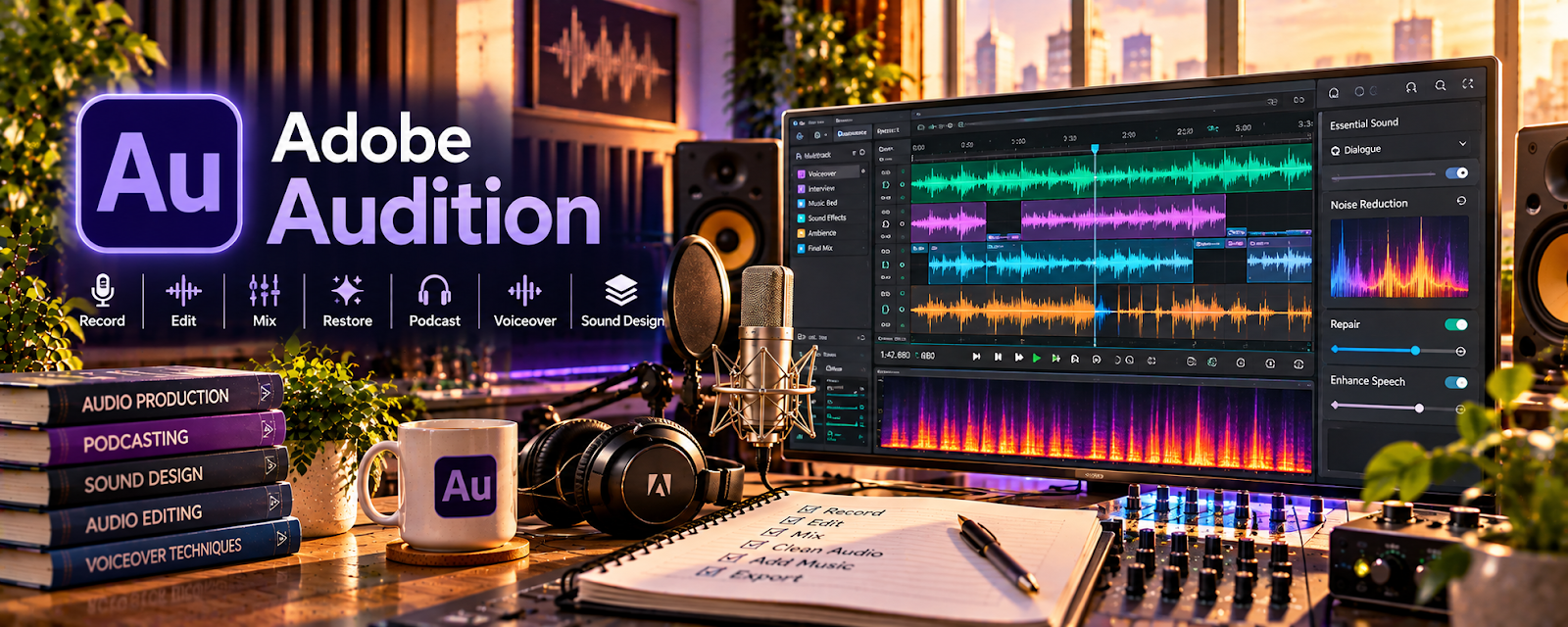
Official Website
Adobe Audition is a professional audio editor for recording, cleaning, and mastering audio.
🔗 Visit Official Website — Adobe Audition
Domain: www.adobe.com
What This Website Is
Adobe Audition is a professional audio editor for recording, cleaning, and mastering audio. For 🔊 Voiceover Work, it helps you produce cleaner takes and consistent loudness for client delivery.
How to Apply It to 🔊 Voiceover Work
Use Adobe Audition as a “record → clean → deliver” workflow: capture → noise reduce → EQ/compress → export.
Step-by-Step Implementation:
- Record in a consistent template/session.
- Apply noise reduction + EQ + compression.
- Export to the client’s specs and save presets.
When to Use This
- You want pro-level audio control
- You deliver voiceovers frequently
- You need consistent quality
Best Tasks to Use It For
- Noise reduction
- EQ + compression
- Loudness consistency
Getting Started Steps
- Create a session template.
- Record a clean test take.
- Save a processing preset.
Good Beginner Search Terms
- Adobe Audition voiceover preset
- noise reduction settings voiceover
- voiceover EQ compression basics
Monetization Angle
Higher-quality audio can justify higher rates and reduce revisions, increasing effective hourly earnings.
Pros
- Pro-grade tools
- Great control over processing
Cons
- Paid tool
- Learning curve
Who Should Use This
Voice talent delivering client work who want consistent professional audio.
Who Should Skip This
People who only need basic edits and prefer free tools.
Practical Applications
- Record an authorized voice sample and compare several takes.
- Apply restrained editing to improve clarity without altering performance unnecessarily.
- Check the final file against the agreed delivery specifications.
Important Considerations
- Preserve original recordings and review processing artifacts; software does not fix every acoustic or performance problem.
- Confirm subscription, plugin, and asset rights and protect scripts and recordings, including any voice-cloning or AI-related permissions.
Related Resources
Audacity — Provides a free audio-editing alternative for basic voiceover cleanup.
TwistedWave — Offers another streamlined recording and editing option for voice talent.
Microsoft Word — Stores scripts, pronunciations, and client notes before recording.
Related Side Hustles
 Faceless Video Content Creation: Go Viral Without Showing Your Face — Voiceover audio is a core asset for faceless video production.
 Selling Digital Products — Voiceover templates, presets, or training assets can become sellable products.