Official Website
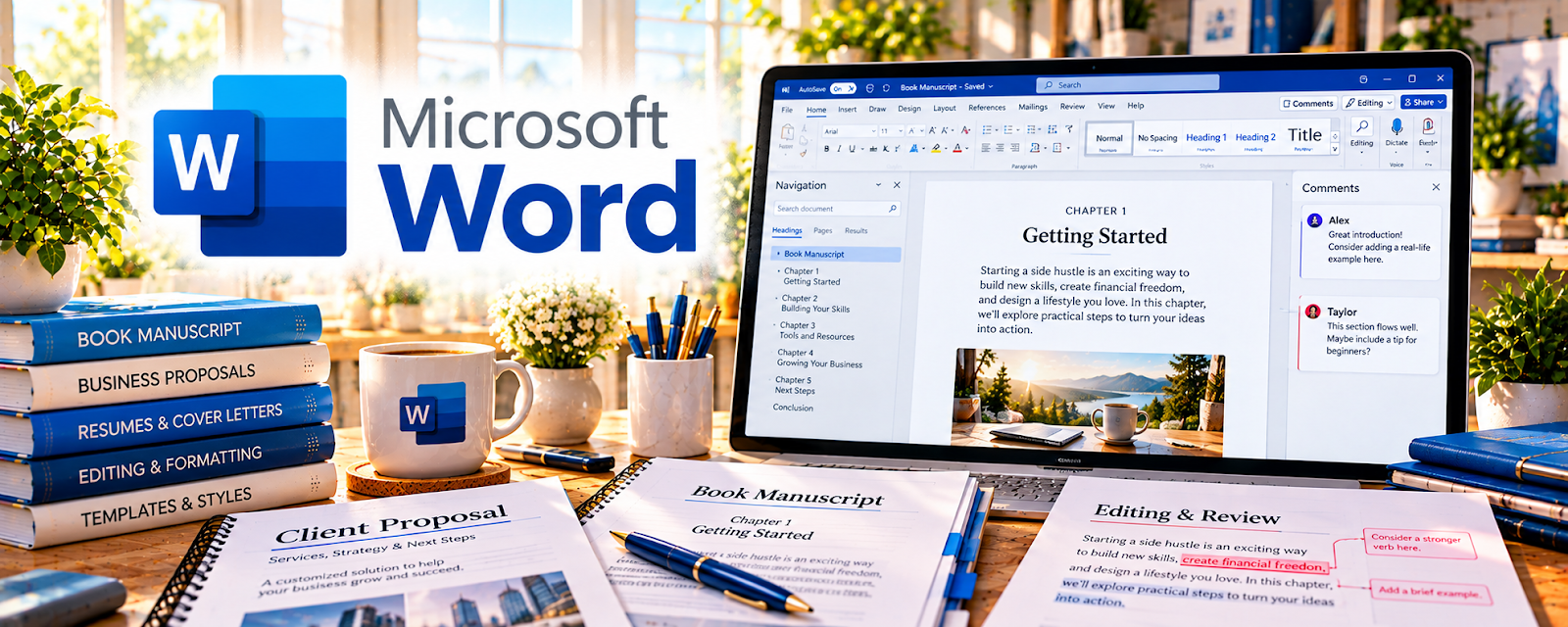
Microsoft Word is a document writing and formatting tool.
🔗 Visit Official Website — Microsoft Word
Domain: www.microsoft.com
What This Website Is
Microsoft Word is a document writing and formatting tool. For the 🗂️ Virtual Assistance side hustle, it’s useful for creating client-ready documents like SOPs, proposals, reports, templates, and polished deliverables.
How to Apply It to 🗂️ Virtual Assistance
Use Microsoft Word as a practical work tool for turning messy notes into clean, professional documents clients can use immediately.
Step-by-Step Implementation:
- Phase 1: Create a small library of templates (meeting notes, SOP, checklist, proposal).
- Phase 2: Use styles (Headings 1–3) to format quickly and keep documents consistent.
- Phase 3: Export to PDF and store in a repeatable folder structure for easy retrieval.
Common Use Cases for this Side Hustle:
- Scenario A: Turning calls into client-ready summaries and action plans.
- Scenario B: Building SOPs so tasks can be delegated or repeated.
- Scenario C: Formatting resumes, bios, or business docs for clients.
When to Use This
- A client needs polished docs (notion notes aren’t enough).
- You need consistent formatting fast.
- You’re creating SOPs and templates.
- You need PDF deliverables.
Best Tasks to Use It For
- SOPs and process docs
- Proposals and reports
- Checklists and templates
- Meeting summaries
- PDF deliverables
Getting Started Steps
- Create a “VA Templates” folder.
- Build 3 templates (SOP, meeting notes, checklist).
- Set up Styles for headings.
- Create a standard doc structure (Overview → Steps → Owner → Due dates).
- Use comments/track changes when collaborating.
- Export to PDF for final delivery.
- Save the final doc + source in a consistent folder.
Good Beginner Search Terms
- Microsoft Word styles tutorial
- SOP template Word
- meeting notes template Word
- how to make fillable forms in Word
- Word export to PDF best settings
- track changes workflow
Monetization Angle
Better documentation saves clients time and reduces mistakes—making you more valuable and easier to keep on retainer.
Pros
- Professional, widely accepted format
- Strong formatting tools
- Easy PDF exports
Cons
- Can be overkill for simple notes
- Collaboration varies by client setup
- Formatting can get inconsistent without styles
Who Should Use This
Virtual assistants who create client deliverables like SOPs, reports, and templates.
Who Should Skip This
Skip this if your client workflow is 100% in Google Docs/Notion and they don’t want Word files.
Practical Applications
- Create a clean client SOP with headings and consistent formatting.
- Review a document using comments or tracked changes where appropriate.
- Export a sample deliverable and inspect layout and accessibility.
Important Considerations
- Confirm the client’s required version and format and review compatibility before handoff.
- Protect confidential documents and remove unintended comments, revisions, or metadata from final files as appropriate.
Related Resources
Related Side Hustles
 Virtual Assistance — This is the direct client-document workflow Microsoft Word supports.
 Resume Writing & LinkedIn Optimization — Word formatting skills transfer directly to resumes and career documents.