Official Website
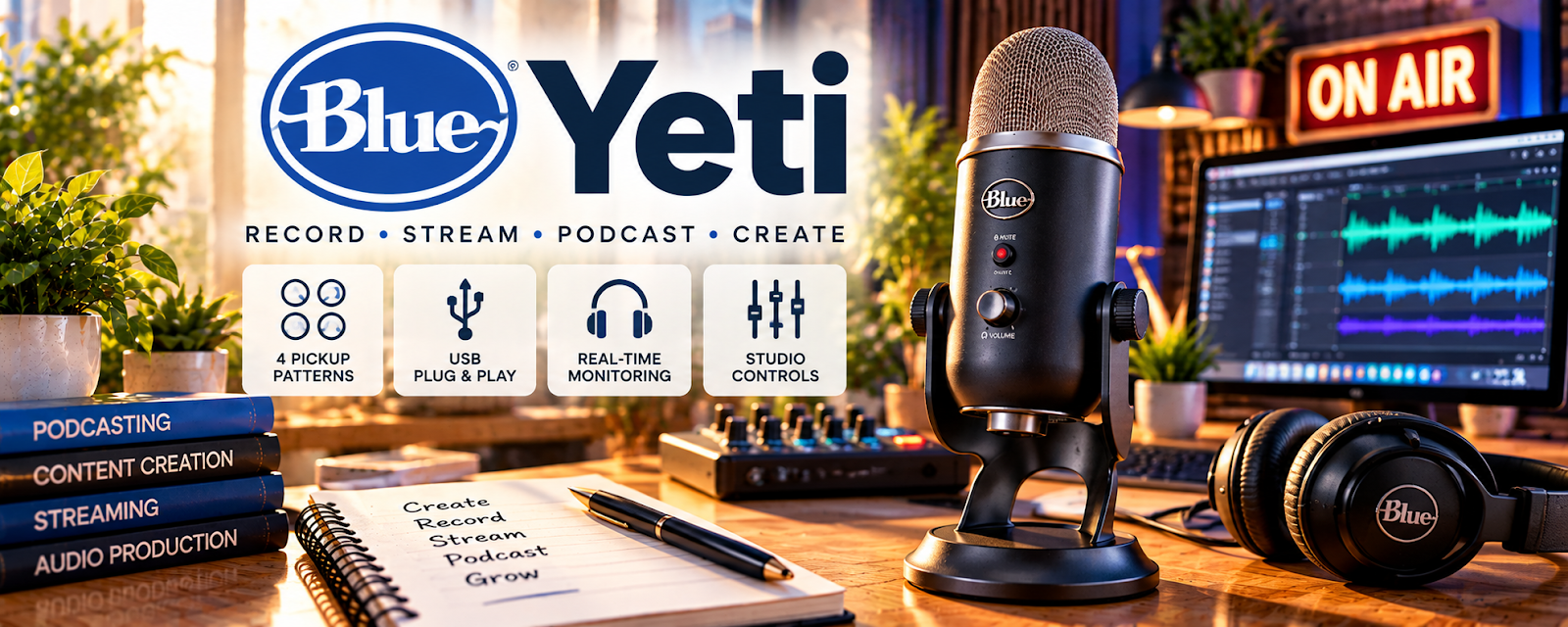
The Blue Yeti is a popular USB condenser microphone that plugs straight into a computer.
🔗 Visit Official Website — Blue Yeti
Domain: www.logitechg.com
What This Product Is
The Blue Yeti is a popular USB condenser microphone that plugs straight into a computer. For 🔊 Voiceover Work, it's an affordable, plug-and-play way to start recording professional-sounding auditions and jobs without a complex studio setup.
How to Apply It to 🔊 Voiceover Work
Use the Blue Yeti to start recording quickly: set it up → treat your space → record auditions and jobs → upgrade only when needed.
Step-by-Step Implementation:
- Phase 1: Set up — plug in, pick the cardioid pattern, set gain.
- Phase 2: Treat — reduce echo with soft materials or panels.
- Phase 3: Deliver — record clean auditions and paid reads.
Common Use Cases for this Side Hustle:
- Scenario A: Recording your first demo reel.
- Scenario B: Submitting auditions on marketplaces.
- Scenario C: Delivering short commercial or e-learning reads.
When to Use This
- You're starting voiceover work.
- You want a plug-and-play mic.
- You record at a computer.
- You need clean audio on a budget.
Best Types to Use
- Cardioid pattern for solo voice
- With a pop filter
- On a shock mount or boom arm
- Paired with acoustic treatment
- USB connection to your computer
Getting Started Steps
- Plug the Yeti into your computer.
- Select the cardioid pickup pattern.
- Set gain to avoid clipping.
- Add a pop filter and treat echo.
- Record a test and listen back.
- Save a clean demo reel.
What to Look For When Buying
- USB vs. XLR needs
- Pickup patterns offered
- Included stand vs. boom arm
- Compatibility with your computer
- Bundle with pop filter/mount
- Room noise in your space
Cost & ROI
A one-time mic purchase is often recouped in a single paid voiceover job. Starting with a USB mic keeps startup costs low, and you can upgrade to an XLR setup once steady work justifies it.
Pros
- Affordable and plug-and-play
- Good quality for the price
- No audio interface required
Cons
- Sensitive to room echo
- USB less flexible than XLR
- Picks up background noise easily
Who Should Use This
Beginner voice actors who want a low-cost, easy way to record professional-sounding auditions and short jobs from home.
Who Should Skip This
Skip if you're ready for a pro XLR mic and interface, or need studio-grade audio for high-end broadcast work.
Practical Applications
- Test microphone placement and gain with a short original audition.
- Compare room noise and recording levels before a session.
- Check an exported sample against the client’s technical specification.
Important Considerations
- A microphone alone does not produce broadcast-ready audio; room acoustics, technique, and monitoring matter.
- Verify current device compatibility and setup instructions and obtain permission for recorded material; avoid clipping and retain clean source recordings.
Related Resources
Audio-Technica AT2020 — A step-up mic when you move to an XLR setup.

Audacity — Free software to record and edit your reads.
Adobe Audition — Pro editing for polished deliverables.
Related Side Hustles
 Voiceover Work — The direct service the Blue Yeti supports.
 Faceless Video Content Creation: Go Viral Without Showing Your Face — Clean narration audio powers faceless videos too.