Official Website
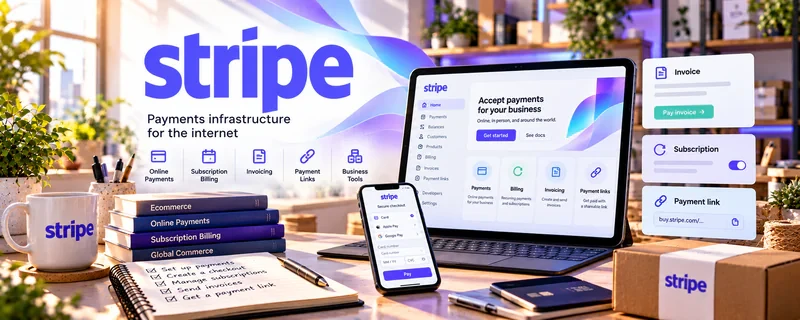
Stripe is a freemium payment platform for payment links, invoices, checkout, and transaction tracking.
🔗 Visit Official Website — Stripe
Domain: stripe.com
What This Website Is
Stripe is a freemium payment platform for payment links, invoices, checkout, and transaction tracking. For 🔊 Voiceover Work, it helps voice actors collect deposits, session fees, usage fees, rush fees, and final balances from direct clients.
How to Apply It to 🔊 Voiceover Work
Use Stripe when you book voiceover projects outside a marketplace.
Step-by-Step Implementation:
- Phase 1: Define rates by script length, usage, revision count, and turnaround time.
- Phase 2: Create payment links for deposits, final balances, and usage upgrades.
- Phase 3: Track payments beside scripts, audio files, client notes, and license terms.
Common Use Cases for This Side Hustle:
- Scenario A: A client books an explainer video voiceover.
- Scenario B: An ad project needs commercial usage rights.
- Scenario C: A rush delivery requires upfront payment.
When to Use This
- For direct VO clients.
- For deposits.
- For usage fees.
- For rush projects.
Best Tasks to Use It For
- Payment links
- Invoices
- Usage add-ons
- Session fees
- Revenue records
Getting Started Steps
- Set up Stripe.
- Create standard VO packages.
- Add usage-right pricing.
- Build deposit and final-payment links.
- Test checkout.
- Track payments with project files.
Good Beginner Search Terms
- voiceover invoice template
- voiceover usage rights
- Stripe payment links freelancers
- voiceover deposit policy
- commercial voiceover rates
Monetization Angle
Stripe helps voiceover freelancers professionalize direct payments and charge more clearly for usage, revisions, rush delivery, and package upgrades.
Pros
- Professional card checkout.
- Good for usage add-ons.
- Useful records.
Cons
- Fees apply.
- Not a voiceover marketplace.
- Requires separate license terms.
Who Should Use This
Voiceover freelancers who book direct clients and need deposits, invoices, and usage-fee payments.
Who Should Skip This
Skip this if platforms like Voices or Voice123 handle all payments and client terms for you.
Practical Applications
- Send a payment request for an agreed voiceover project.
- Itemize separately agreed session, usage, or rush fees accurately.
- Track deposits, remaining balances, and refunds by engagement.
Important Considerations
- Confirm current eligibility, processing and billing fees, payout, and dispute terms.
- Payment collection does not define script, advertising, renewal, or synthetic-voice rights; agree licensing, revisions, confidentiality, and cancellation separately.
Related Resources
Google Drive — audio file delivery and archive system
Voice123 — voiceover marketplace reference
Edge Studio Training — training and rate guidance
Related Side Hustles
 Voiceover Work — direct fit for VO client payments
 Faceless Video Content Creation: Go Viral Without Showing Your Face — often needs narration
 Transcription Jobs — similar audio project workflow