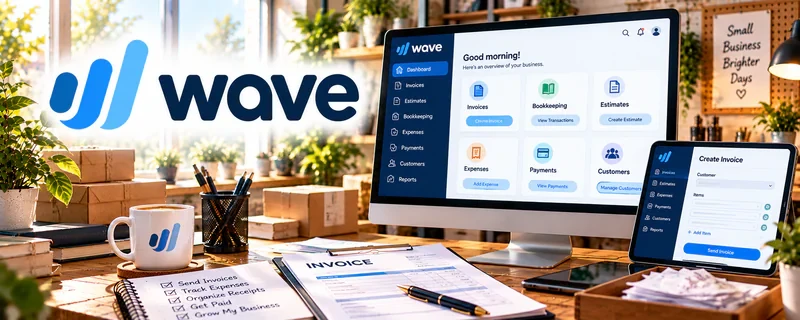
Official Website
Wave is a freemium invoicing/accounting tool.
🔗 Visit Official Website — Wave
Domain: www.waveapps.com
What This Website Is
Wave is a freemium invoicing/accounting tool. For 🔊 Voiceover Work, it helps you invoice clients, track payments, and keep basic records so you can focus on delivery—not chasing money.
How to Apply It to Voiceover Work
Use Wave as your “invoice + follow-up” workflow: send invoices immediately after delivery, automate reminders, and track who’s paid.
Step-by-Step Implementation:
- Confirm the voiceover project’s fee, deliverables, usage rights, and payment schedule in writing.
- Review current Wave availability, account requirements, features, and payment fees for your location.
- Prepare an accurate invoice matching the agreed project and terms.
- Send it through the approved process and use available follow-up features appropriately.
- Reconcile payments, fees, refunds, and outstanding balances and keep records for qualified accounting review.
When to Use This
- You work with multiple clients monthly
- You want a consistent payment process
- You need basic records for taxes
Best Tasks to Use It For
- Invoicing
- Payment tracking
- Receipts and basic reporting
Getting Started Steps
- Set up your business profile.
- Create an invoice template with terms.
- Save common services/rates.
- Invoice right after audio delivery.
- Turn on reminders.
- Review unpaid invoices weekly.
- Export monthly reports for taxes.
Good Beginner Search Terms
- voiceover invoice template
- how to follow up on unpaid invoice
- bookkeeping basics for creatives
Monetization Angle
Fewer late payments and cleaner records improves cash flow and makes it easier to scale client volume.
Pros
- Simple invoicing
- Clear payment status tracking
- Good for early-stage creatives
Cons
- Not ideal for complex accounting
- Some payment features vary by region
Who Should Use This
Voiceover freelancers who want a simple invoicing + tracking workflow.
Who Should Skip This
Studios needing advanced accounting and multi-user approvals.
Practical Applications
- Invoice an agreed recording or usage milestone.
- Track actual receipts, approved costs, processing charges, and refunds.
- Reconcile records before reviewing project margins.
Important Considerations
- Verify current regional availability, features, pricing, and payment terms.
- Software does not establish tax treatment or voice, script, AI, cloning, revision, or commercial-use rights; agree these separately and protect confidential client material and financial records.
Related Resources
Square Invoices — Offers another simple invoicing option for voiceover projects and one-off jobs.
Voice123 — Helps find voiceover leads that later need invoicing and payment tracking.
Adobe Audition — Produces polished audio files before Wave handles billing and records.
Related Side Hustles
 Voiceover Work — Wave sends invoices, tracks payments, and organizes income for voiceover clients.
 Freelance Writing: Get Paid to Write Online — Writing clients use similar invoicing, payment follow-up, and income tracking workflows.
Remote Customer Service Jobs — Clear billing records can support freelance support work when handled as client services.