Official Website
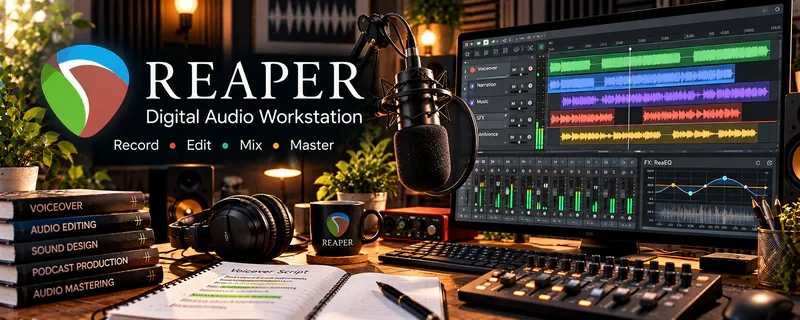
REAPER is a digital audio workstation (DAW) used to record and edit voiceover audio.
🔗 Visit Official Website — Reaper
Domain: www.reaper.fm
What This Website Is
REAPER is a digital audio workstation (DAW) used to record and edit voiceover audio.
How to Apply It to Voiceover Work
Use REAPER as your “voiceover production workflow”: record → edit → noise cleanup → export.
Step-by-Step Implementation:
- Create a recording template (track, compression/EQ basics).
- Record multiple takes.
- Edit breaths and mistakes.
- Export clean WAV/MP3 deliverables.
When to Use This
- You need professional audio editing
- You want a low-cost DAW option
- You deliver files to clients regularly
Best Tasks to Use It For
- Recording voiceovers
- Cleaning audio
- Exporting deliverables
Getting Started Steps
- Set up a template session.
- Record and edit one demo clip.
- Create export presets.
- Use it for your next 5 gigs.
Good Beginner Search Terms
- REAPER voiceover template setup
- how to remove noise in REAPER
- voiceover editing workflow DAW
Monetization Angle
Faster editing and clean audio improves client satisfaction and repeat bookings.
Pros
- Powerful and flexible
- Lower cost than many DAWs
Cons
- Learning curve
- Requires setup for best workflow
Who Should Use This
Voiceover artists who want control over recording and editing.
Who Should Skip This
Anyone who only needs simple mobile recording and never edits.
Practical Applications
- Record and edit a short voiceover using a consistent project template.
- Check noise, clipping, breaths, and pacing before exporting.
- Save an unprocessed original and deliver the format specified by the client.
Important Considerations
- Verify current licensing and plugin rights rather than assuming an evaluation is a permanent free license.
- Audio processing cannot fix every room or performance problem; avoid destructive edits and protect confidential scripts.
Related Resources
Audacity — Offers a simpler free audio editor for basic voiceover recording and cleanup.
Epidemic Sound — Supplies licensed music and sound assets that may support demo reels or production work.
Carrd — Builds a simple voiceover portfolio page to showcase demos recorded in Reaper.
Related Side Hustles
 Voiceover Work — Reaper records, edits, cleans, processes, and exports client-ready voiceover audio files.
 Transcription Jobs — Transcription and voiceover both benefit from clean audio workflows and careful listening.
 Online Course Creation: Turn Your Knowledge Into Income — Course creators often need polished narration, lessons, and audio cleanup.