Official Website
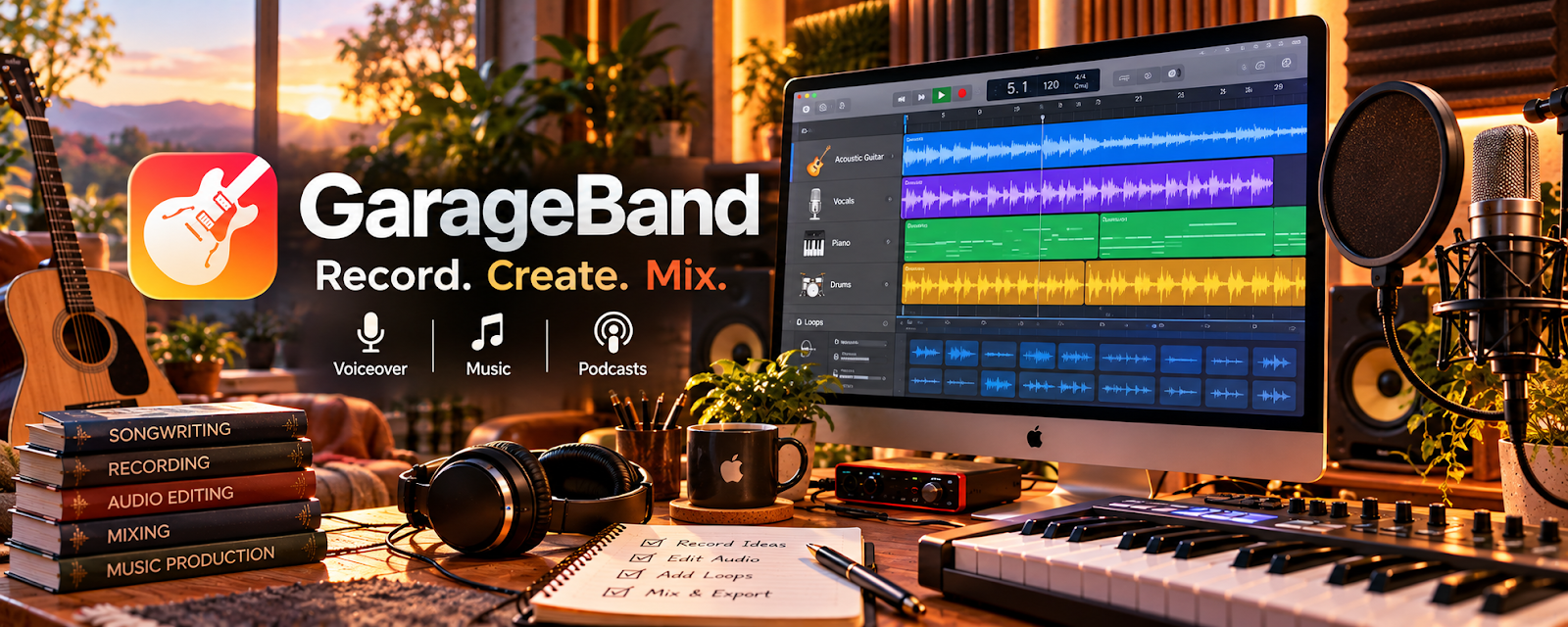
GarageBand is a free audio recording and editing app on Apple devices.
🔗 Visit Official Website — GarageBand
Domain: www.apple.com
What This Website Is
GarageBand is a free audio recording and editing app on Apple devices. For 🔊 Voiceover Work, it can be used to record clean takes, trim mistakes, and export files in common formats for clients.
How to Apply It to 🔊 Voiceover Work
Use GarageBand as your “record → edit → export” workflow: record takes → clean up → export → deliver.
Step-by-Step Implementation:
- Set up a simple recording template (track + levels).
- Record multiple takes in one session.
- Trim mistakes and normalize volume before exporting.
Common Use Cases for this Side Hustle:
- Scenario A: Recording audition scripts and client reads.
- Scenario B: Editing small mistakes and exporting quick deliverables.
When to Use This
- You want a free recording workflow on Mac/iOS
- You’re doing basic voiceover editing
- You need quick exports for clients
Best Tasks to Use It For
- Recording voiceover takes
- Trimming and basic cleanup
- Exporting WAV/MP3 deliverables
Getting Started Steps
- Open GarageBand and start a voice/mic project.
- Record 3 audition takes.
- Choose the best take and trim mistakes.
- Export to the format your client needs.
- Save a project template for future sessions.
Good Beginner Search Terms
- GarageBand voiceover recording settings
- how to export WAV from GarageBand
- normalize voice audio GarageBand
- basic voiceover editing workflow
Monetization Angle
A fast, reliable recording workflow helps you submit more auditions and deliver projects faster—improving income consistency.
Pros
- Free (on Apple devices)
- Simple recording workflow
Cons
- Limited advanced cleanup features
- Mac/iOS only
Who Should Use This
Beginner voiceover artists who want a free, simple recording tool.
Who Should Skip This
Voiceover artists who need advanced noise reduction and mastering tools.
Practical Applications
- Record a short original audition with controlled levels.
- Trim errors and compare takes for clarity and consistency.
- Check an exported sample against the client’s file requirements.
Important Considerations
- Verify current device support and export settings; an app alone does not provide suitable room acoustics or performance skill.
- Confirm recording and usage rights, retain clean originals, and review the complete file for clipping, noise, and unintended audio.
Related Resources
Audacity — Offers another free audio editor for cleanup, trimming, and export workflows.
Krisp — Reduces background noise before recording or client-call audio review.
Adobe Audition — Provides advanced cleanup and mastering when GarageBand is too limited.
Related Side Hustles
 Voiceover Work — GarageBand supports recording, editing, and exporting beginner voiceover deliverables.
 Freelance Writing: Get Paid to Write Online — Scripts, narration drafts, and audio content can overlap with paid writing work.