Official Website
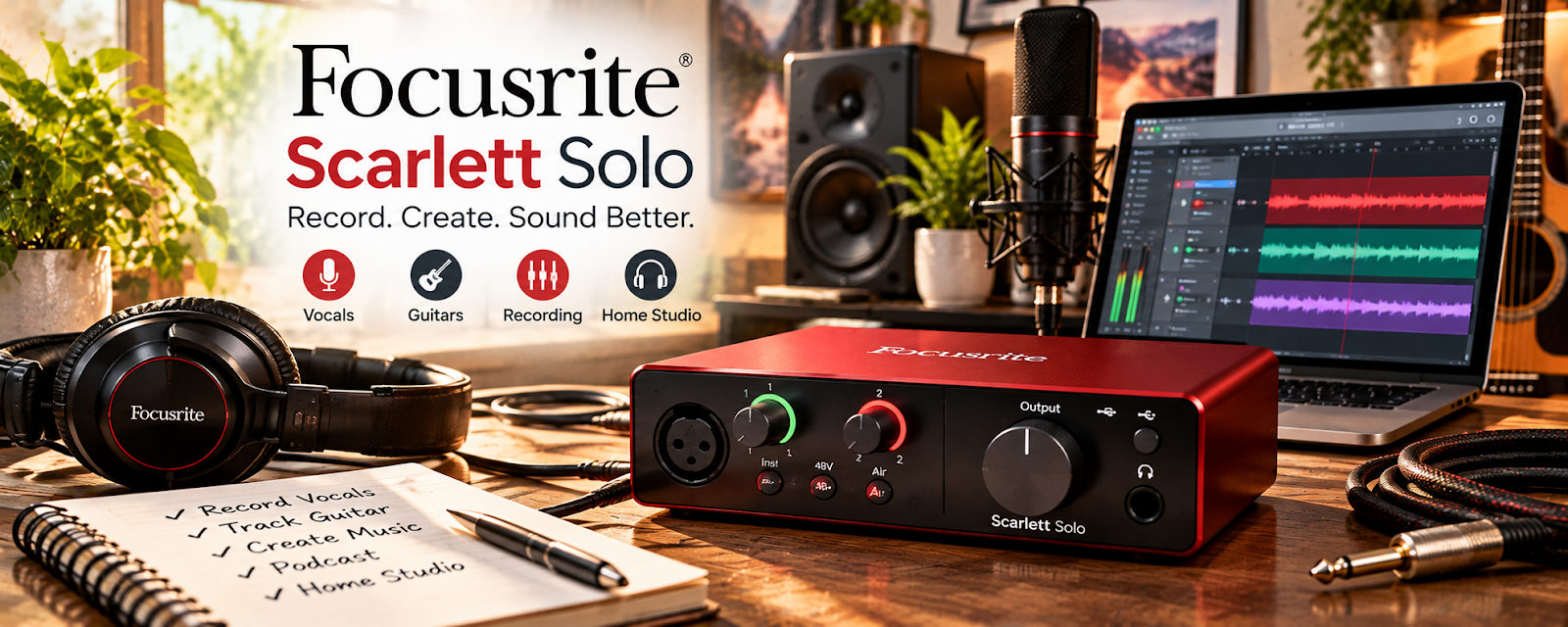
The Focusrite Scarlett Solo is a compact USB audio interface that connects an XLR microphone to your computer with clean, professional-quality preamps.
🔗 Visit Official Website — Focusrite Scarlett Solo
Domain: us.focusrite.com
What This Product Is
The Focusrite Scarlett Solo is a compact USB audio interface that connects an XLR microphone to your computer with clean, professional-quality preamps. For 🔊 Voiceover Work, it's the bridge that unlocks studio-grade mics and low-noise recordings.
How to Apply It to 🔊 Voiceover Work
Use the Scarlett Solo to go XLR: connect your mic → set clean gain → monitor through headphones → record polished, low-noise reads.
Step-by-Step Implementation:
- Phase 1: Connect — plug your XLR mic and USB into the computer.
- Phase 2: Set — dial in clean gain and enable phantom power if needed.
- Phase 3: Record — monitor with headphones and capture clean audio.
Common Use Cases for this Side Hustle:
- Scenario A: Upgrading from a USB mic to an XLR setup.
- Scenario B: Getting low-noise, professional recordings.
- Scenario C: Real-time headphone monitoring while recording.
When to Use This
- You're moving to an XLR mic.
- You want clean, low-noise audio.
- You need headphone monitoring.
- You record on a computer.
Best Types to Use
- Paired with an XLR condenser mic
- With phantom power enabled
- Direct headphone monitoring
- USB bus-powered setup
- Alongside acoustic treatment
Getting Started Steps
- Connect the Scarlett via USB.
- Plug in your XLR microphone.
- Enable 48V phantom power if needed.
- Set the gain to avoid clipping.
- Monitor through headphones.
- Record a test and listen back.
What to Look For When Buying
- Number of inputs needed
- Phantom power support
- Headphone output quality
- USB-C connection
- Bundled software
- Compatibility with your computer
Cost & ROI
The Scarlett Solo is an affordable one-time purchase that unlocks pro XLR mics and cleaner audio, often paying for itself in a couple of jobs. It's a durable core piece that stays useful as your setup grows.
Pros
- Clean, professional preamps
- Compact and USB-powered
- Unlocks XLR microphones
Cons
- Only one mic input
- Requires an XLR mic and cable
- Adds a piece to your setup
Who Should Use This
Voice actors moving to an XLR microphone who want clean, low-noise recordings and reliable headphone monitoring on a budget.
Who Should Skip This
Skip if you're happy with a plug-and-play USB mic, or you need multiple mic inputs for multi-voice sessions.
Practical Applications
- Verify the exact interface generation and microphone requirements before purchase.
- Test a compatible recording chain with controlled input levels.
- Review a complete sample against client delivery specifications.
Important Considerations
- Confirm current operating-system, connection, driver, power, monitoring, and compatibility instructions.
- An interface alone does not provide suitable acoustics or performance quality; avoid clipping, follow safe equipment setup, clear recording rights, and retain clean source files.
Related Resources
Audio-Technica AT2020 — An XLR mic that pairs perfectly with this interface.
Blue Yeti — A USB alternative when you don't need an interface.
Audacity — Free software to record through the interface.
Adobe Audition — Pro editing for polished deliverables.
Related Side Hustles
 Voiceover Work — The direct service the Scarlett Solo supports.
 UGC Creation — Clean audio strengthens branded video content.