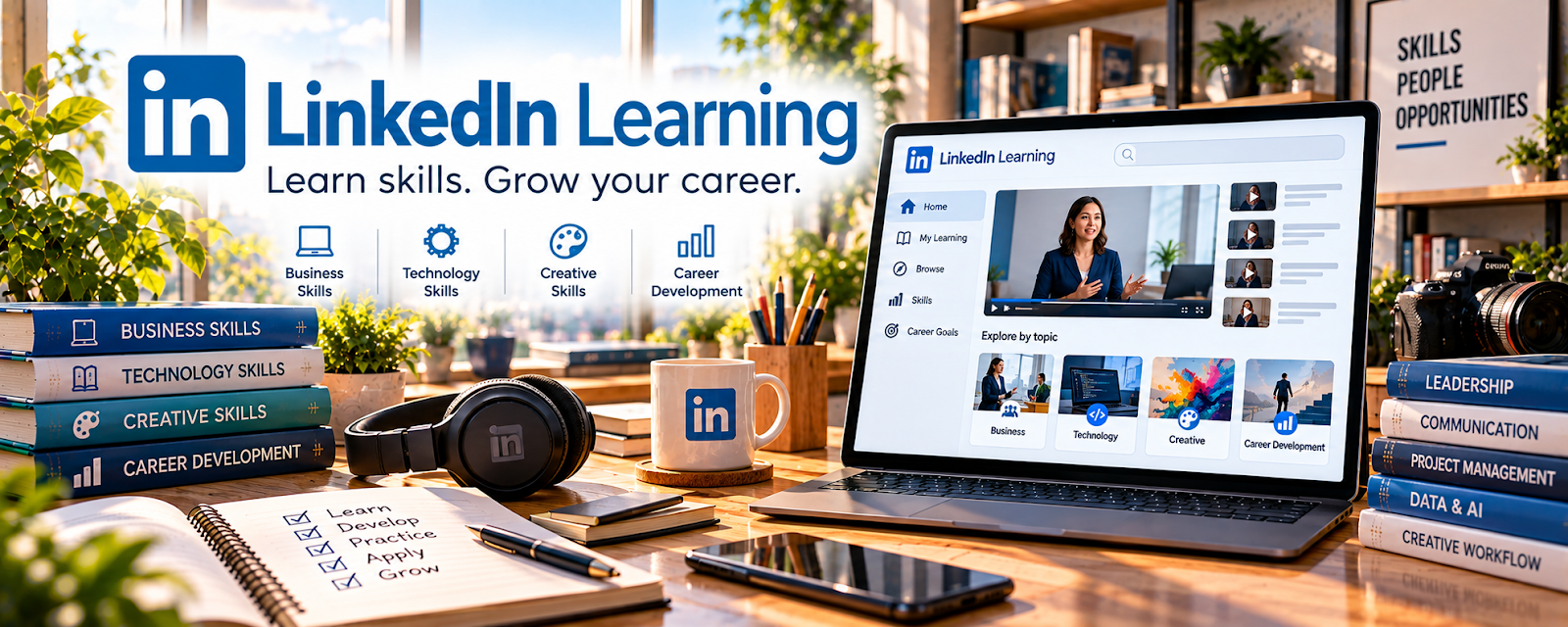
Official Website
LinkedIn Learning — App Development is a course search path for learning mobile and software development skills.
🔗 Visit Official Website — LinkedIn Learning — App Development
Domain: www.linkedin.com
What This Learning Resource Is
LinkedIn Learning — App Development is a course search path for learning mobile and software development skills. For 📱 App Developer, it can help beginners understand programming foundations, app architecture, interfaces, debugging, deployment concepts, and professional workflows.
How to Use It for App Developer
Use LinkedIn Learning to build a portfolio path. Choose one stack, complete a small app project, save the code and screenshots, write a short case study, and add the project to GitHub or a portfolio.
Step-by-Step Implementation:
- Choose a small app goal and a supported technology path.
- Assess relevant courses for prerequisites, current versions, assignments, and access terms.
- Build an understood project and an original modification without publishing secrets or code you lack permission to share.
- Test behavior, accessibility, privacy, and security and describe your work and course-derived elements honestly in the portfolio.
Best Time to Use This
- When you want structured app-development training.
- When you need a path from beginner lessons to portfolio projects.
- When you want a professional learning record for freelance or job applications.
Best Skills to Learn Here
- Programming fundamentals
- Mobile app development
- User interface basics
- Debugging
- Git workflows
- App planning
- Portfolio presentation
Getting Started Steps
- Search for app development, mobile development, React Native, Flutter, iOS, Android, or JavaScript.
- Pick one beginner path and avoid switching stacks too quickly.
- Build one simple app, such as a tracker, calculator, habit log, or directory.
- Put the project on GitHub.
- Create a short project write-up with screenshots.
- Use the project to pitch small app fixes, prototypes, or freelance work.
Good Beginner Search Terms
- app development
- mobile development
- React Native
- Flutter
- iOS development
- Android development
- JavaScript
- GitHub portfolio
Monetization Angle
LinkedIn Learning can support app-development income by helping build portfolio projects, strengthen job applications, and prepare for freelance work like prototypes, bug fixes, integrations, or simple internal tools.
Pros
- Professional platform with structured courses.
- Good for résumé and LinkedIn profile support.
- Covers many app stacks and related tools.
- Helpful for building a learning path.
Cons
- Too many course options can create decision fatigue.
- Certificates matter less than working projects.
- Requires consistent coding practice.
- Some courses may become outdated as frameworks change.
Who Should Use This
Use this if you want structured app-development lessons and are ready to build portfolio projects.
Who Should Skip This
Skip this if you want a quick no-code app path or are not prepared to practice coding regularly.
Practical Applications
- Select a course matching your target platform and programming level.
- Build a small app as evidence of practical learning.
- Compare course examples with current official development documentation.
Important Considerations
- Check publication dates, access terms, software versions, and prerequisites.
- A completion badge does not guarantee employability or store approval; review security, privacy, and dependencies before shipping code.
Related Resources
freeCodeCamp — Useful for free coding practice and project-based fundamentals.
GitHub — Essential for storing code and showing work.
Git — Helps track code changes professionally.
React Native — Builds mobile apps with JavaScript.
Figma — Useful for planning app screens before coding.
Related Side Hustles
 App developer — Courses support coding, app projects, and portfolio building.
User Testing & Surveys — Testing apps helps developers understand usability.
 Consulting: Get Paid for What You Know — App-building skills can become technical consulting.
 Selling Digital Products — App templates and code resources can become digital products.