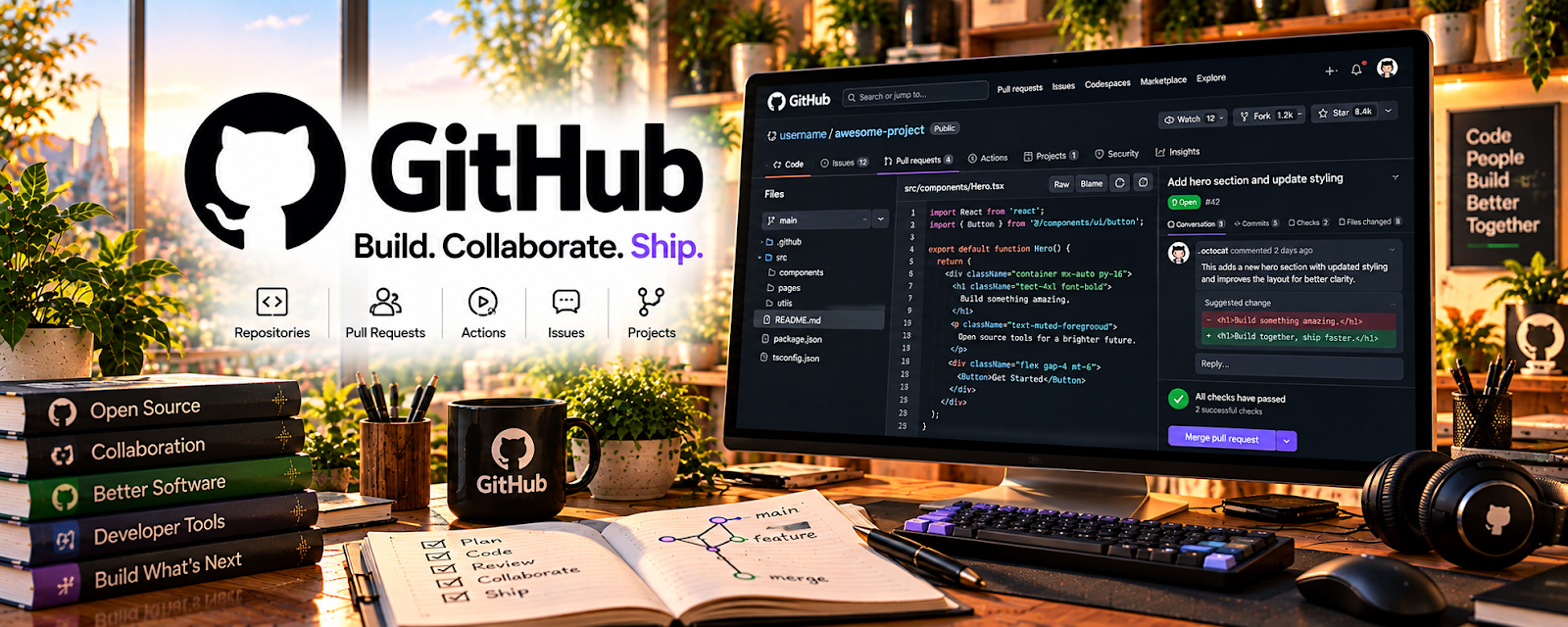
Official Website
GitHub is a code hosting and collaboration platform used for repositories, version control, issues, documentation, and project sharing.
🔗 Visit Official Website — GitHub
Domain: github.com
What This Website Is
GitHub is a code hosting and collaboration platform used for repositories, version control, issues, documentation, and project sharing. For 📱 App Developer work, it is useful for saving code, building a portfolio, collaborating, and managing app projects.
How to Use It for App Development
Use GitHub as your app development workspace and proof-of-work system. Focus on clean repositories, clear README files, commit history, issues, and examples that show you can build and maintain projects.
Step-by-Step Implementation:
- Create a GitHub account and learn repository basics.
- Save practice apps and code snippets in organized repos.
- Write README files explaining what each project does.
- Use issues to track bugs and feature ideas.
- Commit small changes with clear messages.
- Share selected repositories as portfolio proof.
Best Time to Use This
- When starting app development projects.
- Before building a technical portfolio.
- When tracking code changes.
- When collaborating or getting code feedback.
Best Skills to Learn Here
- Version control
- Repository organization
- README writing
- Issue tracking
- Portfolio presentation
- Collaboration workflow
Getting Started Steps
- Create a GitHub account.
- Make one repository for a practice app.
- Add a clear README.
- Commit changes after each feature.
- Pin your best projects to your profile.
Good Beginner Search Terms
- GitHub beginner guide
- GitHub app developer portfolio
- Git commits basics
- GitHub README example
- version control for beginners
- app project repository
Monetization Angle
GitHub helps turn app practice into visible proof. A clean portfolio can support freelance app work, technical job applications, code templates, and consulting credibility.
Pros
- Industry-standard development platform.
- Strong portfolio value.
- Useful for collaboration and backup.
- Freemium access is enough for many beginners.
Cons
- Requires learning Git basics.
- Public repos need careful secret management.
- Not a coding course by itself.
- Poorly organized repos can hurt presentation.
Who Should Use This
Use this if you write code, build apps, or want a technical portfolio.
Who Should Skip This
Skip this if you are using only no-code tools and do not need code hosting.
Practical Applications
- Keep an app project in a repository with clear setup instructions.
- Use issues and branches to manage a small feature or bug fix.
- Publish an authorized sample project explaining your actual contribution.
Important Considerations
- Do not commit secrets, private client code, or personal data to public repositories.
- Review licenses, access controls, dependency risks, and current plan limits; version control does not replace independent backups, testing, or secure deployment.
Related Resources
Android Developers — Supports Android app development.
Expo Documentation — Supports React Native app building.
MDN JavaScript Guide — Helps with JavaScript fundamentals and reference.
Related Side Hustles
 App developer — GitHub supports project organization and portfolio proof.
 Selling Digital Products — Code templates and starter kits can become sellable products.
 Consulting: Get Paid for What You Know — Technical project history can support consulting credibility.