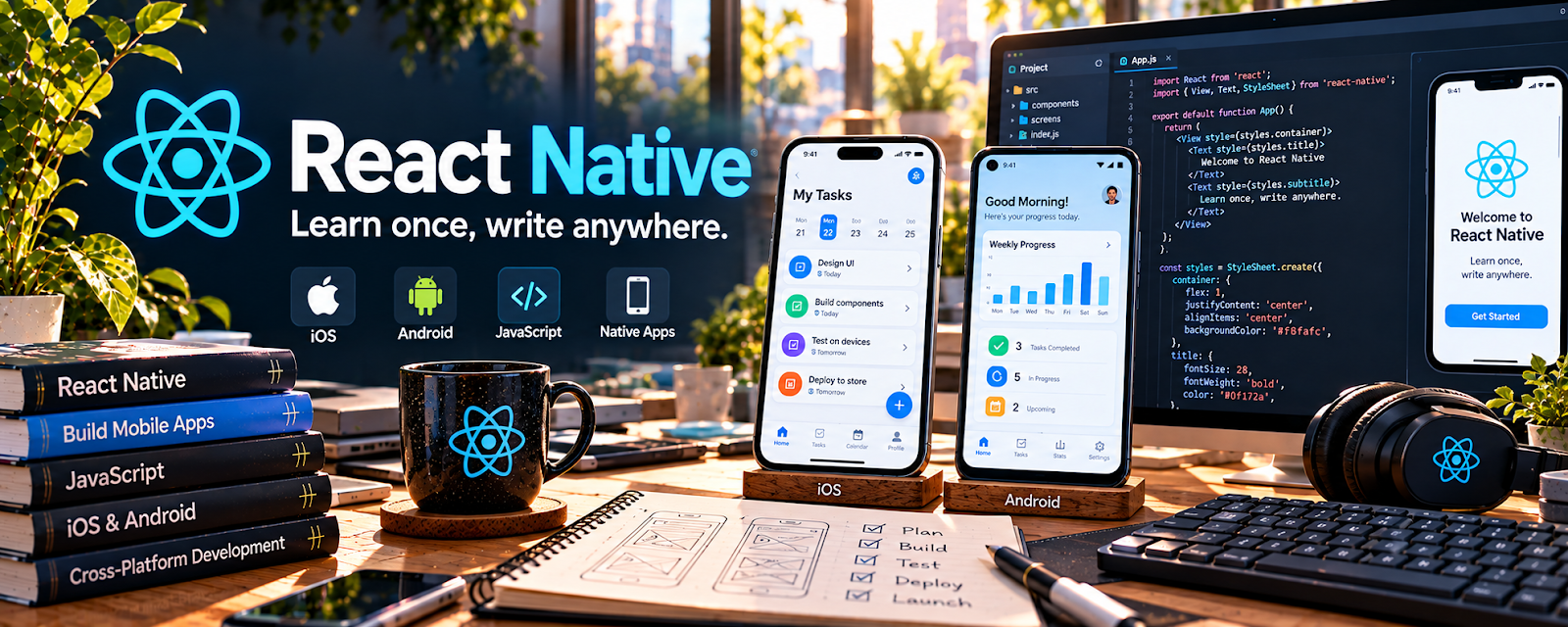
Official Website
React Native is an open-source framework for building mobile apps with JavaScript and React.
🔗 Visit Official Website — React Native
Domain: reactnative.dev
What This Learning Resource Is
React Native is an open-source framework for building mobile apps with JavaScript and React. For 📱 App Developer work, it helps you build iOS and Android apps from a shared codebase while using a skill set that also overlaps with web development.
How to Use It for App Development
Use React Native when you want to build cross-platform mobile apps without learning separate native stacks first. Focus on components, navigation, state, APIs, styling, testing, and packaging projects clearly for a portfolio.
Step-by-Step Implementation:
- Review the React Native setup and starter docs.
- Build a small app with 2–3 screens.
- Learn navigation, forms, lists, and API calls.
- Test on an emulator or real device.
- Save the project to GitHub with screenshots and a README.
- Turn repeated patterns into reusable app templates.
Best Time to Use This
- When building cross-platform mobile apps.
- If you already know JavaScript or React.
- When creating portfolio app projects.
- Before offering simple client app builds.
Best Skills to Learn Here
- React Native components
- Mobile navigation
- API integration
- State management
- Device testing
- Portfolio documentation
Getting Started Steps
- Open React Native.
- Follow the environment setup guide.
- Create a starter app.
- Add one custom screen and one list.
- Push the project to GitHub.
Good Beginner Search Terms
- React Native documentation
- React Native beginner tutorial
- React Native navigation
- JavaScript mobile app framework
- React Native portfolio project
- cross platform app development
Monetization Angle
React Native skills can support freelance app builds, prototypes, app templates, bug fixes, and internal business tools. Shared-codebase development can make small client projects more practical than building separate iOS and Android apps.
Pros
- Strong cross-platform mobile option.
- Uses JavaScript and React knowledge.
- Large ecosystem and community.
- Good for portfolio and client prototypes.
Cons
- Requires coding and debugging skills.
- Native modules can add complexity.
- App performance still needs testing.
- Not a no-code app builder.
Who Should Use This
Use this if you want to build mobile apps with JavaScript and create cross-platform app projects.
Who Should Skip This
Skip this if you only want no-code apps or plan to focus entirely on native Swift or Kotlin development.
Practical Applications
- Build a small original feature with a supported React Native setup.
- Test platform-specific behavior on target devices.
- Document dependencies, permissions, and release requirements before handoff.
Important Considerations
- Shared JavaScript does not eliminate native compatibility, performance, security, or store requirements.
- Verify current framework and library support, licenses, accessibility, privacy, and actual-device behavior; a working tutorial is not production assurance.
Related Resources
GitHub — Helps store projects and build a portfolio.
Flutter Documentation — Provides another cross-platform app framework.
Microsoft .NET MAUI — Offers a C# cross-platform app path.
UX Design Institute Blog — Helps improve app usability and product thinking.
Related Side Hustles
 App developer — React Native supports mobile app services and portfolio builds.
 Selling Digital Products — App templates and starter kits can become digital products.
 Consulting: Get Paid for What You Know — App knowledge can support product planning and technical advice.