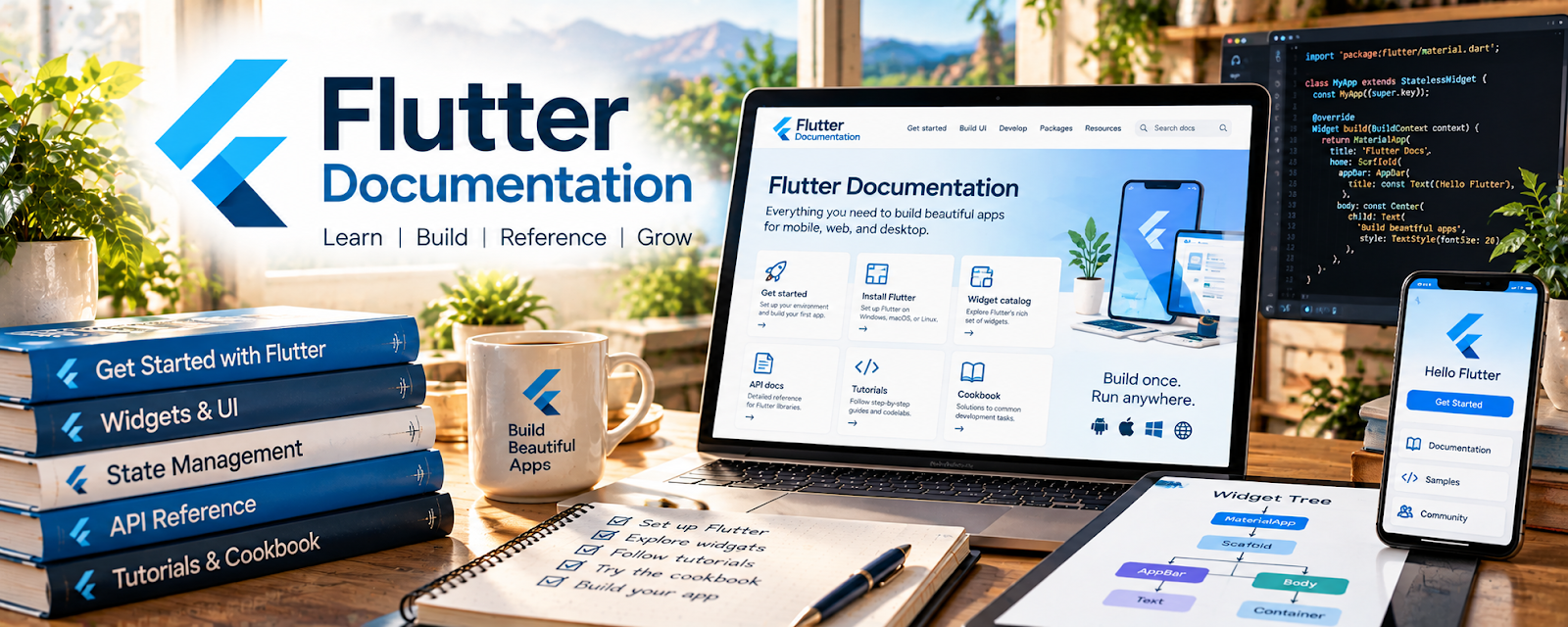
Official Website
Flutter Documentation is the official documentation for Flutter, Google’s UI toolkit for building cross-platform apps from one codebase.
🔗 Visit Official Website — Flutter Documentation
Domain: docs.flutter.dev
What This Learning Resource Is
Flutter Documentation is the official documentation for Flutter, Google’s UI toolkit for building cross-platform apps from one codebase. For 📱 App Developer work, it supports mobile, web, and desktop app projects using Flutter and Dart.
How to Use It for App Development
Use Flutter Documentation as your official setup, building, testing, and deployment reference. Focus on widgets, layouts, navigation, state, packages, debugging, performance, and platform-specific publishing.
Step-by-Step Implementation:
- Install Flutter and confirm your development environment works.
- Follow the official starter app guidance.
- Learn widgets, layout, and navigation basics.
- Pair Flutter docs with Dart Documentation when language concepts are unclear.
- Build one small app feature at a time.
- Save projects to GitHub with screenshots and a clear README.
Best Time to Use This
- When starting cross-platform app development.
- During Flutter setup or debugging.
- When learning widgets and layouts.
- Before publishing or testing Flutter apps.
Best Skills to Learn Here
- Flutter setup
- Widget-based UI
- App navigation
- Debugging
- Package usage
- Cross-platform deployment
Getting Started Steps
- Open Flutter Documentation.
- Install Flutter and run the setup checker.
- Build the starter app.
- Create one custom screen.
- Push the project to GitHub as a portfolio sample.
Good Beginner Search Terms
- Flutter documentation
- Flutter beginner tutorial
- Flutter widgets layout
- Flutter Dart app development
- Flutter debugging
- cross platform app development
Monetization Angle
Flutter skills can support freelance app builds, prototypes, internal business tools, app templates, and portfolio projects. The documentation helps you move from tutorial copying to building client-ready features.
Pros
- Official Flutter source.
- Strong for cross-platform apps.
- Free and comprehensive.
- Useful from setup through deployment.
Cons
- Requires coding practice.
- Setup can be technical.
- Best paired with Dart learning.
- Not a client-acquisition or app-business course.
Who Should Use This
Use this if you want to build cross-platform apps with Flutter and Dart.
Who Should Skip This
Skip this if you only want native iOS, native Android, or no-code app tools.
Practical Applications
- Build a small feature using guidance for the actual Flutter release.
- Test layout and behavior on the intended target platforms.
- Document dependencies, accessibility checks, and release steps.
Important Considerations
- Shared code does not eliminate platform-specific requirements or store policies.
- Verify current versions, plugin licenses, security, privacy, performance, and physical-device behavior; a documentation example is not production assurance.
Related Resources
Dart Documentation — Supports the language foundation behind Flutter.
GitHub — Helps store projects and build a portfolio.
UX Design Institute Blog — Adds app usability and product thinking.
Microsoft .NET MAUI — Provides another cross-platform app framework to compare.
Related Side Hustles
 App developer — Flutter supports mobile and cross-platform app projects.
 Selling Digital Products — App templates and starter kits can become digital products.
 Consulting: Get Paid for What You Know — App knowledge can support technical planning and advisory work.