Official Website
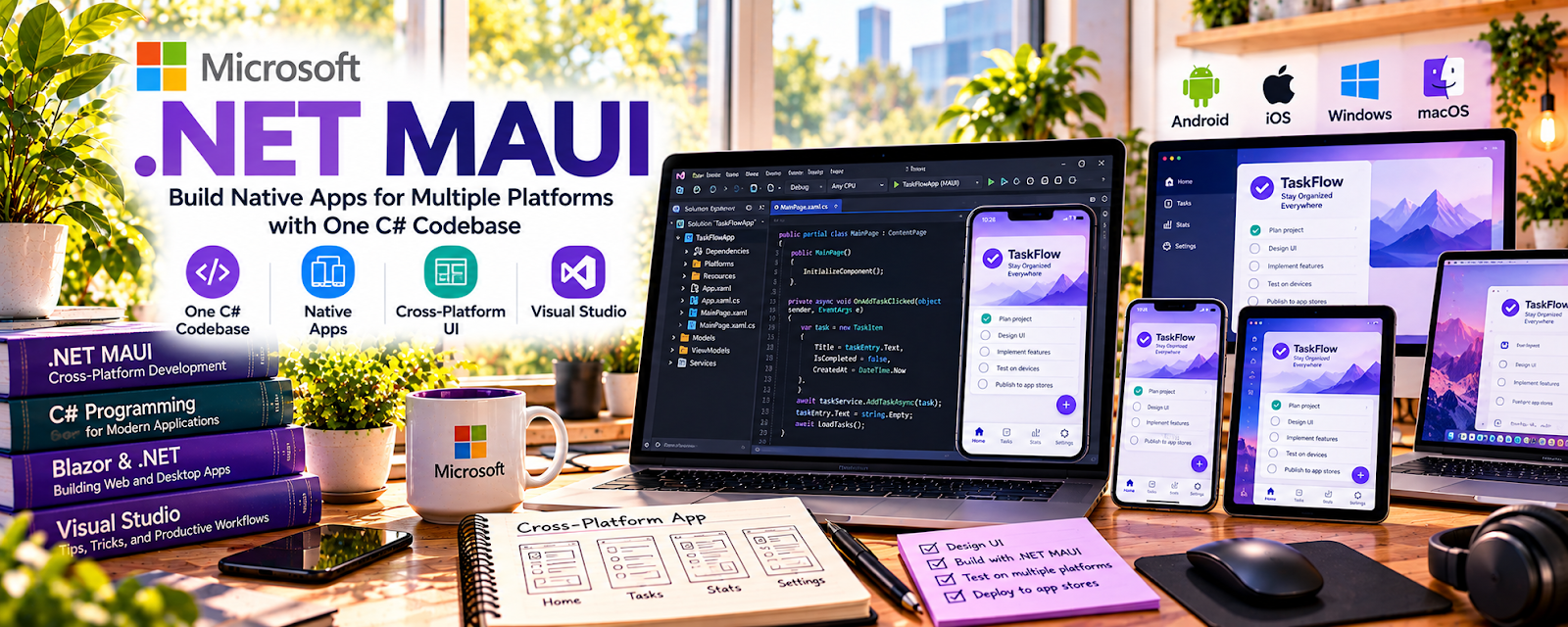
Microsoft .NET MAUI is Microsoft’s cross-platform app framework for building Android, iOS, macOS, and Windows apps with C# and .NET.
🔗 Visit Official Website — Microsoft .NET MAUI
Domain: dotnet.microsoft.com
What This Learning Resource Is
Microsoft .NET MAUI is Microsoft’s cross-platform app framework for building Android, iOS, macOS, and Windows apps with C# and .NET. For 📱 App Developer work, it is useful if you want one shared codebase for mobile and desktop projects.
How to Use It for App Development
Use .NET MAUI when you want to build cross-platform apps in the Microsoft ecosystem. Focus on project setup, UI layouts, navigation, device testing, debugging, and whether C# fits your app-development path.
Step-by-Step Implementation:
- Review the .NET MAUI overview and setup requirements.
- Install the needed .NET and Visual Studio tooling.
- Build a small starter app before attempting a client project.
- Learn pages, layouts, controls, data binding, and navigation.
- Test on the platforms you plan to support.
- Save finished projects to GitHub with screenshots and notes.
Best Time to Use This
- When comparing cross-platform app frameworks.
- If you already know or want to learn C#.
- Before building desktop and mobile versions of one tool.
- When creating a technical portfolio project.
Best Skills to Learn Here
- Cross-platform app development
- C# app structure
- UI layout planning
- Device testing
- Debugging
- Portfolio documentation
Getting Started Steps
- Open Microsoft .NET MAUI.
- Follow the setup guide.
- Build the first sample app.
- Change one screen or feature.
- Document the project in GitHub.
Good Beginner Search Terms
- Microsoft .NET MAUI beginner
- .NET MAUI app tutorial
- C# cross platform app
- .NET MAUI mobile desktop
- Visual Studio MAUI setup
- .NET MAUI portfolio project
Monetization Angle
.NET MAUI skills can support client apps, internal business tools, prototypes, desktop utilities, and app templates. It is strongest when you can turn C# knowledge into practical tools that solve business problems.
Pros
- One framework for multiple platforms.
- Strong Microsoft ecosystem support.
- Good fit for C# developers.
- Useful for business and internal tools.
Cons
- More technical than no-code tools.
- Requires setup and device testing.
- Best if you are comfortable with C#.
- Framework choice may depend on client needs.
Who Should Use This
Use this if you want to build cross-platform apps using C# and Microsoft tools.
Who Should Skip This
Skip this if you want drag-and-drop no-code apps or only plan to build native Swift or Kotlin apps.
Practical Applications
- Build a small shared app feature with the actual supported toolchain.
- Test platform-specific behavior on intended devices.
- Document dependencies, build requirements, and release steps.
Important Considerations
- Shared code does not eliminate native platform differences or store requirements.
- Verify current framework support, SDK versions, licenses, security, privacy, performance, and accessibility; a sample app is not production assurance.
Related Resources
Flutter Documentation — Provides another cross-platform app framework.
Dart Documentation — Supports Flutter’s language foundation.
GitHub — Helps store and present app projects.
UX Design Institute Blog — Helps improve app usability and product thinking.
Related Side Hustles
 App developer — .NET MAUI supports cross-platform app projects.
 Selling Digital Products — App templates and code assets can become digital products.
 Consulting: Get Paid for What You Know — App knowledge can support technical planning advice.