Official Website
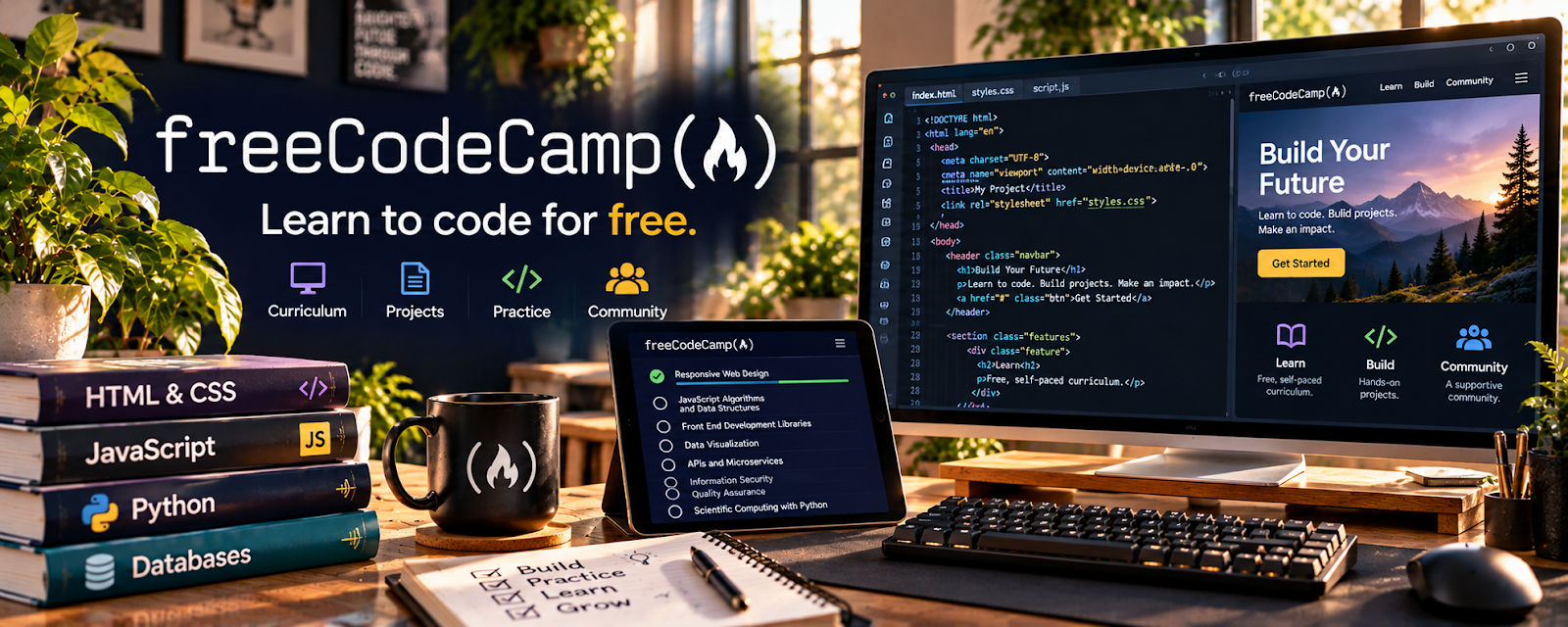
freeCodeCamp is a free coding learning platform with tutorials, certifications, projects, and practice paths for web development, JavaScript, APIs, databases, and software fundamentals.
🔗 Visit Official Website — freeCodeCamp
Domain: www.freecodecamp.org
What This Learning Resource Is
freeCodeCamp is a free coding learning platform with tutorials, certifications, projects, and practice paths for web development, JavaScript, APIs, databases, and software fundamentals. For 📱 App Developer, it helps build the coding foundation behind mobile and app projects.
How to Use It for App Development
Use freeCodeCamp to build technical fundamentals and portfolio projects before or alongside mobile-specific frameworks. Focus on JavaScript, APIs, responsive design, data handling, and project completion.
Step-by-Step Implementation:
- Start with responsive web design or JavaScript basics.
- Complete lessons with hands-on code.
- Build small projects instead of only reading tutorials.
- Learn APIs and data handling.
- Save projects to GitHub.
- Use the strongest projects as proof of problem-solving.
Best Time to Use This
- Before starting React Native, Flutter, or backend-heavy app courses.
- When coding fundamentals feel weak.
- When you need free practice projects for a portfolio.
Best Skills to Learn Here
- JavaScript fundamentals
- Responsive design
- APIs
- Databases
- Debugging
- Portfolio projects
Getting Started Steps
- Create a free freeCodeCamp account.
- Choose one certification path.
- Complete lessons consistently.
- Build one original mini project.
- Store the project and notes in a portfolio.
Good Beginner Search Terms
- freeCodeCamp JavaScript
- freeCodeCamp APIs
- coding fundamentals
- app developer beginner
- programming portfolio project
- learn to code free
Monetization Angle
freeCodeCamp supports app-development income by helping you build the coding confidence and portfolio proof needed for freelance or entry-level projects. The value comes from finished projects, not just completed lessons.
Pros
- Free and accessible.
- Strong for coding foundations.
- Includes projects and certifications.
- Useful before advanced app frameworks.
Cons
- Not mobile-app specific.
- Requires self-discipline.
- Tutorials alone will not make you client-ready.
- You still need debugging and app-specific practice.
Who Should Use This
Use this if you need a free coding foundation before building mobile or web apps.
Who Should Skip This
Skip this if you already code confidently and need only mobile framework specialization or app-store publishing help.
Practical Applications
- Choose a current lesson matching a specific development gap.
- Build an original small project and explain its design choices.
- Test relevant behavior before sharing an authorized portfolio sample.
Important Considerations
- Verify actual curriculum, dates, prerequisites, licenses, and completion or certification requirements.
- Course completion does not establish production readiness or guarantee work; independently review security, privacy, dependencies, accessibility, testing, and current framework or store requirements.
Related Resources
Udemy — App Development Courses — Adds mobile-specific build-along projects.
GitHub — Stores code and portfolio projects.
React Native — Supports JavaScript-based mobile apps.
Flutter — Provides a cross-platform mobile framework.
Upwork — Provides a marketplace path for app-development work.
Related Side Hustles
 App developer — freeCodeCamp builds coding fundamentals for app projects.
 Selling Digital Products — Code templates and small tools can become digital products.
 Consulting: Get Paid for What You Know — Technical skill can support app and product strategy consulting.