Official Website
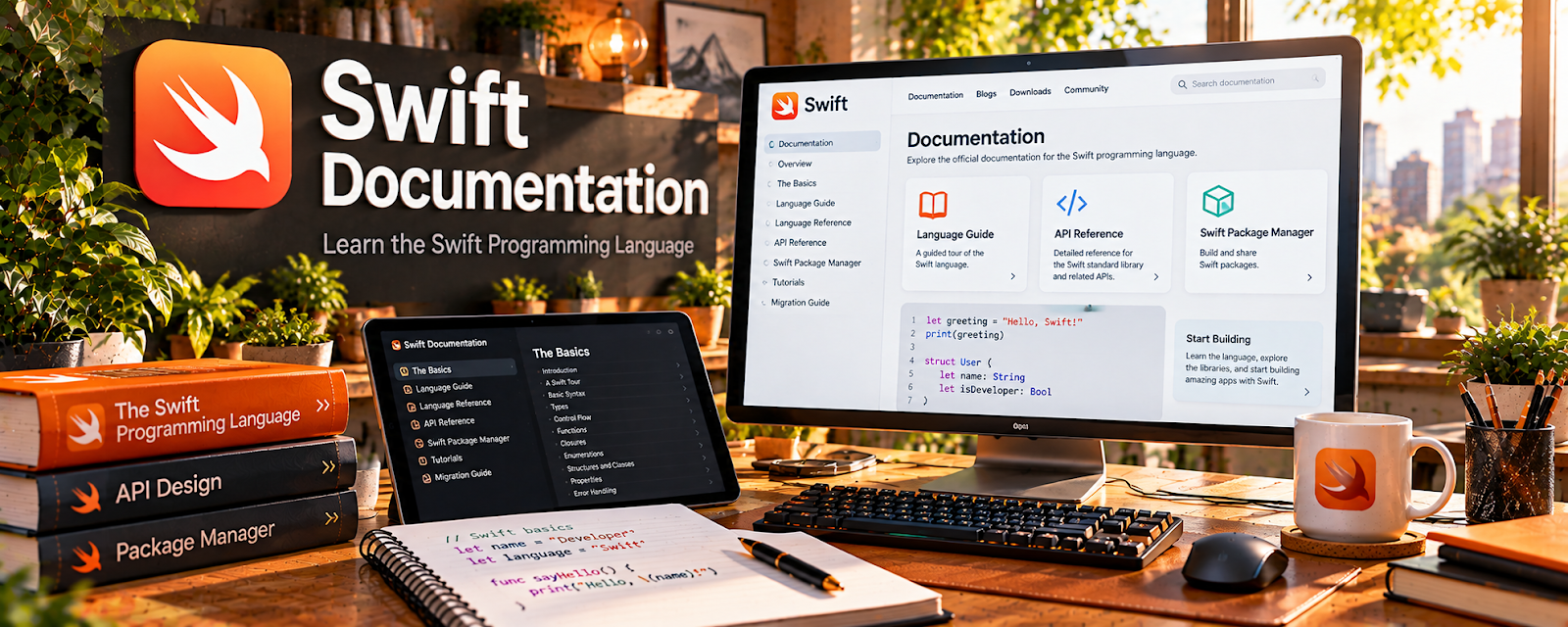
Swift Documentation is the official documentation hub for Swift, Apple’s programming language for iOS, macOS, watchOS, and other Apple-platform development.
🔗 Visit Official Website — Swift Documentation
Domain: www.swift.org
What This Learning Resource Is
Swift Documentation is the official documentation hub for Swift, Apple’s programming language for iOS, macOS, watchOS, and other Apple-platform development. For 📱 App Developer work, it supports the language foundation behind SwiftUI apps and Apple ecosystem projects.
How to Use It for App Development
Use Swift Documentation as your reference while building Apple-platform apps. Focus on syntax, types, functions, structures, classes, optionals, protocols, concurrency, and examples that help you understand real code.
Step-by-Step Implementation:
- Start with Swift language basics.
- Practice variables, functions, collections, and control flow.
- Learn optionals because they appear constantly in Swift code.
- Study structs, classes, protocols, and error handling.
- Pair Swift learning with SwiftUI tutorials.
- Save practice projects to GitHub as portfolio proof.
Best Time to Use This
- Before building iOS or SwiftUI apps.
- When Swift syntax feels confusing.
- While debugging Apple-platform code.
- When moving from tutorials into real projects.
Best Skills to Learn Here
- Swift syntax
- Optionals
- Functions and types
- Protocols
- Error handling
- Documentation reading
Getting Started Steps
- Open Swift Documentation.
- Review the language basics.
- Rewrite examples in a small practice file.
- Build one tiny SwiftUI screen using what you learned.
- Keep notes on common Swift errors and patterns.
Good Beginner Search Terms
- Swift documentation
- Swift beginner guide
- Swift optionals explained
- SwiftUI Swift basics
- Apple app development Swift
- Swift protocols beginner
Monetization Angle
Swift knowledge can support iOS app freelancing, small app products, bug fixes, app templates, and Apple-platform consulting. The documentation helps you move from copying tutorials to understanding code well enough to build independently.
Pros
- Official Swift source.
- Free and detailed.
- Strong fit for iOS app development.
- Useful while debugging real projects.
Cons
- Documentation can feel technical.
- Requires coding practice.
- Not a full app-business course.
- Best paired with SwiftUI and Apple developer tutorials.
Who Should Use This
Use this if you want to build Apple-platform apps or understand Swift code more deeply.
Who Should Skip This
Skip this if you only want Android, no-code, or web-only app development.
Practical Applications
- Use official language guidance to build a small Swift feature.
- Test relevant behavior with your actual compiler and toolchain.
- Document dependencies and explain design choices in an authorized sample project.
Important Considerations
- Swift language documentation alone does not cover every Apple framework, store rule, or deployment requirement.
- Verify version compatibility, licensing, security, accessibility, and platform guidance; a compiling example is not production assurance.
Related Resources
Apple Developer — Develop in Swift — Provides beginner Apple coding lessons.
Apple Developer — SwiftUI Tutorials — Applies Swift to Apple app interfaces.
GitHub — Helps store projects and build a portfolio.
Kotlin Documentation — Provides the Android-language counterpart for app development.
Related Side Hustles
 App developer — Swift supports iOS and Apple-platform app development.
 Selling Digital Products — App templates and code assets can become digital products.
 Consulting: Get Paid for What You Know — App knowledge can support technical planning and advisory work.