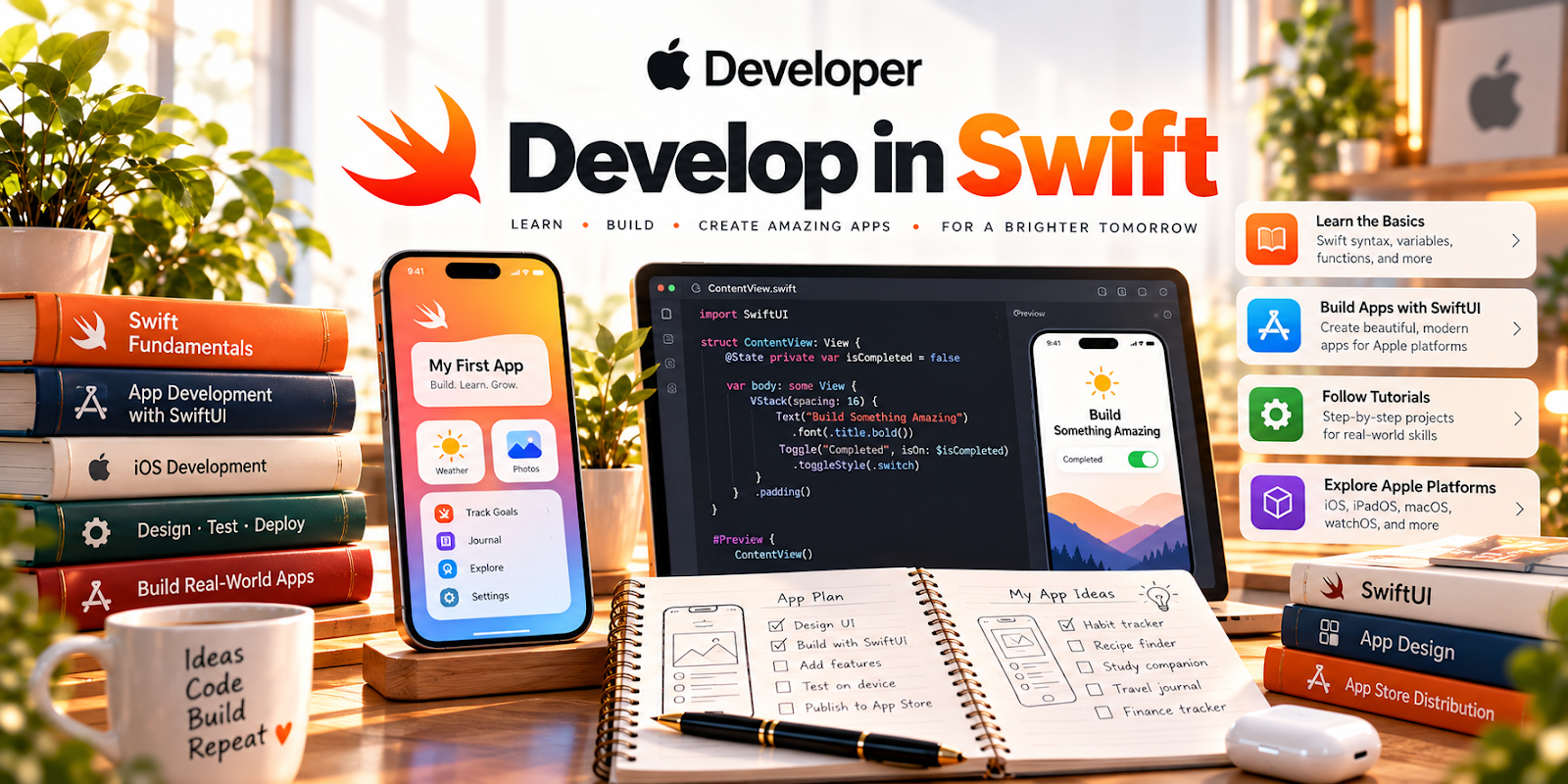
Official Website
Apple Developer — Develop in Swift is an official Apple learning path for building Swift fundamentals.
🔗 Visit Official Website — Apple Developer — Develop in Swift
Domain: developer.apple.com
What This Learning Resource Is
Apple Developer — Develop in Swift is an official Apple learning path for building Swift fundamentals. For 📱 App Developer work, it is a structured way to learn the language behind iPhone, iPad, Mac, and Apple ecosystem apps.
How to Use It for App Development
Use Develop in Swift as your foundation before chasing app ideas. Build language fluency first, then connect lessons to small app features you could eventually sell, freelance, or publish.
Step-by-Step Implementation:
- Work through Swift basics in order.
- Recreate each example instead of only reading.
- Keep a notebook of syntax patterns and common errors.
- Turn lessons into tiny feature experiments.
- Pair Swift practice with SwiftUI tutorials once the basics feel familiar.
- Build one small portfolio app from a problem you understand.
Best Time to Use This
- When starting iOS development from scratch.
- Before learning advanced SwiftUI patterns.
- When you want official Apple learning material.
- When building a beginner app portfolio.
Best Skills to Learn Here
- Swift syntax
- Variables and types
- Control flow
- Functions
- App logic foundations
- Apple development vocabulary
Getting Started Steps
- Open Develop in Swift.
- Set up the recommended Apple development tools.
- Complete one lesson at a time.
- Rewrite examples from memory.
- Save small code snippets for future app ideas.
Good Beginner Search Terms
- Apple Develop in Swift
- Swift beginner tutorial
- Swift variables functions
- iOS app development basics
- Swift practice projects
- Apple developer learning path
Monetization Angle
Swift knowledge can support paid app work later, but this resource is primarily a skill-building foundation. The income path comes from turning fundamentals into portfolio apps, freelance fixes, small paid utilities, or app-store products.
Pros
- Official Apple material.
- Good foundation for iOS development.
- Free to access.
- Helps build correct terminology early.
Cons
- Requires consistent practice.
- Not a shortcut to finished apps.
- Best with access to Apple development tools.
- Monetization comes later.
Who Should Use This
Use this if you want a serious Apple-first route into app development.
Who Should Skip This
Skip this if you want no-code apps, Android-only development, or instant app templates.
Practical Applications
- Build a small practice app around one concept from the official material.
- Keep notes on errors, fixes, and what each piece of code does.
- Expand the prototype only after you can test and explain its basic behavior.
Important Considerations
- Check current tool versions, hardware requirements, and tutorial prerequisites.
- Learning material is not a finished product or a guarantee of App Store approval. Review privacy, security, accessibility, and distribution requirements before releasing an app.
Related Resources
Apple Developer — SwiftUI Tutorials — Turns Swift fundamentals into visible app interfaces.
Expo Documentation — Provides a cross-platform app development path using React Native.
Related Side Hustles
 App developer — Develop in Swift builds the language foundation for Apple app projects.
 Selling Digital Products — Simple apps, templates, or code resources can become digital products.
 Consulting: Get Paid for What You Know — App prototypes can support niche technical consulting or internal tool projects.