Official Website
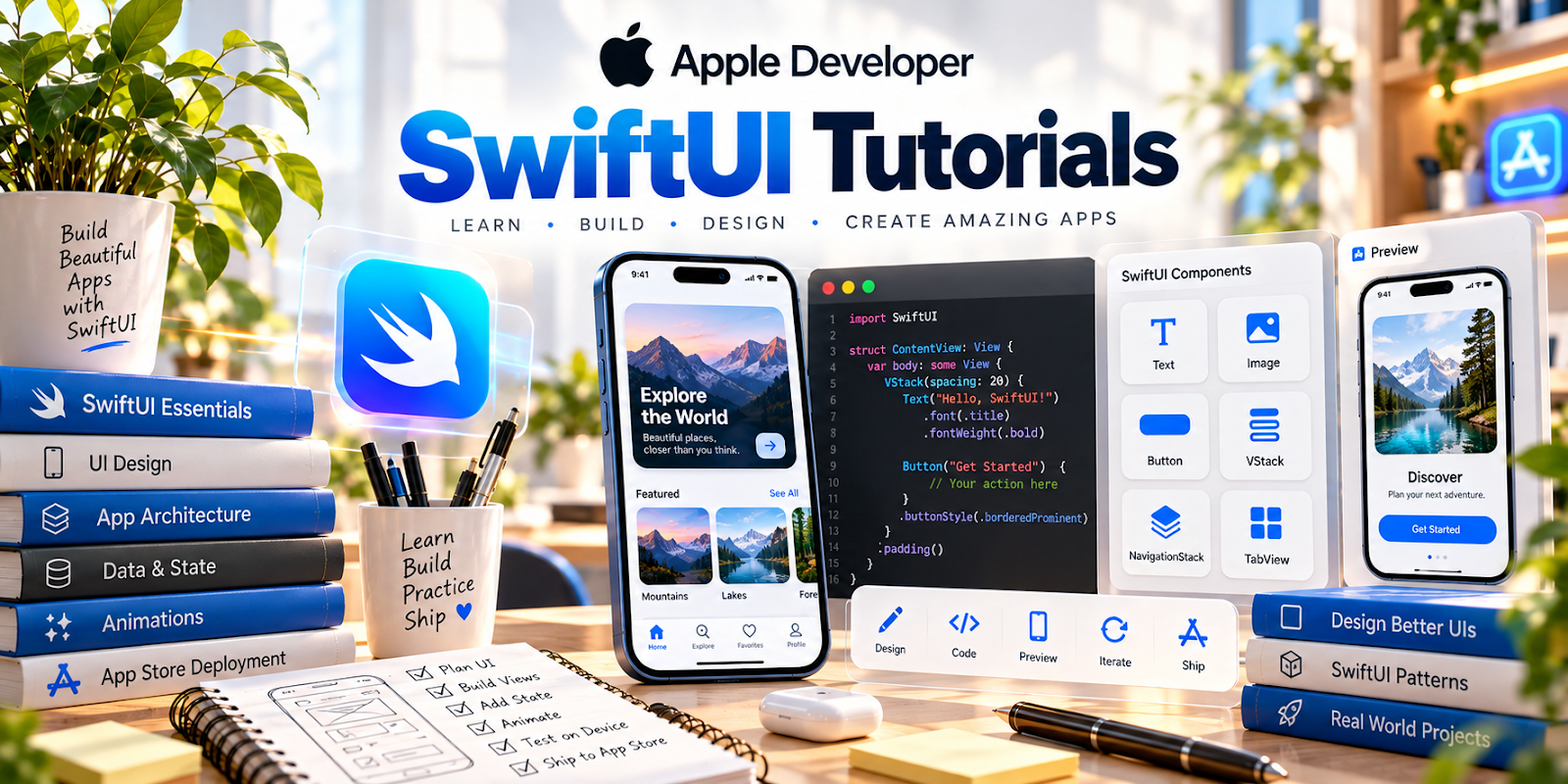
Apple Developer — SwiftUI Tutorials is Apple’s official learning path for building user interfaces with SwiftUI.
🔗 Visit Official Website — Apple Developer — SwiftUI Tutorials
Domain: developer.apple.com
What This Learning Resource Is
Apple Developer — SwiftUI Tutorials is Apple’s official learning path for building user interfaces with SwiftUI. For 📱 App Developer work, it helps turn Swift knowledge into visible app screens, interactions, layouts, and beginner portfolio projects.
How to Use It for App Development
Use SwiftUI Tutorials when you are ready to build working interfaces instead of only studying syntax. Follow the lessons closely, then modify each project so it becomes your own.
Step-by-Step Implementation:
- Set up Xcode and confirm you can run a starter project.
- Complete each tutorial in sequence.
- Change text, colors, data, and layouts after each lesson.
- Save reusable interface patterns.
- Combine several lessons into one small utility app.
- Publish screenshots or a demo video in your portfolio.
Best Time to Use This
- After learning basic Swift concepts.
- When you want to build your first iOS interface.
- Before creating a portfolio app.
- When you need official examples instead of random tutorials.
Best Skills to Learn Here
- SwiftUI layout
- Views and modifiers
- App navigation
- State basics
- Data-driven interfaces
- Prototype building
Getting Started Steps
- Open the SwiftUI Tutorials.
- Build the first sample exactly.
- Run it on a simulator or device.
- Make one custom change per lesson.
- Document the patterns you understand.
Good Beginner Search Terms
- Apple SwiftUI tutorials
- SwiftUI beginner project
- SwiftUI views modifiers
- Xcode app tutorial
- iOS portfolio app
- SwiftUI navigation basics
Monetization Angle
SwiftUI skills can become income when you can show working app screens, fix simple interface problems, or build small apps for specific needs. The tutorials are a foundation for portfolio credibility, not a paid-work source by themselves.
Pros
- Official Apple examples.
- Very relevant to iOS app building.
- Good for visual learners.
- Produces portfolio-friendly practice projects.
Cons
- Requires Xcode and Apple development setup.
- Assumes patience with coding errors.
- Not focused on marketing or app-store monetization.
- Best paired with Swift fundamentals.
Who Should Use This
Use this if you want to build iOS app interfaces and learn from official Apple examples.
Who Should Skip This
Skip this if you prefer no-code app builders or cross-platform tools only.
Practical Applications
- Build a small interface from an official tutorial and explain how its components work.
- Test the interface with realistic sample data and different display conditions.
- Keep a list of bugs, accessibility questions, and concepts to practice next.
Important Considerations
- Check the current tutorial, Xcode, and operating-system requirements before following setup instructions.
- A tutorial project is not automatically ready for release. Review data handling, security, accessibility, distribution rules, and any third-party licenses before publishing.
Related Resources
Apple Developer — Develop in Swift — Builds the Swift foundation behind SwiftUI app work.
Expo Documentation — Provides a React Native alternative for cross-platform mobile development.
Related Side Hustles
 App developer — SwiftUI Tutorials help turn app ideas into working Apple interfaces.
 Selling Digital Products — App templates, mini utilities, and code examples can become sellable assets.
 Consulting: Get Paid for What You Know — Interface prototypes can support client demos and technical service offers.