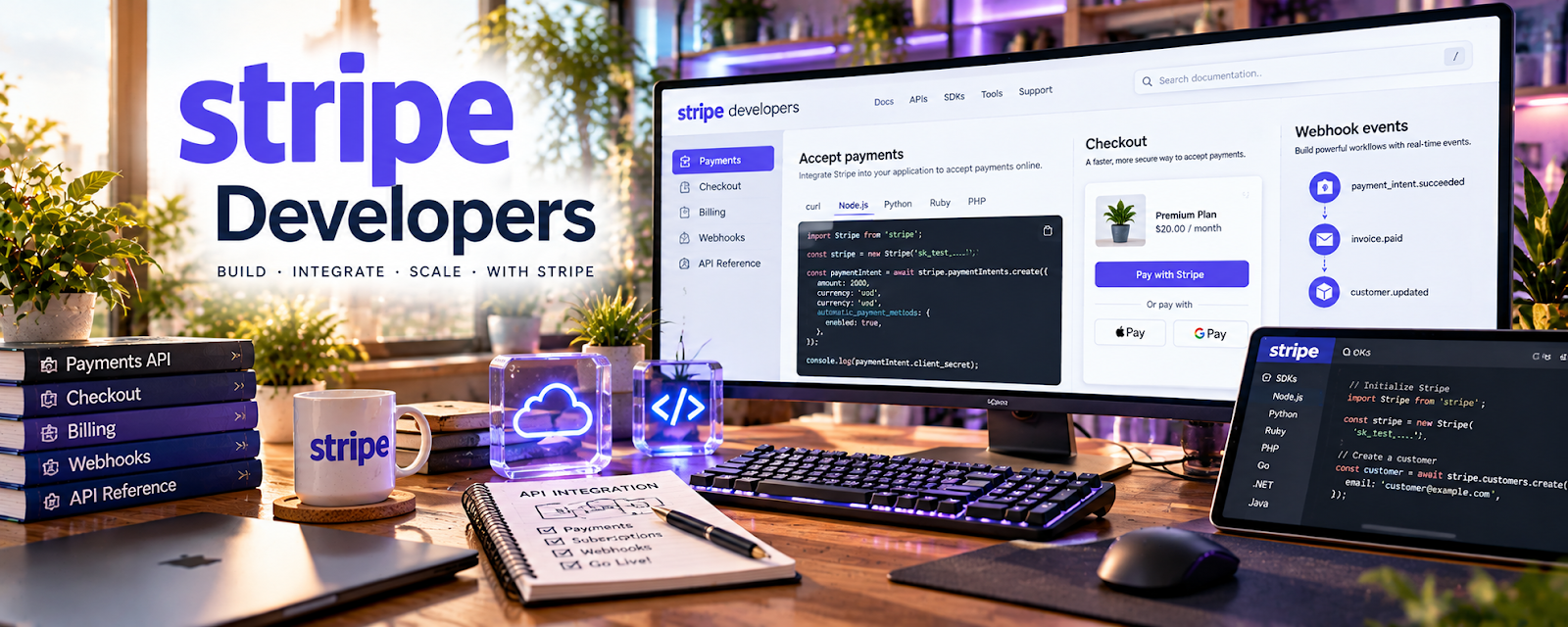
Official Website
Stripe Developers is Stripe’s documentation hub for payments, subscriptions, invoices, checkout, billing, APIs, webhooks, and developer integrations.
🔗 Visit Official Website — Stripe Developers
Domain: stripe.com
What This Learning Resource Is
Stripe Developers is Stripe’s documentation hub for payments, subscriptions, invoices, checkout, billing, APIs, webhooks, and developer integrations. For 📱 App Developer work, it helps you add real payment flows to apps and client projects.
How to Use It for App Development
Use Stripe Developers when your app needs payments, subscriptions, invoicing, or checkout. Focus on security, test mode, checkout flows, webhooks, customer records, and clear error handling.
Step-by-Step Implementation:
- Define the payment flow your app needs.
- Review Stripe docs for Checkout, Payment Links, Billing, or APIs.
- Build in test mode before touching live payments.
- Add webhook handling for payment status changes.
- Test refunds, failed payments, and confirmation emails.
- Document the payment setup for the client or project owner.
Best Time to Use This
- When adding payments to an app.
- Before building subscriptions or invoices.
- When testing checkout flows.
- Before quoting payment integration work.
Best Skills to Learn Here
- Payment integration
- API documentation
- Webhooks
- Subscription billing
- Test-mode workflows
- Checkout security
Getting Started Steps
- Open Stripe Developers.
- Choose Checkout or Payment Links for a starter project.
- Build a test payment flow.
- Add success, cancel, and webhook handling.
- Save screenshots and notes for your portfolio.
Good Beginner Search Terms
- Stripe Developers
- Stripe Checkout docs
- Stripe test mode
- app payment integration
- Stripe webhooks
- subscription billing API
Monetization Angle
Payment integration is a valuable app-development skill because clients need reliable checkout, subscriptions, and billing. Stripe knowledge can support paid integrations, SaaS prototypes, and maintenance retainers.
Pros
- Official payment documentation.
- Strong developer examples.
- Useful for real client apps.
- Supports advanced monetization flows.
Cons
- Advanced for beginners.
- Requires backend and security awareness.
- Payment rules and compliance matter.
- Mistakes can affect real revenue.
Who Should Use This
Use this if you build apps, SaaS tools, marketplaces, or client websites that need payments.
Who Should Skip This
Skip this if you are not coding payment flows or only need simple marketplace listings with built-in checkout.
Practical Applications
- Build a payment integration in the documented test environment.
- Validate webhook handling, failed payments, and refund behavior.
- Review transaction records and access controls before a production launch.
Important Considerations
- Protect secret keys and verify webhook signatures; never expose sensitive payment data in logs or client code.
- Check current API versions, fees, regional eligibility, and app-store payment rules rather than assuming one integration fits every product.
Related Resources
React Native Documentation — Supports mobile app development.
GitHub — Helps manage and document integration code.
Flutter Documentation — Adds another app-development stack.
Related Side Hustles
 App developer — Stripe Developers supports app monetization and checkout.
 Selling Digital Products — Payment flows support direct digital product sales.
 Online Course Creation: Turn Your Knowledge Into Income — Course platforms often need checkout or subscriptions.