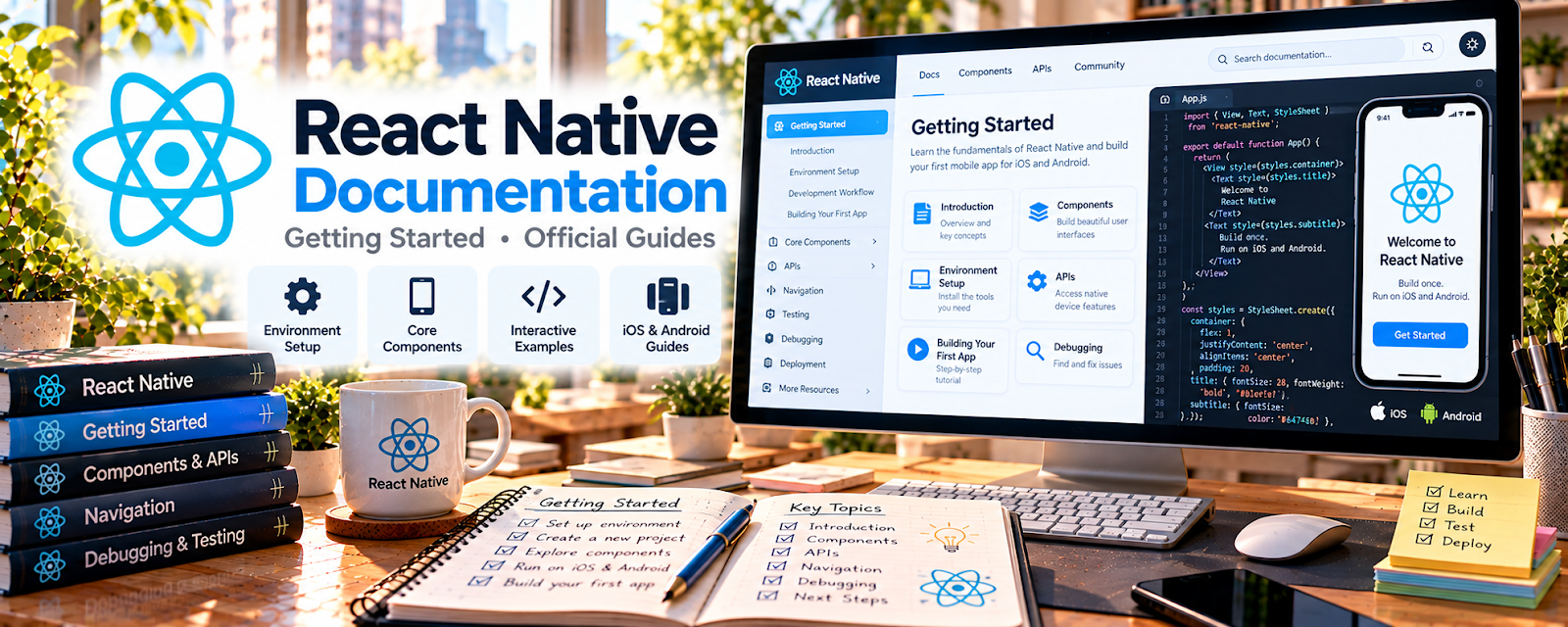
Official Website
React Native Documentation is the official guide for setting up, building, testing, and shipping mobile apps with React Native.
🔗 Visit Official Website — React Native Documentation
Domain: reactnative.dev
What This Learning Resource Is
React Native Documentation is the official guide for setting up, building, testing, and shipping mobile apps with React Native. For 📱 App Developer work, it gives you the primary reference for app setup, components, navigation, APIs, debugging, and platform-specific behavior.
How to Use It for App Development
Use the documentation as your build reference while creating portfolio apps or client prototypes. Focus on one app feature at a time instead of trying to memorize the whole framework.
Step-by-Step Implementation:
- Follow the getting-started setup for your operating system.
- Build a small starter app with one screen and one interaction.
- Use the docs whenever you add components, styling, navigation, or native APIs.
- Keep notes on setup errors and fixes.
- Turn completed practice apps into portfolio screenshots or demos.
Best Time to Use This
- Before starting a React Native app.
- When debugging setup or dependency issues.
- When adding a new app feature.
- Before estimating mobile-app work for a client.
Best Skills to Learn Here
- React Native setup
- Mobile UI components
- Styling and layout
- Debugging
- Platform differences
- App documentation habits
Getting Started Steps
- Open React Native Documentation.
- Complete the getting-started setup.
- Build a simple one-screen app.
- Add one useful feature.
- Save the project for your portfolio.
Good Beginner Search Terms
- React Native getting started
- React Native components
- React Native styling
- React Native debugging
- mobile app development React Native
- React Native portfolio app
Monetization Angle
React Native skills can support paid app prototypes, MVP builds, maintenance work, and portfolio projects that lead to freelance app-development clients.
Pros
- Official, current reference.
- Free to use.
- Useful while actively building.
- Strong fit for cross-platform app work.
Cons
- Can feel technical for new developers.
- Setup may require troubleshooting.
- Not a full business or client-finding course.
- Requires JavaScript or React practice.
Who Should Use This
Use this if you want to build mobile apps with JavaScript, React, and reusable components.
Who Should Skip This
Skip this if you are not ready to code or only want no-code app builders.
Practical Applications
- Follow the official setup instructions for your intended development environment.
- Build a small app and test behavior on both relevant platforms.
- Use documented APIs and debugging guidance to resolve reproducible issues.
Important Considerations
- Match documentation to your installed version and review dependency maintenance and licenses.
- Cross-platform code still needs platform-specific testing, accessibility, privacy review, and compliance with current store requirements.
Related Resources
React Native — Adds broader React Native learning context.
GitHub — Helps manage app code and portfolio repositories.
Expo Documentation — Supports easier React Native app setup and testing.
Related Side Hustles
 App developer — React Native Documentation supports mobile app builds.
 Selling Digital Products — App templates can become digital products.
 Consulting: Get Paid for What You Know — App planning can become technical consulting.