Official Website
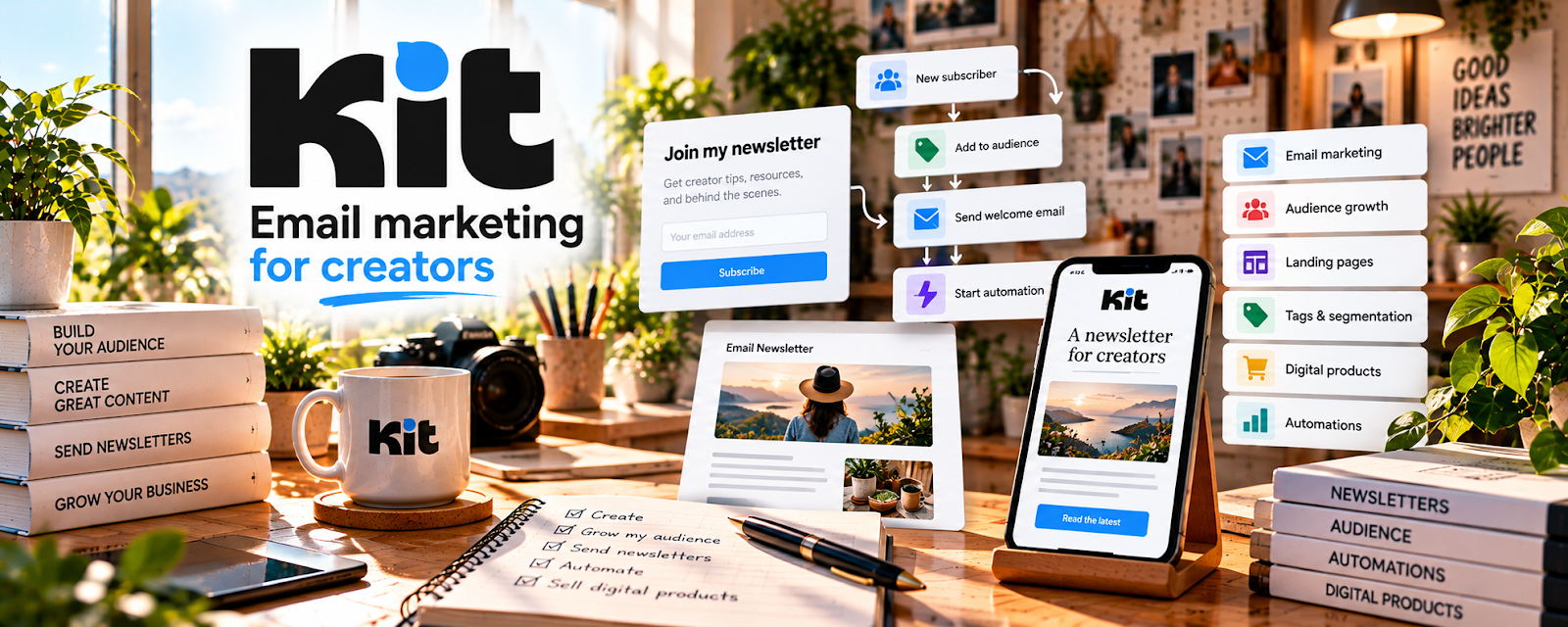
Kit is a freemium creator email platform for forms, automations, broadcasts, tags, and sequences.
🔗 Visit Official Website — Kit
Domain: kit.com
What This Website Is
Kit is a freemium creator email platform for forms, automations, broadcasts, tags, and sequences. For 🎓 Online Course Creation, it helps build a course waitlist, deliver lead magnets, nurture potential students, and launch paid lessons or cohorts.
How to Apply It to 🎓 Online Course Creation
Use Kit as the audience and launch engine around your course.
Step-by-Step Implementation:
- Phase 1: Create a course lead magnet, such as a checklist, mini-lesson, or worksheet.
- Phase 2: Build a signup form and welcome sequence that teaches one quick win.
- Phase 3: Tag interested subscribers and send launch emails when enrollment opens.
Common Use Cases for This Side Hustle:
- Scenario A: You validate a course topic before recording.
- Scenario B: You build a waitlist for a cohort.
- Scenario C: You sell templates, bonuses, or upsells after the course.
When to Use This
- Before recording a course.
- When building a waitlist.
- When launching a cohort.
- When nurturing students by email.
Best Tasks to Use It For
- Lead magnets
- Welcome sequences
- Waitlist tags
- Launch emails
- Student follow-up
Getting Started Steps
- Define one course promise.
- Create a free mini-resource.
- Build a Kit form.
- Write a short welcome sequence.
- Tag waitlist subscribers.
- Send launch emails when ready.
Good Beginner Search Terms
- Kit course launch
- online course waitlist
- course lead magnet ideas
- course launch email sequence
- creator email funnel
Monetization Angle
Kit helps course creators turn interest into enrollment by capturing leads early and launching to a warm audience instead of starting from zero.
Pros
- Creator-friendly.
- Good for waitlists.
- Useful automations and tags.
Cons
- Requires email content.
- Not a course host.
- Needs a clear offer.
Who Should Use This
Course creators who want to validate demand, build a waitlist, and launch to interested students.
Who Should Skip This
Skip this if you do not have a course outcome or plan to communicate with leads.
Practical Applications
- Create a consent-based course waitlist with a clear subscriber promise.
- Draft a short welcome sequence tied to a genuine learning need.
- Test signup, links, and permitted segmentation before a small launch.
Important Considerations
- Verify current plan limits, automation features, integrations, pricing, and data terms.
- Respect privacy and unsubscribe requirements; email automation does not establish course quality or guarantee enrollments and must not imply unsupported learner outcomes.
Related Resources
Mailchimp — alternate course launch email tool
Camtasia — course recording and editing support
OBS Studio — free screen recording tool
Related Side Hustles
 Online Course Creation: Turn Your Knowledge Into Income — direct fit for course launches
 Selling Digital Products — courses often include templates or workbooks
 Newsletter Monetization: Get Paid to Write About What You Love — similar list-building mechanics