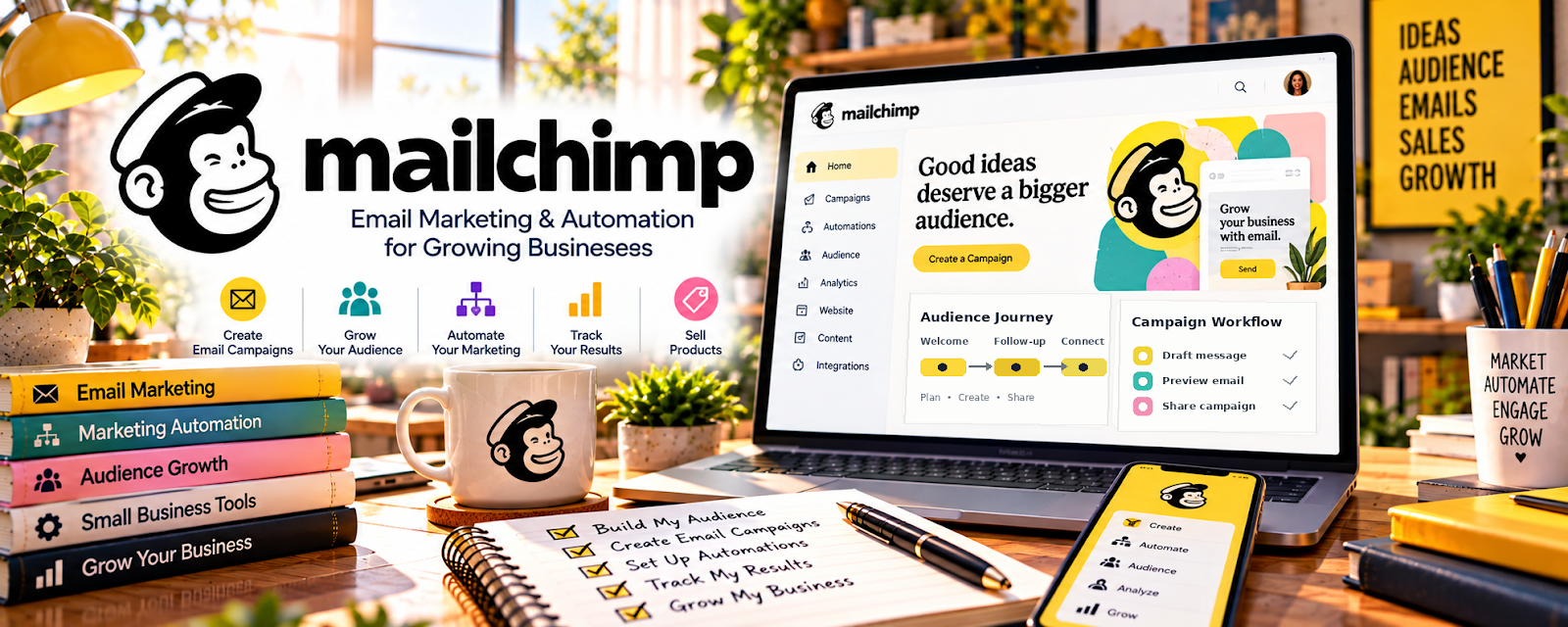
Official Website
Mailchimp is a freemium email marketing platform for subscribers, forms, campaigns, and automations.
🔗 Visit Official Website — Mailchimp
Domain: mailchimp.com
What This Website Is
Mailchimp is a freemium email marketing platform for subscribers, forms, campaigns, and automations. For 🎓 Online Course Creation, it helps build a course waitlist, deliver lead magnets, nurture potential students, and promote course launches.
How to Apply It to 🎓 Online Course Creation
Use Mailchimp as the audience-building and launch system around your course.
Step-by-Step Implementation:
- Phase 1: Create a lead magnet connected to the course promise.
- Phase 2: Build a signup form and welcome sequence that teaches a small win.
- Phase 3: Send launch emails, student stories, FAQs, and deadline reminders.
Common Use Cases for This Side Hustle:
- Scenario A: You want to validate a course idea.
- Scenario B: You need a waitlist before launch.
- Scenario C: You want to sell future course cohorts or modules.
When to Use This
- Before launching a course.
- For waitlists.
- For lead magnets.
- For student follow-up.
Best Tasks to Use It For
- Signup forms
- Welcome sequences
- Launch emails
- Segmentation
- Student nurture
Getting Started Steps
- Define one course outcome.
- Create a free checklist or mini-lesson.
- Build a signup form.
- Write three welcome emails.
- Add a course waitlist tag.
- Send launch emails when ready.
Good Beginner Search Terms
- course launch email sequence
- online course waitlist
- Mailchimp lead magnet
- course email funnel
- student onboarding emails
Monetization Angle
Mailchimp helps course creators turn interest into enrollments by capturing leads early, educating them, and launching to a warm list instead of a cold audience.
Pros
- Useful for launches.
- Good lead capture.
- Supports automations.
Cons
- Requires email writing.
- Not a course-hosting platform.
- List growth takes time.
Who Should Use This
Course creators who need a waitlist, launch sequence, and student-nurture channel.
Who Should Skip This
Skip this if you have no course promise, audience, or plan to email potential students.
Practical Applications
- Build a consent-based course-interest signup form.
- Draft a short welcome sequence aligned with the actual course promise.
- Test links and delivery before a small launch campaign.
Important Considerations
- Confirm current automation, contact limits, pricing, integration, and data-processing terms.
- Respect privacy and unsubscribe requirements and avoid fabricated testimonials or outcomes; an email list does not guarantee enrollment.
Related Resources
Camtasia — course recording and editing support
OBS Studio — free recording tool
Figma — course visuals and slide design
Related Side Hustles
 Online Course Creation: Turn Your Knowledge Into Income — direct fit for course launch funnels
 Newsletter Monetization: Get Paid to Write About What You Love — similar email audience skills
 Selling Digital Products — course creators can sell templates and workbooks