Official Website
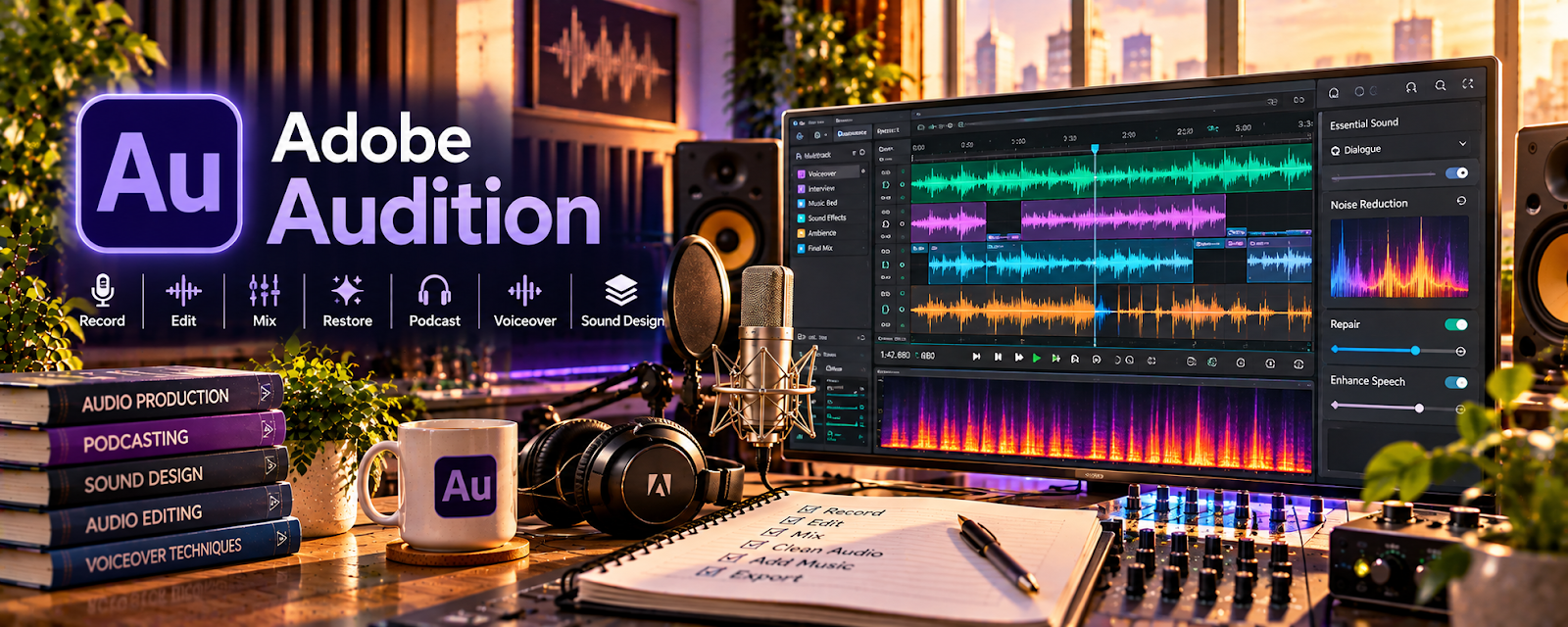
Adobe Audition is a paid audio editing tool for recording, cleaning, and mixing voice and sound.
🔗 Visit Official Website — Adobe Audition
Domain: www.adobe.com
What This Website Is
Adobe Audition is a paid audio editing tool for recording, cleaning, and mixing voice and sound. For the ▶️ YouTube Automation side hustle, it can be used to produce cleaner voiceovers, reduce noise, and standardize your channel’s audio quality.
How to Apply It to ▶️ YouTube Automation
Use Audition as your “voiceover polish step” after recording.
Step-by-Step Implementation:
- Phase 1: Build a repeatable VO preset (noise reduction, EQ, compression, loudness).
- Phase 2: Edit and clean each recording (remove breaths, mistakes, long pauses).
- Phase 3: Export consistent audio files and hand off to editing (CapCut/Premiere/etc.).
Common Use Cases for this Side Hustle:
- Scenario A: If audio is inconsistent across videos, use presets + loudness targets.
- Scenario B: If background noise is an issue, use noise prints and cleanup tools.
- Scenario C: If you outsource VO, use Audition for final QA and consistency.
When to Use This
- You record voiceovers regularly.
- You want clearer, more “pro” sound.
- You need repeatable audio settings.
- You want fewer viewer drop-offs due to bad audio.
Best Tasks to Use It For
- Noise reduction and cleanup
- EQ/compression presets
- Loudness normalization
- Voiceover editing and pacing
- Exporting consistent VO files
Getting Started Steps
- Install Adobe Audition.
- Import a sample voiceover.
- Remove noise and run basic cleanup.
- Apply EQ + compression and set loudness target.
- Save the chain as a preset.
- Repeat on all voiceovers.
- Export and hand off to video editing.
Good Beginner Search Terms
- Adobe Audition voiceover preset
- noise reduction voiceover
- loudness normalization YouTube
- EQ compression voice tutorial
- remove breaths in Audition
- voiceover audio chain
Monetization Angle
Cleaner audio increases watch time and trust. Better retention and perceived quality support higher RPMs and more repeat views.
Pros
- Professional audio cleanup tools
- Presets make workflow repeatable
- Strong for voiceover production
Cons
- Paid subscription
- Learning curve
- Overkill for very basic audio needs
Who Should Use This
YouTube automation creators who want consistent, professional voiceover audio and publish regularly.
Who Should Skip This
Skip this if you only need basic cleanup and are happy with a free tool.
Practical Applications
- Clean a sample narration track using restrained noise reduction.
- Create a repeatable voiceover editing and export checklist.
- Balance narration with music so spoken information remains intelligible.
Important Considerations
- Aggressive processing can damage intelligibility; compare results on suitable headphones and speakers.
- Check asset licenses, client permissions, export requirements, and subscription costs; software alone does not guarantee broadcast-quality sound.
Related Resources
CapCut — Combines polished audio with video edits, clips, captions, and final exports.
OBS Studio — Records screen or source footage that may need voiceover or audio cleanup.
Loom — Useful for quick walkthroughs, editor feedback, or production notes.
Google Drive — Stores voiceovers, raw footage, edits, exports, and production assets.
Related Side Hustles
 Online Course Creation: Turn Your Knowledge Into Income — Clean audio is also critical for lessons, tutorials, and recorded training.
Blogging: Build an Online Brand and Earn from Your Words — Video content can be repurposed into posts, guides, and audience-building articles.
 Affiliate Marketing: Get Paid to Promote What You Love — YouTube videos can promote products and drive affiliate conversions.