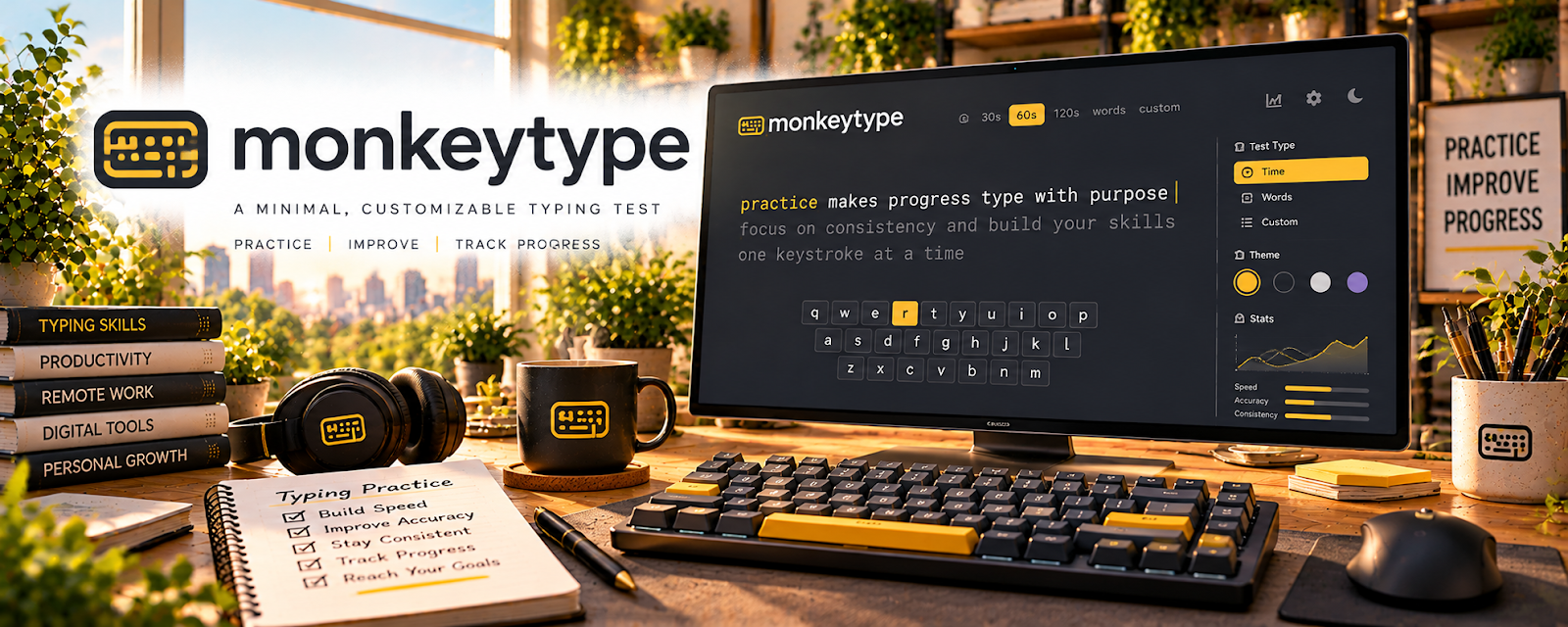
Official Website
Monkeytype is a free typing practice platform focused on speed, accuracy, consistency, and rhythm.
🔗 Visit Official Website — Monkeytype
Domain: monkeytype.com
What This Learning Resource Is
Monkeytype is a free typing practice platform focused on speed, accuracy, consistency, and rhythm. For 🎙️ Transcription Jobs, it helps build typing control before platform tests or paid audio files.
How to Use It for Transcription Jobs
Use Monkeytype as a daily typing benchmark. Practice short tests for accuracy first, track words per minute, notice recurring mistakes, build stamina with longer tests, and pair typing practice with real audio transcription.
Step-by-Step Implementation:
- Take a short baseline test and record both accuracy and typing speed.
- Practice consistently with manageable sessions and prioritize fewer errors over a higher score.
- Compare repeated tests under similar conditions and note recurring mistakes or fatigue.
- Pair typing drills with authorized audio practice and proofreading; a typing score alone does not establish transcription readiness or guarantee work.
Best Time to Use This
- Before applying to transcription platforms.
- When typing feels slow or error-prone.
- Between paid assignments to maintain speed and consistency.
Best Skills to Learn Here
- Typing accuracy
- Typing speed
- Keyboard rhythm
- Error reduction
- Focus under time pressure
- Consistent practice
- Progress tracking
Getting Started Steps
- Take a baseline test and record WPM plus accuracy.
- Practice for 10 minutes a day.
- Prioritize accuracy before speed.
- Add longer tests once short tests are consistent.
- Compare weekly results.
- Move into audio practice when typing is reliable.
Good Beginner Search Terms
- typing test
- typing speed
- typing accuracy
- transcription typing
- WPM practice
- keyboard practice
- Monkeytype
- transcription test
Monetization Angle
Monkeytype can help you qualify for transcription work by improving speed and reducing cleanup time. Faster, cleaner typing can make entry-level tests easier and paid assignments more profitable per hour.
Pros
- Free and simple to use.
- Strong for daily typing benchmarks.
- Helps build speed and accuracy.
- Easy to track progress over time.
Cons
- Does not teach transcription formatting.
- Does not include audio-listening practice.
- WPM scores can become distracting.
- Real transcription still requires grammar and listening skills.
Who Should Use This
Use this if you want a quick way to improve typing before transcription tests or freelance audio assignments.
Who Should Skip This
Skip this if your typing is already fast and accurate and you need specialized transcription training instead.
Practical Applications
- Practice short sessions focused on accuracy before increasing speed.
- Record progress under consistent test settings.
- Pair typing practice with permitted audio exercises that require listening and transcript review.
Important Considerations
- Typing scores alone do not demonstrate transcription accuracy or specialist competence.
- Do not paste confidential transcripts into public practice tools; client style, speaker labeling, and listening skills require separate practice.
Related Resources
Express Scribe — Use this for real transcription playback practice.
oTranscribe — Practice audio transcription in a simple workspace.
Grammarly — Catch grammar and clarity issues in transcripts.
Upwork Transcription Jobs — Study real client requirements.
GoTranscript Jobs — Review transcription test expectations.
Related Side Hustles
 Transcription Jobs — Typing speed and accuracy directly affect readiness.
 Virtual Assistance — Fast typing helps with notes and admin documentation.
Copyediting & Proofreading: Get Paid to Polish Words — Accuracy practice supports cleaner review.
Freelance Writing: Get Paid to Write Online — Typing fluency helps draft and revise faster.