Official Website
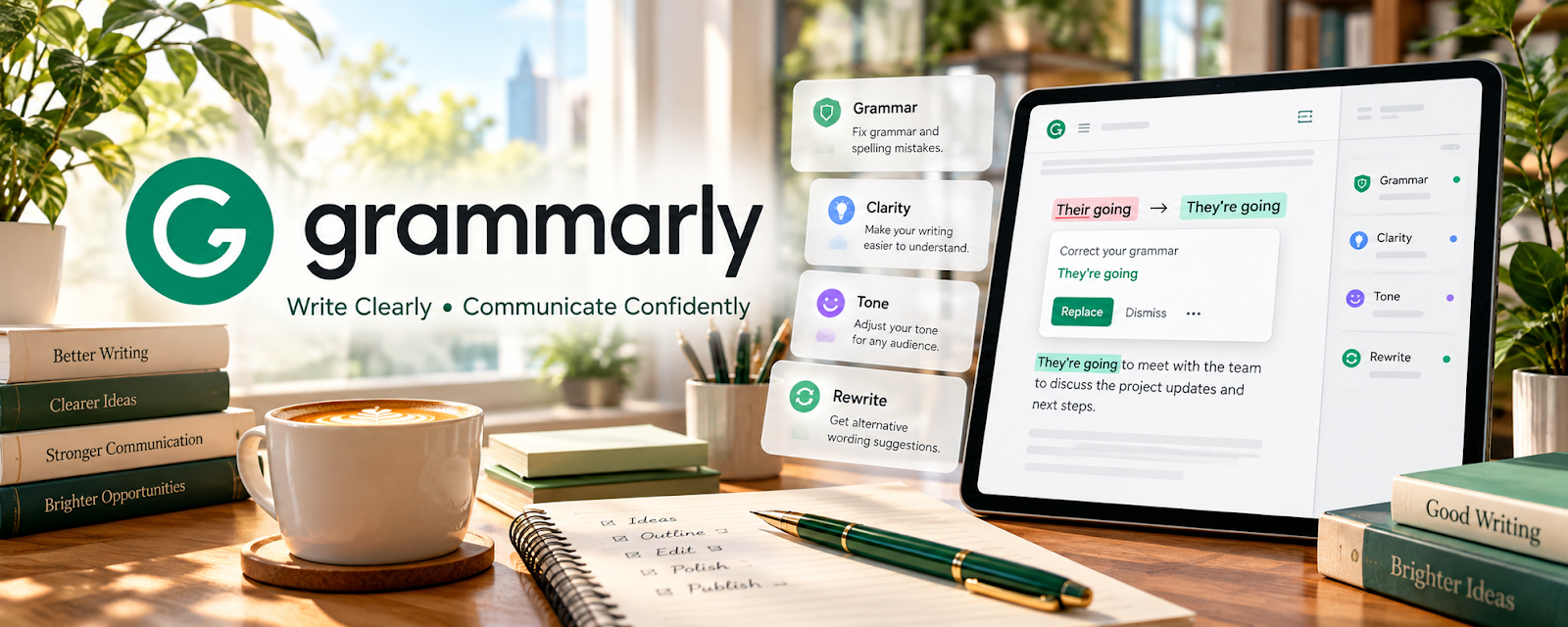
Grammarly is a writing assistant for grammar, spelling, punctuation, and clarity.
🔗 Visit Official Website — Grammarly
Domain: www.grammarly.com
What This Website Is
Grammarly is a writing assistant for grammar, spelling, punctuation, and clarity. For the 🎙️ Transcription Jobs side hustle, it helps you clean up transcripts and reduce errors so your deliverables look more professional.
How to Apply It to 🎙️ Transcription Jobs
Use Grammarly as a practical QA pass: transcribe → run checks → finalize → deliver.
Step-by-Step Implementation:
- Phase 1: Complete your transcription first (focus on accuracy over formatting).
- Phase 2: Paste into Grammarly to fix punctuation, capitalization, and clarity issues.
- Phase 3: Do a final read-through against the audio for names/numbers and formatting.
Common Use Cases for this Side Hustle:
- Scenario A: You need cleaner punctuation for readability.
- Scenario B: You deliver transcripts to clients who expect “publication-ready” text.
- Scenario C: You want a consistent final QA checklist before sending files.
When to Use This
- You’re cleaning up raw transcripts.
- You want fewer punctuation and grammar errors.
- You deliver to clients (not just captions).
- You need a fast final QA step.
Best Tasks to Use It For
- Punctuation cleanup
- Grammar and spelling checks
- Sentence clarity improvements
- Consistent formatting for deliverables
- Reducing embarrassing typos
Getting Started Steps
- Finish your transcript draft.
- Run Grammarly checks.
- Apply the highest-impact fixes first.
- Review proper nouns (names/companies) manually.
- Standardize formatting (speaker labels, timestamps if needed).
- Re-check against the audio quickly.
- Deliver the final file.
Good Beginner Search Terms
- Grammarly transcription workflow
- how to punctuate transcripts
- clean up transcript punctuation
- transcript formatting best practices
- speaker labels transcript template
- proofreading checklist transcription
Monetization Angle
Higher-quality transcripts lead to better reviews, more repeat clients, and the ability to charge more for “clean read” deliverables.
Pros
- Catches common errors fast
- Improves clarity and readability
- Simple workflow for beginners
Cons
- Can mis-handle domain-specific words
- Not a substitute for audio verification
- Some features require paid plan
Who Should Use This
Transcriptionists who deliver client-ready transcripts and want a consistent final QA step.
Who Should Skip This
Skip this if your platform already includes strict proofreading or you only deliver raw drafts without cleanup.
Practical Applications
- Use a permitted check on a transcript after comparing it with the audio.
- Review spelling and punctuation suggestions against the client’s style rules.
- Track recurring mechanical errors to improve a final QA pass.
Important Considerations
- Do not let grammar edits alter verbatim speech or invent missing words; the recording and agreed transcription standard remain authoritative.
- Review privacy, retention, and tool-use permissions before submitting confidential transcript text.
Related Resources
Express Scribe — Speeds up playback control and transcript drafting before the Grammarly QA pass.
Auphonic — Cleans audio quality so transcription and final proofreading are easier.
Rev Freelancers — Provides a platform-style transcription workflow and quality expectations to study.
Related Side Hustles
 Freelance Writing: Get Paid to Write Online — Transcript cleanup builds editing and clarity skills useful for writing deliverables.
 Online Translation Jobs: Earn from Your Language Skills — Both require careful language review, formatting, and accuracy checks.