Official Website
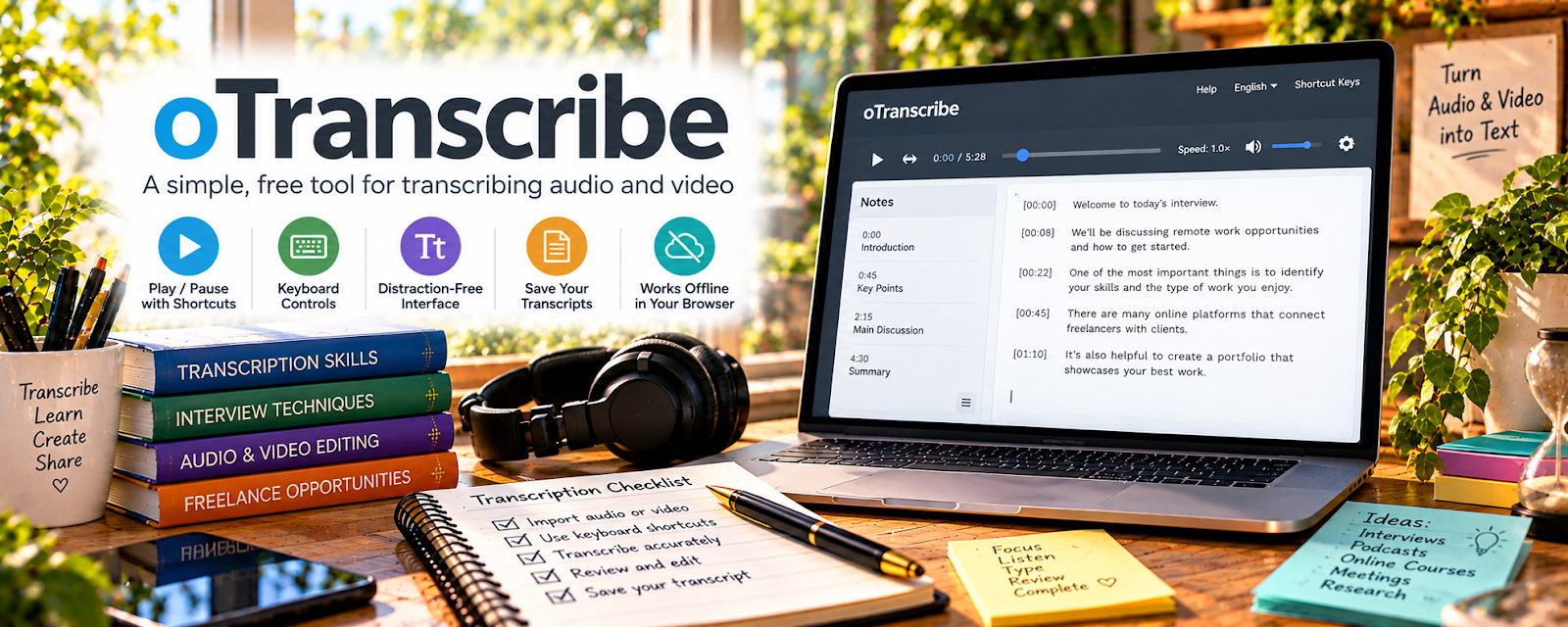
oTranscribe is a simple, free, in-browser transcription tool that combines audio playback controls with a text editor.
🔗 Visit Official Website — oTranscribe
Domain: otranscribe.com
What This Website Is
oTranscribe is a simple, free, in-browser transcription tool that combines audio playback controls with a text editor. For 🎙️ Transcription Jobs, it helps you transcribe faster with fewer window switches.
How to Apply It to 🎙️ Transcription Jobs
Use oTranscribe as your “listen + type in one place” workflow: load audio → use hotkeys → add timestamps → export.
Step-by-Step Implementation:
- Upload or link your audio file.
- Learn the pause/rewind shortcuts.
- Add speaker labels and timestamps as required by the client.
Common Use Cases for this Side Hustle:
- Scenario A: You need a lightweight tool for quick transcription tests.
- Scenario B: You want fewer distractions than a full editor.
When to Use This
- You want a simple, free transcription workspace
- You’re transcribing short interviews or calls
- You want keyboard shortcuts for speed
Best Tasks to Use It For
- Draft transcription
- Timestamps and speaker labels
- Quick exports to text
Getting Started Steps
- Open oTranscribe.
- Load one audio file.
- Practice hotkeys for 10 minutes.
- Transcribe a 5-minute segment.
- Export and review for errors.
Good Beginner Search Terms
- oTranscribe tutorial
- transcription hotkeys workflow
- how to add timestamps in transcript
Monetization Angle
Faster transcription speed increases your effective hourly rate and helps you complete more files.
Pros
- Free and simple
- Minimal setup
Cons
- Limited advanced audio cleanup tools
- Browser performance depends on device
Who Should Use This
Transcriptionists who want a lightweight in-browser tool.
Who Should Skip This
Anyone needing heavy audio cleanup or team collaboration features.
Practical Applications
- Use playback controls to transcribe authorized sample audio.
- Review unclear passages and record uncertainty honestly.
- Test saving and exporting the transcript before a client assignment.
Important Considerations
- Verify current browser behavior, local storage, export, and recovery before relying on it.
- Do not assume browser-based use satisfies client security requirements; obtain permission, protect sensitive recordings, retain backups, and perform manual accuracy checks.
Related Resources
VLC Media Player — Provides flexible playback and speed control for reviewing audio files.
Krisp — Reduces background noise before creating or reviewing transcripts.
Adobe Audition — Cleans difficult audio before transcription in oTranscribe.
Related Side Hustles
 Transcription Jobs — oTranscribe combines playback, hotkeys, timestamps, and transcript drafting in one workspace.
Freelance Writing: Get Paid to Write Online — Transcripts can become articles, show notes, summaries, and client content.