Official Website
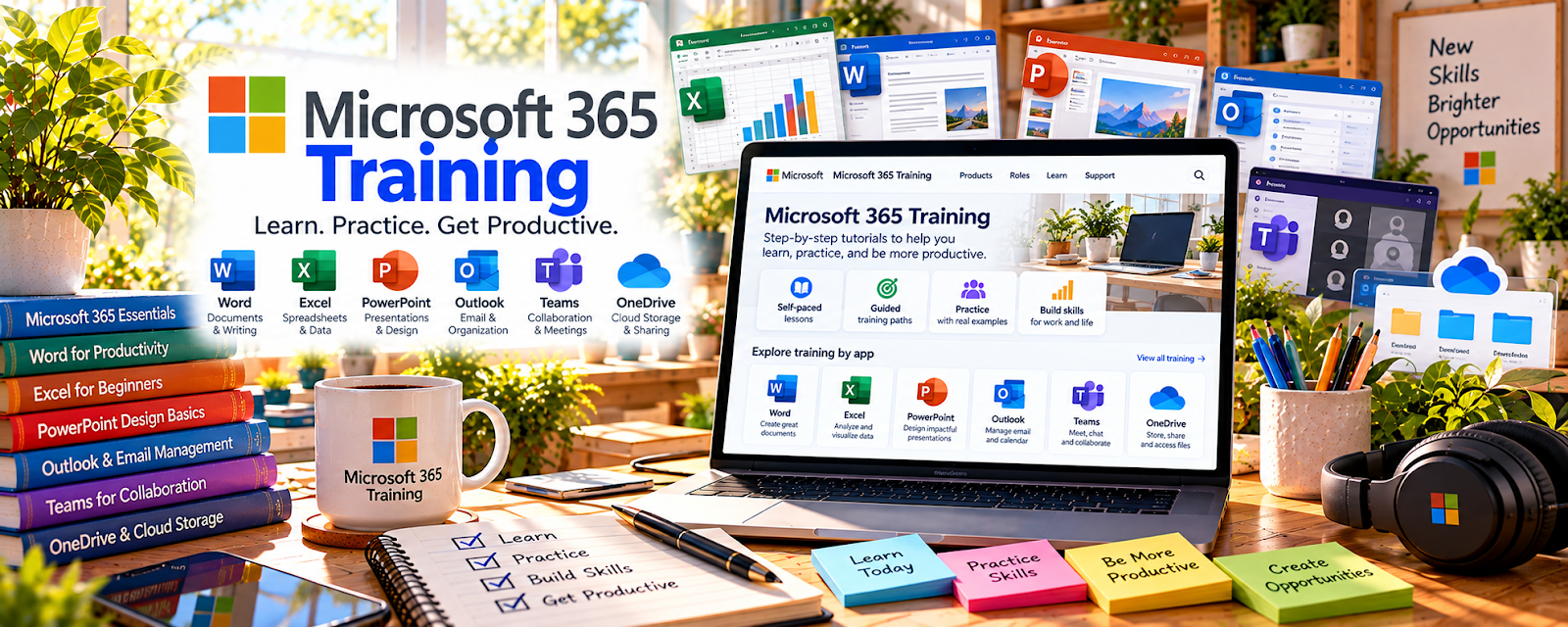
Microsoft 365 Training is Microsoft’s free official learning library for Outlook, Teams, Word, Excel, PowerPoint, OneDrive, and related productivity tools.
🔗 Visit Official Website — Microsoft 365 Training
Domain: support.microsoft.com
⚠️ Link review needed: the stored URL returned HTTP 404 during the availability check. No replacement URL has been substituted.
What This Learning Resource Is
Microsoft 365 Training is Microsoft’s free official learning library for Outlook, Teams, Word, Excel, PowerPoint, OneDrive, and related productivity tools. For 🗂️ Virtual Assistance, it helps you build the basic office software confidence many VA clients expect.
How to Use It for Virtual Assistance
Use Microsoft 365 Training to create practical VA workflows: inbox handling, meeting notes, file organization, document formatting, spreadsheet tracking, and remote collaboration.
Step-by-Step Implementation:
- Identify the Microsoft tools your target VA clients use.
- Complete beginner lessons for Outlook, Teams, Word, Excel, and OneDrive.
- Build sample deliverables: meeting notes, tracker, SOP, and client folder.
- Practice sharing files and organizing information.
- Create a VA skills checklist.
- Use the samples in your portfolio or service description.
Best Time to Use This
- Before offering VA services.
- When clients mention Microsoft Office, Teams, or Excel.
- When you need practical admin workflow confidence.
Best Skills to Learn Here
- Outlook email organization
- Teams meetings and chat
- Word formatting
- Excel trackers
- OneDrive file sharing
- PowerPoint basics
Getting Started Steps
- Start with Outlook, Teams, and OneDrive.
- Create a sample client folder.
- Build a simple Excel task tracker.
- Format one professional Word document.
- Practice sharing links and permissions.
- Save screenshots or samples for your VA portfolio.
Good Beginner Search Terms
- Microsoft 365 training beginner
- Outlook for virtual assistants
- Teams meeting notes
- Excel task tracker
- OneDrive file organization
- Word document formatting
Monetization Angle
Microsoft 365 skills can help you offer practical VA services such as inbox management, meeting support, document cleanup, spreadsheet tracking, and client file organization. Samples turn “I know Office” into proof a client can trust.
Pros
- Free official training.
- Directly relevant to admin work.
- Beginner-friendly and tool-specific.
- Helps create portfolio samples.
Cons
- Tool skills are not a full VA business plan.
- Some lessons are basic.
- Does not provide clients.
- Needs practice with real admin scenarios.
Who Should Use This
Use this if you want VA work and need confidence with everyday Microsoft tools clients may already use.
Who Should Skip This
Skip this if you already use Microsoft tools well and need client acquisition, niche services, or advanced automation training.
Practical Applications
- Practice an official Outlook or Teams workflow using fictional client material.
- Create a sample Word document or spreadsheet from a tutorial.
- Build a personal checklist for reliable file sharing and meeting preparation.
Important Considerations
- Match training to the client’s software version and organizational configuration.
- Do not use real client data without authorization; software familiarity does not replace security policies, appropriate permissions, and role-specific training.
Related Resources
Microsoft Teams — Supports client meetings, chat, and collaboration.
Microsoft Word — Helps create polished documents, SOPs, and client notes.
Trello — Organizes tasks, client requests, and workflow boards.
Calendly — Supports scheduling assistance and appointment booking.
Upwork — Provides a marketplace path for VA services.
Related Side Hustles
 Virtual Assistance — Microsoft 365 skills support everyday VA tasks.
 Remote Customer Service Jobs — Email, meetings, and documents overlap with remote support work.
 Online Bookkeeping: Earn Steady Income by Helping Businesses Stay Organized — Spreadsheet and file organization habits help with bookkeeping admin.