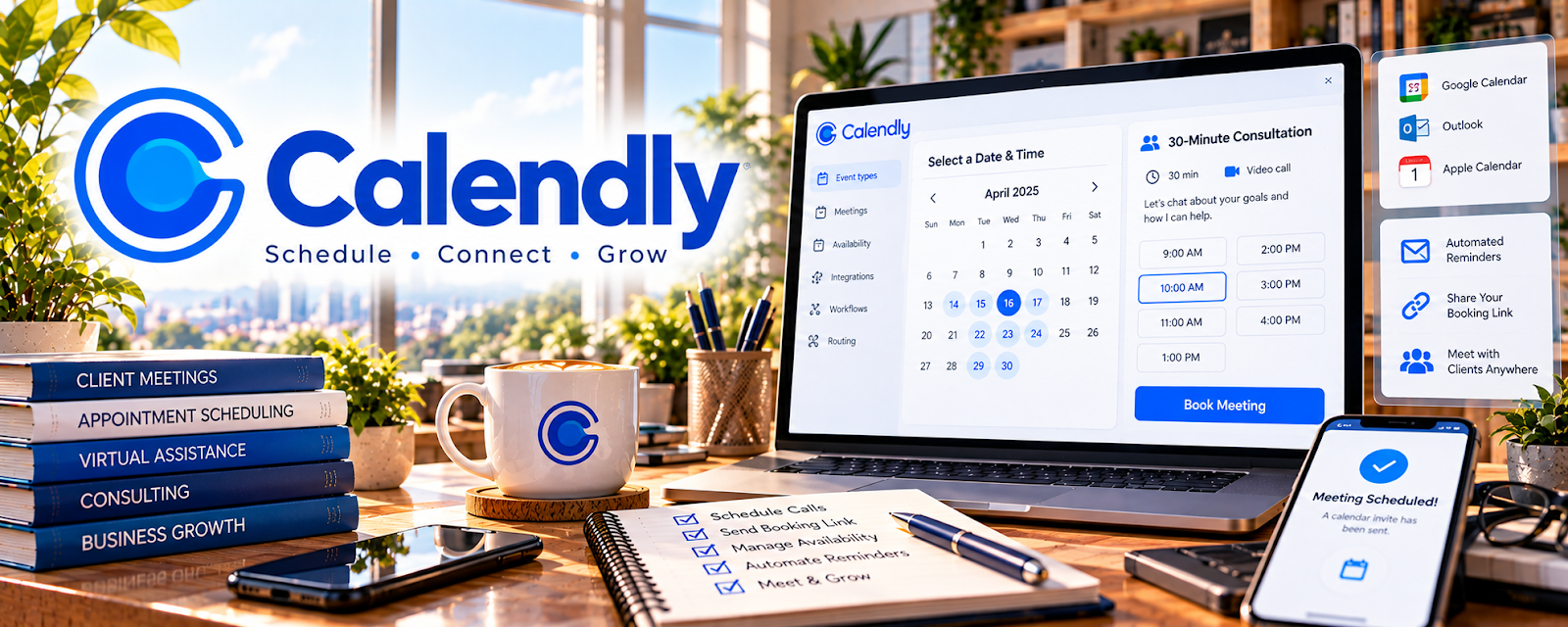
Official Website
Calendly is a scheduling tool for booking meetings with automated availability and confirmations.
🔗 Visit Official Website — Calendly
Domain: calendly.com
What This Website Is
Calendly is a scheduling tool for booking meetings with automated availability and confirmations. For the 🗂️ Virtual Assistance side hustle, it can be used to reduce scheduling back-and-forth and create a professional booking experience for clients.
How to Apply It to 🗂️ Virtual Assistance
Use Calendly as your “client booking link”: availability → booking → reminders → follow-up.
Step-by-Step Implementation:
- Phase 1: Connect your calendar and set availability rules.
- Phase 2: Create event types (discovery call, onboarding, weekly check-in).
- Phase 3: Add buffers, reminders, and a reschedule/cancel policy.
Common Use Cases for this Side Hustle:
- Scenario A: If scheduling is messy, use one booking link.
- Scenario B: If no-shows happen, add reminders and required questions.
- Scenario C: If you manage multiple clients, standardize event types.
When to Use This
- You schedule calls regularly.
- You want automated reminders.
- You want fewer scheduling emails.
- You want a polished client experience.
Best Tasks to Use It For
- Booking discovery calls
- Client onboarding sessions
- Recurring check-ins
- Reminder automation
- Time-zone safe scheduling
Getting Started Steps
- Create a Calendly account.
- Connect your calendar.
- Set working hours + buffers.
- Create 2–3 event types.
- Add reminders and questions.
- Share your booking link.
- Review weekly and adjust availability.
Good Beginner Search Terms
- Calendly event types examples
- scheduling link best practices
- reduce no shows appointment reminders
- reschedule policy template
- client onboarding scheduling flow
- Calendly vs Acuity
Monetization Angle
Less admin time means more billable time. A professional booking flow can support higher rates and better retention.
Pros
- Simple and fast to set up
- Strong booking experience
- Automated reminders
Cons
- Some features require paid plan
- Not a full CRM
- Requires calendar hygiene
Who Should Use This
Virtual assistants and service providers who schedule calls often.
Who Should Skip This
Skip this if clients require you to use their scheduling system.
Practical Applications
- Configure a client-approved booking type with realistic availability.
- Test time zones, buffers, reminders, and cancellation behavior.
- Document how a virtual assistant should respond to booking conflicts.
Important Considerations
- Obtain authorization before connecting client calendars or changing availability and payment settings.
- Confirm plan features, privacy, integrations, and notification behavior; collect only the information necessary for scheduling.
Related Resources
Acuity Scheduling — Offers a more service-business-focused booking alternative with payments and forms.
Google Calendar — Keeps bookings synchronized with daily availability and client commitments.
Zoom — Provides the meeting room for discovery calls and client check-ins.
Loom — Records quick walkthroughs, updates, and async client explanations.
Related Side Hustles
 Consulting: Get Paid for What You Know — Consultants also need a clean booking flow for calls and client sessions.
Virtual Assistance — This is the direct client-service workflow Calendly supports.
 Freelance Writing: Get Paid to Write Online — Writers use booking links for discovery calls, interviews, and client reviews.