Official Website
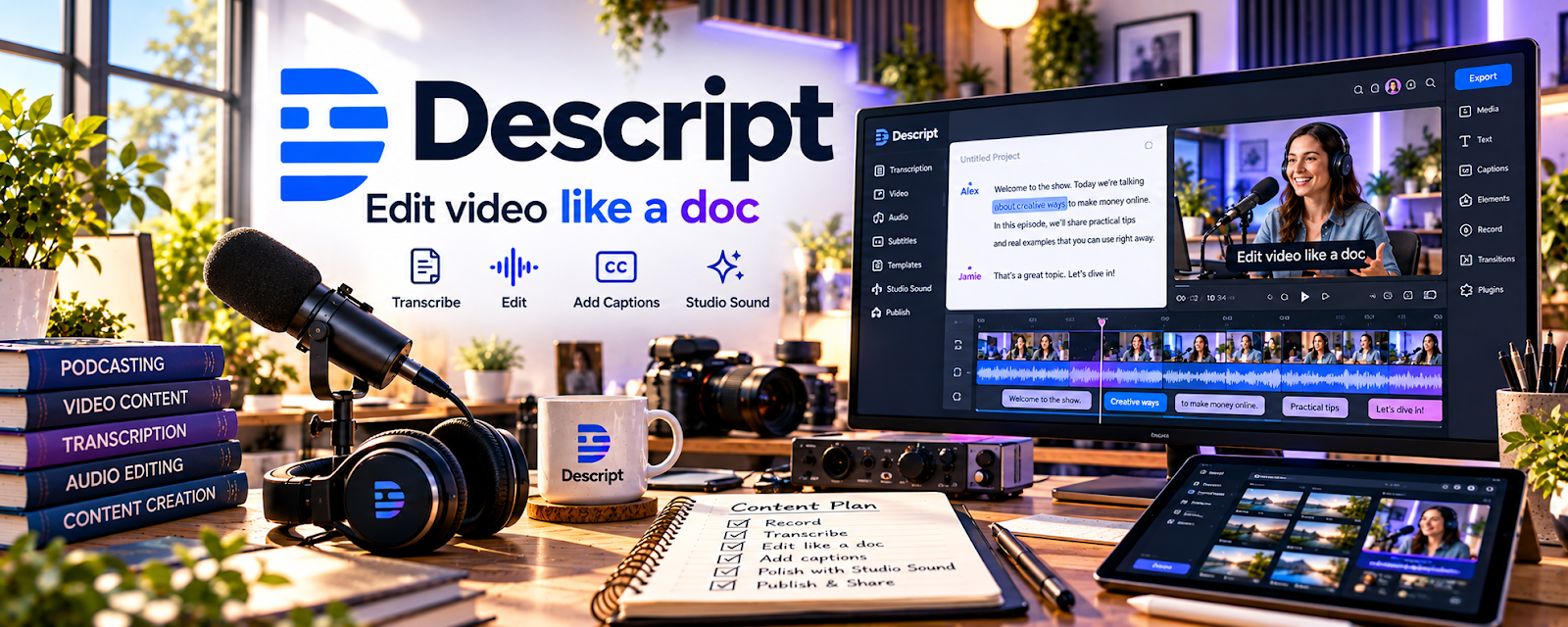
Descript is a video/audio editor that lets you edit media by editing text (transcripts), plus captions and cleanup tools.
🔗 Visit Official Website — Descript
Domain: www.descript.com
What This Website Is
Descript is a video/audio editor that lets you edit media by editing text (transcripts), plus captions and cleanup tools.
How to Apply It
Use Descript as your “UGC edit pipeline”: import footage → remove filler → add captions → export variants.
Step-by-Step Implementation:
- Import raw clips and auto-transcribe.
- Cut filler words and tighten pacing.
- Add captions and hook text.
- Export multiple versions for testing.
When to Use This
- You need fast edits with captions
- You want text-based editing
- You batch deliver multiple variants
Best Tasks to Use It For
- Short-form edits
- Captions
- Audio cleanup
Getting Started Steps
- Edit one 30-second UGC clip.
- Create a caption style template.
- Export 3 hooks for A/B testing.
Good Beginner Search Terms
- Descript captions tutorial
- UGC editing pacing tips
- remove filler words Descript
Monetization Angle
Faster editing and variants help you deliver more projects and improve ad performance for clients.
Pros
- Fast text-based editing
- Great captions
Cons
- Paid tiers for many features
- Not as deep as pro NLEs
Who Should Use This
UGC creators delivering lots of captioned videos.
Who Should Skip This
Creators who already have a strong Premiere/DaVinci workflow.
Practical Applications
- Edit an original UGC clip using a reviewed transcript.
- Check captions and cuts against the actual speech and intended meaning.
- Review the complete export against the brand’s agreed specifications.
Important Considerations
- Verify current features, costs, data-processing terms, and permissions for automated editing.
- Do not fabricate experiences or alter endorsements misleadingly; obtain consent for likenesses and voices and agree advertising, AI, paid usage, and reuse rights separately.
Related Resources
InShot — Provides a mobile-first editing option for quick UGC edits.
DaVinci Resolve — Handles more advanced video editing and polishing when Descript is too limited.
Adobe Premiere Pro — Offers a professional editing workflow for larger UGC campaigns.
Related Side Hustles
 UGC Creation — Descript speeds up captioning, filler-word removal, audio cleanup, and short-form edits for client deliverables.
YouTube Automation: Make Money Without Showing Your Face — Text-based editing and captions can also support scalable YouTube production workflows.