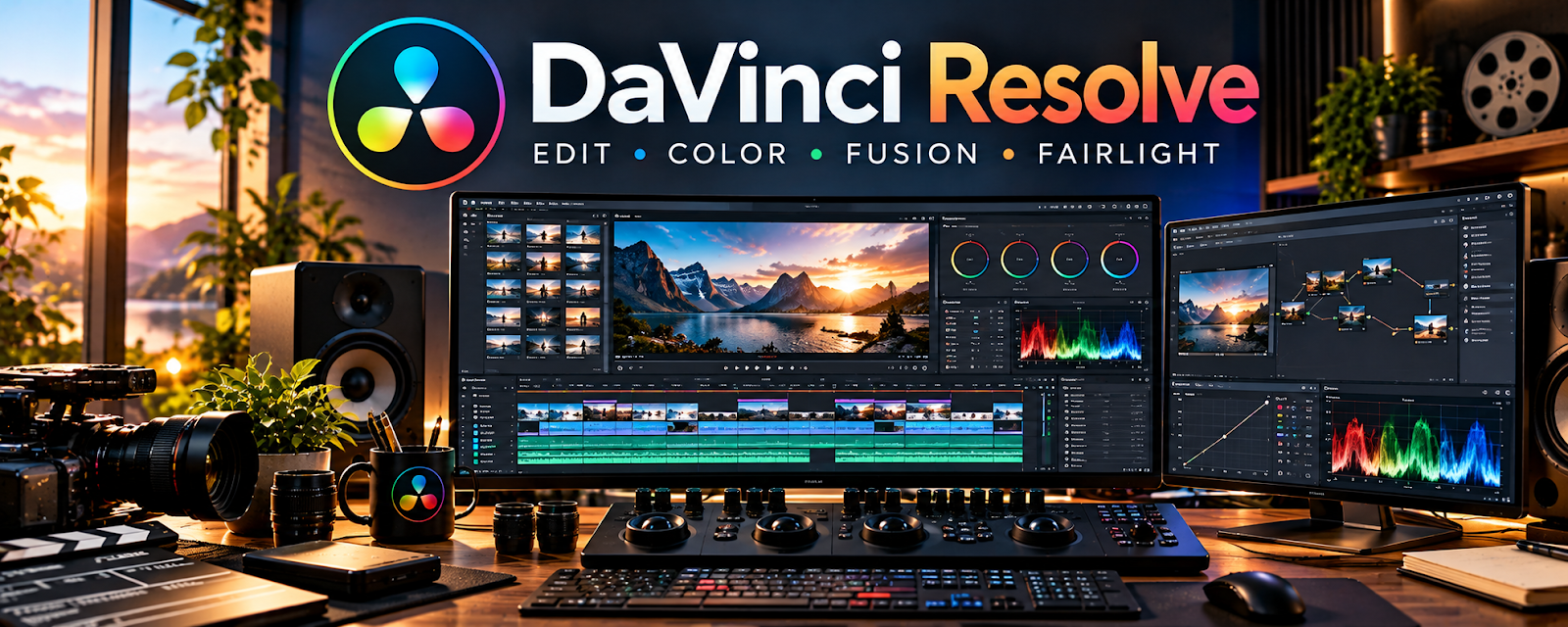
Official Website
DaVinci Resolve is a professional video editing tool (with a strong free tier) used for cutting, color, audio, and export.
🔗 Visit Official Website — DaVinci Resolve
Domain: www.blackmagicdesign.com
What This Website Is
DaVinci Resolve is a professional video editing tool (with a strong free tier) used for cutting, color, audio, and export.
How to Apply It
Use Resolve as your “course editing pipeline”: import → cut → clean audio → add titles → export.
Step-by-Step Implementation:
- Create a reusable project template (titles, lower-thirds, intro/outro).
- Batch-edit modules in one session.
- Export consistent video settings across the course.
When to Use This
- You want higher-quality edits than basic tools
- You edit multiple lessons per week
- You need consistent exports
Best Tasks to Use It For
- Course video editing
- Audio cleanup and levels
- Exporting lesson modules
Getting Started Steps
- Create one project template.
- Edit and export one module.
- Save presets for export settings.
- Use it for your next 5 lessons.
Good Beginner Search Terms
- DaVinci Resolve course editing workflow
- how to edit screen recordings
- export settings for online course videos
Monetization Angle
Higher production quality improves reviews and completion, supporting higher course prices.
Pros
- Powerful editing features
- Strong free tier
Cons
- Learning curve
- Can require a capable computer
Who Should Use This
Course creators who want professional-quality edits.
Who Should Skip This
Creators who only need ultra-simple trimming and captions.
Practical Applications
- Edit an original pilot lesson around a clear learning objective.
- Check narration, pacing, visual legibility, and captions.
- Test the exported lesson in the intended learning platform.
Important Considerations
- Verify current edition features, hardware requirements, export options, and asset or plugin licenses.
- Editing quality does not establish instructional effectiveness; confirm recording consent, accessibility, factual accuracy, content rights, and secure source backups.
Related Resources
ScreenFlow — Records screen lessons that can later be polished in DaVinci Resolve.
CapCut — Provides a faster lightweight option for short lesson clips and promos.
OBS Studio — Captures raw screen tutorials and demos for course modules.
Related Side Hustles
 Online Course Creation: Turn Your Knowledge Into Income — DaVinci Resolve edits lessons, audio, titles, and exports for polished course modules.
 YouTube Automation: Make Money Without Showing Your Face — Course editing skills also support scalable video production workflows.