Official Website
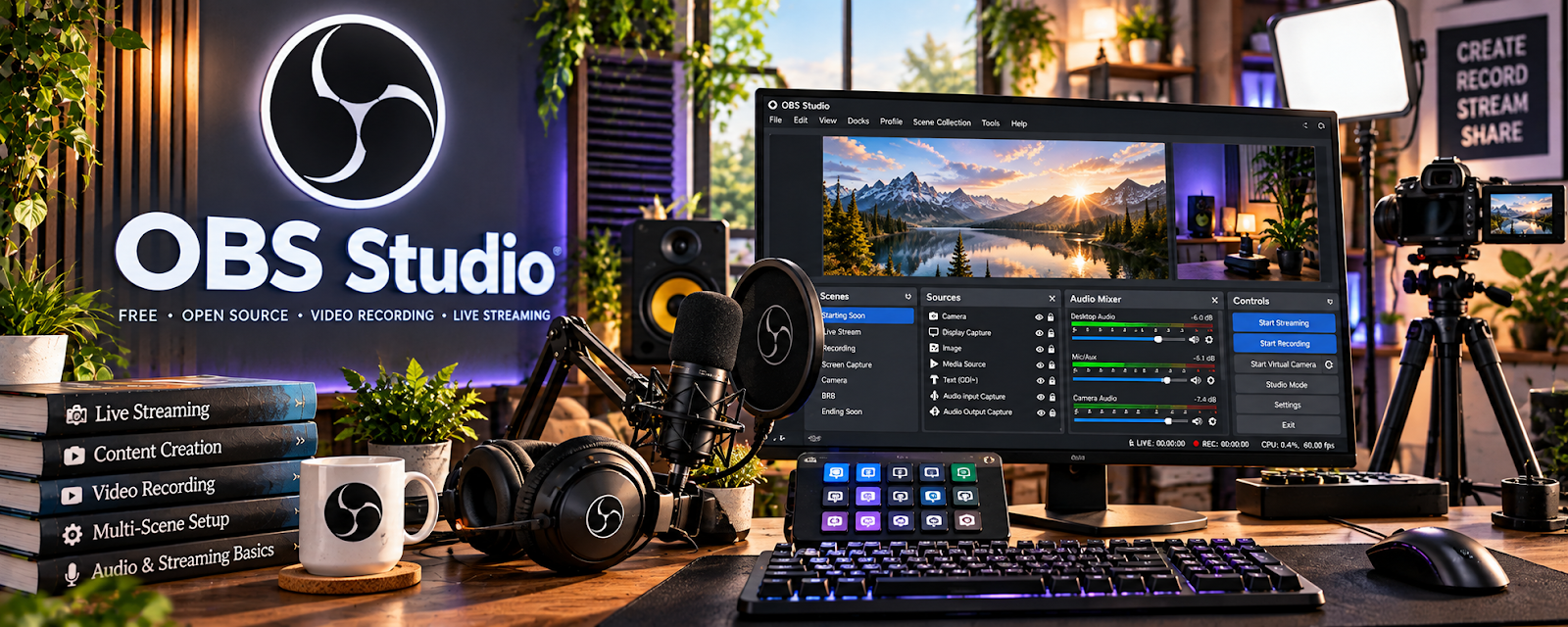
OBS Studio is free screen recording/streaming software used to capture high-quality video and audio.
🔗 Visit Official Website — OBS Studio
Domain: obsproject.com
What This Website Is
OBS Studio is free screen recording/streaming software used to capture high-quality video and audio.
How to Apply It
Use OBS as your “recording setup” for paid studies: scenes → mic levels → recording presets.
Step-by-Step Implementation:
- Create a scene for screen + webcam (if needed).
- Set audio levels and test mic quality.
- Save a recording preset (1080p, consistent bitrate).
- Use it for portfolio-style demo recordings or user testing practice.
When to Use This
- You need reliable screen recording
- You join studies requiring recorded sessions
- You want consistent audio quality
Best Tasks to Use It For
- Screen recordings
- Microphone setup
- Practice sessions
Getting Started Steps
- Install OBS.
- Set up a basic scene.
- Record a 2-minute test.
- Fix audio issues.
- Save the preset.
Good Beginner Search Terms
- OBS best settings for screen recording
- how to reduce background noise OBS
- microphone levels OBS tutorial
Monetization Angle
Reliable recording increases your eligibility for higher-paying research and testing sessions.
Pros
- Free
- Very flexible
Cons
- Setup learning curve
- Easy to misconfigure audio
Who Should Use This
People who need high-quality screen recordings for paid studies.
Who Should Skip This
Anyone doing only simple browser-based tests with built-in recorders.
Practical Applications
- Test screen and audio capture using a nonconfidential practice task.
- Review what is visible before beginning an authorized recording.
- Check the output format and complete recording before approved delivery.
Important Considerations
- Use only the recording method the actual study permits; OBS does not itself provide paid testing work.
- Obtain consent, protect unrelated screens and personal information, verify storage and current software sources, and never record confidential studies outside their rules.
Related Resources
Descript — Edits or reviews recorded practice sessions when you want to improve feedback quality.
UserTesting — Uses screen and audio feedback skills that OBS can help practice.
QuestionPro UX Tester — Provides another testing platform where clear recordings and feedback matter.
Related Side Hustles
 User Testing & Surveys — OBS helps test mic quality, screen recording, and practice walkthroughs for paid tests.
 Faceless Video Content Creation: Go Viral Without Showing Your Face — Screen-recording setup and audio quality also support faceless tutorial production.