Official Website
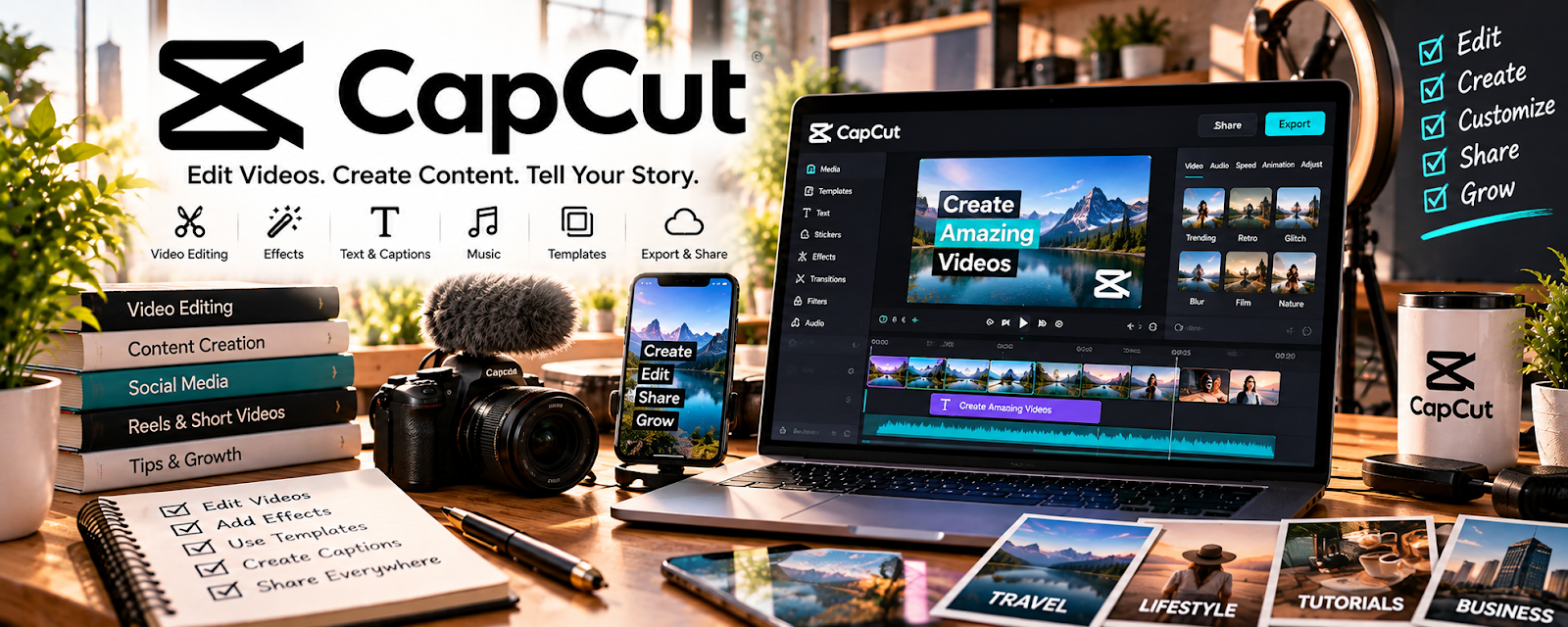
CapCut is a video editor (mobile/desktop) for trimming clips, adding captions, and producing polished short-form videos.
🔗 Visit Official Website — CapCut
Domain: www.capcut.com
What This Website Is
CapCut is a video editor (mobile/desktop) for trimming clips, adding captions, and producing polished short-form videos.
How to Apply It
Use CapCut as your “course promo + lesson edit” tool: edit lessons → add captions → export for platform.
Step-by-Step Implementation:
- Create a caption style template.
- Edit one lesson to a clean final cut.
- Export 3 promo clips (15–30 seconds) per module.
- Reuse templates for every lesson.
When to Use This
- You want fast editing
- You publish promos on short-form platforms
- You need captions quickly
Best Tasks to Use It For
- Promo clips
- Captions
- Simple lesson edits
Getting Started Steps
- Create one template project.
- Edit one lesson.
- Export 3 promo clips.
- Publish and track results.
Good Beginner Search Terms
- CapCut captions tutorial
- course promo clips ideas
- short-form editing pacing tips
Monetization Angle
Promo clips drive leads into your course funnel and increase sales.
Pros
- Fast workflow
- Great captions
Cons
- Limited advanced editing vs pro tools
- Template discipline needed
Who Should Use This
Course creators making promo content and short lesson edits.
Who Should Skip This
Creators already using a full Premiere/Resolve workflow.
Practical Applications
- Edit an original lesson around one clear learning objective.
- Review captions against the actual narration.
- Test the complete exported video in the intended learning environment.
Important Considerations
- Verify current device support, features, costs, privacy, music, template, and commercial-use licenses.
- Polished editing does not establish instructional effectiveness; clear recording rights, protect learner information, and check accuracy, accessibility, and appropriate source backups.
Related Resources
DaVinci Resolve — Provides deeper editing and color/audio tools when CapCut is too lightweight.
Adobe Premiere Pro — Offers a professional editing workflow for larger course video projects.
Gumroad — Sells course files or mini-courses promoted with CapCut clips.
Related Side Hustles
 Online Course Creation: Turn Your Knowledge Into Income — CapCut edits lessons, captions clips, and creates short promo videos for course launches.
 YouTube Automation: Make Money Without Showing Your Face — Short-form editing and caption templates also support repeatable YouTube promo workflows.