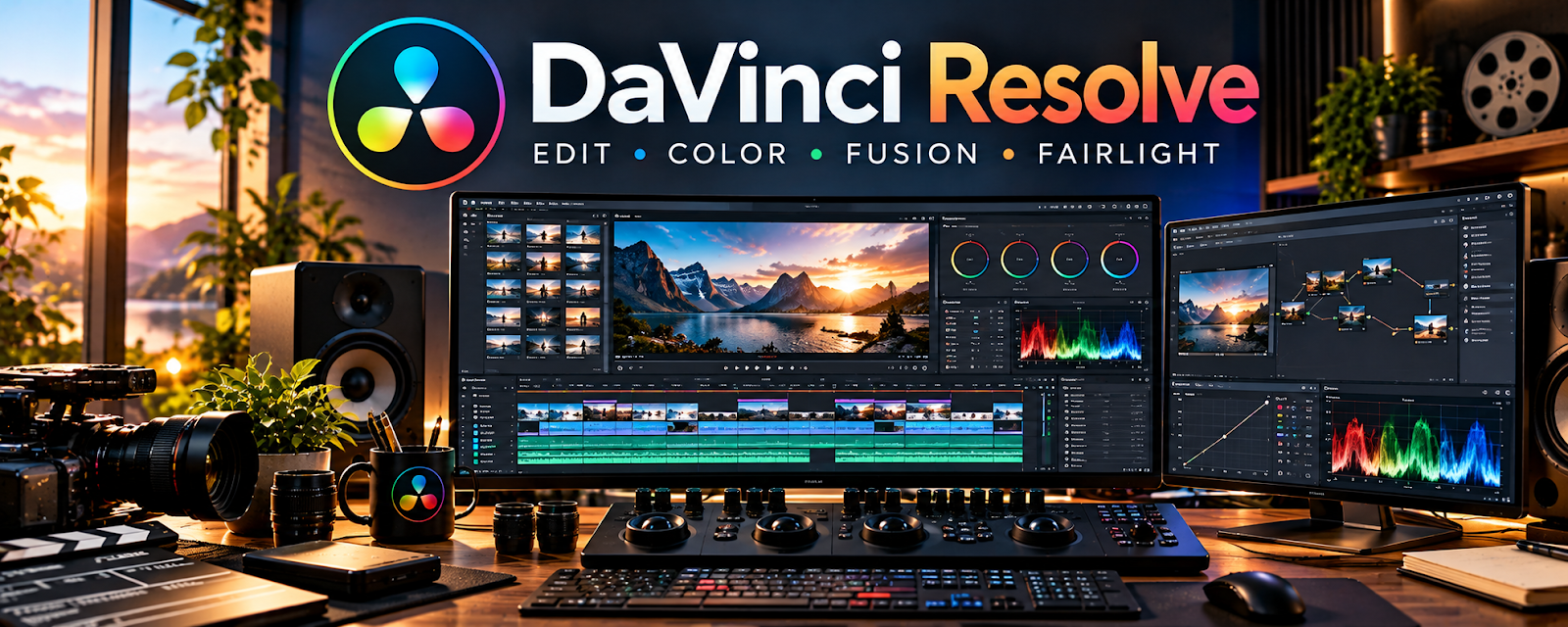
Official Website
DaVinci Resolve is a video editing suite (with color and audio tools) used to cut, polish, and export videos.
🔗 Visit Official Website — DaVinci Resolve
Domain: www.blackmagicdesign.com
What This Website Is
DaVinci Resolve is a video editing suite (with color and audio tools) used to cut, polish, and export videos.
How to Apply It
Use Resolve as your “production pipeline”: import → cut → add b-roll/captions → audio leveling → export.
Step-by-Step Implementation:
- Create a project template with bins and timelines.
- Use a pacing rule (cut every 2–4 seconds during b-roll sections).
- Normalize audio and keep consistent loudness.
- Export with a saved YouTube preset.
When to Use This
- You want a powerful editor without subscription
- You need color/audio tools
- You batch-edit content weekly
Best Tasks to Use It For
- Long-form edits
- Audio leveling
- Export presets
Getting Started Steps
- Edit one 3–5 minute video.
- Create an export preset.
- Save a template timeline.
- Batch edit your next 3 videos.
Good Beginner Search Terms
- DaVinci Resolve YouTube export settings
- pacing tips faceless videos
- audio leveling Resolve tutorial
Monetization Angle
Faster editing and better retention increases views, ad revenue, and sponsorship options.
Pros
- Powerful free version
- Great color/audio tools
Cons
- Learning curve
- Heavy on slower machines
Who Should Use This
YouTube creators editing at scale.
Who Should Skip This
Creators who only need quick mobile edits.
Practical Applications
- Edit an original video around a clear script and audience purpose.
- Check captions, pacing, audio, and visual context.
- Test the complete export against the destination’s actual specifications.
Important Considerations
- Verify current edition, hardware, export, plugin, music, and asset-license requirements.
- Editing quality does not establish factual accuracy, originality, or monetization eligibility; obtain recording consent and maintain secure source and project backups.
Related Resources
Adobe Premiere Pro — Provides a professional editing alternative for YouTube production.
 YouTube Studio — Measures CTR, retention, and performance after edited videos publish.
Epidemic Sound — Supplies music and sound effects for polished YouTube edits.
Related Side Hustles
 YouTube Automation: Make Money Without Showing Your Face — DaVinci Resolve edits, levels audio, adds pacing, and exports repeatable YouTube videos.
Faceless Video Content Creation: Go Viral Without Showing Your Face — Faceless channels rely on strong editing, b-roll pacing, titles, and audio cleanup.