Official Website
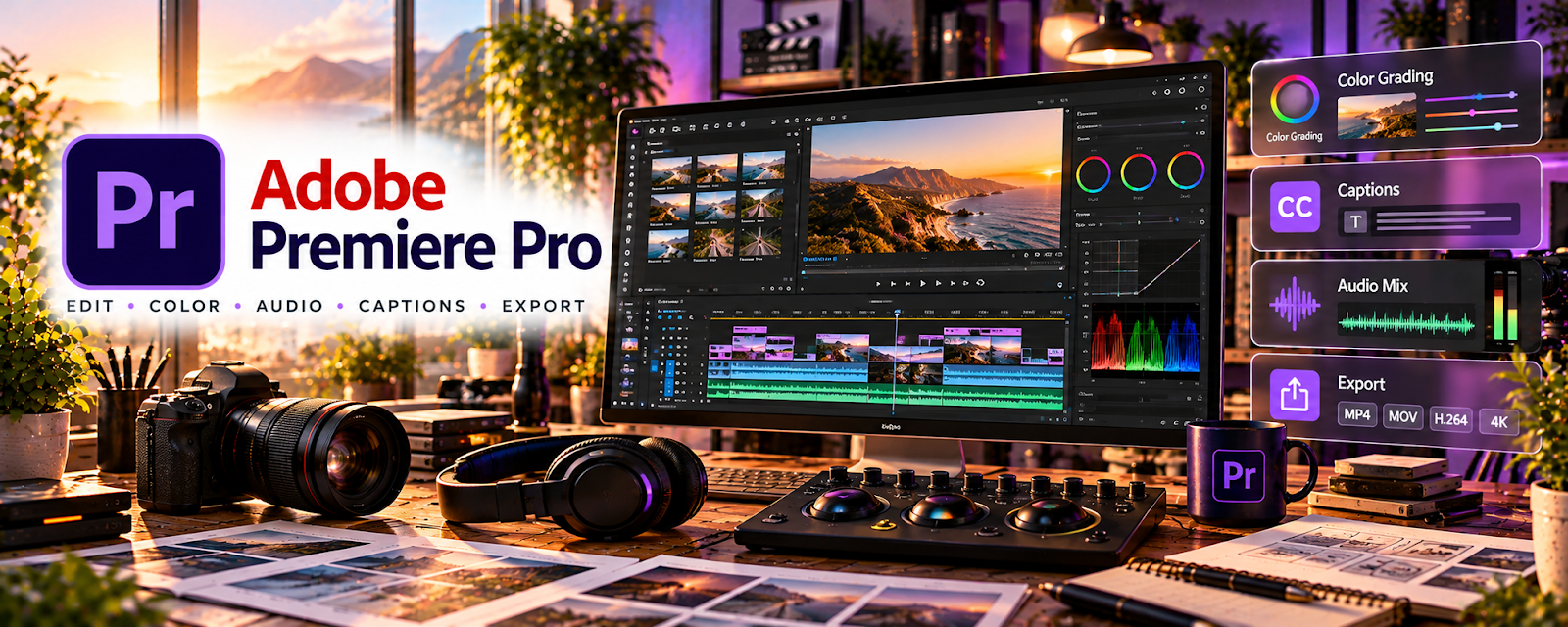
Adobe Premiere Pro is a paid video editing tool with cutting, audio, effects, and export features related to producing polished video.
🔗 Visit Official Website — Adobe Premiere Pro
Domain: www.adobe.com
What This Website Is
Adobe Premiere Pro is a paid video editing tool with cutting, audio, effects, and export features related to producing polished video. For a 🎬 Faceless Video Content Creation side hustle, it can be used to edit scripts into engaging videos, maintain consistent pacing, and scale output with templates and presets.
How to Apply It to Faceless Video Content Creation
Use Premiere Pro to create a repeatable editing pipeline: project templates, b-roll timing rules, audio standards, and export presets. The tactical application is batching edits so production scales without quality dropping.
Step-by-Step Implementation:
- Phase 1: Build a project template (bins, sequences, music/SFX, lower thirds) and export presets
- Phase 2: Define an editing SOP (hook → b-roll cadence → pattern interrupts → CTA) and edit one “gold standard” video
- Phase 3: Batch-edit weekly and iterate pacing based on retention graphs
Common Use Cases for this Side Hustle:
- Scenario A: If videos feel slow, tighten pacing and increase b-roll frequency
- Scenario B: If output is inconsistent, standardize with templates and a clear SOP
When to Use This
- You want professional long-form editing
- You need consistent pacing and audio
- You want templates for scalability
- You use b-roll and effects heavily
- You need reliable exports for YouTube
Best Tasks to Use It For
- Full video editing pipeline
- Templates and presets
- Audio leveling and cleanup
- B-roll timing and pattern interrupts
- Exporting and versioning
Getting Started Steps
- Visit Adobe Premiere Pro.
- Create a project template and bin structure.
- Set export presets for YouTube.
- Edit one “gold standard” video.
- Save effects and transitions as presets.
- Batch-edit the next 3 videos using the same SOP.
- Review retention and refine pacing rules.
Good Beginner Search Terms
- Premiere Pro faceless video editing workflow
- pattern interrupts editing pacing
- how to level audio Premiere Pro
- YouTube export settings Premiere Pro
- b roll cadence retention tips
- Premiere Pro project template setup
Monetization Angle
Faster, consistent editing increases upload volume and watch time, improving ad revenue and sponsorship potential. Templates reduce time per video, increasing profit per production hour.
Pros
- Professional editing and pacing control
- Strong template/preset workflows
- Great audio tools for long-form content
Cons
- Subscription cost
- Learning curve
- Can be heavy for quick edits
Who Should Use This
Faceless creators who want a scalable long-form editing pipeline and plan to publish consistently.
Who Should Skip This
Creators who only publish short clips and prefer lightweight editors.
Practical Applications
- Build a repeatable edit using original narration and licensed visuals.
- Check pacing, captions, audio levels, and visual continuity.
- Export a test video and review it on the intended viewing devices.
Important Considerations
- Check current subscription, hardware, codec, and export requirements.
- Editing does not establish rights to footage, music, or voices; platform originality and disclosure rules still apply.
Related Resources
VEED — Offers a faster browser-based editor for simple clips and captions when Premiere is overkill.
Storyblocks — Supplies stock footage and creative assets that Premiere can assemble into faceless videos.
 YouTube Studio — Tracks performance after Premiere-edited videos are uploaded and published.
Related Side Hustles
 Faceless Video Content Creation: Go Viral Without Showing Your Face — Premiere Pro edits long-form videos, b-roll, audio, graphics, templates, and export presets.
YouTube Automation: Make Money Without Showing Your Face — Automated channel workflows need scalable editing systems and consistent delivery.
UGC Creation — UGC creators can use Premiere for polished client edits and ad-style video deliverables.