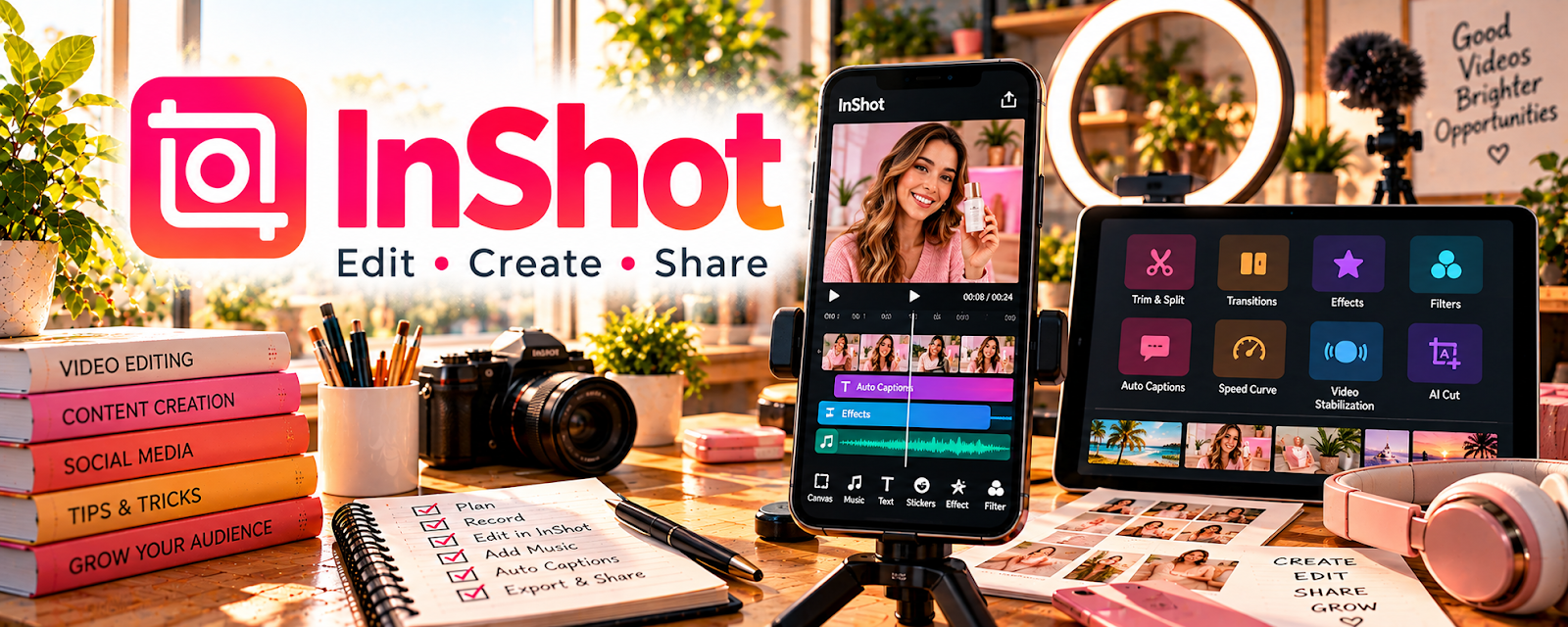
Official Website
InShot is a mobile video editor for trimming clips, adding captions, and exporting short-form content.
🔗 Visit Official Website — InShot
Domain: inshot.com
What This Website Is
InShot is a mobile video editor for trimming clips, adding captions, and exporting short-form content. For 🤳 UGC Creation, it’s a fast way to edit UGC-style videos on your phone.
How to Apply It to 🤳 UGC Creation
Use InShot as your “shoot → edit → caption → export” workflow: import clips → cut down → add on-screen text → export in platform specs.
Step-by-Step Implementation:
- Create a reusable caption style and font.
- Build 3 editing presets (hook, demo, testimonial).
- Export in 9:16 for TikTok/Reels/Shorts.
Common Use Cases for this Side Hustle:
- Scenario A: Quick edits for brand deliverables.
- Scenario B: Adding captions and hooks for higher retention.
When to Use This
- You want fast mobile editing
- You need captions and text overlays quickly
- You’re producing a lot of short-form videos
Best Tasks to Use It For
- Cutting and trimming clips
- Captions and on-screen text
- Simple transitions and exports
Getting Started Steps
- Install InShot.
- Import a raw UGC clip.
- Cut it down to 15–30 seconds.
- Add captions and a strong hook.
- Export and upload.
Good Beginner Search Terms
- InShot captions tutorial
- UGC video editing workflow mobile
- best hook text for UGC ads
- export settings TikTok Reels Shorts
Monetization Angle
Faster editing means faster delivery and more projects per month—directly increasing income for UGC work.
Pros
- Very fast on mobile
- Good for captions and short-form edits
Cons
- Limited advanced editing features
- Exports/watermarks depend on plan
Who Should Use This
UGC creators editing content on mobile.
Who Should Skip This
Creators needing advanced desktop editing workflows.
Practical Applications
- Edit an original UGC clip to an agreed duration and format.
- Review captions against the actual recorded speech.
- Check a complete export on the intended device before brand handoff.
Important Considerations
- Verify current music, font, asset, template, and commercial-use licenses.
- Do not fabricate product experiences or outcomes; protect brand files and explicitly agree approvals, paid usage, editing, AI, and reuse rights separately.
Related Resources
CapCut — Provides another short-form video editor with strong captions, effects, and templates.
Canva / Canva Mockups — Creates mockups, thumbnails, and branded graphics that pair with InShot edits.
Adobe Express — Offers quick design assets and promo graphics for UGC deliverables.
Related Side Hustles
 UGC Creation — InShot supports fast mobile editing, captions, hooks, and platform-ready exports for UGC videos.
YouTube Automation: Make Money Without Showing Your Face — Short-form editing workflows can also support YouTube Shorts and channel promo clips.